


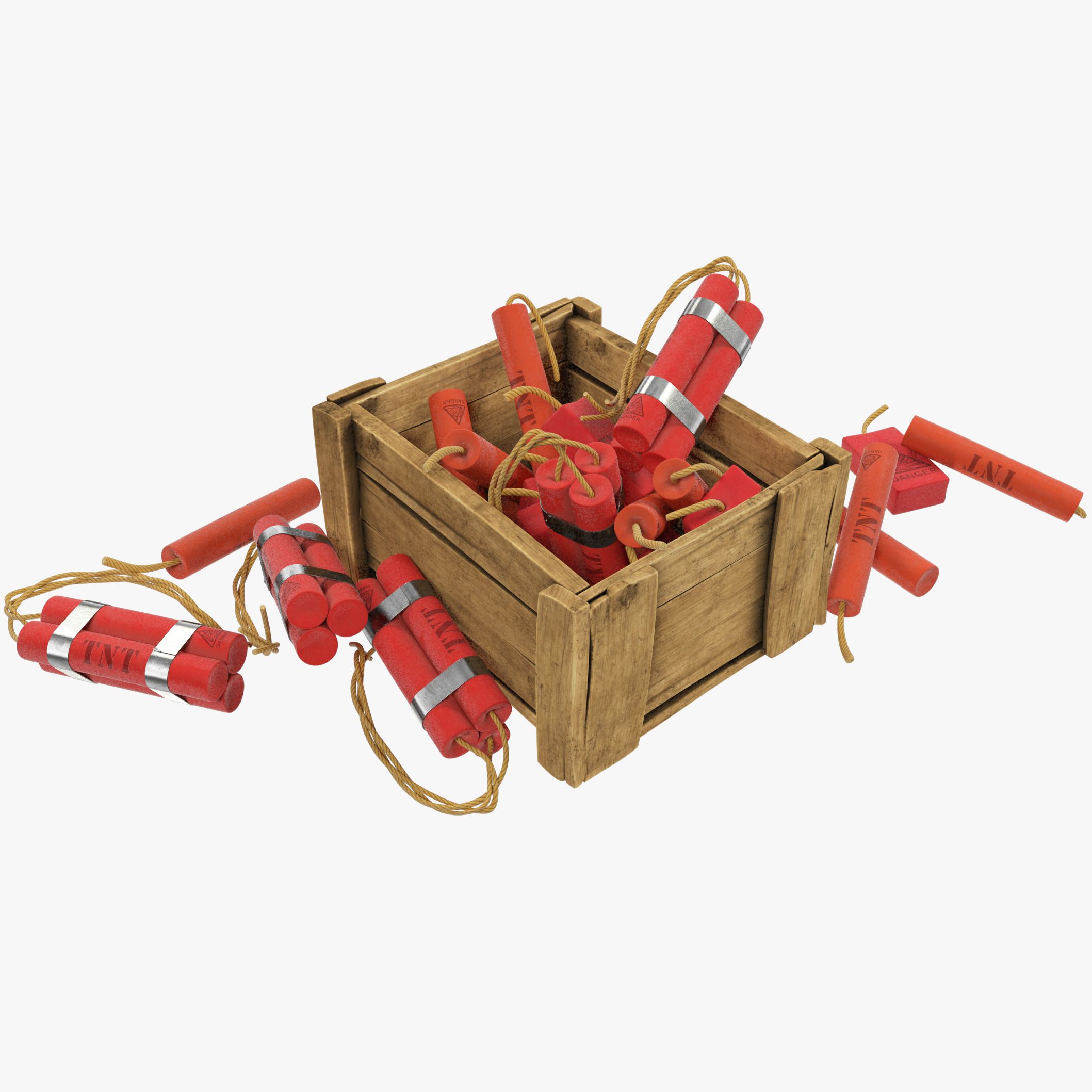

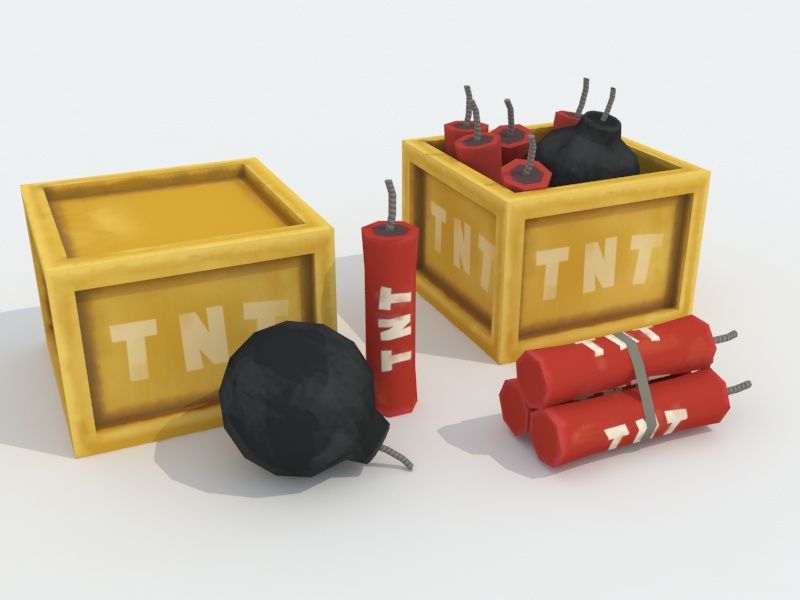


Minecraft TNT 3D Model
0




99
visits

Submitted by
3dPabloPicasso
Specifications
- Geometrypolygonal
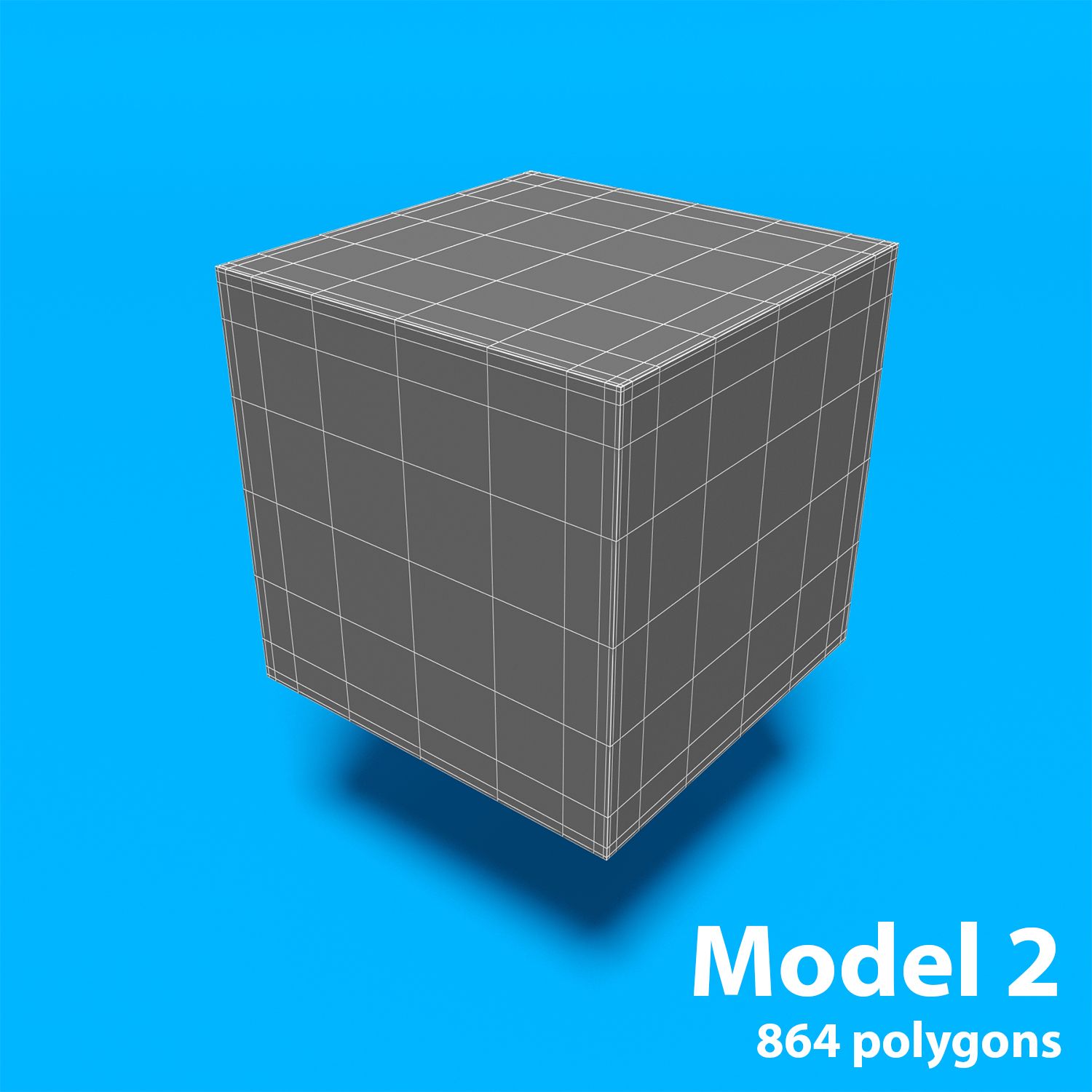
- Polygons870
- Vertices874
- TexturesYes
- RiggedNo
- AnimatedNo
- 3D Printable ReadyNo
- Game Ready (low poly)No
- UV MappedYes
- Unwrapped UVsnon-overlapping
Description
2 models:
- low poly - polygons
- hi poly - polygons - Model resolutions are optimized for polygon efficiency. (In 3ds Max, the Meshsmooth function can be used to increase mesh resolution if necessary.)
*********************************
Features:
- High quality polygonal model, correctly scaled for an accurate representation of the original object.
- Model is fully textured with all materials applied.
- No part-name confusion when importing several models into a scene.
- No cleaning up necessaryjust drop your models into the scene and start rendering.
- No special plugin needed to open scene.
- Model does not include any backgrounds or scenes used in preview images.
- Units: m
*********************************
File Formats:
- 3ds Max 2016 V-Ray 3.20 materials scenes
- 3ds Max 2011 V-Ray 2.30 materials scenes
- 3ds Max 2011 standard materials scenes
- OBJ (Multi Format)
- 3DS (Multi Format)
- FBX (Multi Format)
*********************************
Textures Formats:
- 1 png 2048 x 2048(original texture with all layers)
Oct 01, 2019
date added
Feb 25, 2022
last update
Reviews
There are currently no reviews for this product.
Why not be the first one to break the ice?