


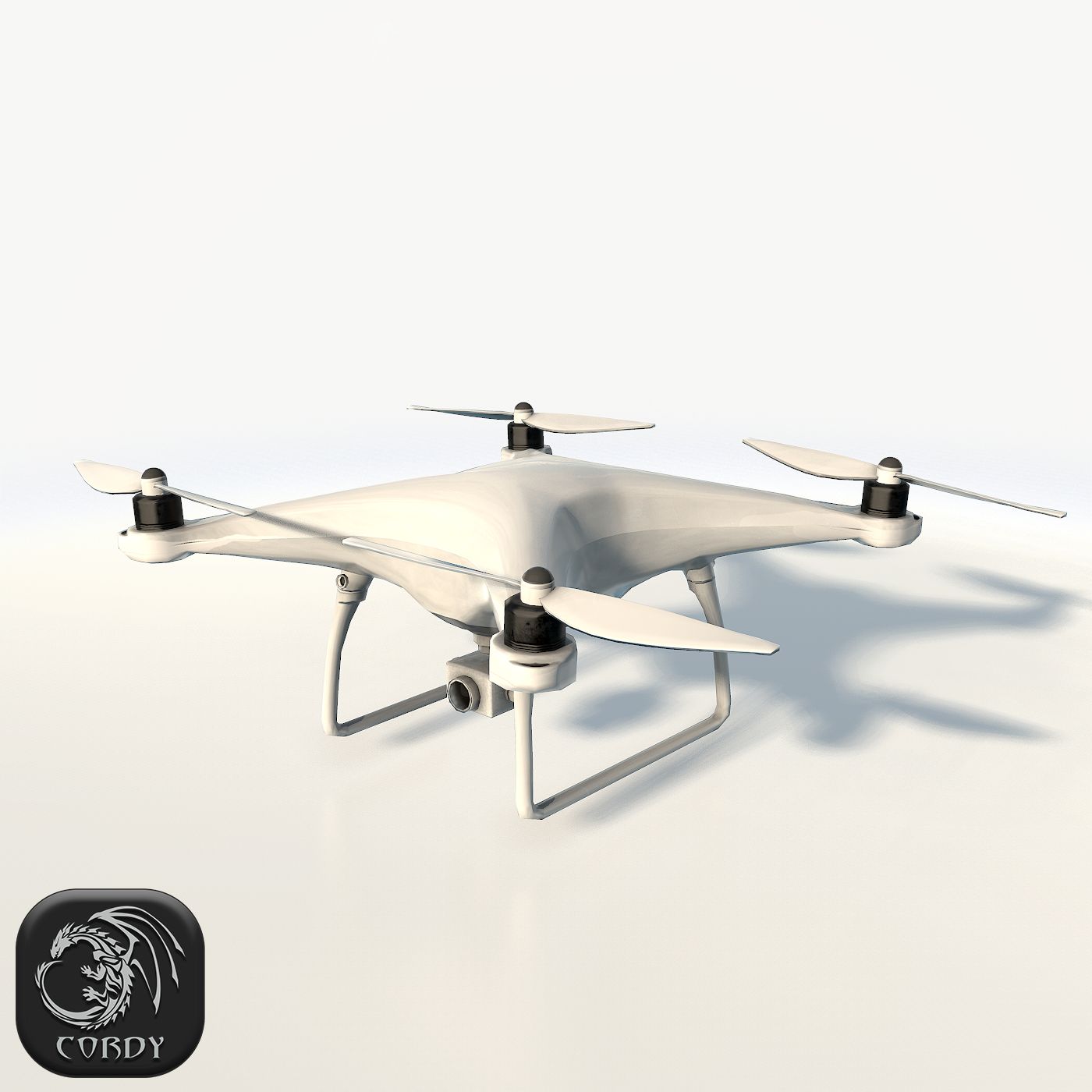


E3D - DJI Phantom 4 PRO 3D-Modell


Spezifikationen
- Geometriepolygonal_quads/tris
- Polygone1
- Scheitelpunkte1
- TexturenYes
- ManipuliertenNo
- AnimiertNo
- Bereit zum Drucken in 3DNo
- Spielbereit (low poly)No
- UV-kartiertYes
- Unverpackte UVsmixed
Beschreibung
This pack:
Element 3D V2.2 ( All colors )
models preset easy to use
- 1 file OBJ High poly
- 1 file OBJ standard
- 1 file C4D R12 standard render
- 1 file 3ds max 2012 standard material
- E3D file full materials set up like previews
How to use it?
1. Open After Effects CC 2014 ( or higher) and create new composition ( You need Element3D V2.2 to use )
2. Create new Solid layer and add Element effect. ( Effect/Video Copilot/ Element )
3. Click Scene Setup
4. Click on IMPORT inside Element3D scene setup
5. Choose my .e3d preset for the model and press Open.
If you dont see the model do not forget to right click on the model name and press Replace model then select the .obj model file in the respective models folder.
Bewertungen
Es liegen noch keine Bewertungen für dieses Produkt vor.
Warum nicht der erste sein, der das Eis bricht?