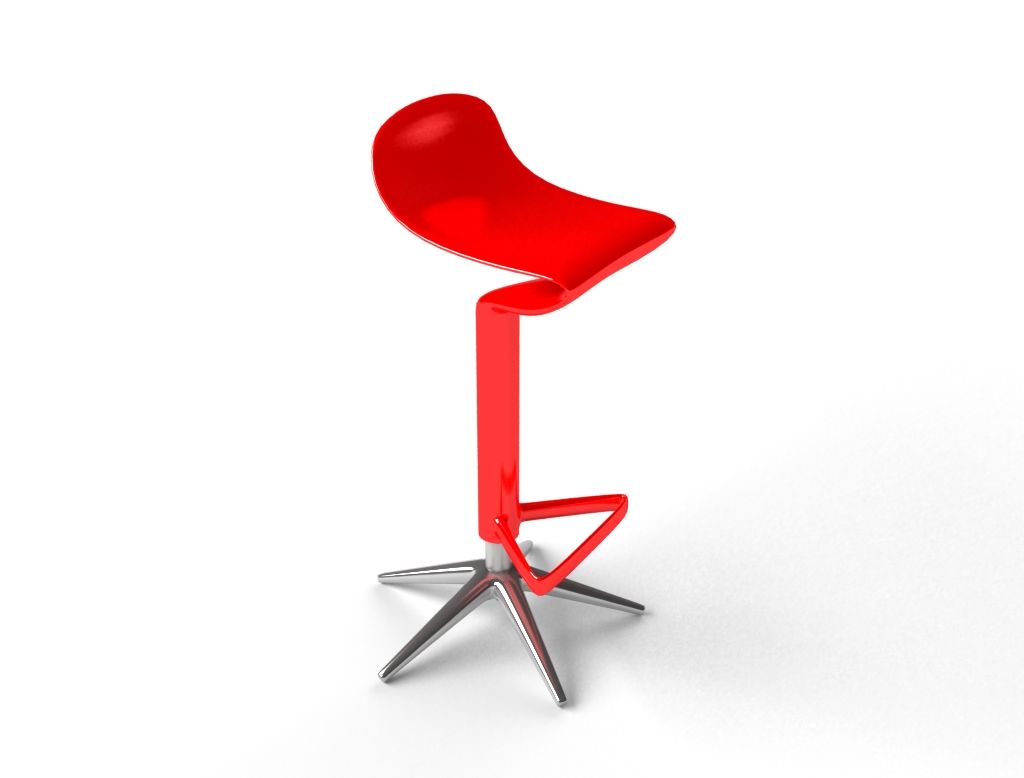


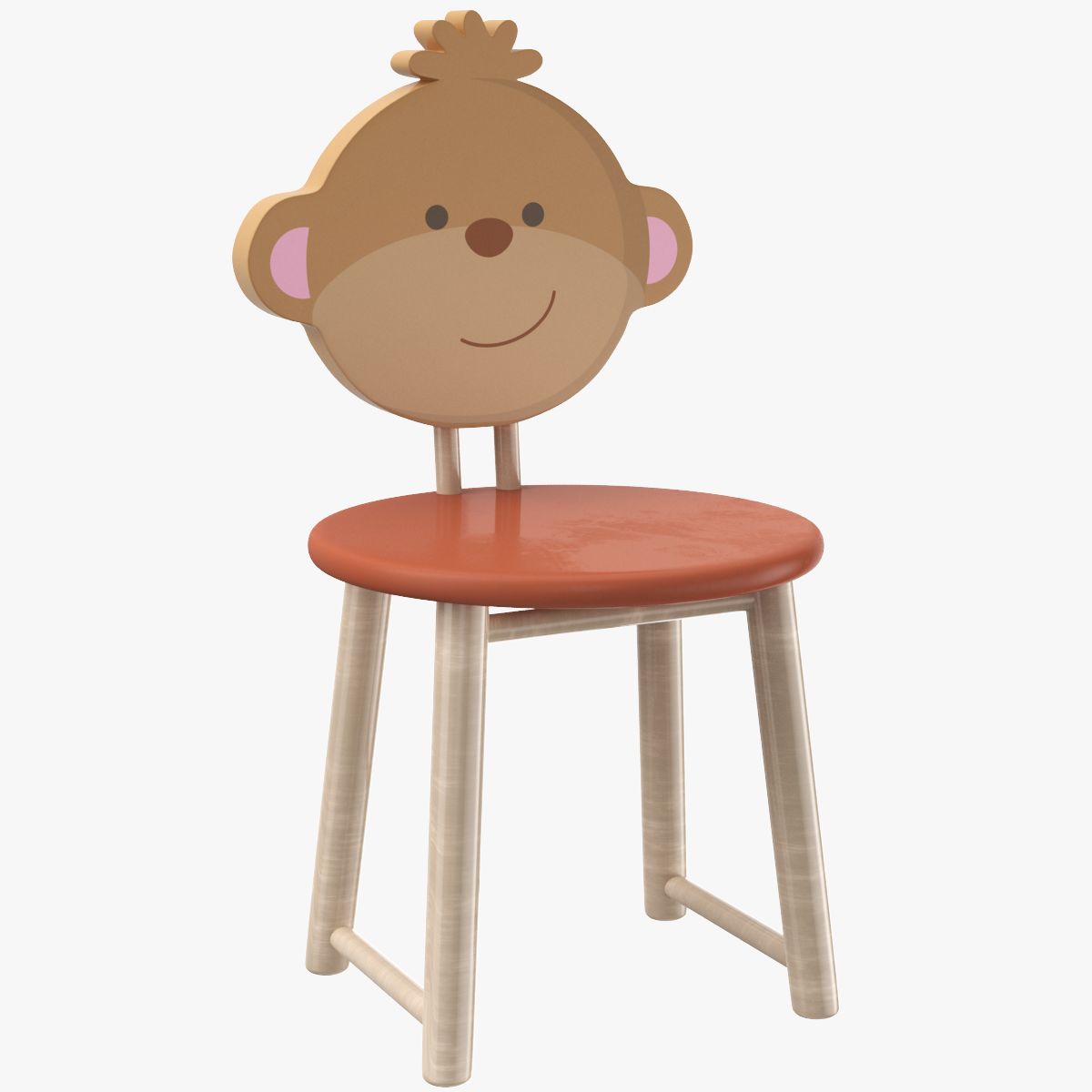


Ozobone Stuhl 3D-Modell
0


Royalty Free LicenseNur redaktionell
Einfache Rückgabe
Best-Preis-Garantie
Funktioniert aus dem Kasten heraus
6
Besuche

Eingereicht von
shank3d
Spezifikationen
- Geometriepolygonal_quads/tris
- Polygone1,228
- Scheitelpunkte1,223
- TexturenNo
- ManipuliertenNo
- AnimiertNo
- Bereit zum Drucken in 3DNo
- Spielbereit (low poly)No
- UV-kartiertYes
- Unverpackte UVsnone
Beschreibung
Ozo bone kid's chair,
Modeled in 3ds Max 2010,
rendered with V-ray 2.00.
*********************************
Features:
- High quality polygonal model
- All colors can be easily modified.
- Detailed enough for close-up renders.
- Model resolutions are optimized for polygon efficiency (in 3ds Max the turbosmooth function can be used to increase mesh resolution if necessary).
- No part-name confusion when importing several models into a scene.
- No cleaning up necessary, just drop your models into the scene and start rendering.
- No special plugin needed to open or render scene.
- V-ray 2.00 or up is needed for 3ds Max to get the
same render quality as thumbnails.
*********************************
Polygon count -
Turbosmooth off - 1, 228
Turbosmooth 1 - 9, 600
Turbosmooth 2 - 38, 304
File formats available:
*********************************
- 3ds Max 2010
*********************************
Best For:
Animation projects
Game concept
Animation practice
Modeling practice
Self learning
Please rate the model when you buy, it helps improve quality.
Thank You,
Shank3d
Nov 12, 2019
Datum hinzugefügt
Jun 01, 2025
letztes Update
Bewertungen
Es liegen noch keine Bewertungen für dieses Produkt vor.
Warum nicht der erste sein, der das Eis bricht?