





Kunststoffkiste 3D-Modell
0


Royalty Free LicenseAlle erweiterten Anwendungen
Einfache Rückgabe
Best-Preis-Garantie
Funktioniert aus dem Kasten heraus
44
Besuche

Eingereicht von
Luchador
Spezifikationen
- Geometriepolygonal_quads/tris
- Polygone914
- Scheitelpunkte1,761
- TexturenYes
- ManipuliertenNo
- AnimiertNo
- Bereit zum Drucken in 3DNo
- Spielbereit (low poly)No
- UV-kartiertYes
- Unverpackte UVsoverlapping
Beschreibung
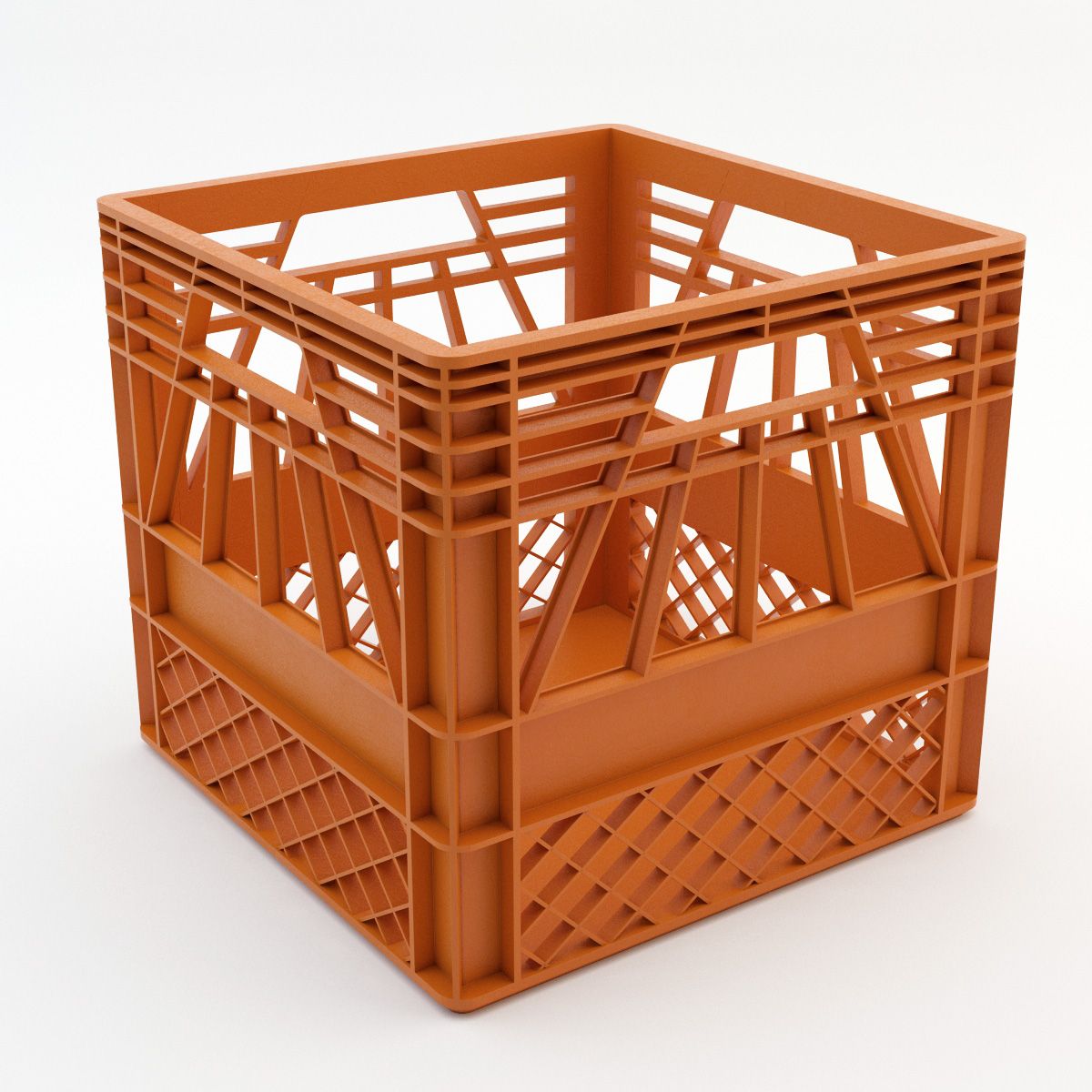
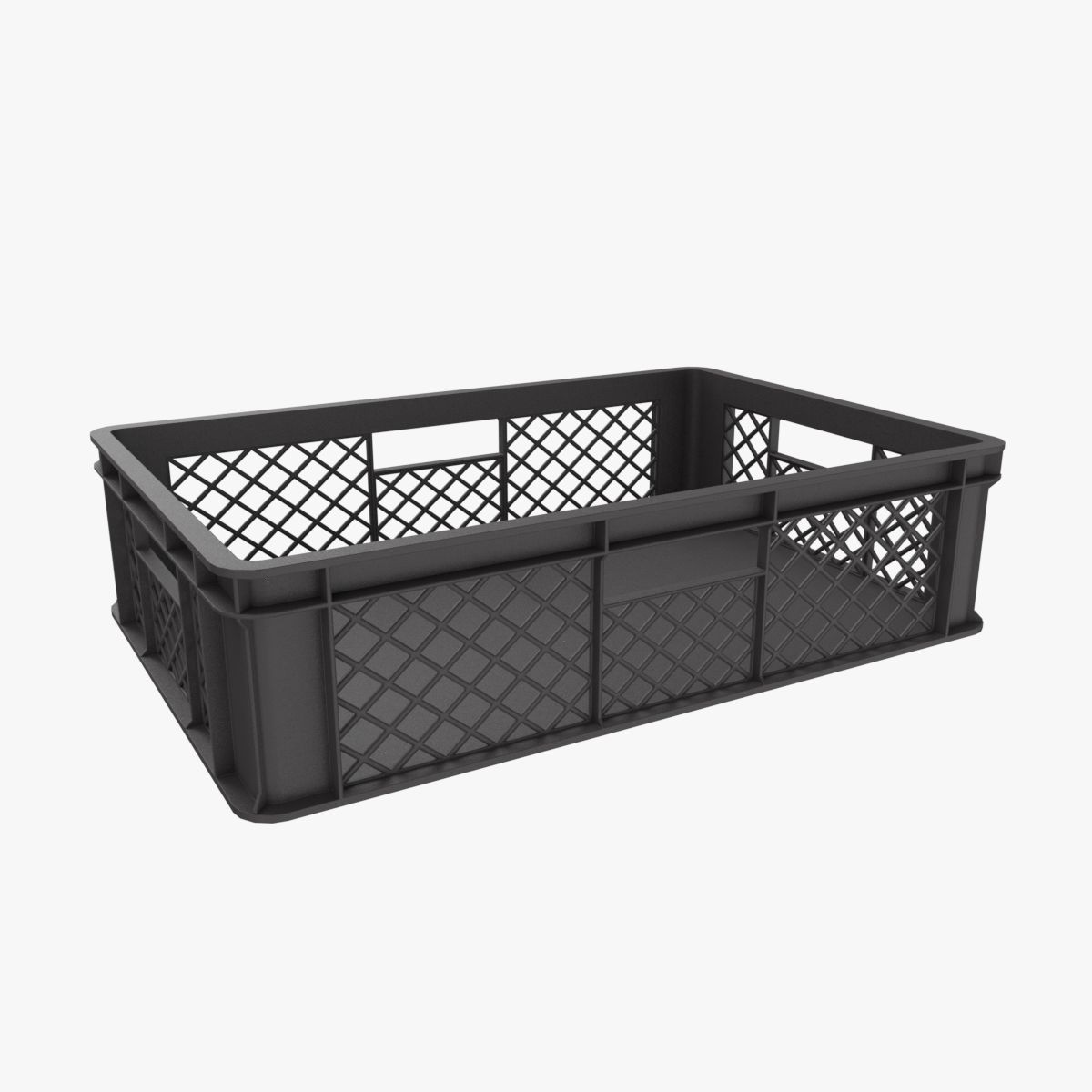
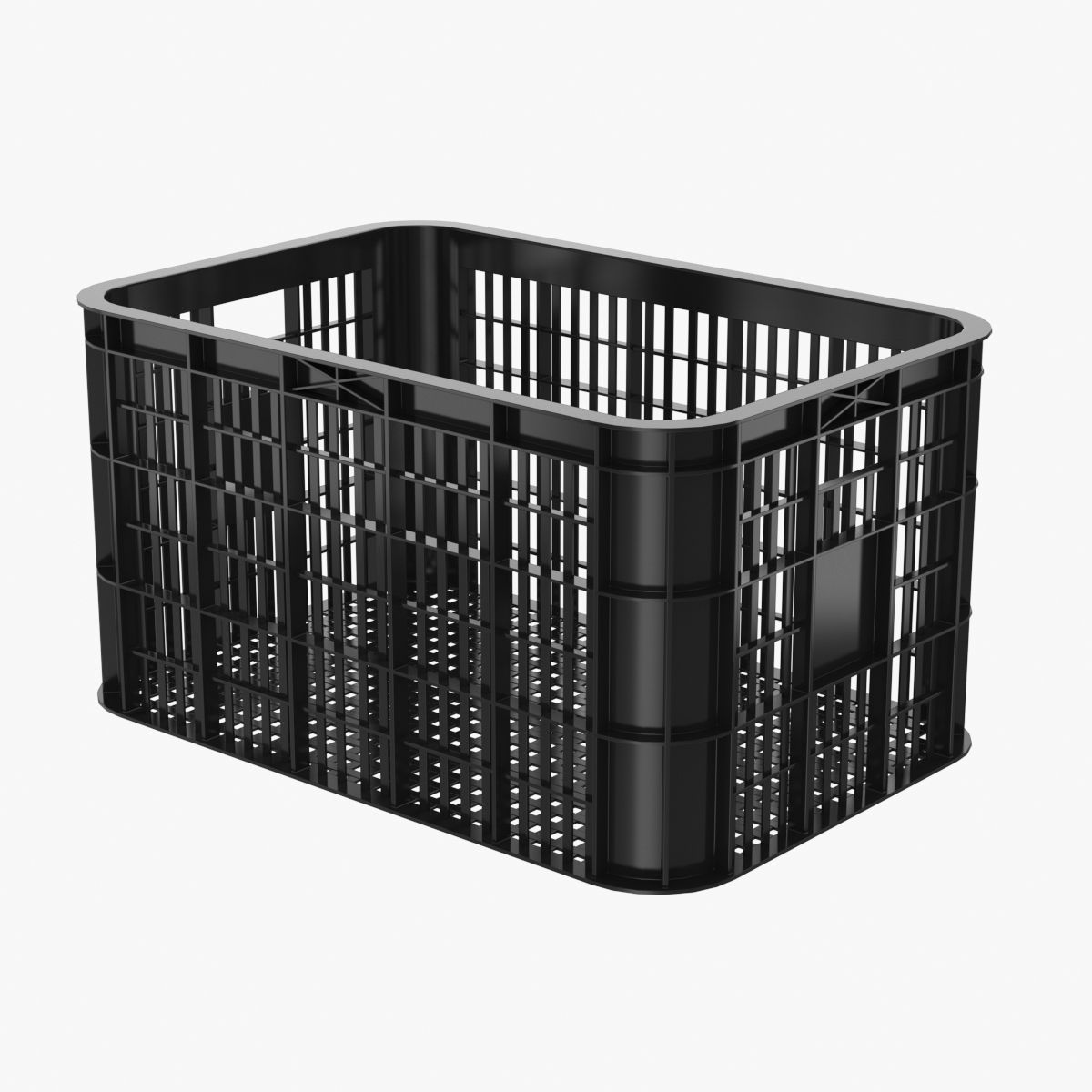
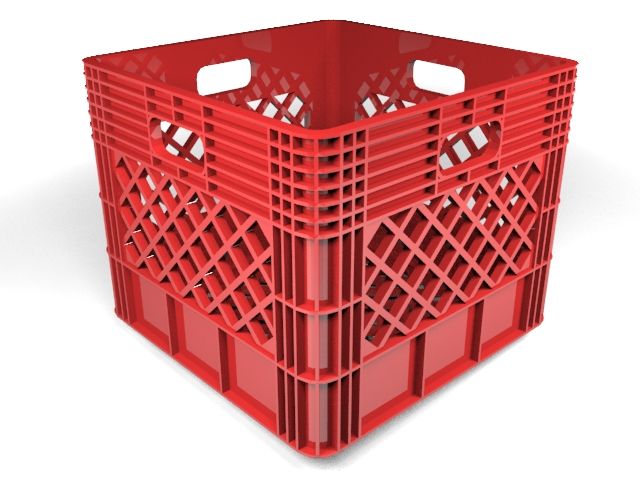
Plastic Crate is a high quality, low poly asset originally modeled in 3DS Max 2016. The normal map was baked from a high poly model, making this product look very detailed without using many polygons. This product is intended for game/real time/background use. This model is not intended for subdivision.
The main renders and wireframes were done in Marmoset Toolbag 2. Default renders in 3ds Max will NOT look like the preview images. The Marmoset scenes for the renders and wireframes ARE included with the model.
||SPECS||
Low Poly Model (1 Object)
-plasticcrate
|| Geometry ||
-1808 Total Tris
-914 Total Polys
-1761 Total Verts
-Polygons are all quads or tris, no n-gons
-Model unwrapped manually to make most efficient use of the UV space.
-All materials and objects named appropriately
-Scaled to approximate real world size (inches)
-Dimensions: 14'' x 18 '' x 14''
-Tested in Marmoset Toolbag 2 (see renders)
-Tested in Source Engine
-No special plug-ins needed to use this product
-.obj and .fbx versions exported from 3ds Max 2016
|| Textures ||
-1024x1024 diffuse, roughness, normal and AO (ambient occlusion) maps
-4 different diffuse skins: red, blue, green and yellow
-Textures designed for physically based rendering (PBR)
-Textures in .tga format
-Model texture paths are stripped
This texture was made with Substance Painter. The Substance Painter file is available as a separate download upon purchase.
|| Bonus ||
The high poly model used to bake the texture maps is also included as a separate download upon purchase of this product.
* Unfortunately there's no universal standard for normal map orientation between game engines. If the normals don't look correct try inverting the green channel of the normal map in an image editor. Unreal Engine 4 and Source Engine will need the green channel inverted.
Oct 01, 2019
Datum hinzugefügt
Aug 24, 2021
letztes Update
Bewertungen
Es liegen noch keine Bewertungen für dieses Produkt vor.
Warum nicht der erste sein, der das Eis bricht?