
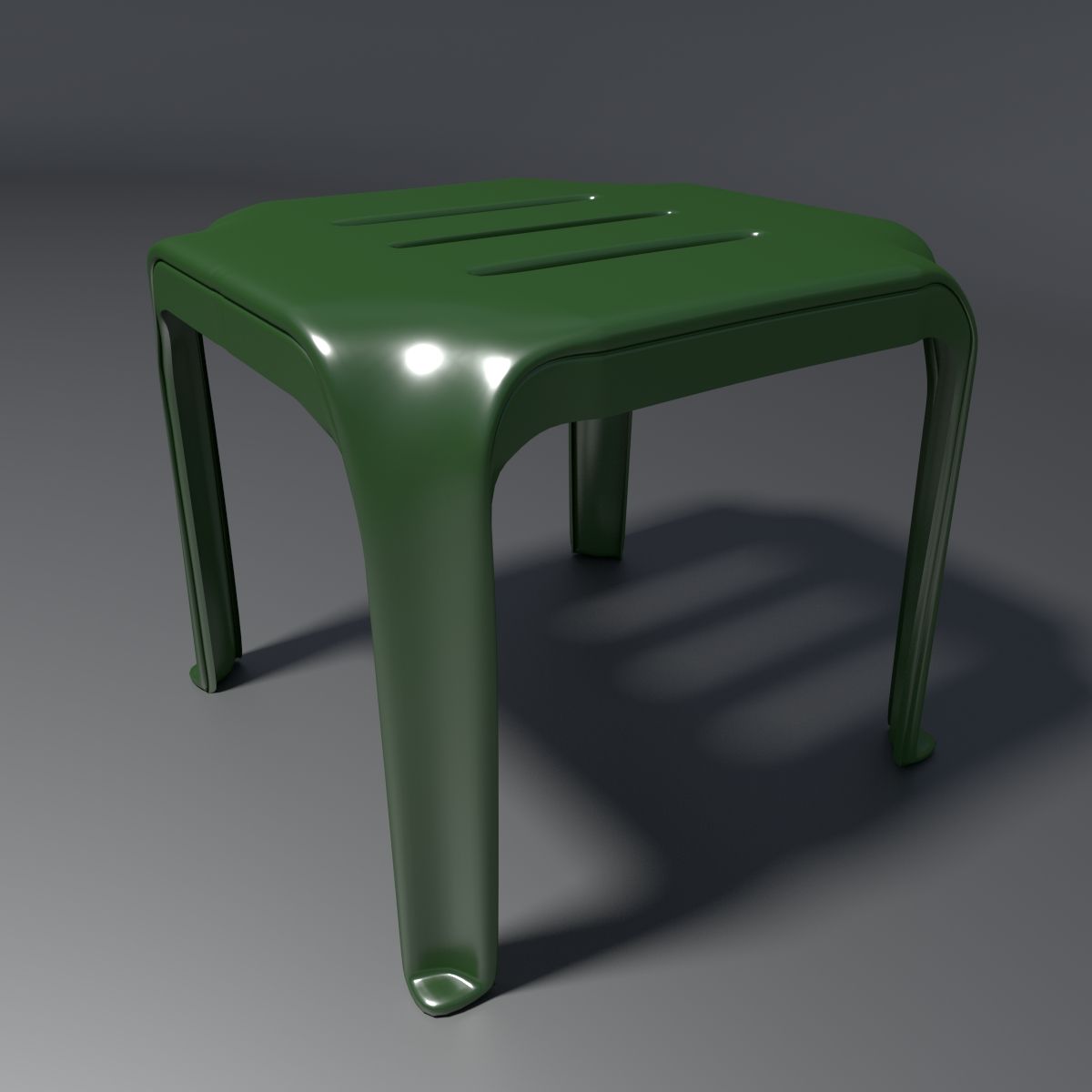
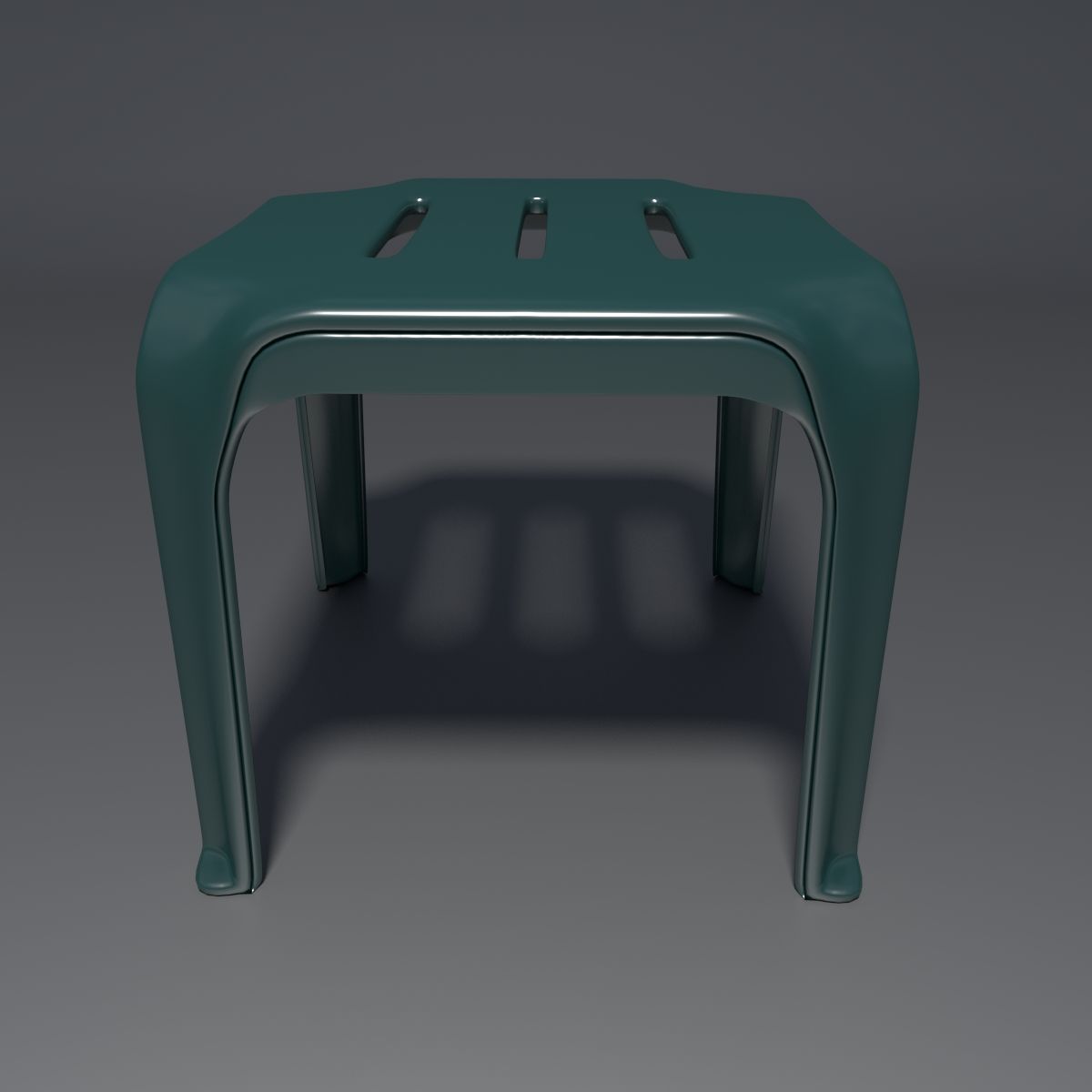



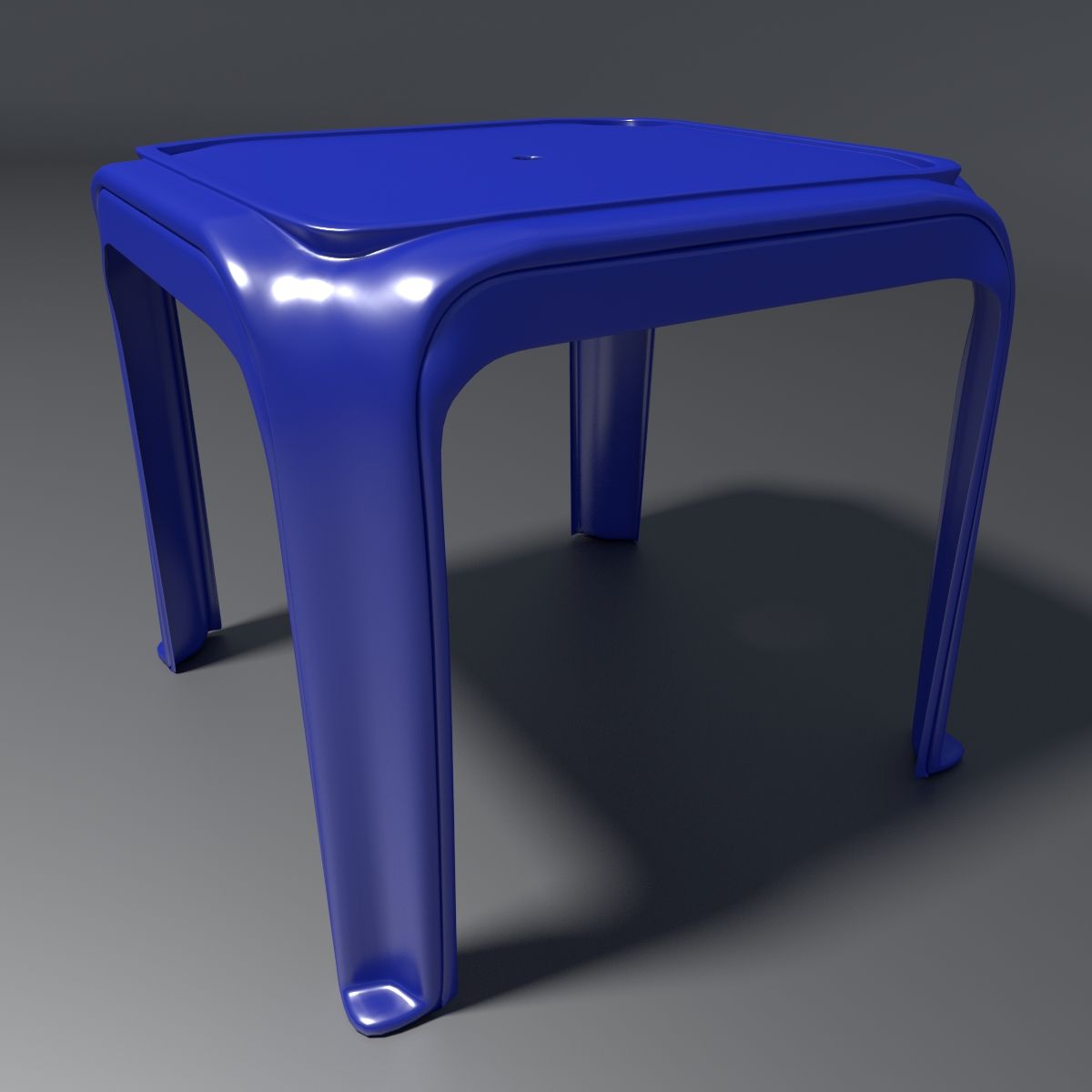
Kunststoffhocker - 4 3D-Modell
0

Royalty Free LicenseAlle erweiterten Anwendungen
Einfache Rückgabe
Best-Preis-Garantie
Funktioniert aus dem Kasten heraus
0
Besuche

Eingereicht von
MVG86
Spezifikationen
- Geometriepolygonal_quads/tris
- Polygone195,872
- Scheitelpunkte97,495
- TexturenYes
- ManipuliertenNo
- AnimiertNo
- Bereit zum Drucken in 3DNo
- Spielbereit (low poly)No
- UV-kartiertYes
- Unverpackte UVsnone
Beschreibung
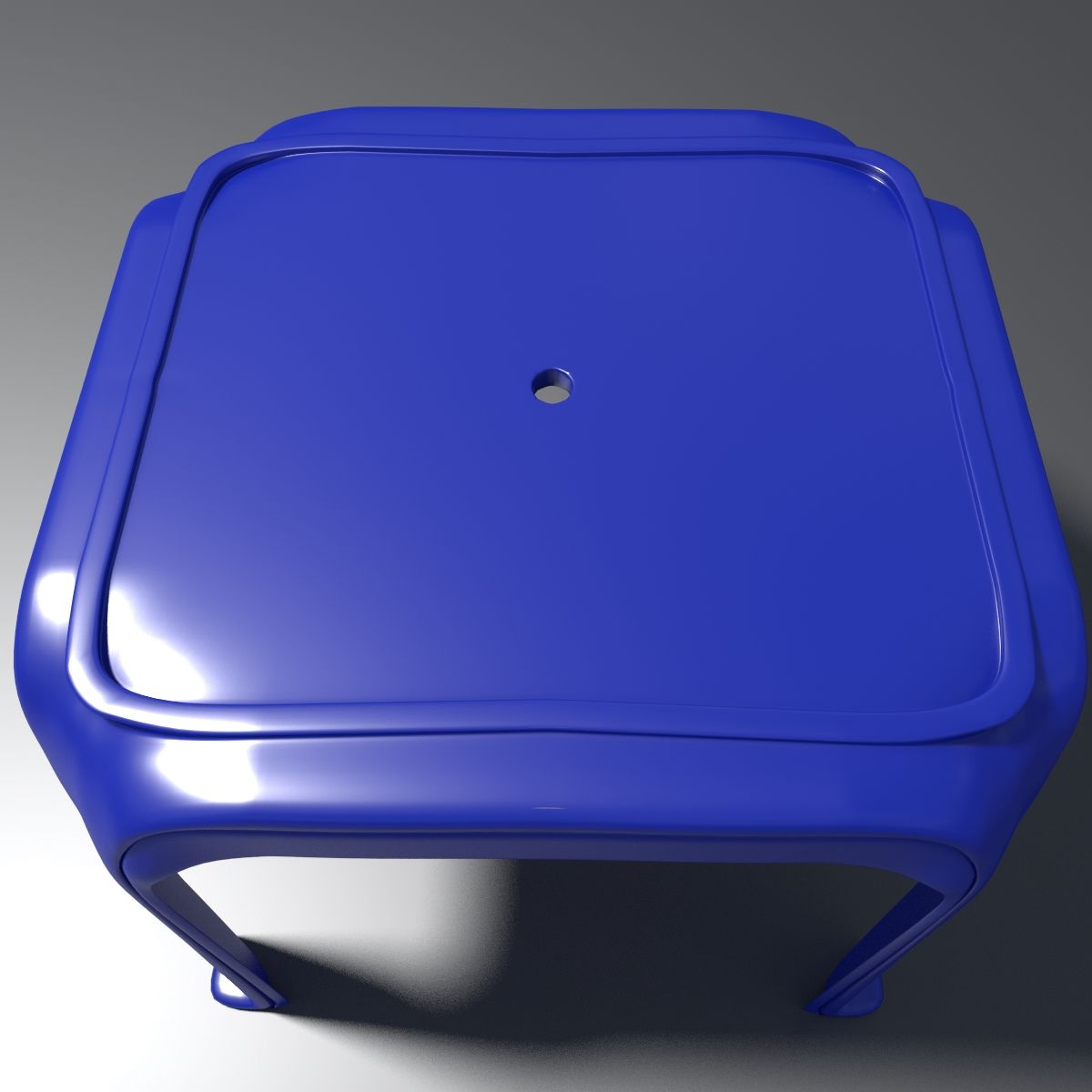
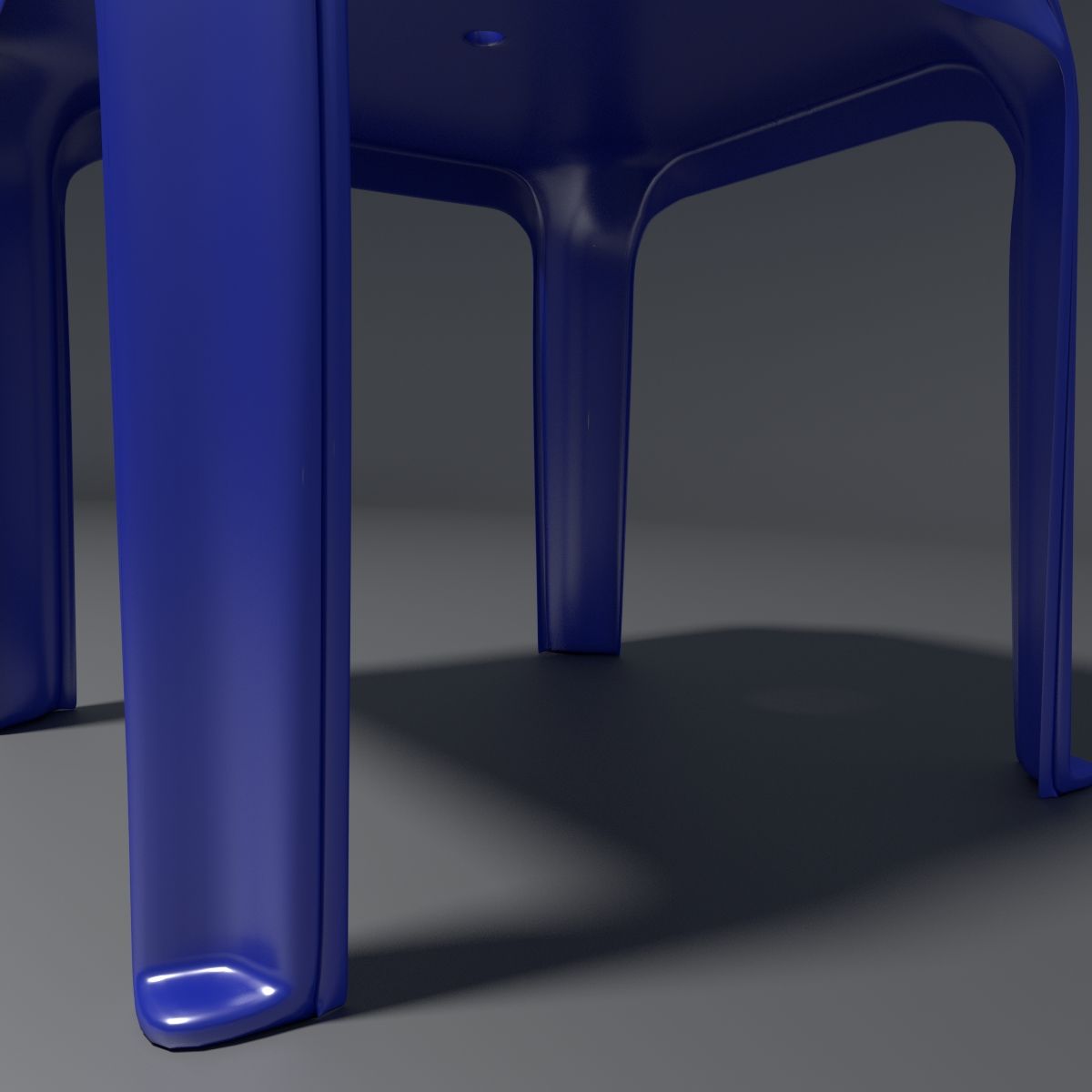
This is a realistic stool model created using blender and rendered using the cycles rendering engine. I have only put the blend file. You can ask turbosquid to convert it to the format of your choice.
What You See Is What You Get --->
--> High quality 3d model which can be used in animations & static renders.
--> I have modelled 1/4th of the stool, and used a mirror modifier on the x and y axes to complete the model. That way, you can modify any part of the stool in whatever way you want and apply the modifiers later on.
--> A solidify modifier is also set on the object, to increase its thickness. You can easily change the values.
--> A Subsurf modifier is set on the object and the level can easily be increased or decreased to get a higher or lower quality model.
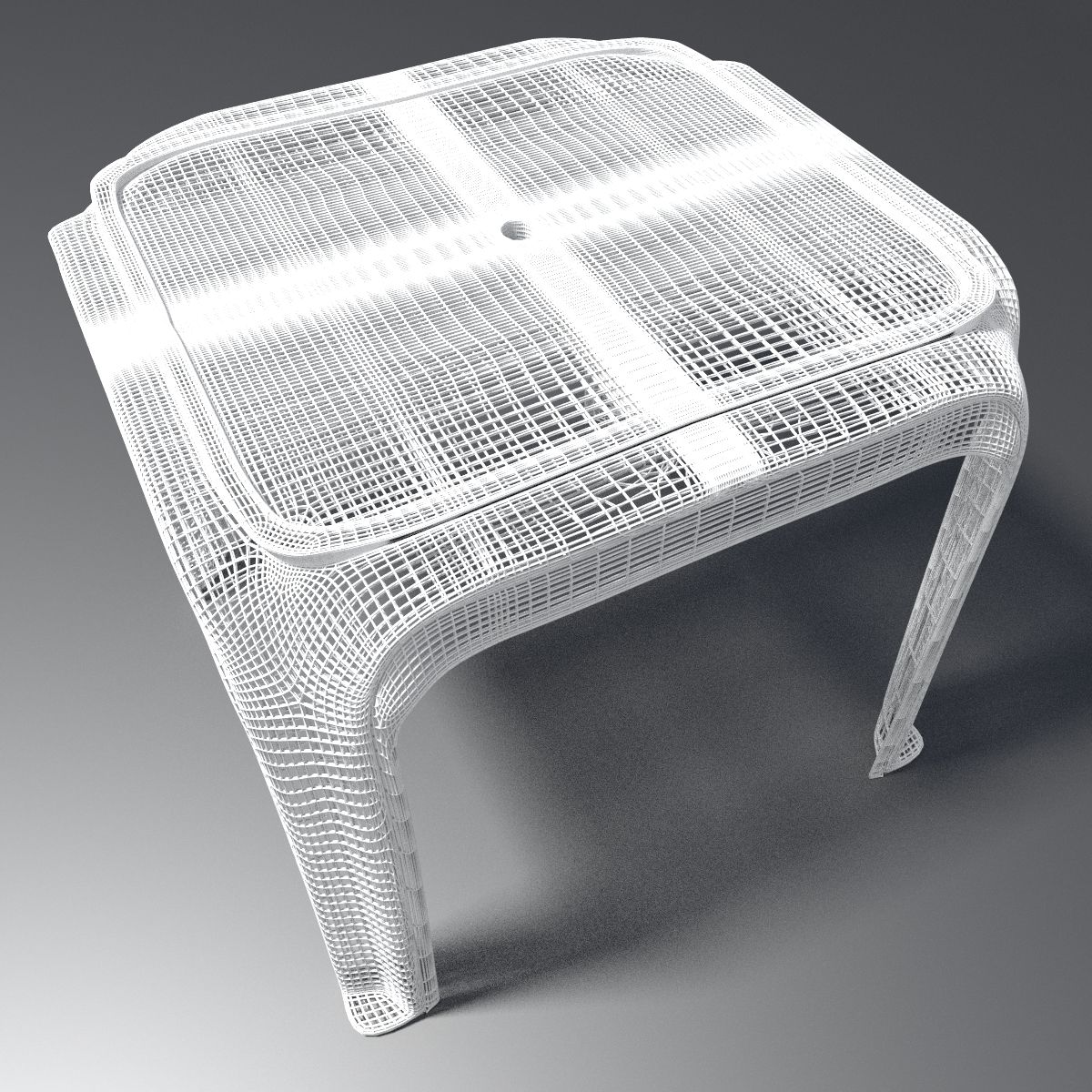
--> A Wireframe modifier, set to not view and not render.
--> The scene has realistic lighting; in this case, a sun for the main environment light , and a point light focused near the stool.
--> The various components are spread across a few layers.
Layer 1 contains a basic bowl shaped object which gives the illusion of an infinite plane. This object is quite big and the stool can easily be placed inside it. It also contains the lights, i.e., sun & point light.
Layer 2 contains the camera.
Layer 3 contains the main stool object.
Layer 11 contains a basic room and a basic floor. It is very simple but you can expand it further for your renders. I have not included it in any of the presentation images.
*** You can also check out my profile for other models of these and other kind of stools.****
*** Also note that the model which you get has the subdivision modifier set to view as 1 and render as 2, the final renders which you see above are because the modifier is set to render at 2.
********************************************************************
**** Poly count when the rendered images are exactly as above. *****
********************************************************************
Tris --> 195872
Vertices --> 97495
********************************************************************
**** Poly count which you get when you download the file.***********
********************************************************************
Tris --> 49232
Vertices --> 24399
Note that the difference in renders between the two subsurf settings is not that much but enough to get more realism out of it.
Aug 05, 2020
Datum hinzugefügt
Nov 11, 2021
letztes Update
Bewertungen
Es liegen noch keine Bewertungen für dieses Produkt vor.
Warum nicht der erste sein, der das Eis bricht?