


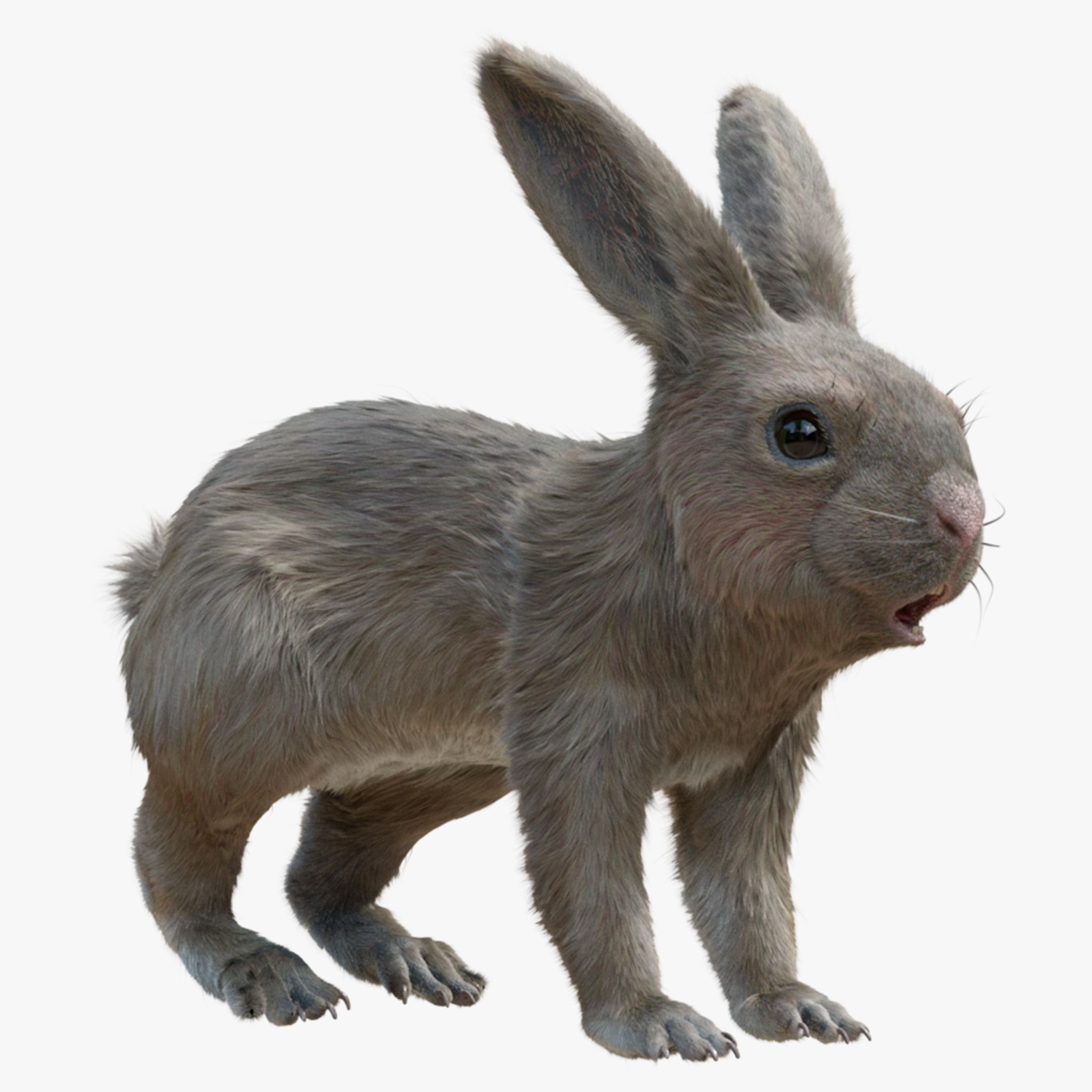
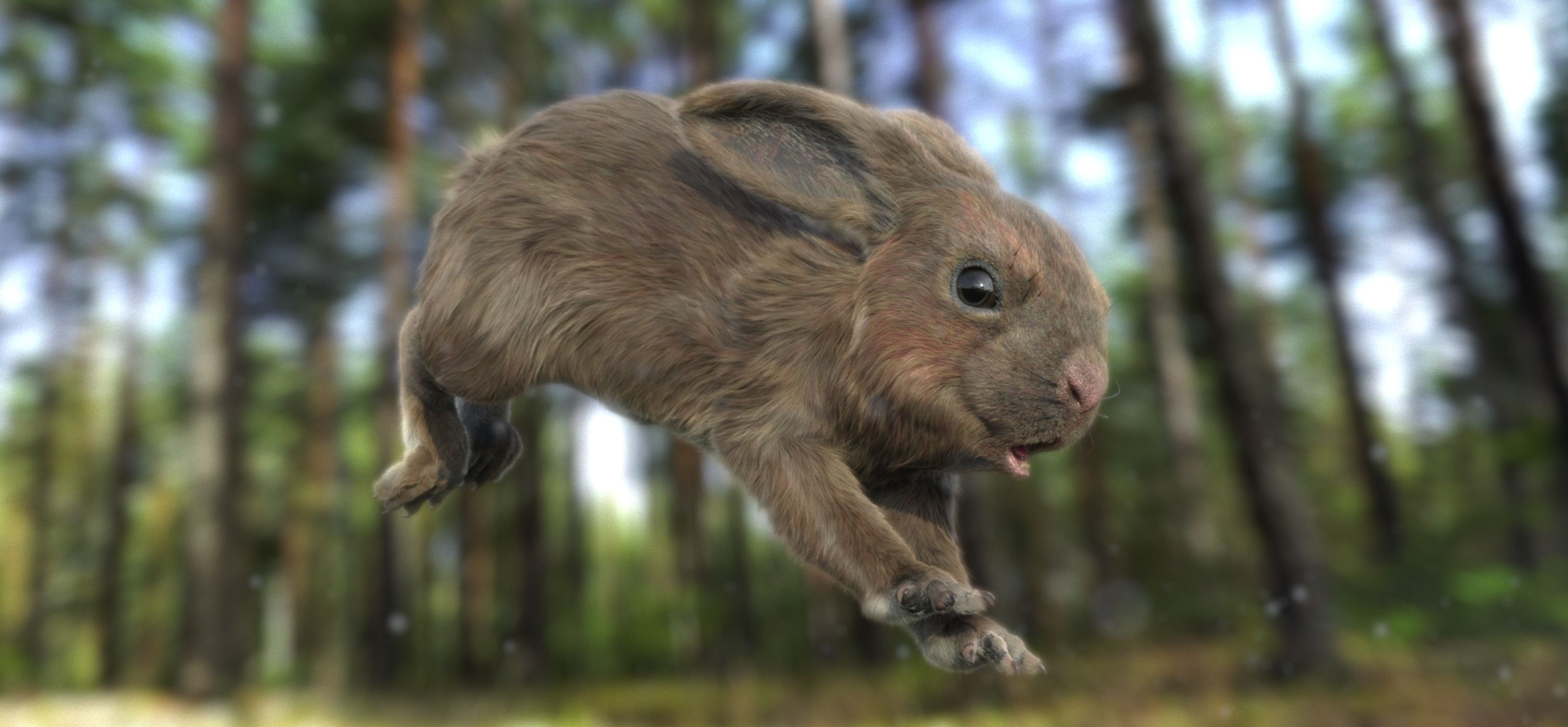
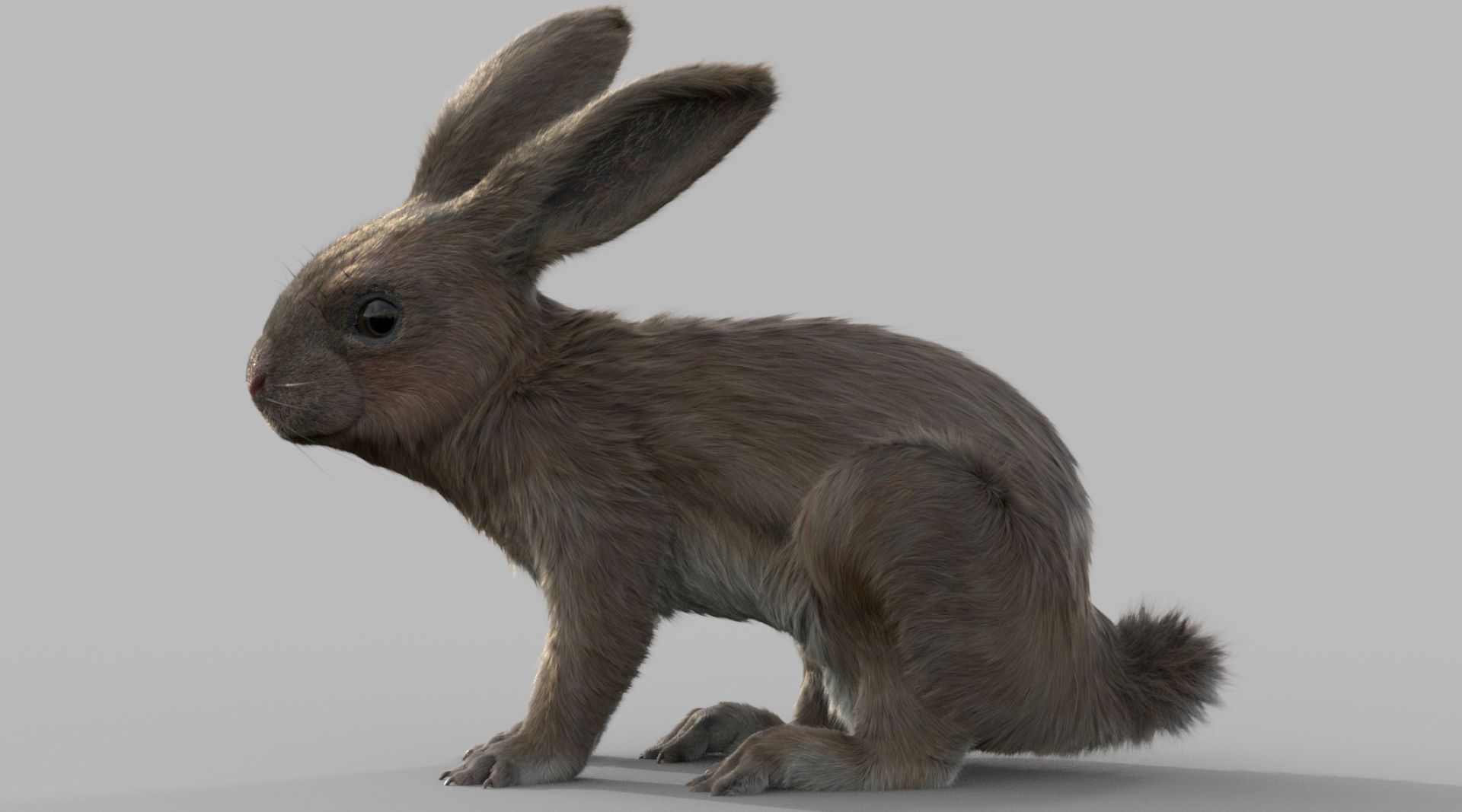
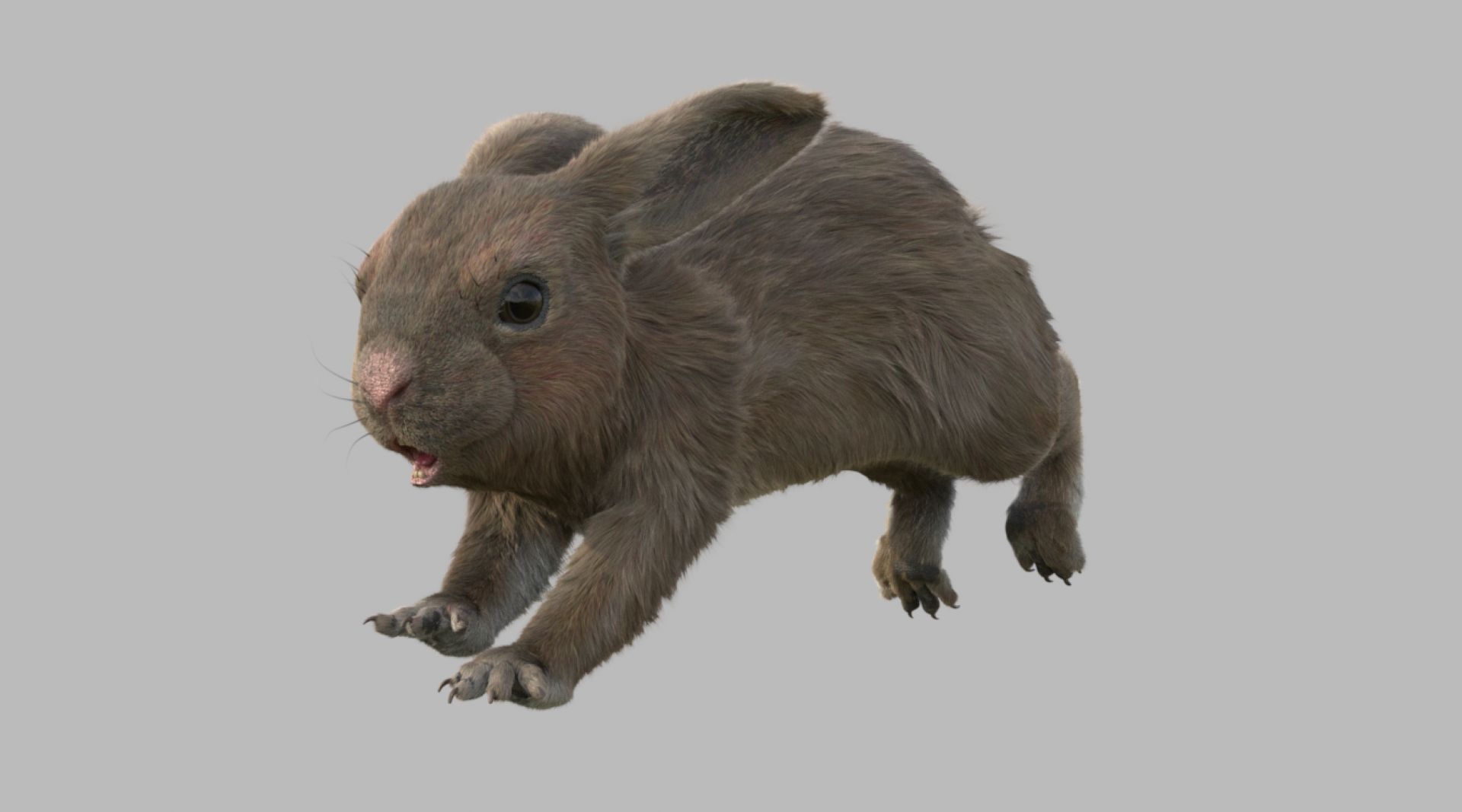
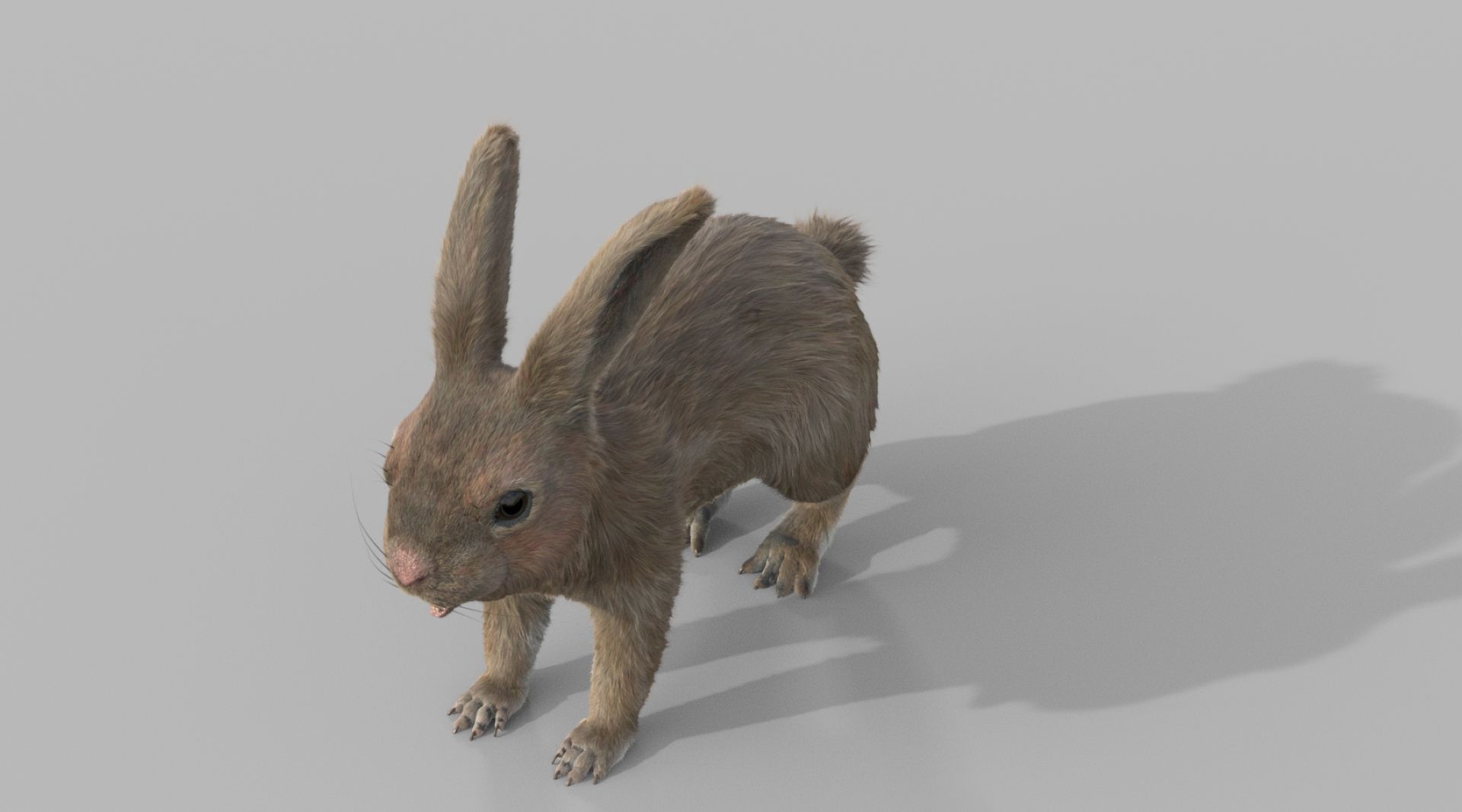
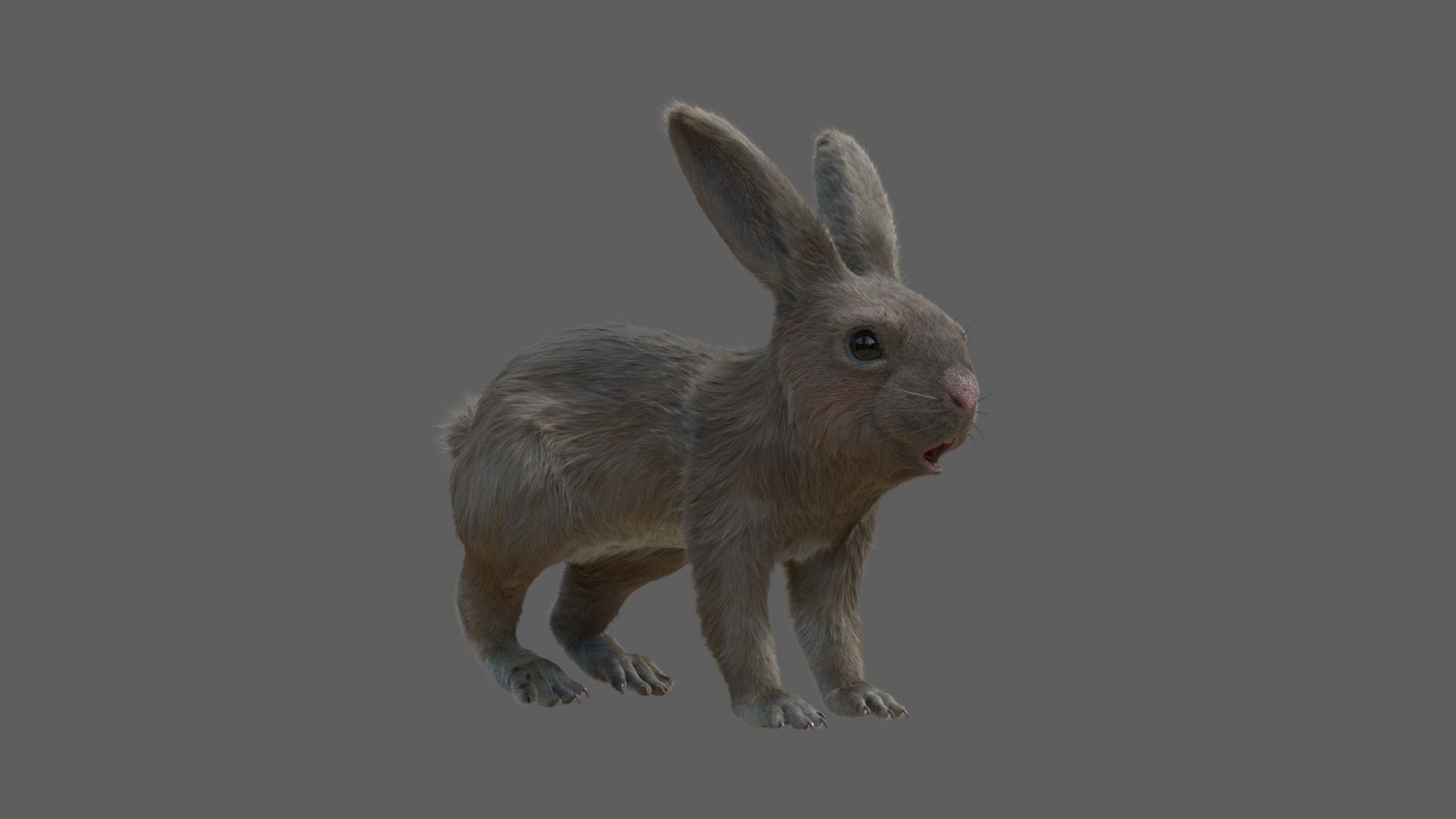
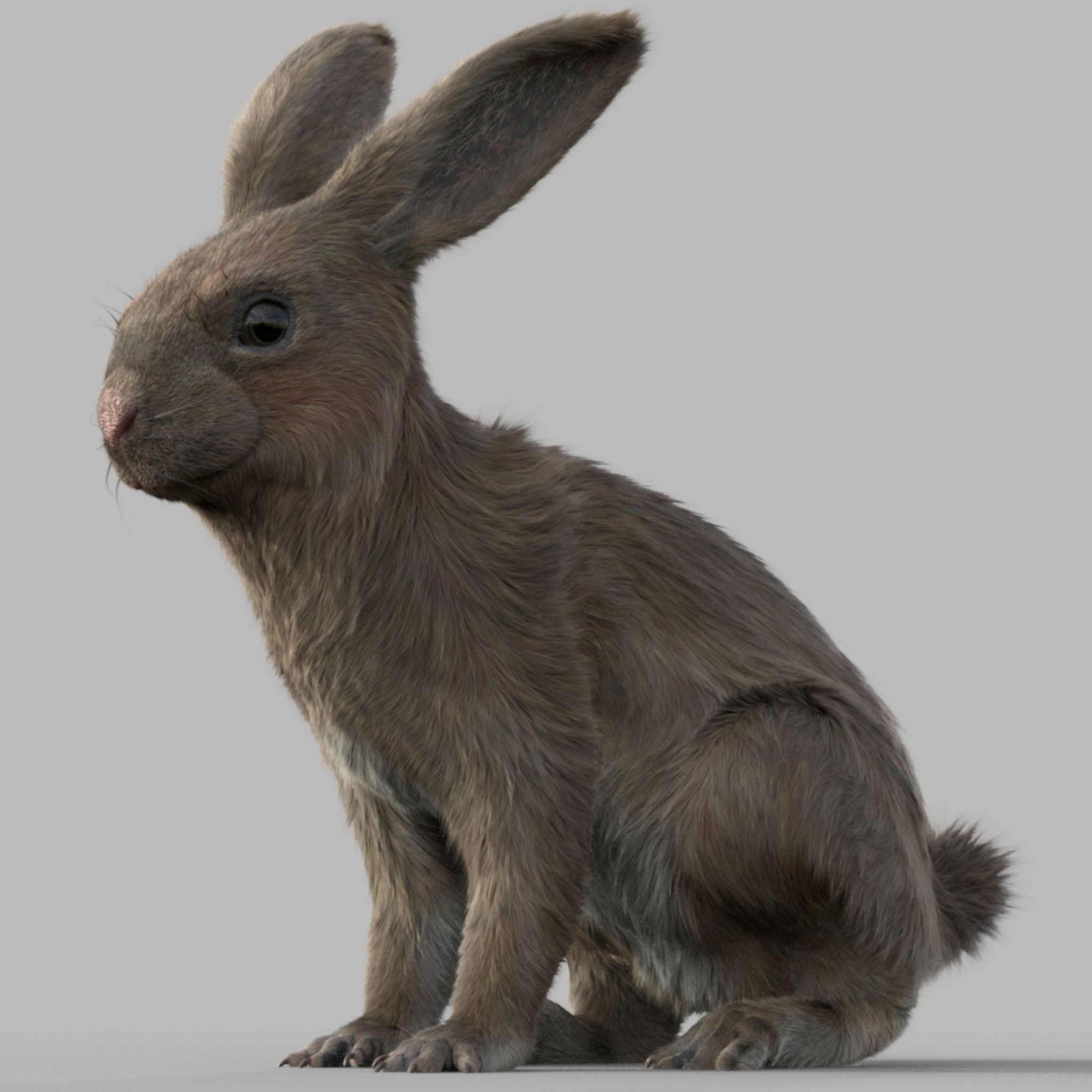
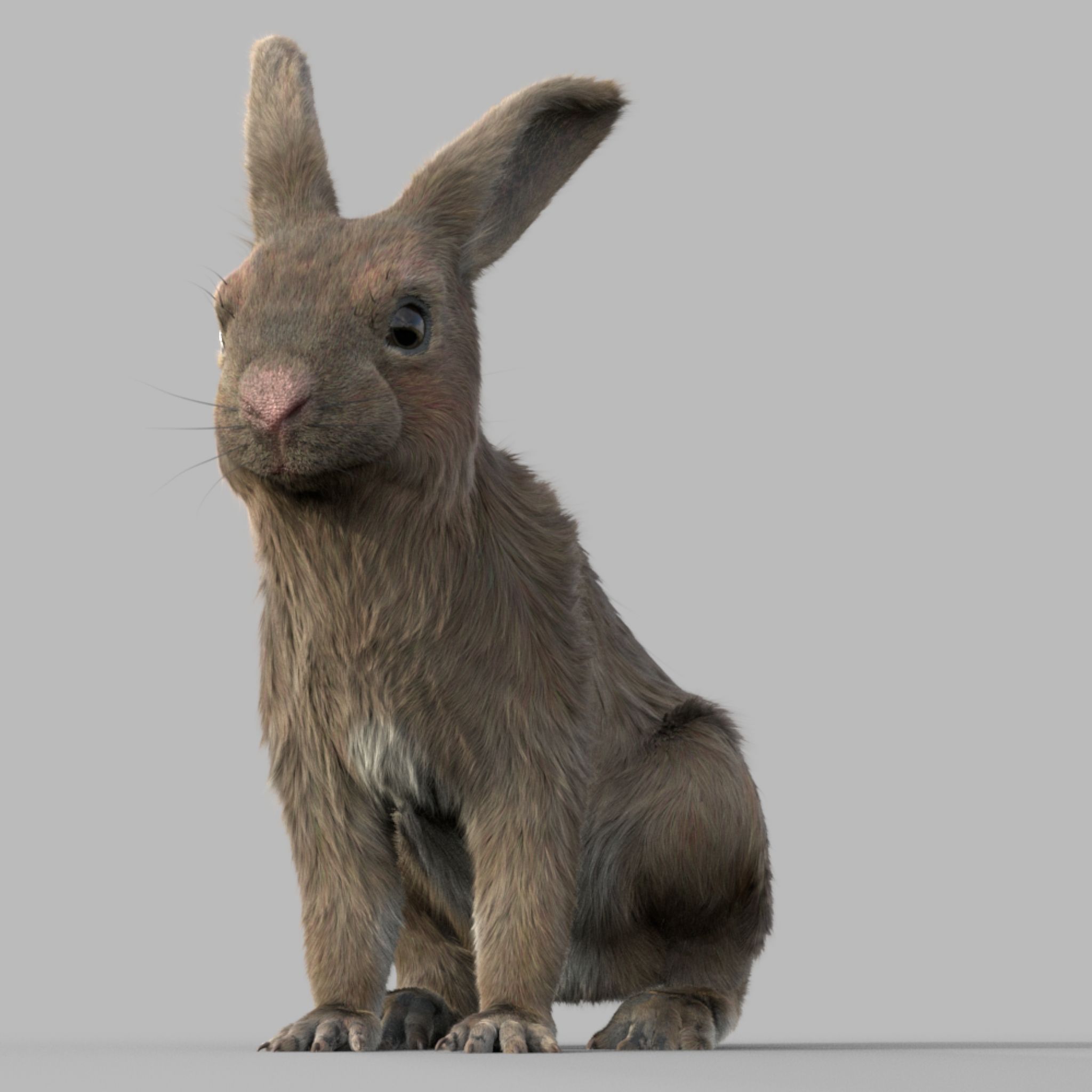
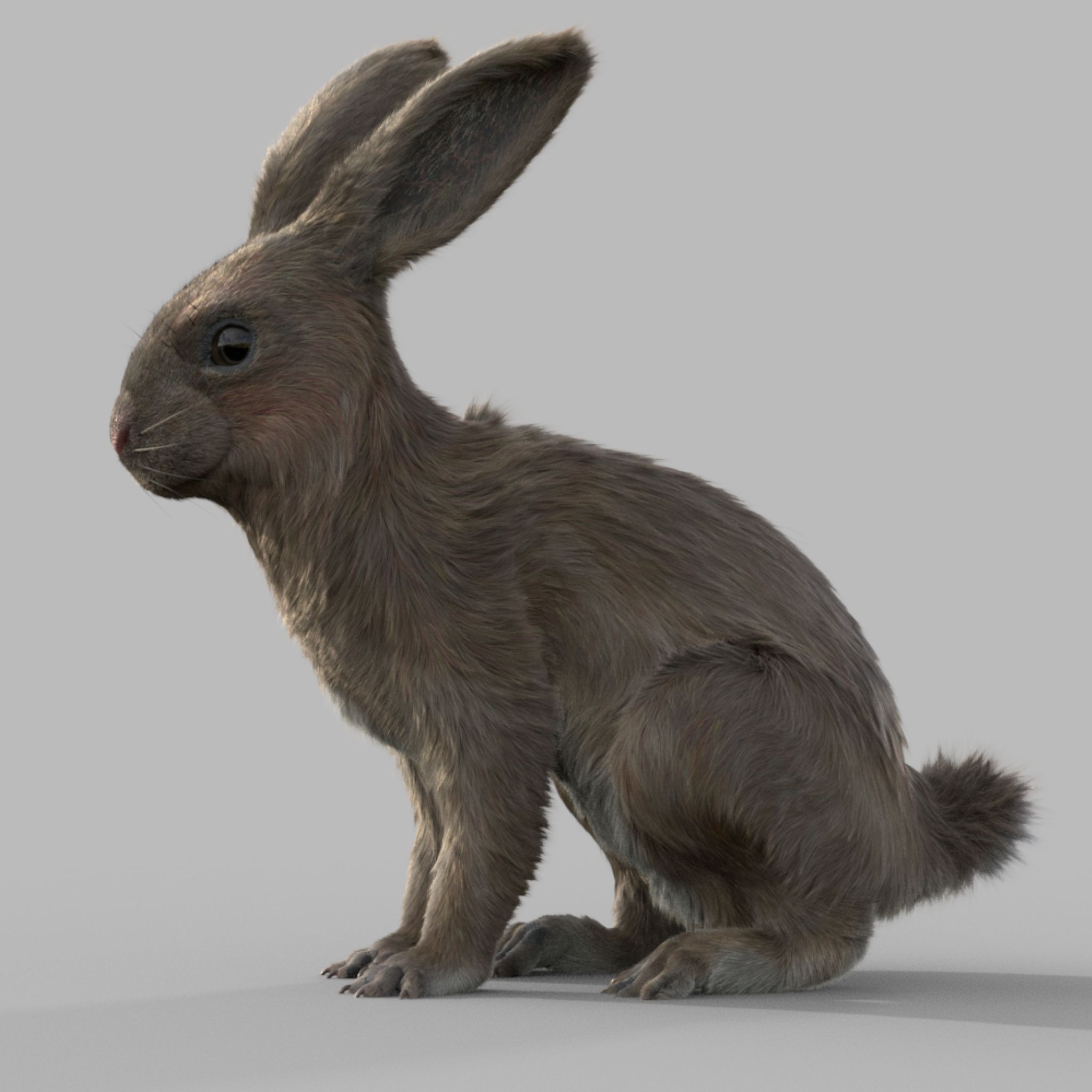
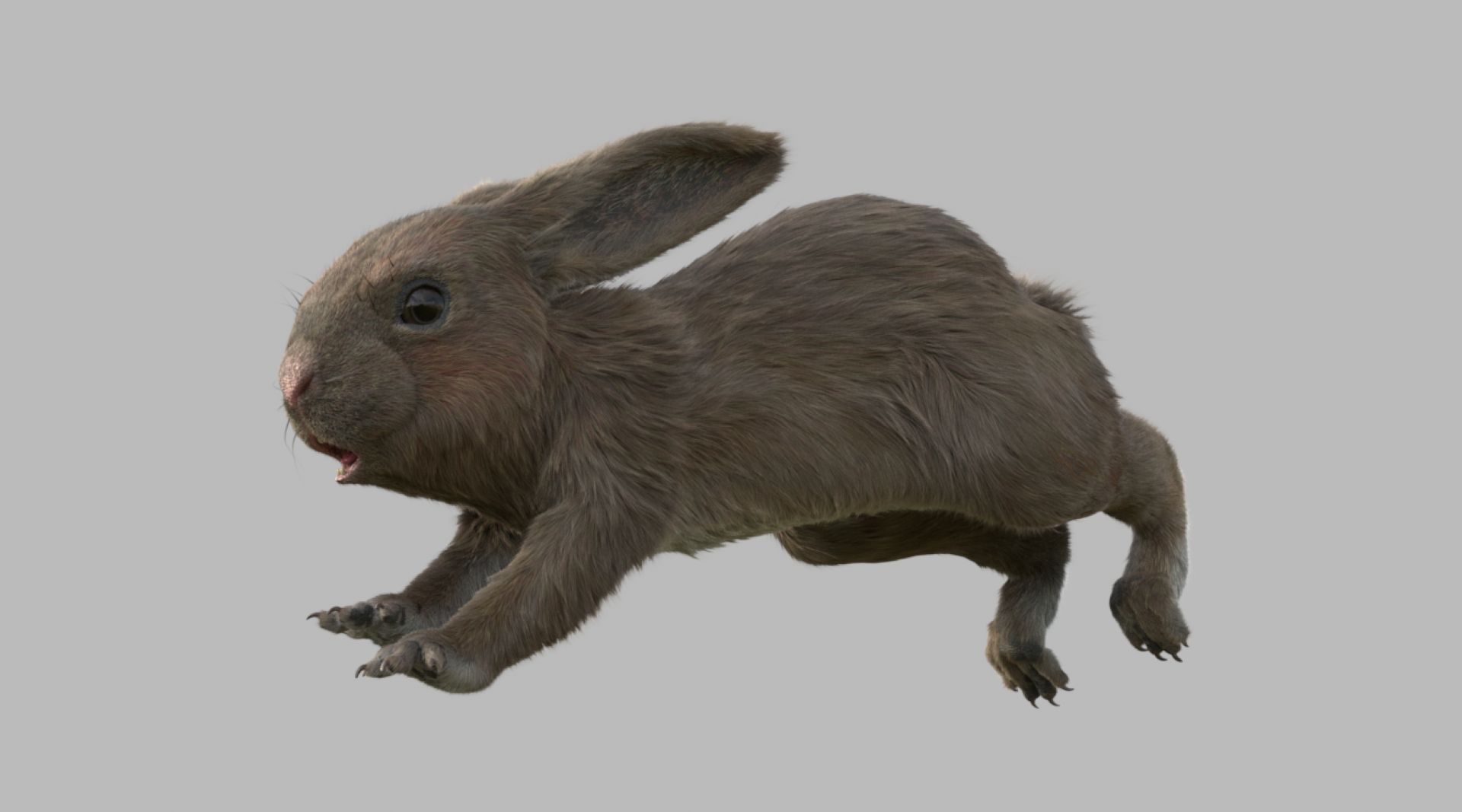
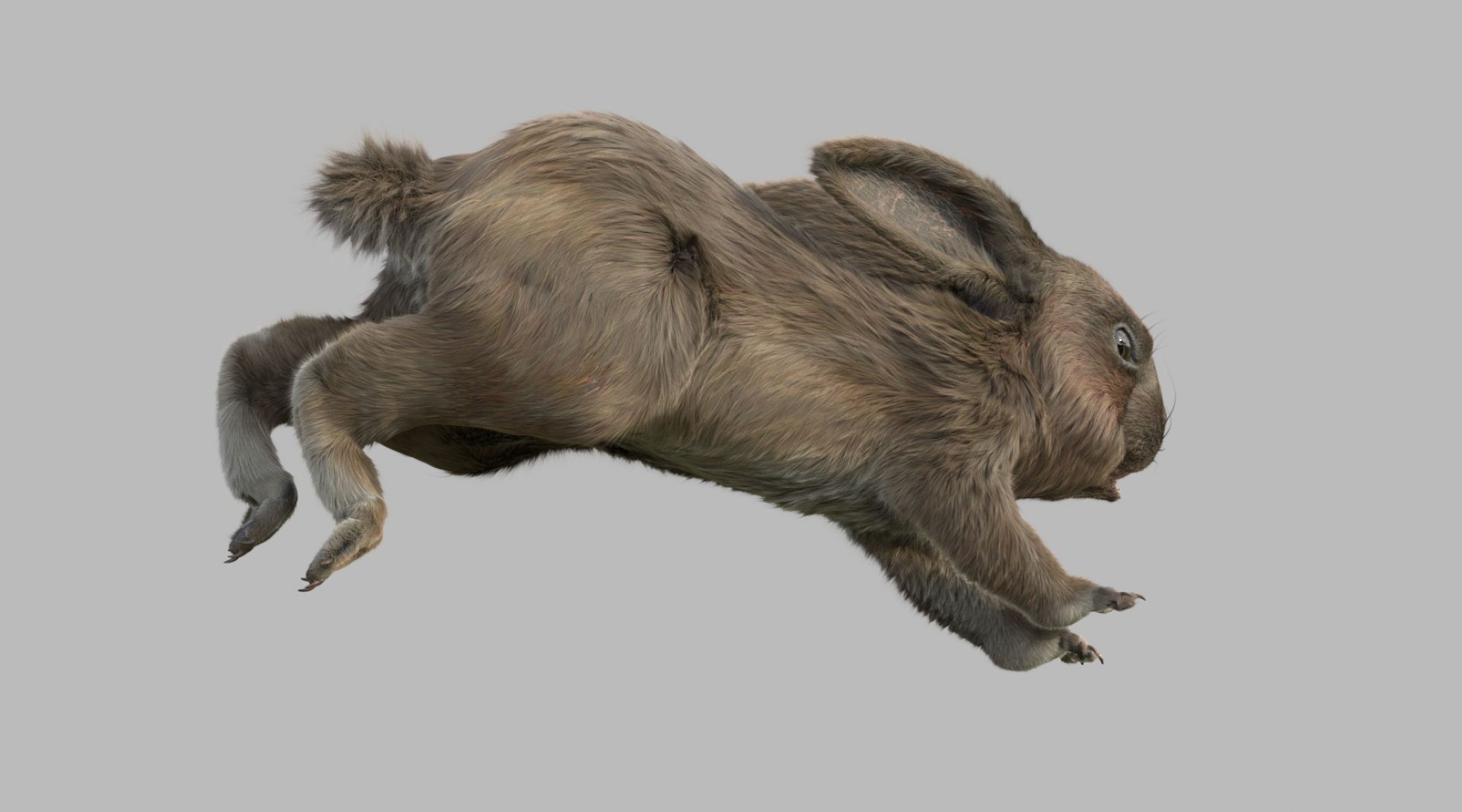
Kaninchen FURRIGGED 3D-Modell








Spezifikationen
- Geometriepolygonal
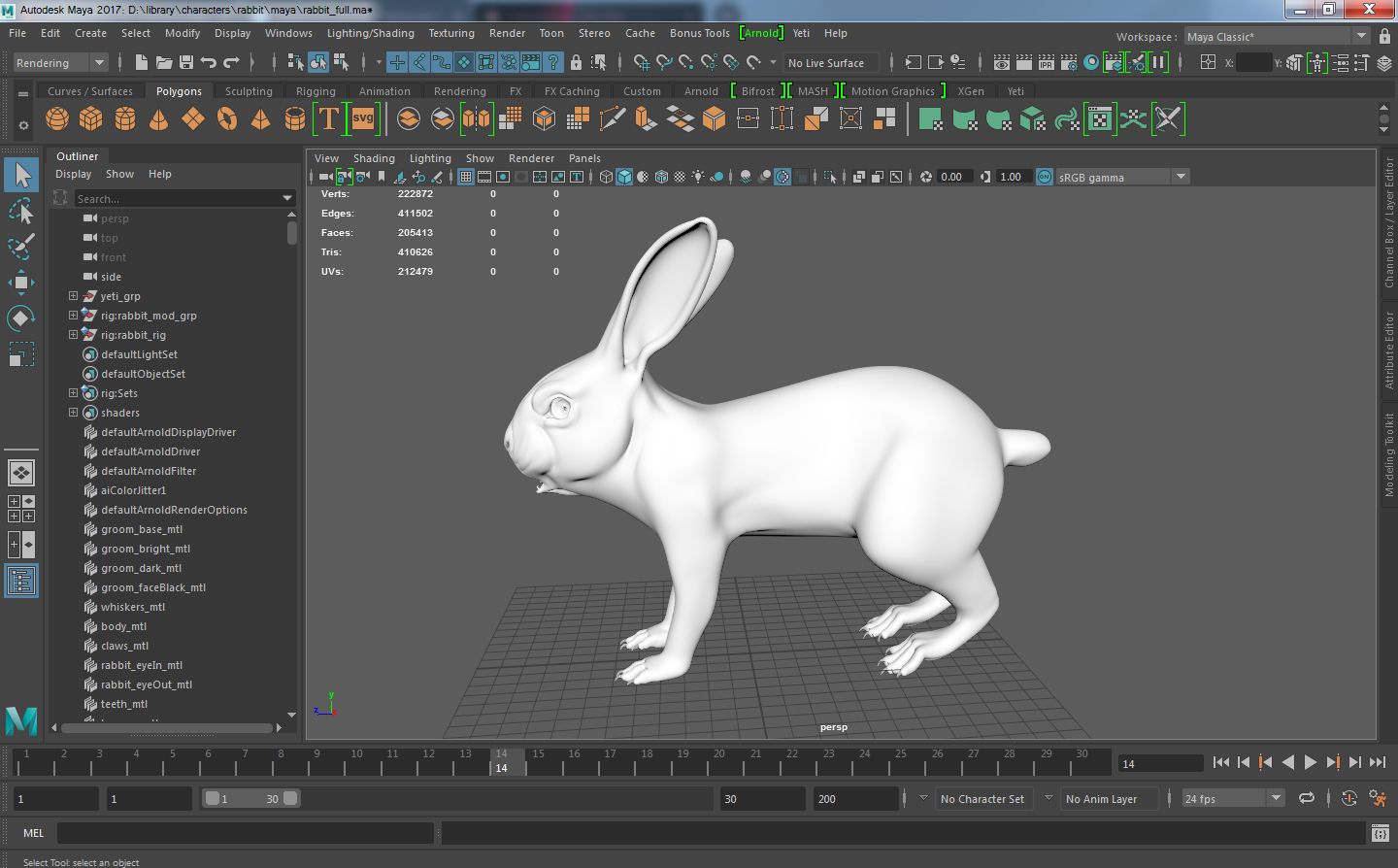
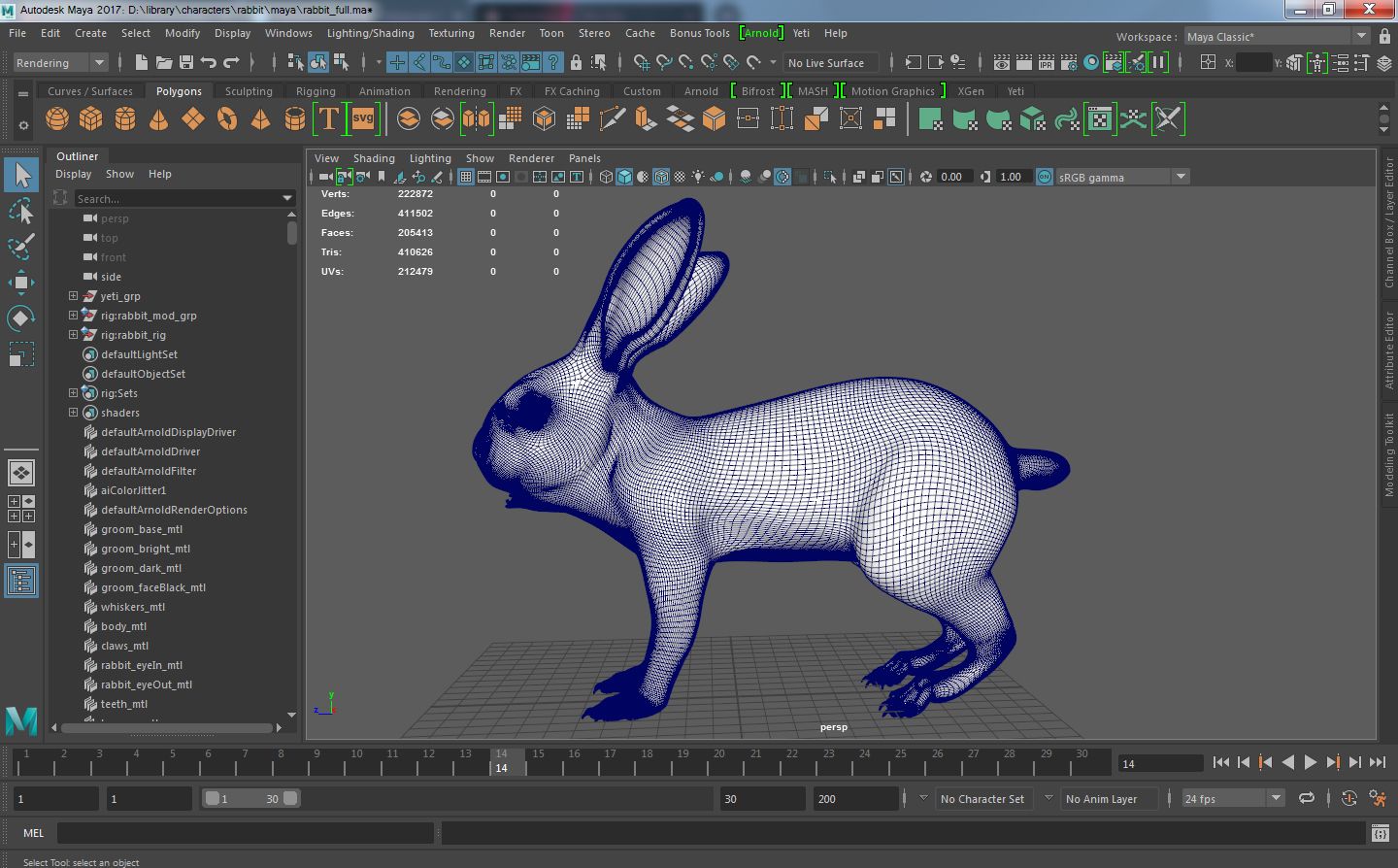
- Polygone205,413
- Scheitelpunkte222,872
- TexturenYes
- ManipuliertenYes
- AnimiertNo
- Bereit zum Drucken in 3DNo
- Spielbereit (low poly)No
- UV-kartiertYes
- Unverpackte UVsnon-overlapping
Beschreibung
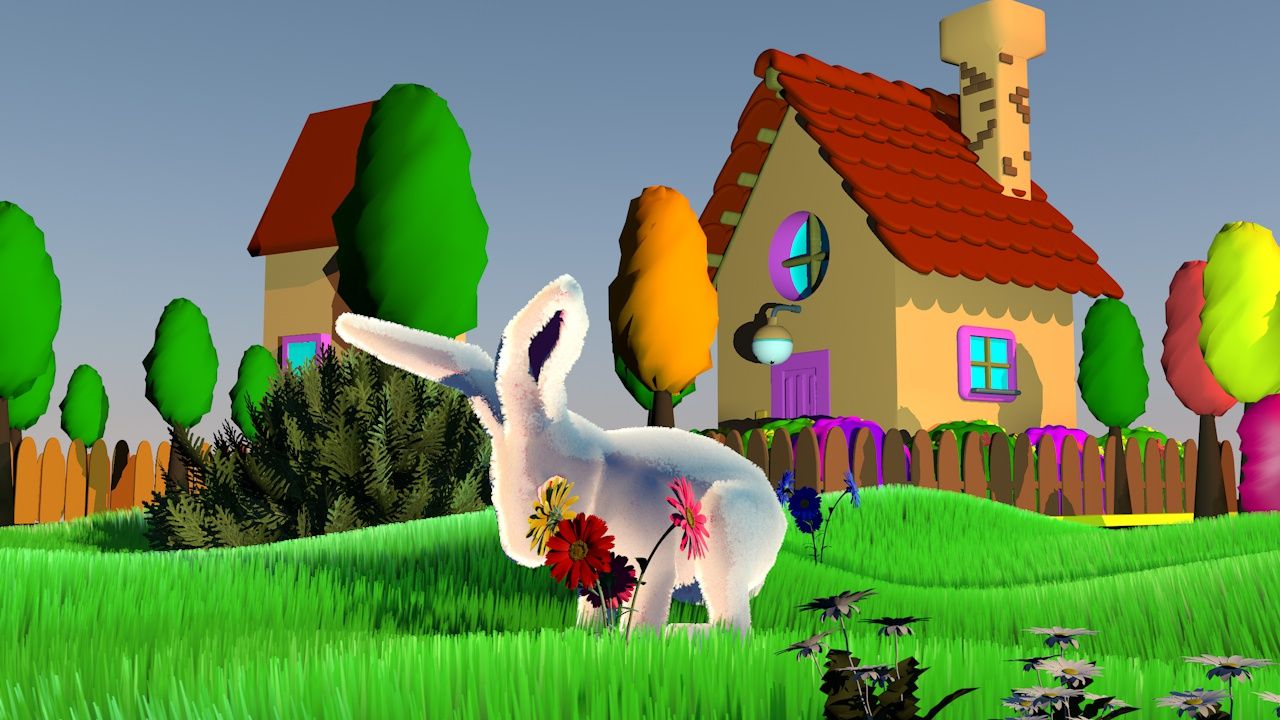
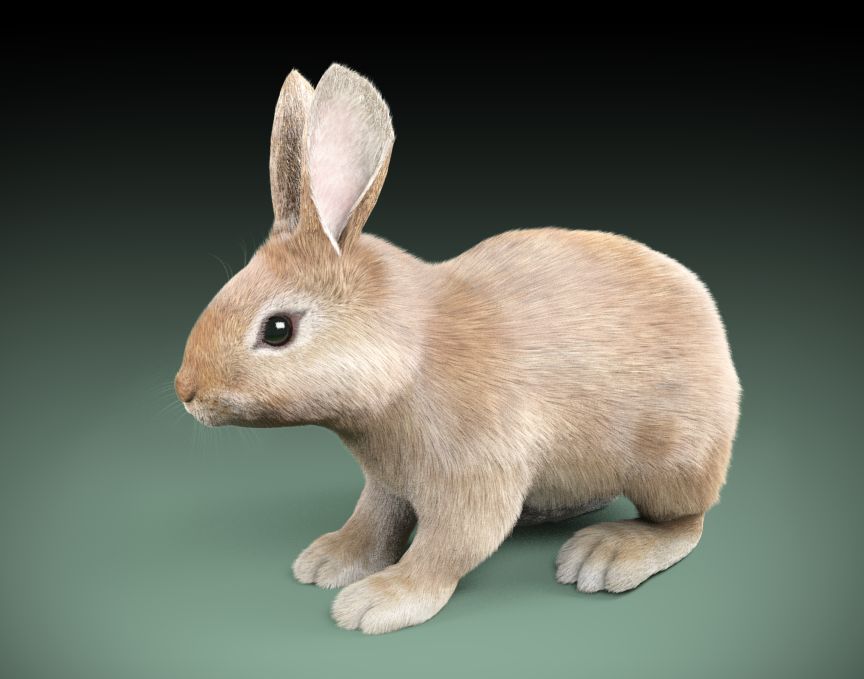
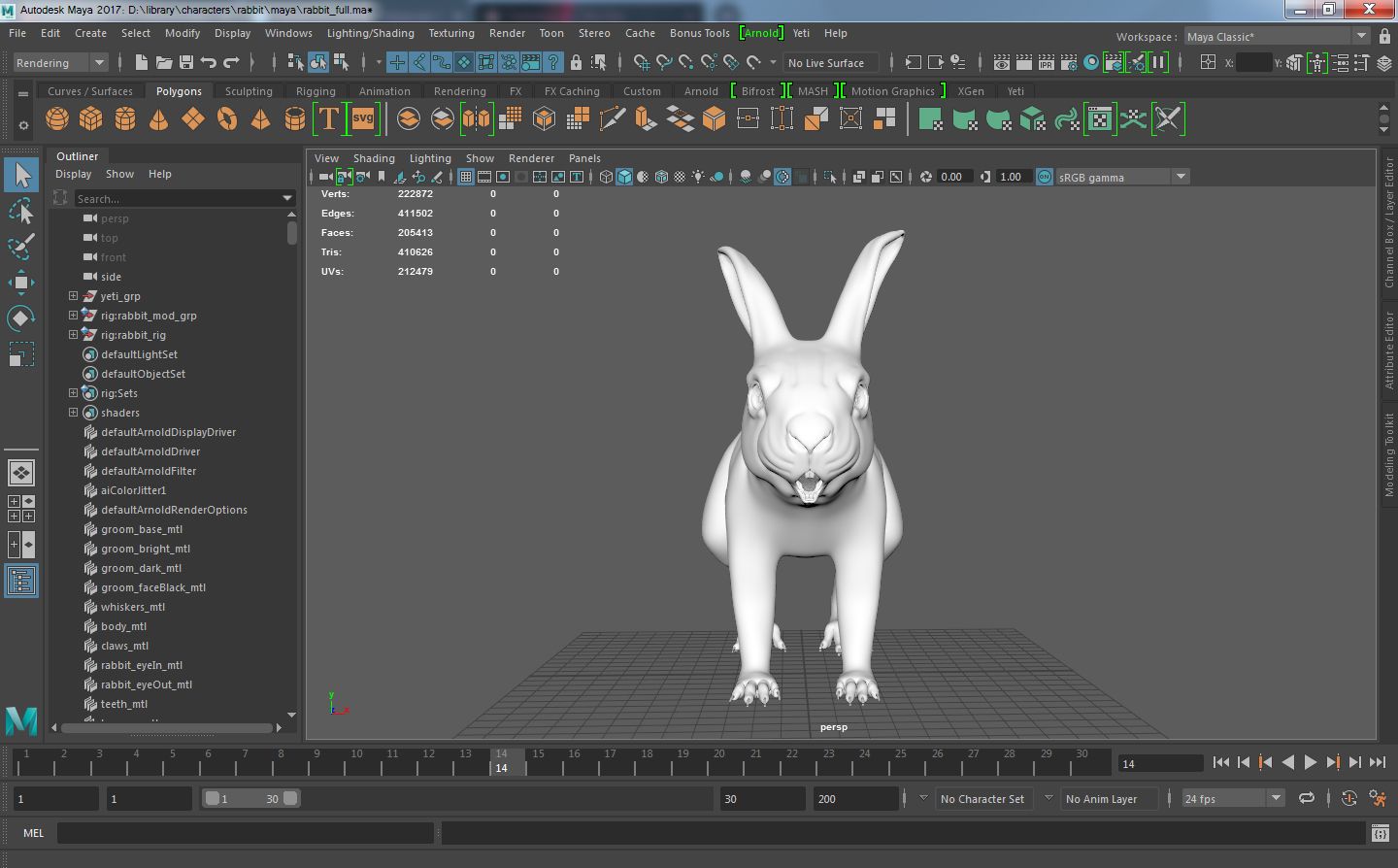
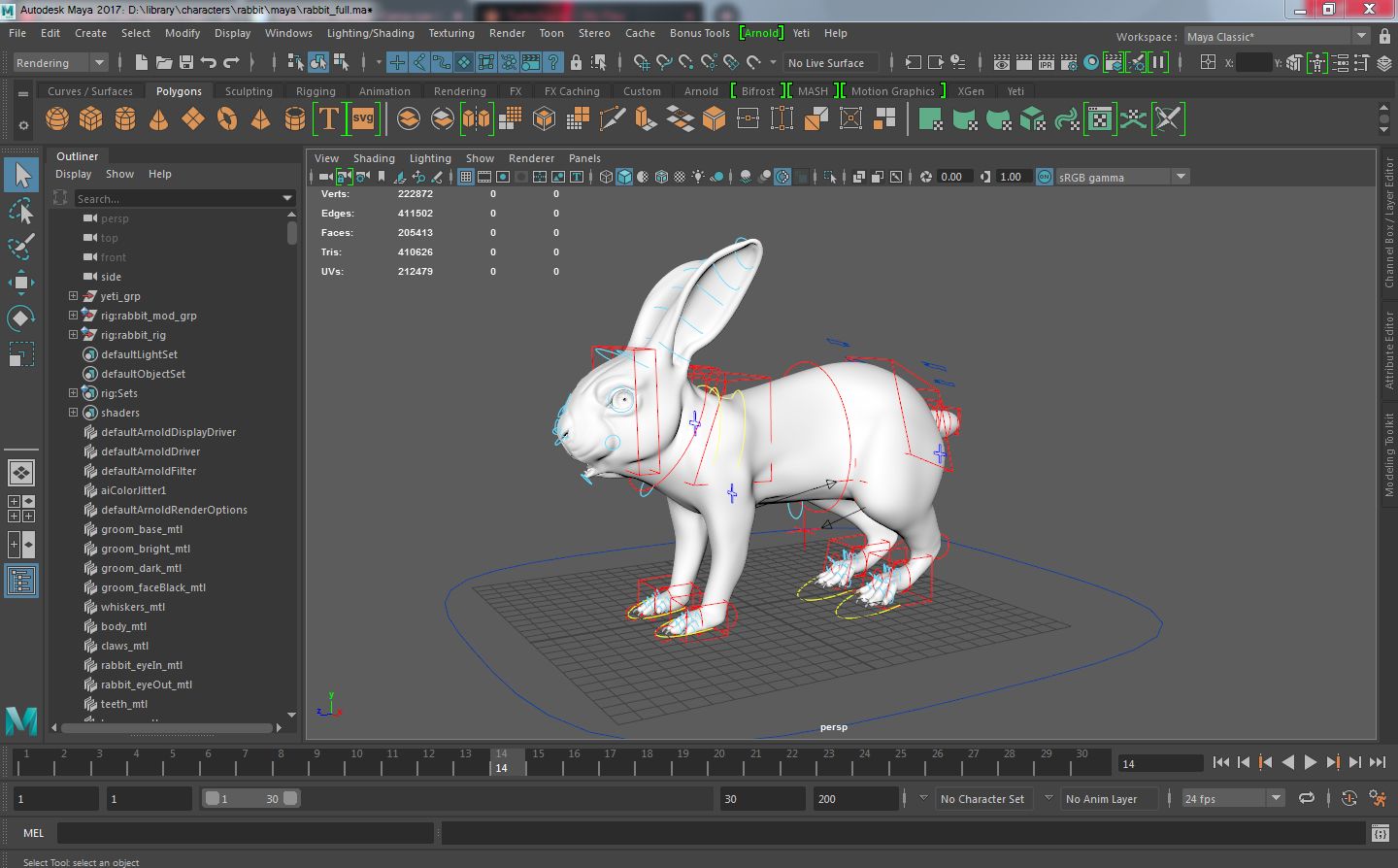
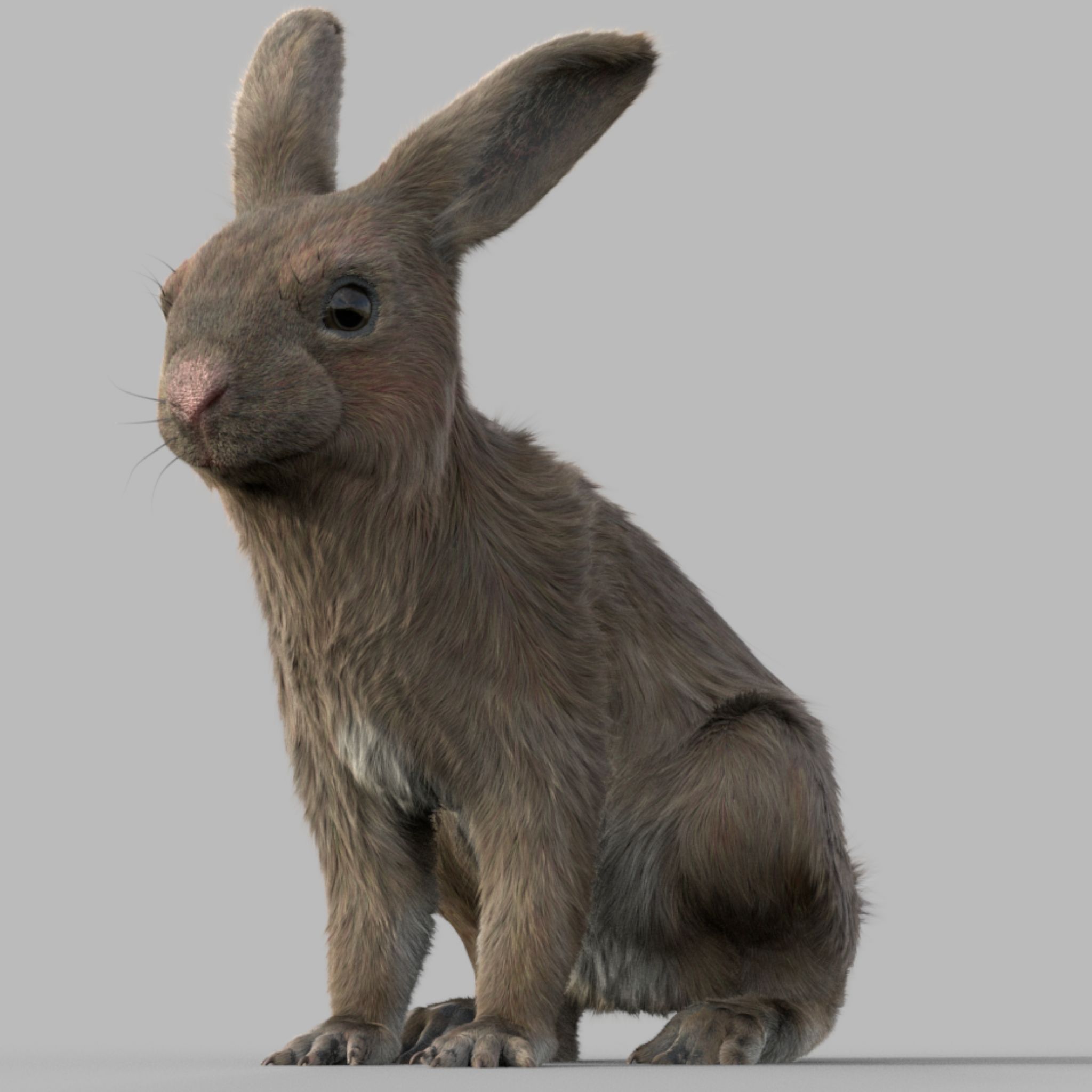
High detailed Rabbit fully rigged, ready for visual effects and games ----------------------------------- Update to: Maya 2022, Yeti 4.1.0, Arnold Core 7, MtoA 5.0.0 Maya 2020, Yeti 4.1.0 ----------------------------------- Production workflow, easy to integrate in your pipeline No Overlapping Uv's subdivided in more tiles for more resolution Production Topology Rigged ( In a separate file, Referenced in the main Scene) Shader setup in Arnold ( Arnold core 5.1.0.0) Groom in Yeti ( v2.2.1) ----------------------------------- File Formats: Main Scene (.ma) Rig Scene (.ma) Pose files exported in a separated file (.abc) Rest Pose in ( FBX , OBJ , ABC, STL) Groom Curves in (ABC) ---------------------------------------- Rig: Main Control scalable Arm Controls FK/IK switchable Hip Controls FK/IK switchable Spline FK/IK switchable Neck and Head FK Tail FK/IK switchable ---------------------------------------- Groom: Yeti Groom with clean texture path: Attribute editor custom pointing textures path Custom Id Setup for more control ---------------------------------------- Shaders: Arnold 5.1.1 Shaders Body Shader ( Standard Surface ) Groom Shader ( Standard Hair ) ---------------------------------------- Textures: Displacement 4K resolution (RAW) Diffuse 2K resolution (SRGB) Roughness 2K resolution (RAW) Normals 2K resolution (RAW) SSS Weight 2K resolution (SRGB) height 2K resolution (RAW) Groom Root Color 2K resolution (SRGB) Groom Base Color 2K resolution (SRGB) Groom Tip Color 2K resolution (SRGB) ---------------------------------------- NO POSTWORK ON THESE RENDERS (ARNOLD) ---------------------------------------- Common Issues: 1) TEXTURES CONNECTIONS Because of the UDIM textures and YETI , it was not possible to set relative path. To change the absolute path: UDIM TEXTURES - Windows/General Editors/File Path editors and replace the texture folder path YETI TEXTURES - Select the yeti node in the outline editor and look in the attribute editor ( be sure it is the pgYetiMaya node type) - In the attribute editor go to Other/ Image Search path. Replace the folder path with the yeti texture folder
Bewertungen
Es liegen noch keine Bewertungen für dieses Produkt vor.
Warum nicht der erste sein, der das Eis bricht?