


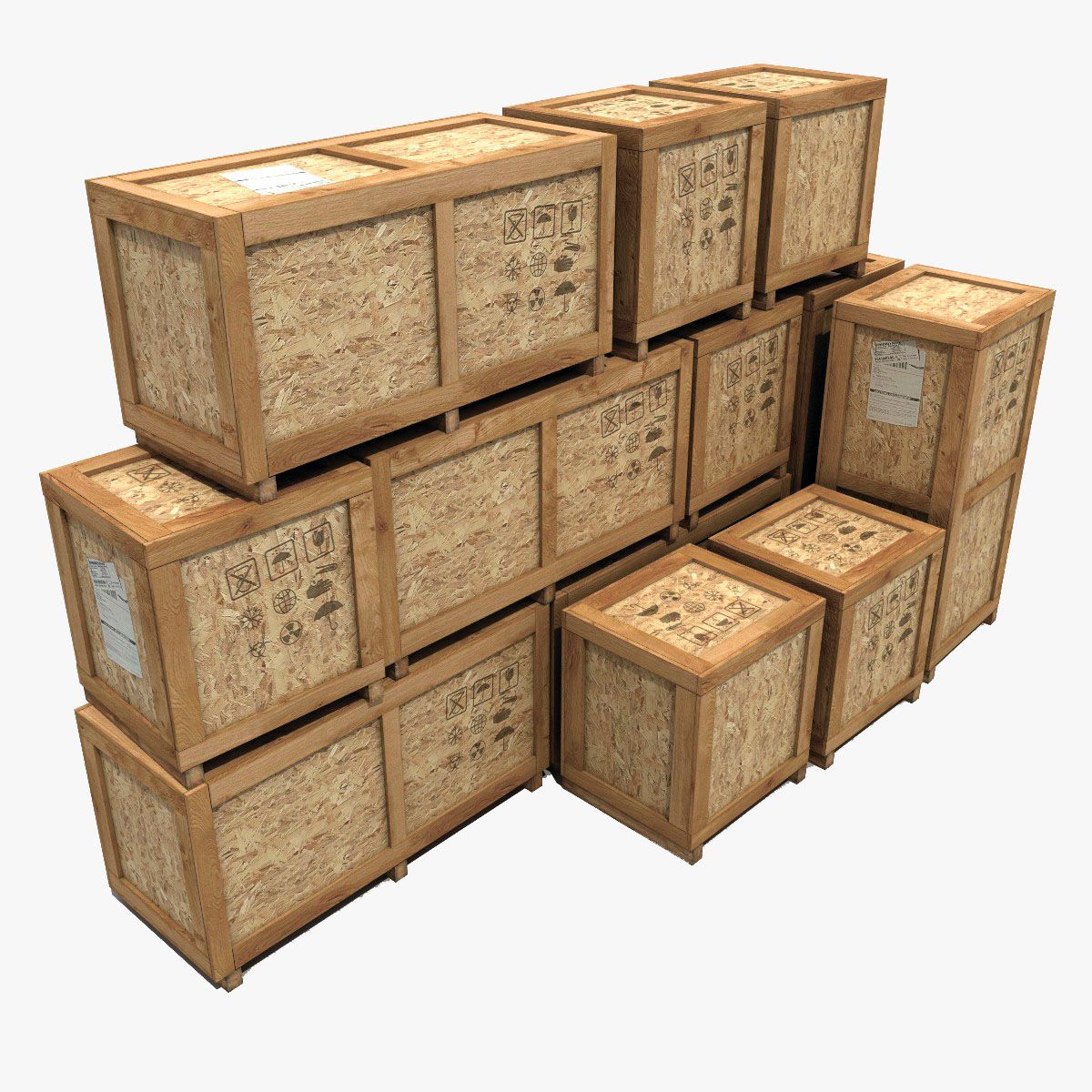

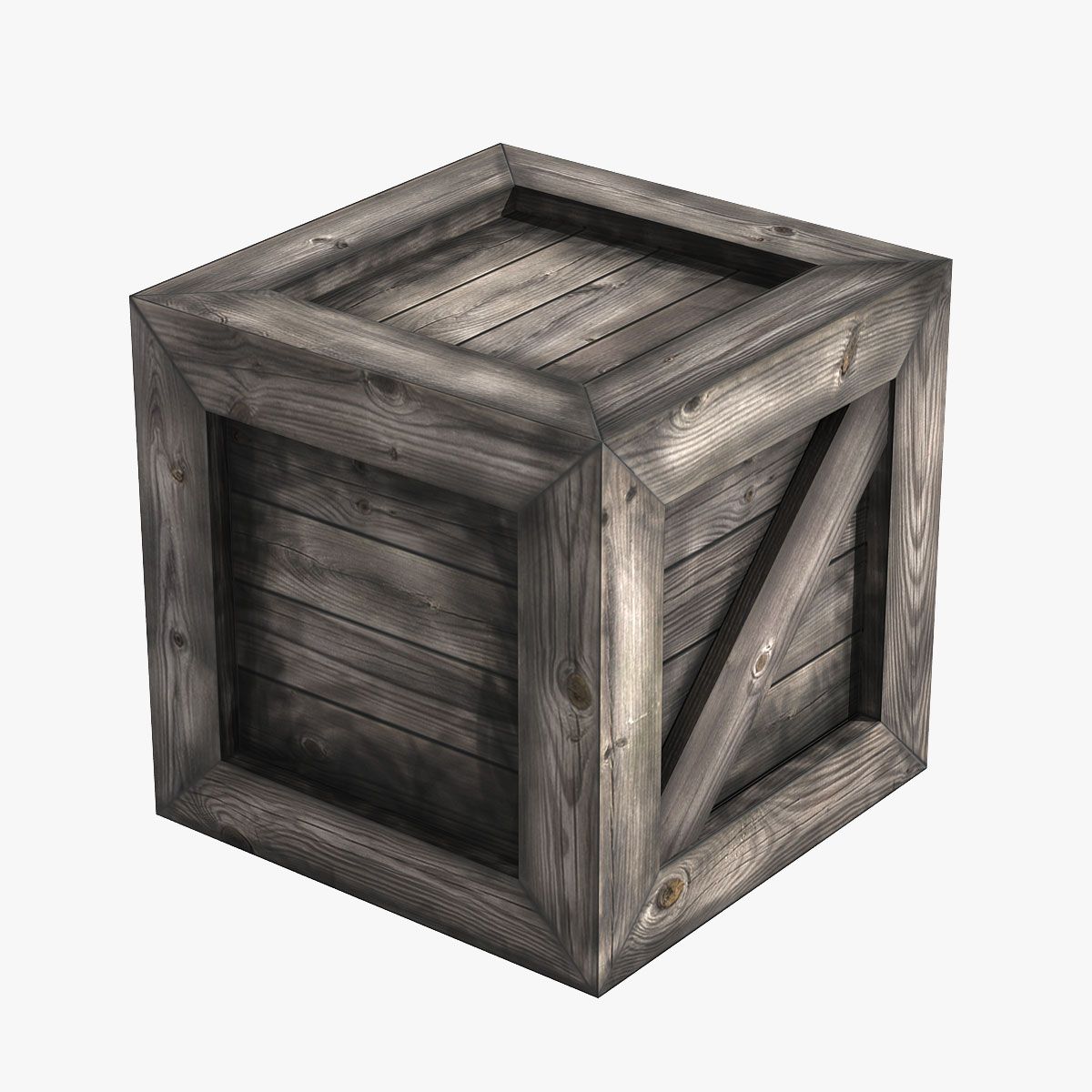
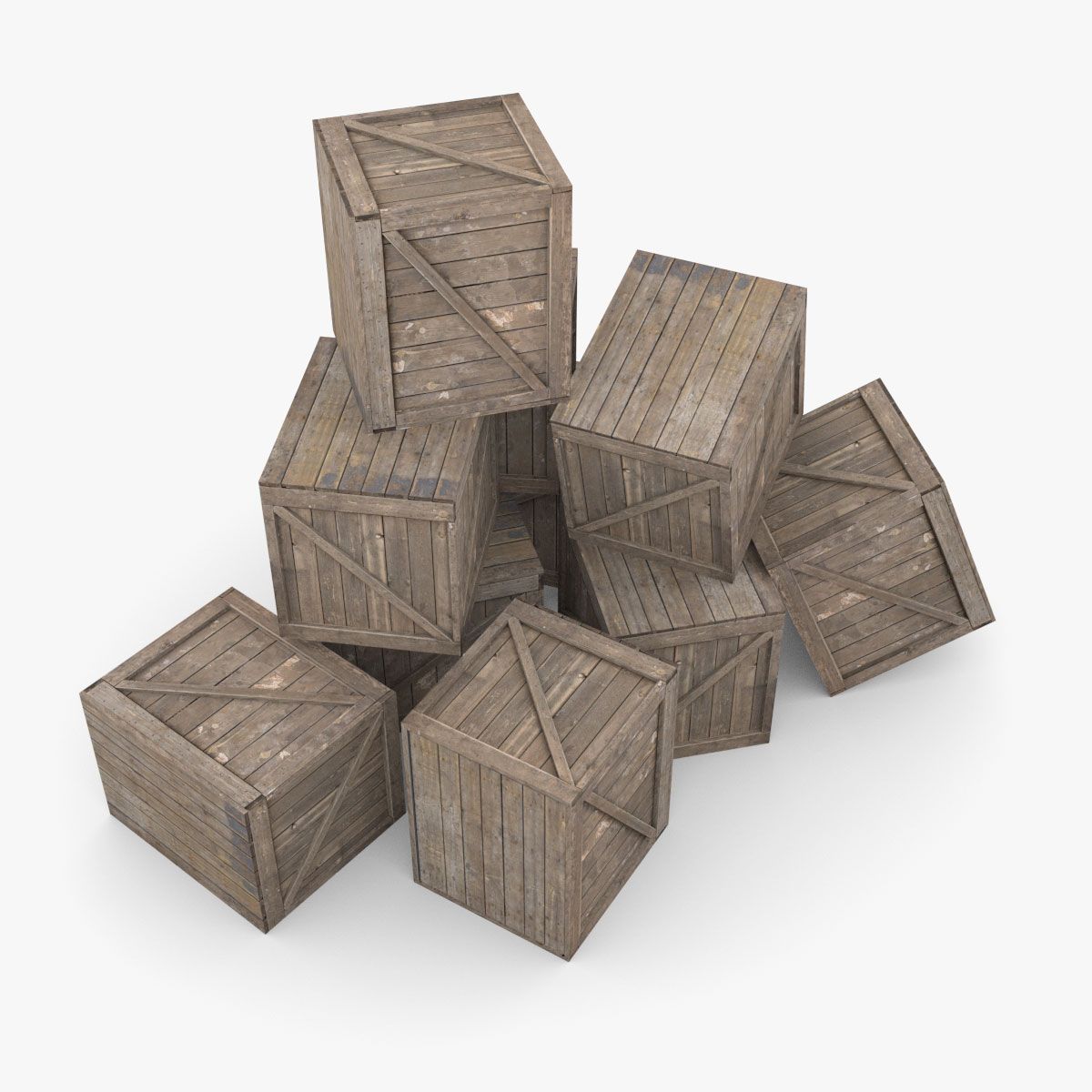


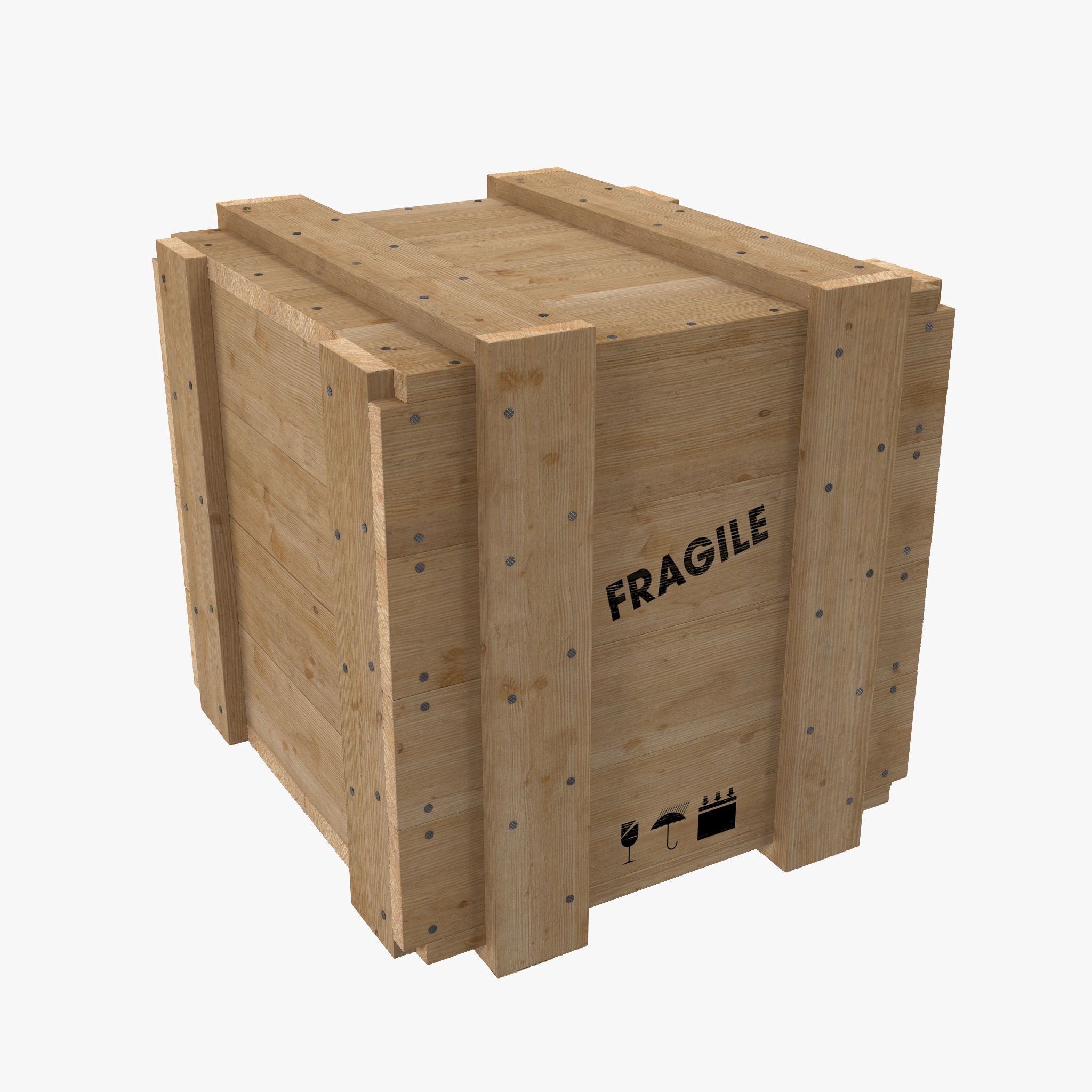
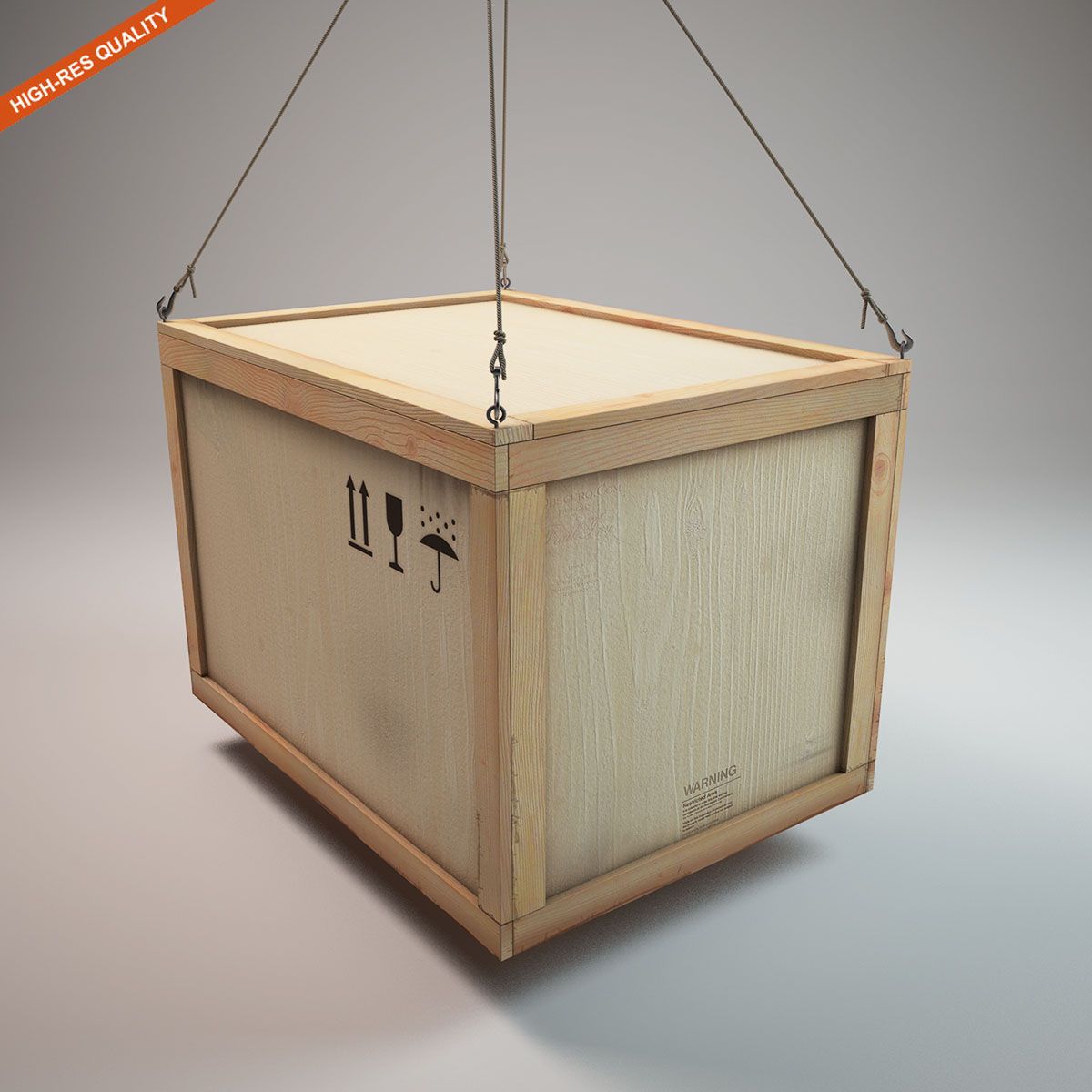
Holzkiste_mid 3D-Modell
0


Royalty Free LicenseAlle erweiterten Anwendungen
Einfache Rückgabe
Best-Preis-Garantie
Funktioniert aus dem Kasten heraus
0
Besuche

Eingereicht von
PBR Scans
Spezifikationen
- Geometriepolygonal
- Polygone5,037
- Scheitelpunkte5,042
- TexturenYes
- ManipuliertenNo
- AnimiertNo
- Bereit zum Drucken in 3DNo
- Spielbereit (low poly)No
- UV-kartiertYes
- Unverpackte UVsnon-overlapping
Beschreibung
Box Middle Poly 3D model
Scanned object with PBR 4K materials that are configured to the next list of renders
3DsMax Corona
3DsMax iRay
3DsMax MentalRay
3DsMax Vray
Maya Arnold
Maya Octane
Maya RedShift
Maya RenderMan
Maya Vray
(You can use the fbx format for 3D Studio Max. Our fbx files uses a standard physical shader and is correctly reproduced in all popular rendering)
You can also customize the model for other renders with the help of present maps:
albedo
bump
diffuse
gloss
metalless
normal
roughness
specularColor
PBR 3D scan is made on its own technology, retopology is manual.
You can import a model in Maya with customized materials for Arnold, RedShift, RenderMan, vRay or Octane.
1. Unzip all files from the archive zip into one folder.
(Note that .obj file and .ma must be in the same folder.)
2. Import [model name]_[you render].ma into your project.
(If you import the model into the project for the first time, it will not be inserted into the scene, import the model a second time so that it is inserted into the scene)
May 25, 2020
Datum hinzugefügt
Dec 28, 2021
letztes Update
Bewertungen
Es liegen noch keine Bewertungen für dieses Produkt vor.
Warum nicht der erste sein, der das Eis bricht?