





Puente modelo 3d
1


Licencia Libre de DerechosTodos los usos extendidos
Devoluciones simples
Mejor precio garantizado
Trabaja fuera de la caja
952
visitas

Presentado por
Panait George Dorin
Presupuesto
- Geometríapolygonal_quads/tris
- Poligonos53,303
- Vértices55,494
- TexturasNo
- AparejadoNo
- AnimadoNo
- Listo para imprimir en 3DNo
- Juego listo (polietileno baja)No
- Mapeado UVYes
- UV sin envolvernone
Descripción
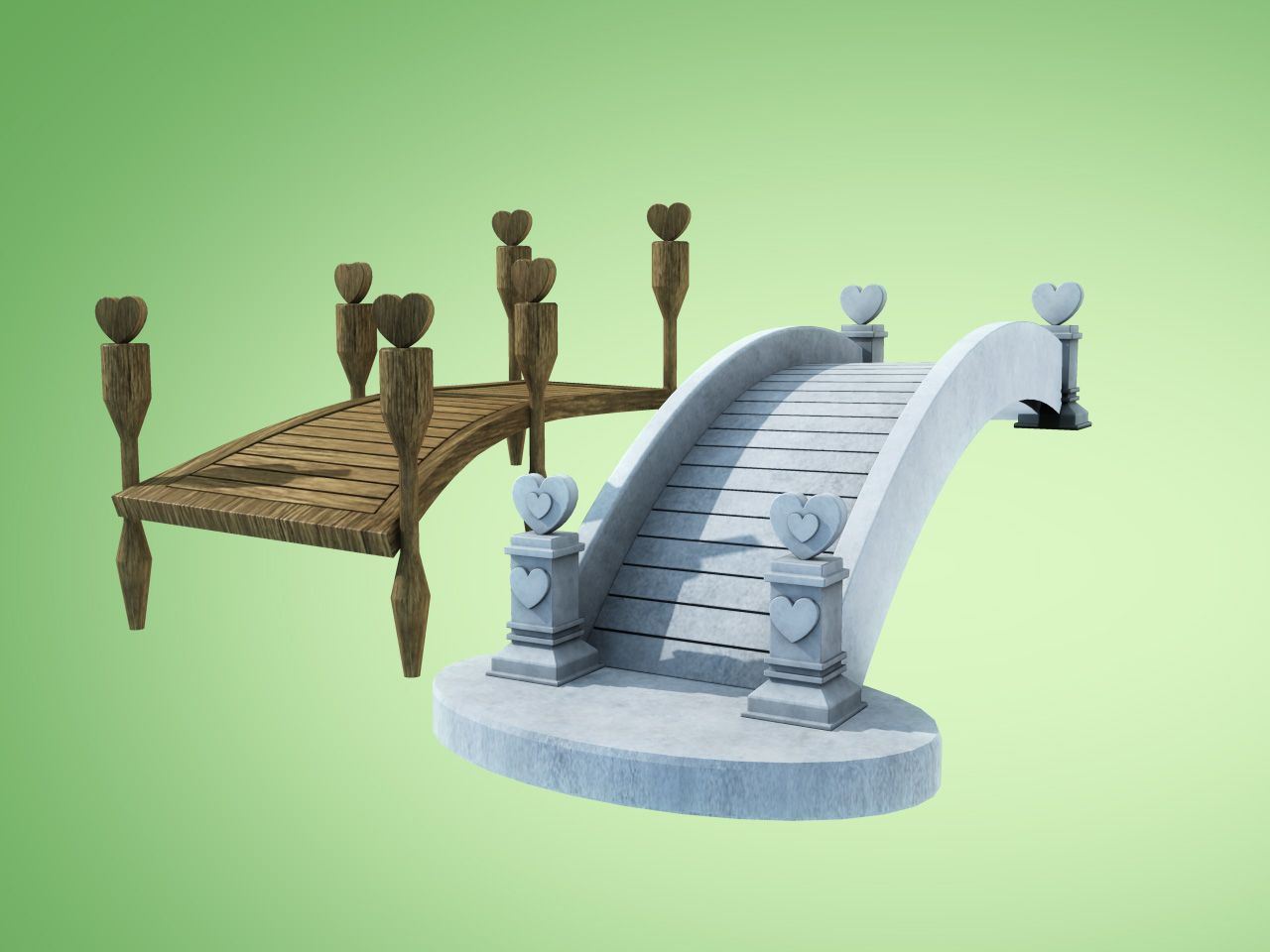
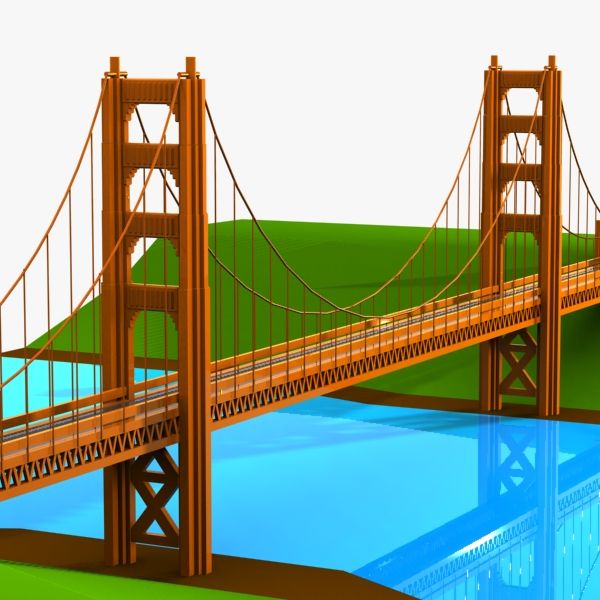
Bridge 3d model
Modeled in 3DS max 2010 Exported for OBJ, FBX and 3DS to import in other 3D applications. The scene contains all Mental Ray Materials presented in the preview images and HDR, Is ready to render or to be merged in your own scenes. The HDR is in the folder ''Max_2010'' in the Max archives. max file
Is a high quality model to add more details and realism to your projects. Detailed for close-up renders.
Originally modelled in 3ds max 2010 Final images rendered with Mental Ray
The 3DS Max zip file contains
- High quality quad and tris model
- Model resolutions are optimized for polygon efficiency(in 3DS MAX the turbosmooth function can be used to increase resolution if necessary).
- All colors and lights can be easily modified.
- All materials are included and mapped in every format.
- Very easy to change materials in the scene
- Max models grouped for easy selection and move
- No cleaning up necessary, just drop model into your scene and start rendering.
- No special plugin needed to open scene.
Hope you like it!
Also check out my other models, just click on my user name to see complete gallery.
Please rate it if you buy. Enjoy!
Mar 12, 2018
Fecha Agregada
Oct 03, 2022
última actualización
Opiniones
Actualmente no hay opiniones para este producto.
¿Por qué no ser el primero en romper el hielo?