




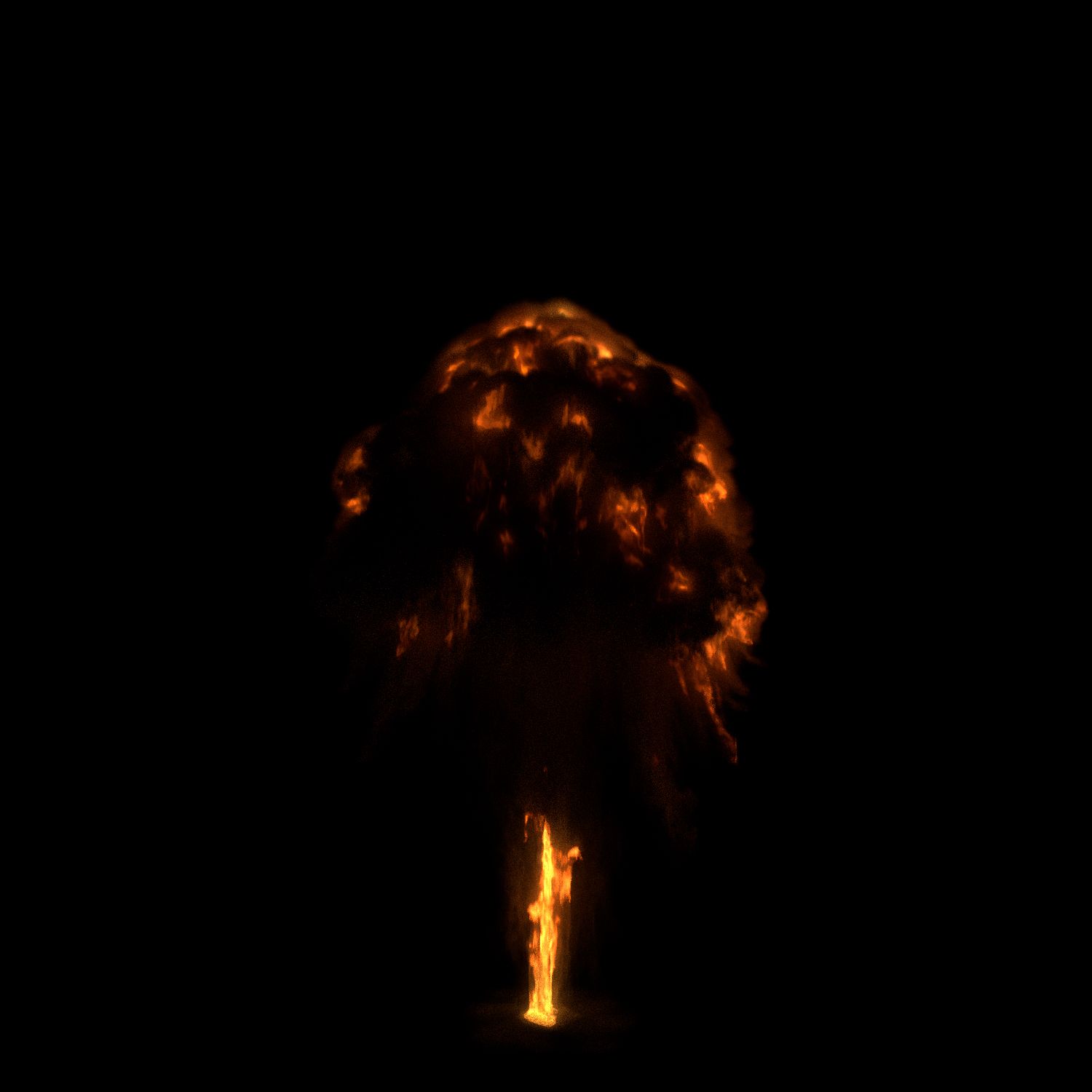
explosión de bola de fuego pre-prestados modelo 3d
0




Licencia Libre de DerechosTodos los usos extendidos
Devoluciones simples
Mejor precio garantizado
Trabaja fuera de la caja
64
visitas

Presentado por
etn249
Presupuesto
- Geometríapolygonal_quads only
- Poligonos76
- Vértices58
- TexturasYes
- AparejadoNo
- AnimadoYes
- Listo para imprimir en 3DNo
- Juego listo (polietileno baja)No
- Mapeado UVYes
- UV sin envolvernone
Descripción
------------Edit January 21 2017: added a new, pre-composited, ready to use image sequence.------------
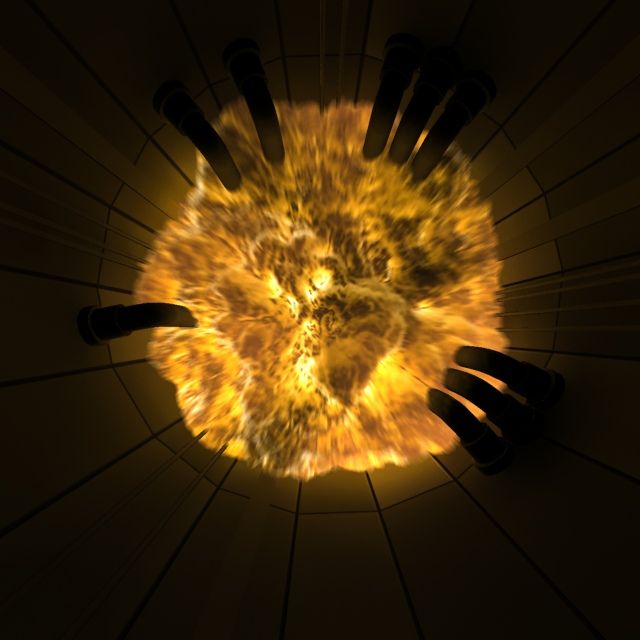
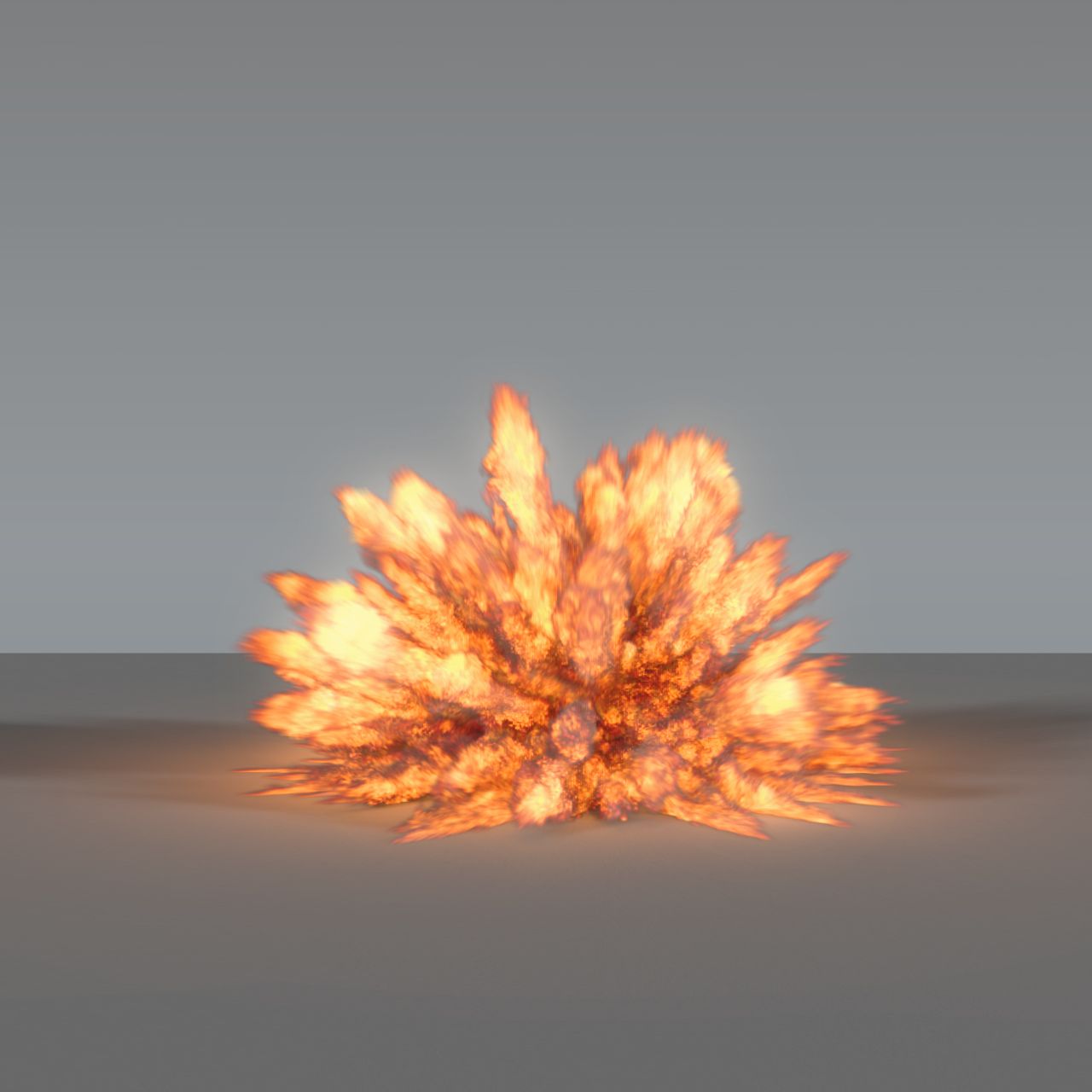
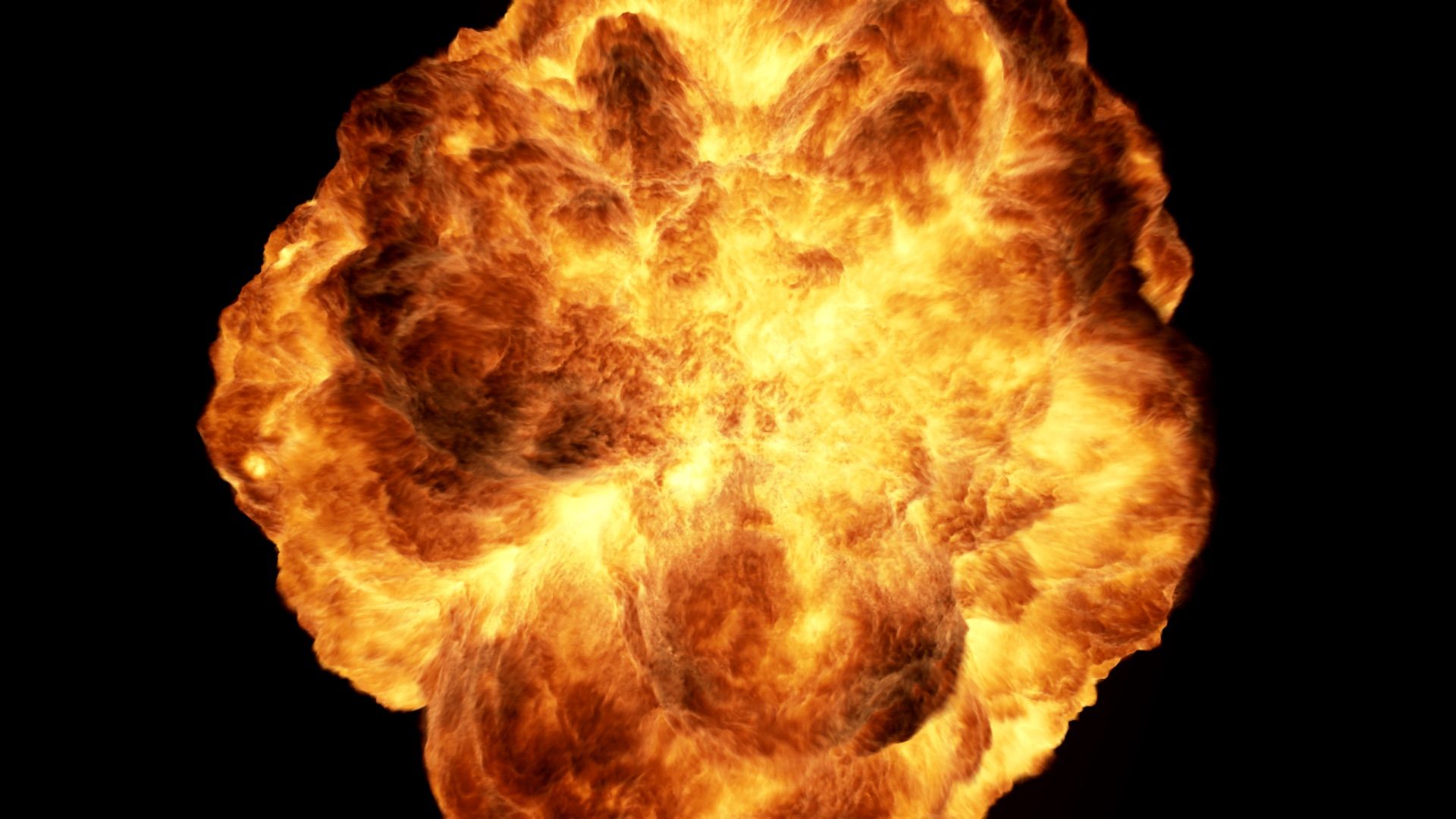
A pre-rendered explosion sequence of 115 frames (110 if you ignore empty frames at the beginning). It is pre-rendered into an image sequence and can be used in compositing software. It has an alpha layer for transparency.
Image format: .exr 16-bit/layer
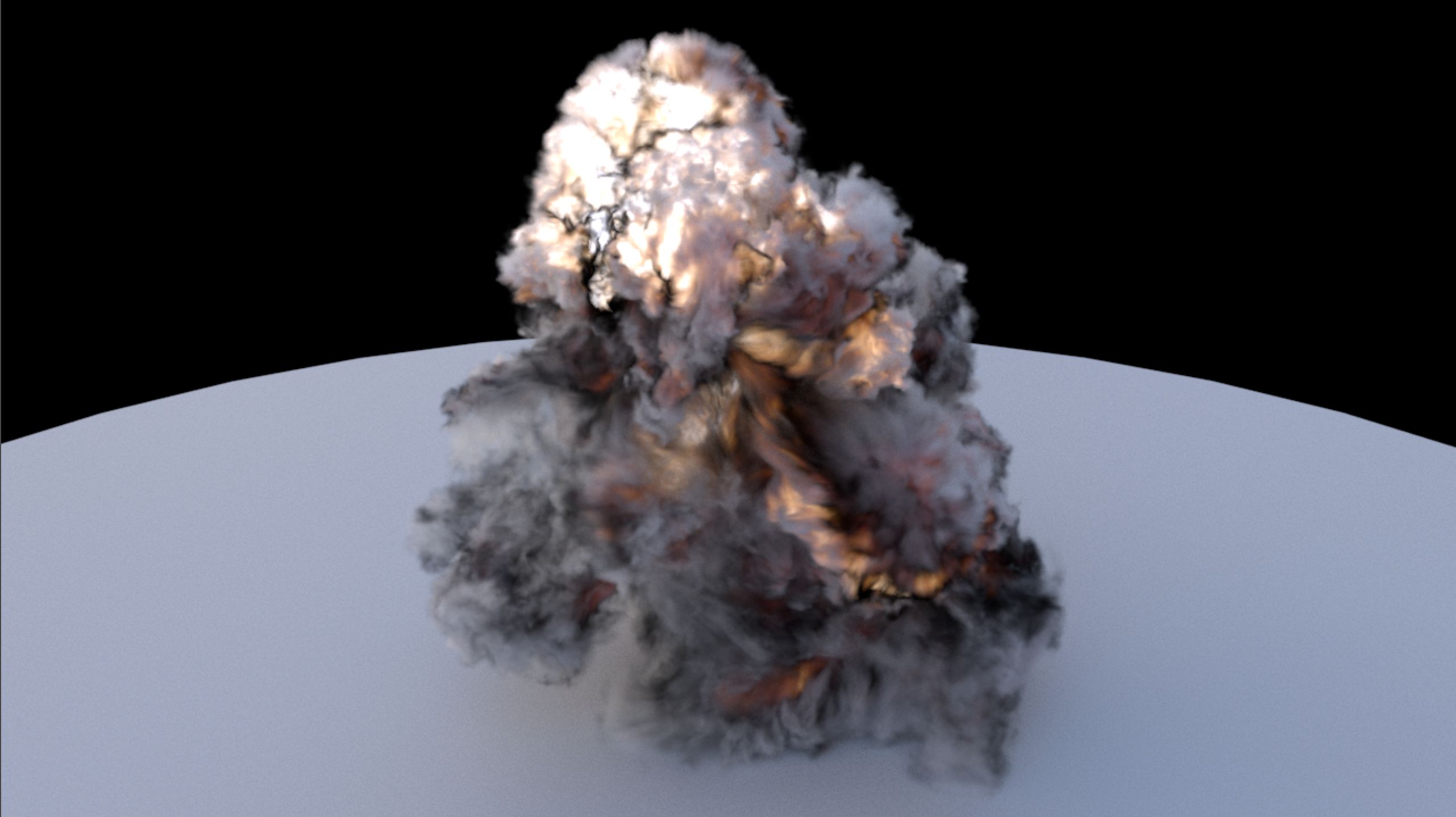
Ready for compositing, includes 4 render passes that need to be composited together:
-smoke
-fire
-fire whitout light
-RGB pass for re-lighting
Simulated and rendered in Blender using cycles, at a max resolution of 300 with 2 levels of wavelet noise.
-------------------------------ready to use version:
A version where all passes are pre-composited and denoised. Ready to be used in compositing software. Made from the rendered images version
-------------------------------images:
Image size is 1500x1500. The images are slightly noisy due to the complexity of the render, but the noise can be filtered with good results if a close view is needed and should not be visible at all if the explosion is placed in the background of a camera shot. Accelerating the beginning of the animation is recommended if you need to make it look more explosive.
You can download a preview animation, fully composited.
Passes info:
smoke pass: only smoke, no flame.
Fire pass: fire + light produced by fire
Fire_no_light pass : only fire, can be mixed with fire pass to control the amount of light produced by fire.
Rgb pass: used for additional lighting in compositing
-------------------------------scene:
WARNING: note that the simulation is not compatible with blender 2.82 or later. The pre-rendered pictures are however still useable.
The scene is included if you need to see the settings, re-use the fire shader, or if you need to re-render in higher quality. Information about rendering and render passes is included. If you decide to render the scene yourself, you will have to bake the simulation, because the cache could not be inluded due to its size. Important : multiple settings are animated and the slightest change can have a great impact on the simulation. Keep this in mind if you plan to use it in an existing scene, as changing the scale or position of the emitters and domain can change the look of the explosion. However, you can re-use the shader on any Blender simulation that has smoke and flames.
*** Important: the scene version is not prepared to be used easily as a 3d asset, but is included for re-rendering purposes. The scene is setup by default so baking the simulation and pressing the render button will output a ready to be used beauty pass.
Oct 17, 2019
Fecha Agregada
Oct 01, 2022
última actualización
Opiniones
Actualmente no hay opiniones para este producto.
¿Por qué no ser el primero en romper el hielo?