






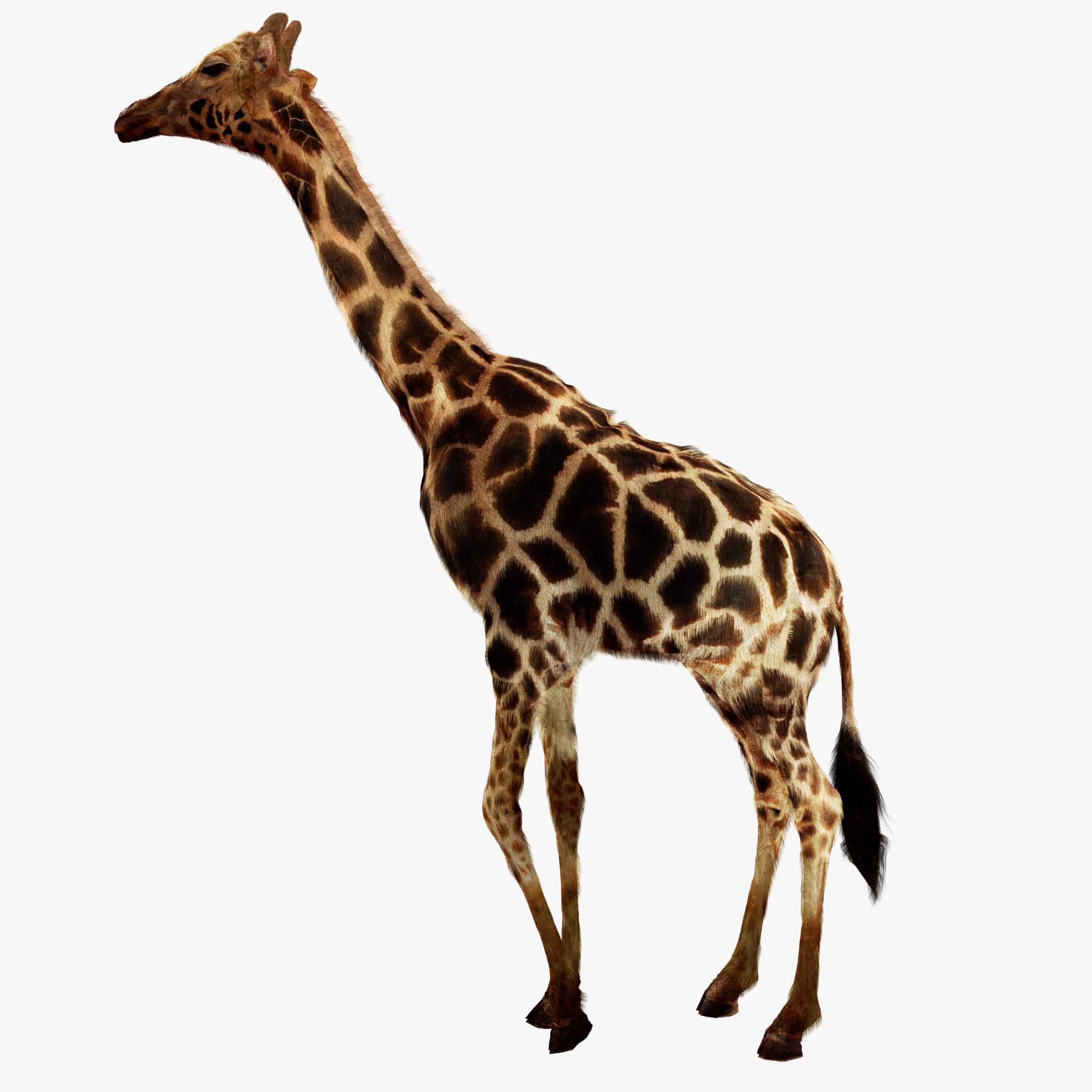
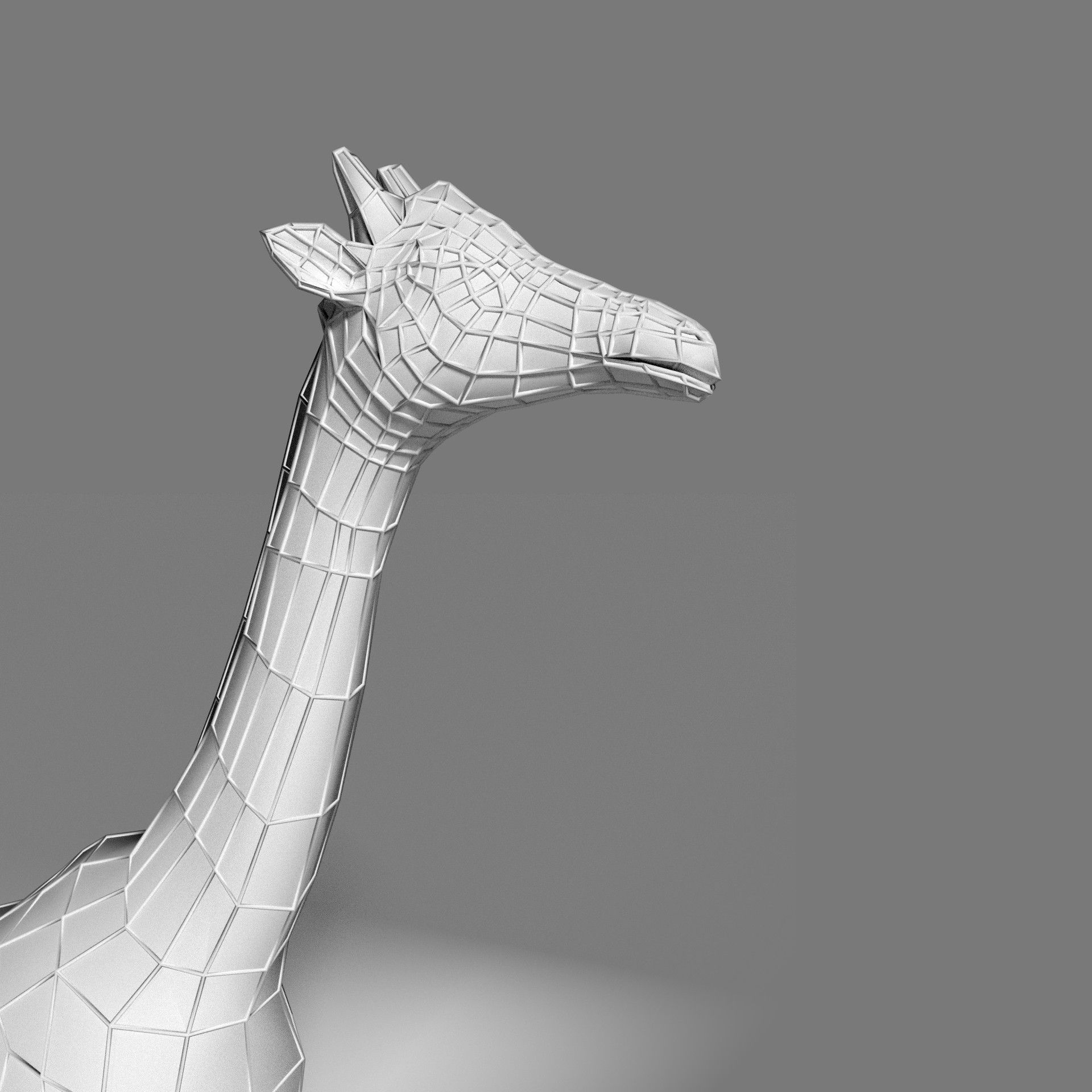
Espécimen del Museo de Jirafas (Animación) modelo 3d
0




Licencia Libre de DerechosTodos los usos extendidos
Devoluciones simples
Mejor precio garantizado
Trabaja fuera de la caja
0
visitas

Presentado por
mozzy
Presupuesto
- Geometríapolygonal
- Poligonos1,264
- Vértices1,232
- TexturasYes
- AparejadoYes
- AnimadoYes
- Listo para imprimir en 3DNo
- Juego listo (polietileno baja)No
- Mapeado UVYes
- UV sin envolvernon-overlapping
Descripción
Overview
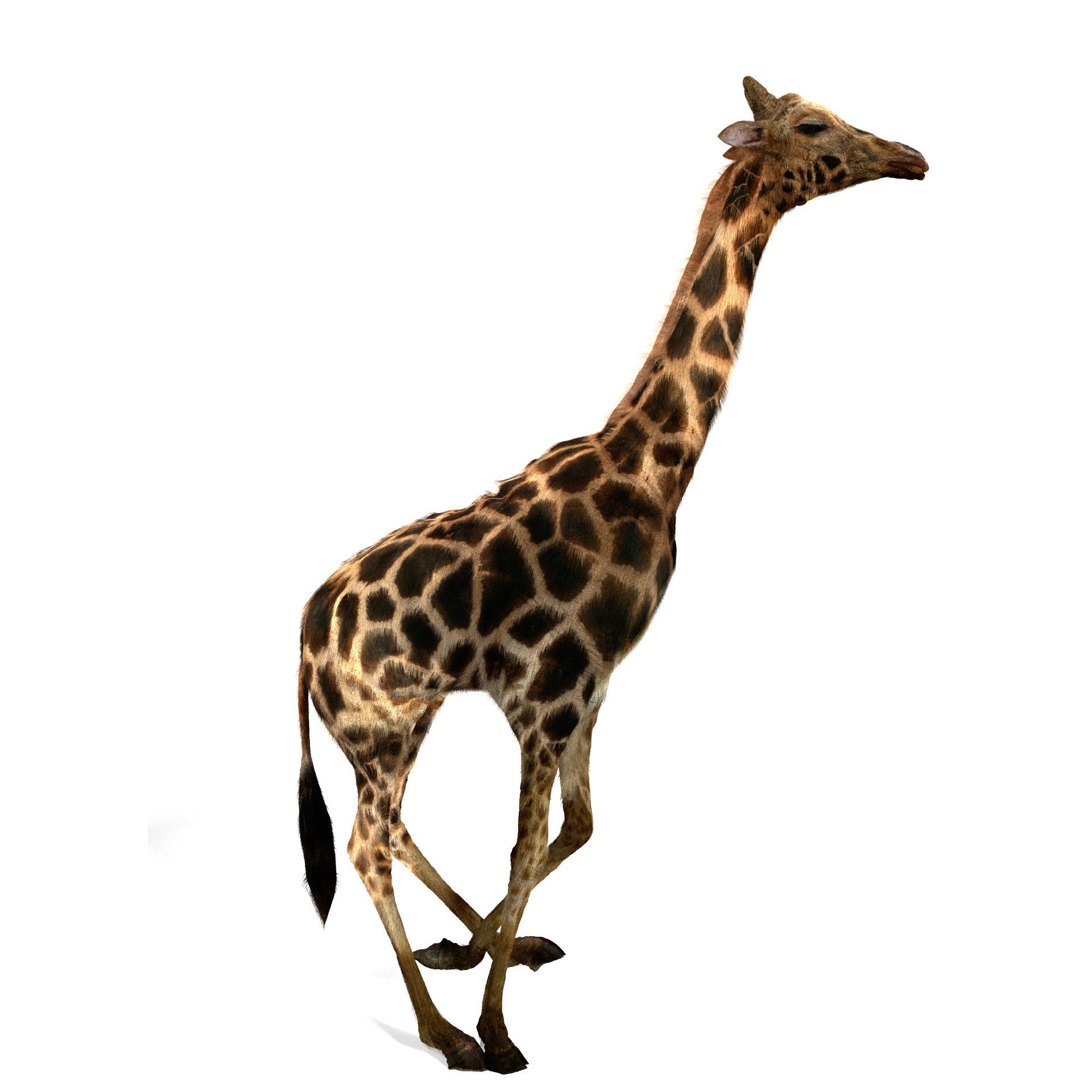
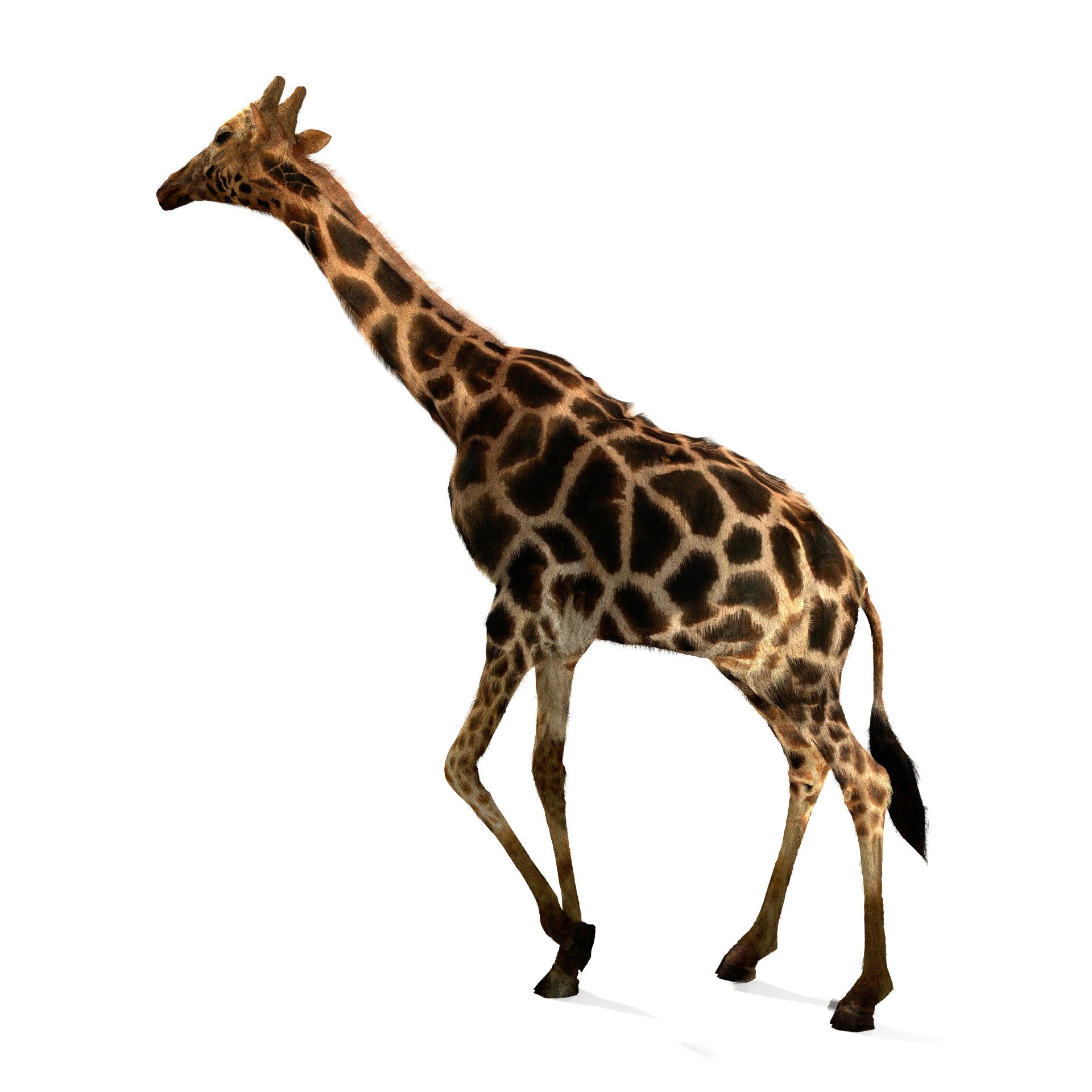
The Giraffe is a 3D model made in Blender 2.79 that forms part of a series of African Savannah inhabitants. This product has a wide variety of applications as it includes realtime and high resolution models. The model is both rigged and animated using Deer Rigger, which is a modified version of Rigify for Quadrupeds.
The product consists of,
4k Color, Mask and Normal Textures
Non-overlapping UV's
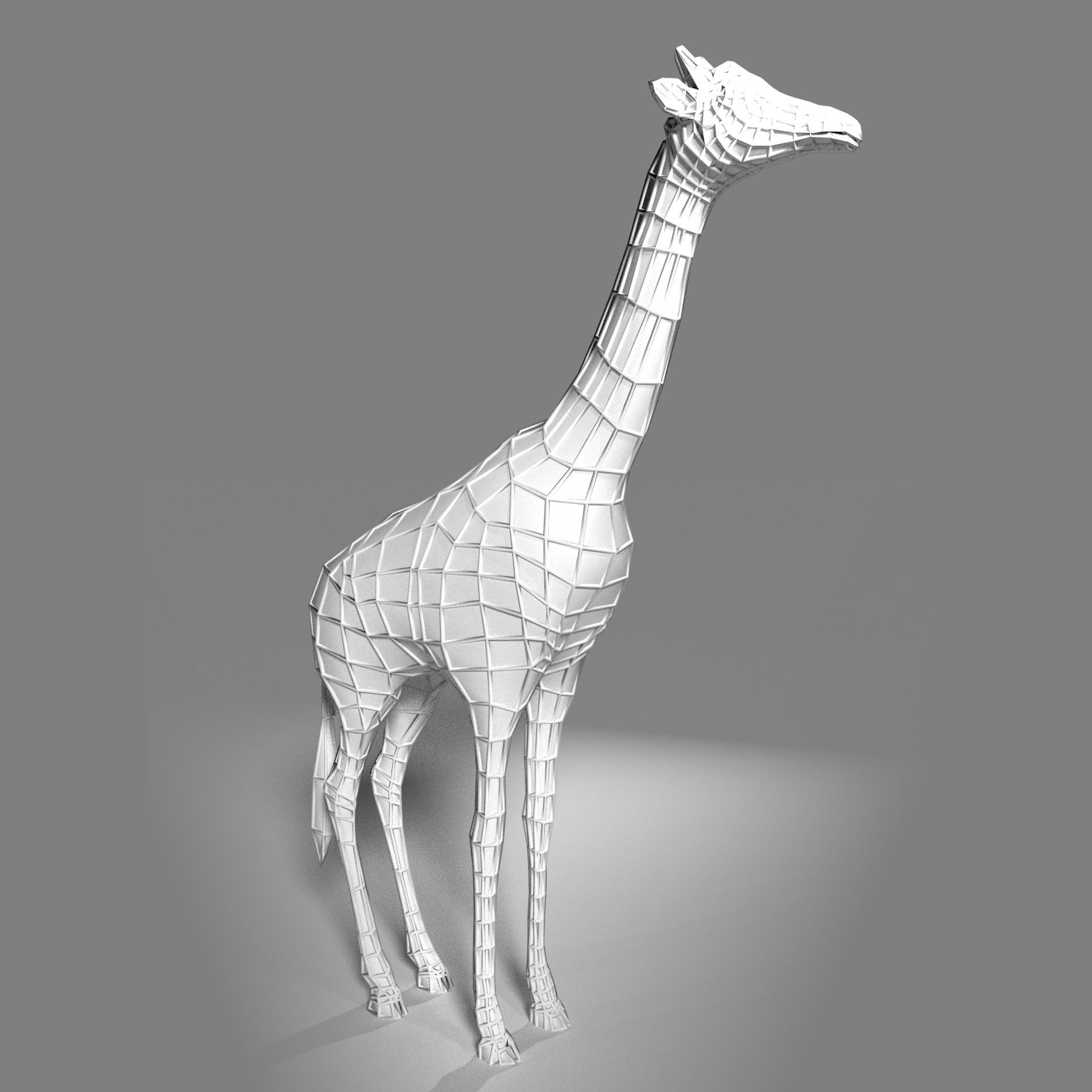
Realtime Model made-up of 1264 Faces
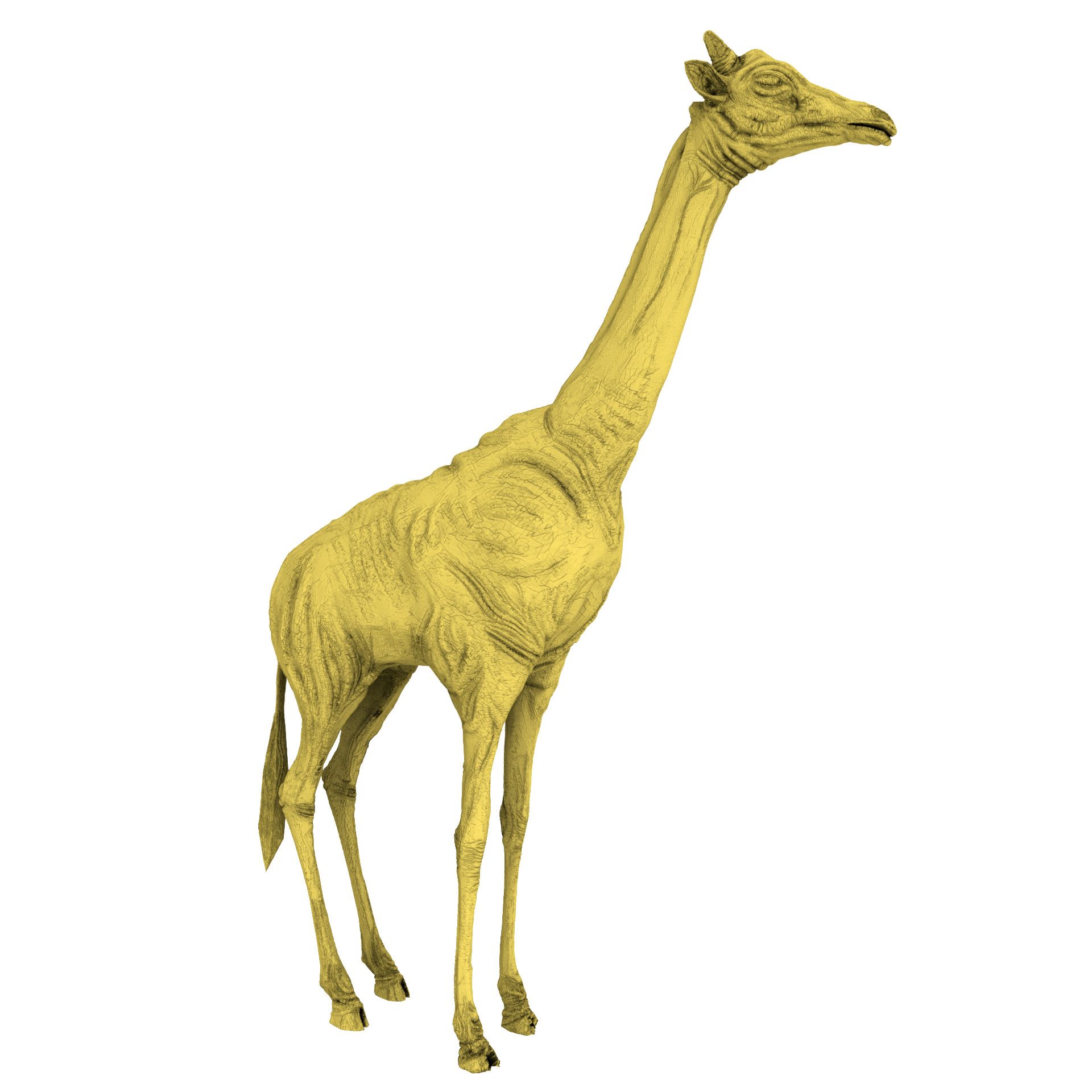
High Resolution Sculpt model
Rig
Active Modifier stack
Animated run cycle
Cycles Material Node Network
Contents
The Giraffe product consists of several files,
giraffe03.blend : The main file consisting of the realtime model, rigged and animated. An active modifier stack with hair and cycles node network make this file ready to render.
giraffeSculpt.blend : High resolution sculpted giraffe consisting of many polys. This file should be in the same folder as giraffe03.blend.
giraffe.obj : Realtime file for interchanging between applications.
giraffeColor.png : Color channel texture map in 4K.
giraffeSSS.png : Sub-Surface Scattering channel Mask in 4K.
giraffeNormal.png : Normal map baked from sculpt in 4K.
giraffeAO.png : Ambient Occlusion map baked from sculpt in 4K.
The following setup can be accessed through the realtime model's modifier stack,
The realtime model is setup to subdivide (through the Subdivision surface Modifier) at rendertime. Increasing subdivisions here will allow the realtime model to more closely match the look of the sculpted model.
Vertices generated through subdivision will match surface points of the high resolution, sculpted model through the Shrinkwrap Modifier.
Deformation is then performed on the model through the Armature modifier.
Dynamic, secondary animation can be baked into the model with the Soft Body modifier. The soft body modifier is by default placed at the top of the modifier stack and disabled. To activate the modifier either "Apply" or delete the Subdivision Surface modifier, then move the Soft Body modifier to one position above the Particle modifier.
The Particle modifier should be the last node in the stack and is used to control the giraffe's hair. By default Hair Dynamics is turned on for secondary animation of the hair.
Sep 17, 2020
Fecha Agregada
Sep 17, 2021
última actualización
Opiniones
Actualmente no hay opiniones para este producto.
¿Por qué no ser el primero en romper el hielo?