


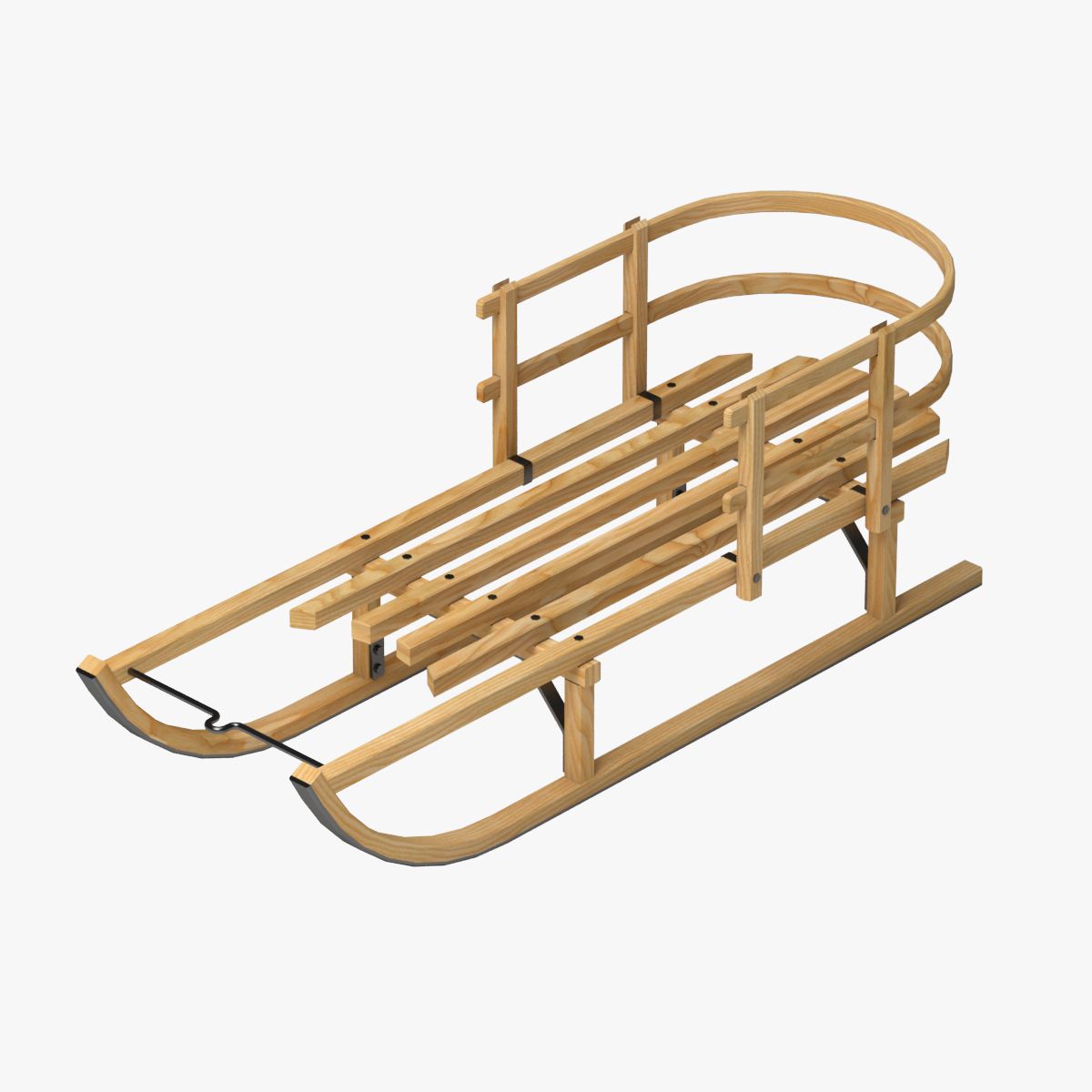

Trineo modelo 3d
0


Licencia Libre de DerechosTodos los usos extendidos
Devoluciones simples
Mejor precio garantizado
Trabaja fuera de la caja
0
visitas

Presentado por
uncle808us
Presupuesto
- Geometríapolygonal
- Poligonos21,280
- Vértices17,645
- TexturasYes
- AparejadoNo
- AnimadoNo
- Listo para imprimir en 3DNo
- Juego listo (polietileno baja)No
- Mapeado UVYes
- UV sin envolvernon-overlapping
Descripción
Sleigh: a sled drawn by horses or reindeer, esp. one used for passengers.
4 objects: 1 Sleigh, 2 Bridle, 3 BridleHead, 4 Hookup. (Setup to hook up with the Daz Mil Horse in the pull pose.) Not Included. You will have to move the (origin) axis to the center of the connection at the sleigh body so you can rotate the X axis to move the hookup down or up.(See below for poser)
Textures included. UV mapped (non-overlapping).
If you cannot find the texture you may have Poser set to Shallow search.
Move the origin: Once the origin is displayed (Properties Show origin,) you'll see three extra dials, OriginX, OriginY, and OriginZ. These dials obviously move the origin around, but not in the same way that you would move an object around.When you move the Origin around, you are moving it around in relation to it's object, nothing more.
May 27, 2020
Fecha Agregada
Feb 01, 2022
última actualización
Opiniones
Actualmente no hay opiniones para este producto.
¿Por qué no ser el primero en romper el hielo?