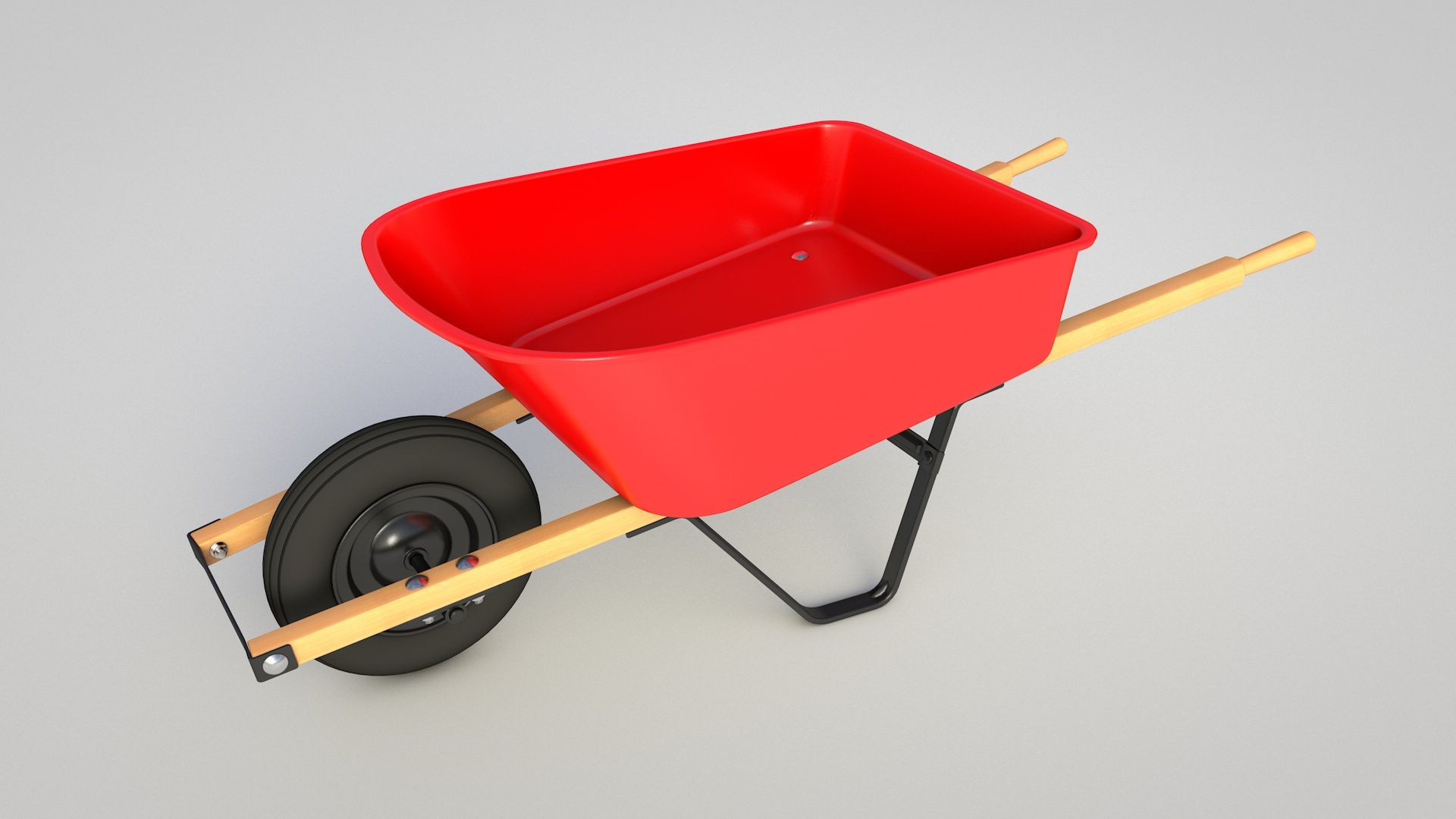


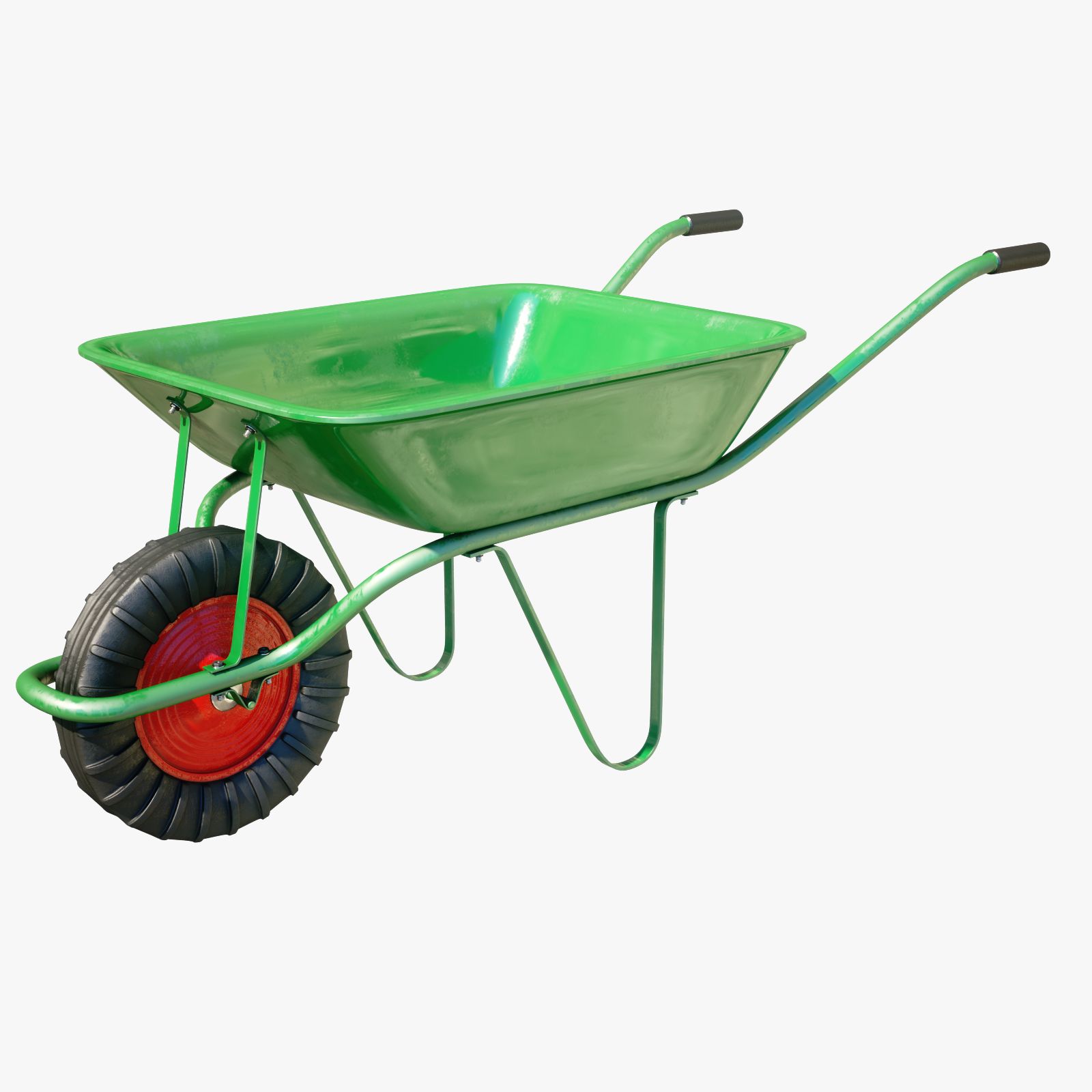


Carretilla modelo 3d
0


Licencia Libre de DerechosTodos los usos extendidos
Devoluciones simples
Mejor precio garantizado
Trabaja fuera de la caja
0
visitas

Presentado por
toddd3d
Presupuesto
- Geometríapolygonal
- Poligonos67,044
- Vértices67,354
- TexturasYes
- AparejadoNo
- AnimadoNo
- Listo para imprimir en 3DNo
- Juego listo (polietileno baja)No
- Mapeado UVYes
- UV sin envolvermixed
Descripción
Wheel Barrow model with beautifully rendered textures generated in Substance Painter. Max users will receive vray materials with textures set up and in place ready to render as well as subdivisions in tact.
In addition to maps generated for vray, there are also maps for both Redshift and Arnold. If you are using Redshift or Arnold you will need to refer to the Allegorithmic website to find out how to set up/port the maps into materials for your render engine of choice. Redshift and Arnold materials are not included in the file, but with the maps I have generated and included it should take minimal effort to get them up and running in any software package.
** For the arnold and redshift maps, check the accompanying product file section**
Zip file contains 2018 3dsmax file and all vray textures
FBX users simply import, subdivide and re-apply textures and materials.
Objects that need to be divided have the suffix '_divide'
OBJ users import, subdivide and apply materials and textures in your application of choice.
Objects that need to be divided have the suffix '_divide'
max 2015 users may need to 'unhide all' as the file was backsaved from a newer version of max.
HDR not included.
Jul 10, 2020
Fecha Agregada
Mar 02, 2022
última actualización
Opiniones
Actualmente no hay opiniones para este producto.
¿Por qué no ser el primero en romper el hielo?