-->
ArchitectureVéhiculesPersonnagesAvionMeublesélectroniqueAnimauxLes PlantesArmesDes SportsAlimentsAnatomie
Favoris
Signet supprimé

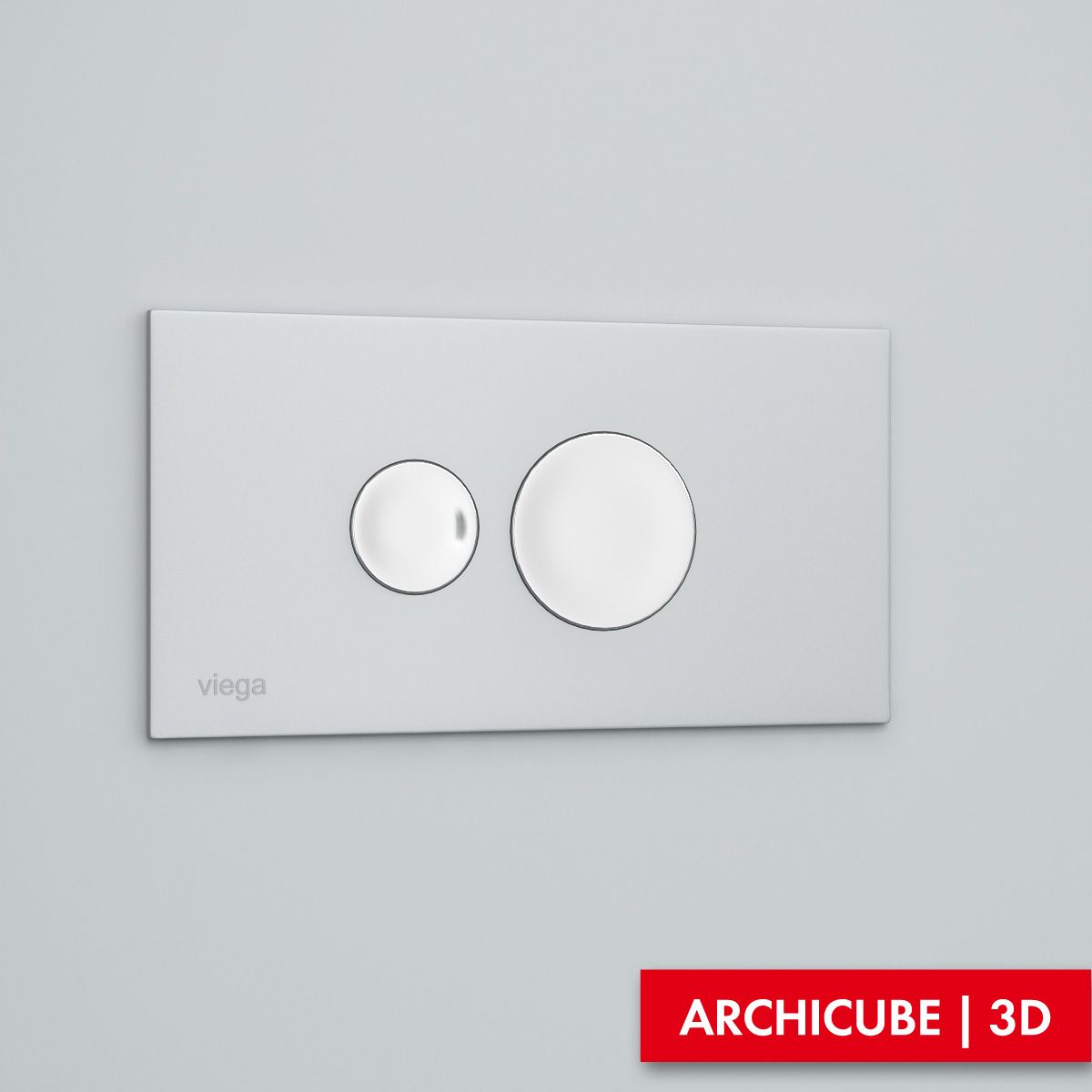
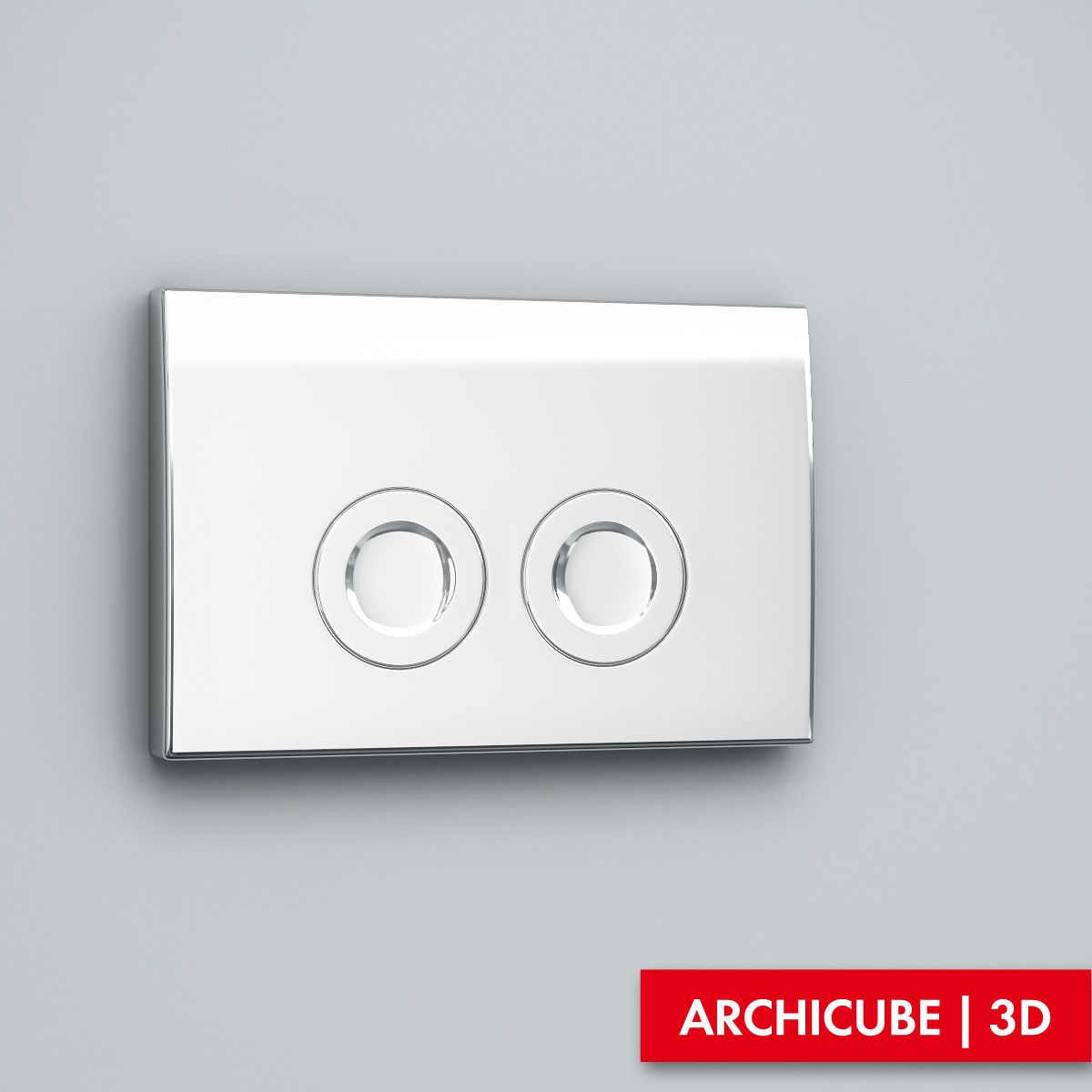
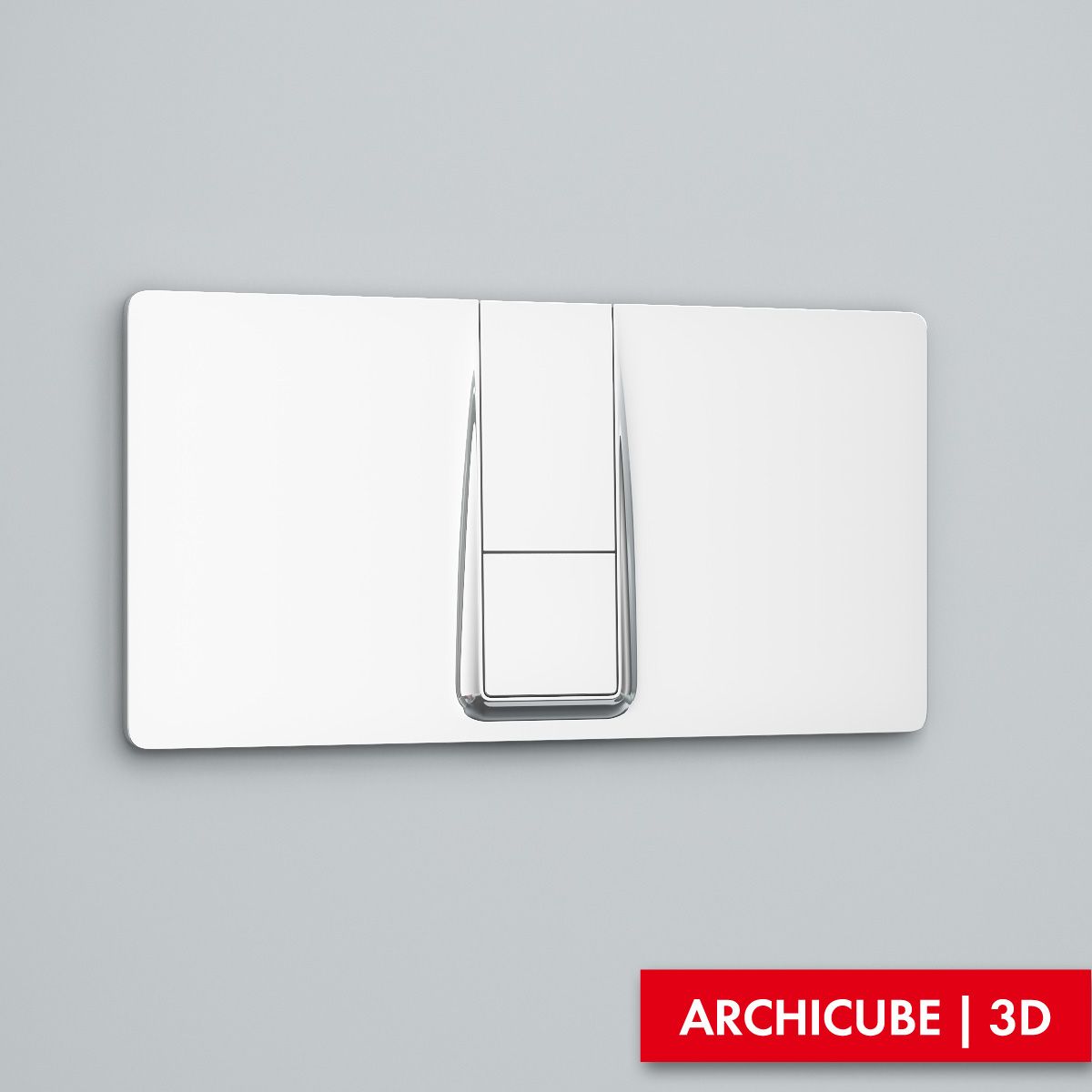
Bouton Flush modèle 3D

0
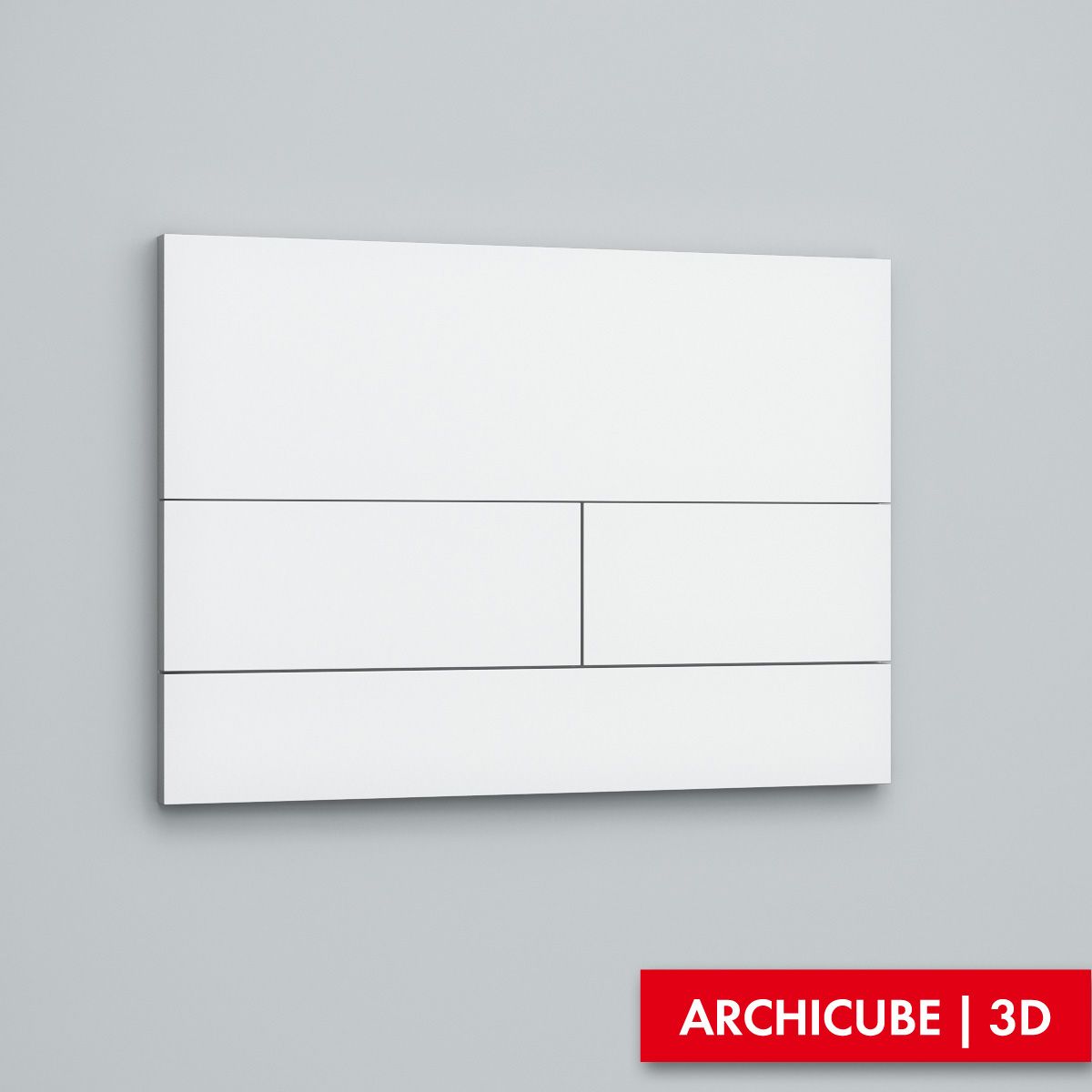
Bouton Flush royalty-free 3d model - Preview no. 1
Bouton Flush royalty-free 3d model - Preview no. 2
Bouton Flush royalty-free 3d model - Preview no. 3
Bouton Flush royalty-free 3d model - Preview no. 4
Bouton Flush royalty-free 3d model - Preview no. 5
Bouton Flush royalty-free 3d model - Preview no. 6
Bouton Flush royalty-free 3d model - Preview no. 7
Bouton Flush royalty-free 3d model - Preview no. 8
Bouton Flush royalty-free 3d model - Preview no. 9
Bouton Flush royalty-free 3d model - Preview no. 10
Bouton Flush royalty-free 3d model - Preview no. 1
Bouton Flush royalty-free 3d model - Preview no. 2
Bouton Flush royalty-free 3d model - Preview no. 3
Bouton Flush royalty-free 3d model - Preview no. 4
Bouton Flush royalty-free 3d model - Preview no. 5
Bouton Flush royalty-free 3d model - Preview no. 6
Bouton Flush royalty-free 3d model - Preview no. 7
Bouton Flush royalty-free 3d model - Preview no. 8
Bouton Flush royalty-free 3d model - Preview no. 9
Bouton Flush royalty-free 3d model - Preview no. 10
Licence Libre de DroitsToutes les utilisations prolongées
Retours simples
Garantie du meilleur prix
Fonctionne hors de la boîte
0 visites
Archicube_3d

Caractéristiques

  • Géométriepolygonal
  • Des polygones462
  • Sommets424
  • Les texturesYes
  • GrééNo
  • AniméNo
  • Prêt pour l'impression 3DNo
  • Jeu Prêt (low poly)No
  • UV mappéNo
  • UV non emballésunknown

Formats et fichiers

3ds Max
(.max)

vray 2.40.03
AC_Bat_Acc_2220.zip
FBX
(.fbx)

AC_Bat_Acc_2220_fbx.zip
OBJ
(.obj)

AC_Bat_Acc_2220_obj.zip
3ds Max
(.max)

default_scanline
AC_Bat_Acc_2220_St.zip

Mots clés

La description

High quality model. 3DS Max with VRay materials version includes all textures. Just merge into your scene and render. FBX, OBJ and MAX-Standart Material versions includes no material definitions, but all parts has UV Coordiantes and material IDs, allowing for easy material creation using texture maps provided with VRay materials version. A freeware 3DS Max plug-in ColorCorrect might be used in this model materials to correct textures in comfortable and friendly way, but the same result can be achieved using Max built-in functions.
Aug 06, 2020 date ajoutée
Feb 11, 2022 dernière mise à jour

Avis

Il n'y a actuellement aucun avis sur ce produit.
Pourquoi ne pas être le premier à briser la glace?