-->
ArchitectureVéhiculesPersonnagesAvionMeublesélectroniqueAnimauxLes PlantesArmesDes SportsAlimentsAnatomie
Favoris
Signet supprimé

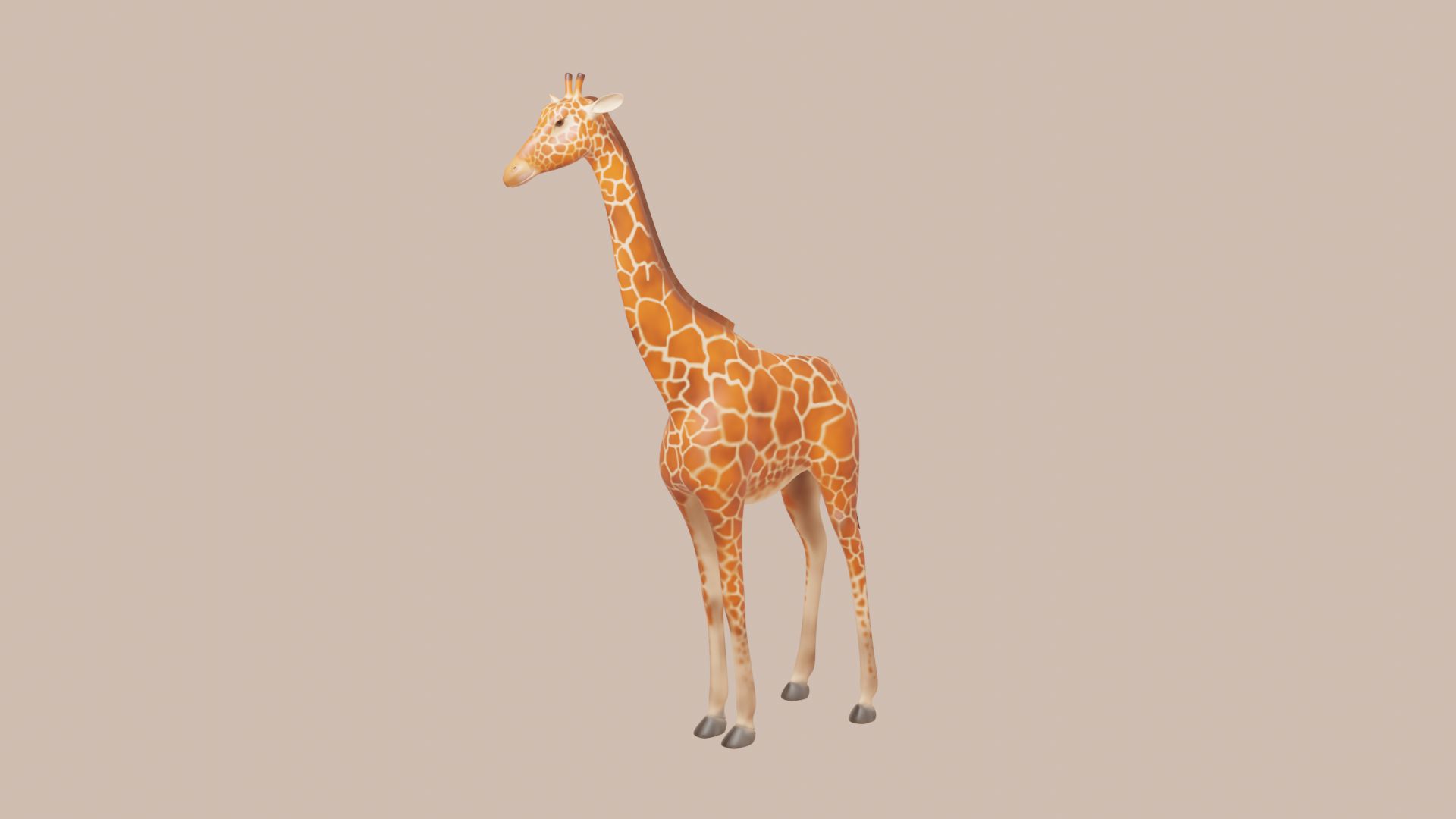
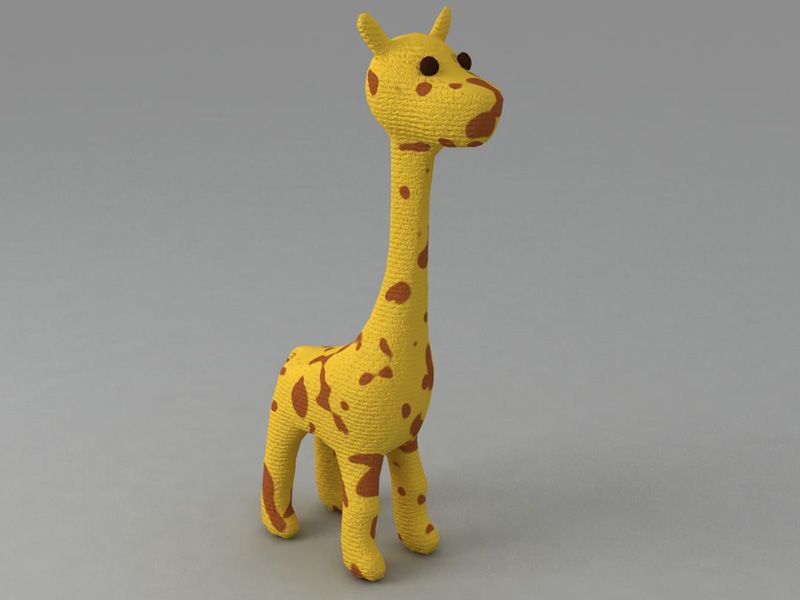
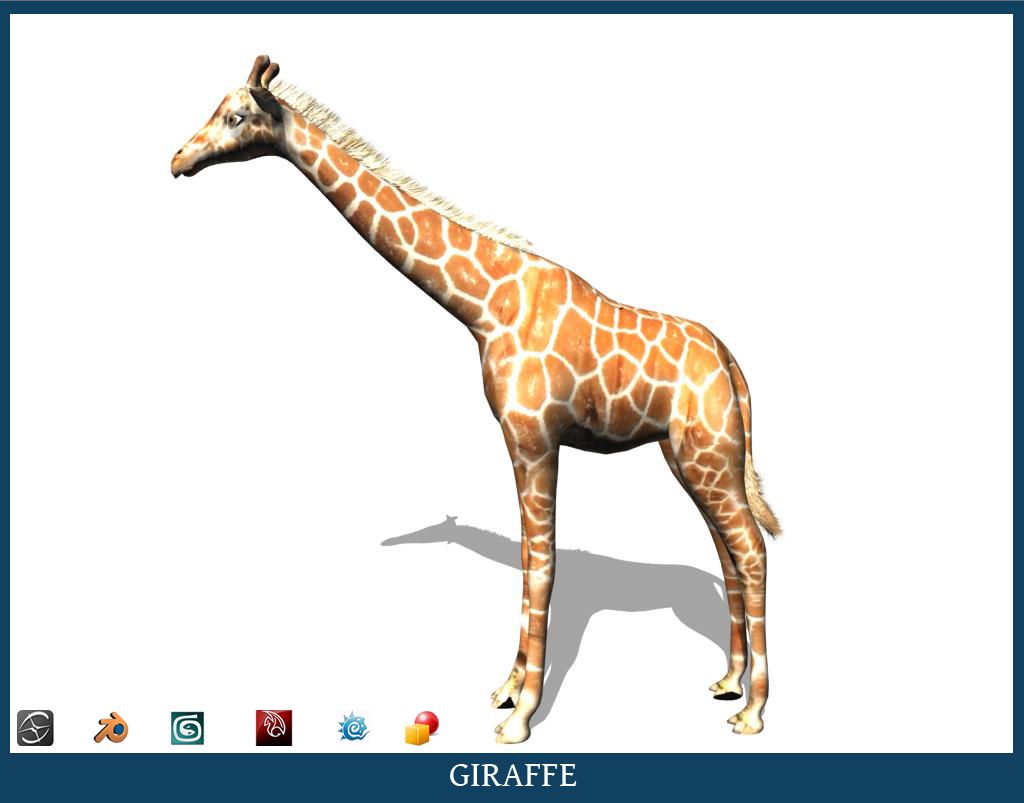
girafe modèle 3D

0
girafe royalty-free 3d model - Preview no. 1
girafe royalty-free 3d model - Preview no. 2
girafe royalty-free 3d model - Preview no. 3
girafe royalty-free 3d model - Preview no. 4
girafe royalty-free 3d model - Preview no. 5
girafe royalty-free 3d model - Preview no. 6
girafe royalty-free 3d model - Preview no. 7
girafe royalty-free 3d model - Preview no. 8
girafe royalty-free 3d model - Preview no. 9
girafe royalty-free 3d model - Preview no. 10
girafe royalty-free 3d model - Preview no. 1
girafe royalty-free 3d model - Preview no. 2
girafe royalty-free 3d model - Preview no. 3
girafe royalty-free 3d model - Preview no. 4
girafe royalty-free 3d model - Preview no. 5
girafe royalty-free 3d model - Preview no. 6
girafe royalty-free 3d model - Preview no. 7
girafe royalty-free 3d model - Preview no. 8
girafe royalty-free 3d model - Preview no. 9
girafe royalty-free 3d model - Preview no. 10
Licence Libre de DroitsToutes les utilisations prolongées
Retours simples
Garantie du meilleur prix
Fonctionne hors de la boîte
0 visites
vicmax

Caractéristiques

  • Géométriepolygonal
  • Des polygones8,248
  • Sommets8,378
  • Les texturesYes
  • GrééNo
  • AniméNo
  • Prêt pour l'impression 3DNo
  • Jeu Prêt (low poly)No
  • UV mappéYes
  • UV non emballésnon-overlapping

Formats et fichiers

Softimage
(.xsi)
3 MB

mentalray
giraffee xsi.rar
OBJ
(.obj)
3 MB

giraffee obj.rar
Blender
(.blend)
3 MB

giraffe.rar
Maya
(.ma)
2 MB

giraffe maya.rar
Lightwave
(.lwo)
3 MB

giraffe lightwave.rar
Blender
(.blend)
3 MB

giraffe blender.rar
3ds Max
(.max)
2 MB

giraffee max.rar
3ds Max

giraffeanim020001-0036.avi

Mots clés

La description

giraffe modelled in xsi 2011. Only the Blender model is rigged and animated using auto ik facility provide within Blender. The rig has been animated for a trot cycle for 36 frames. Opening the blend file the animation can be directly played using the alt+A keys in combination. If you mess up the rig, you can come back to the rest position by going into the pose mode, selecting all the bones and pressing alt+r and alt+g.
Aug 04, 2020 date ajoutée
Feb 21, 2022 dernière mise à jour

Avis

Il n'y a actuellement aucun avis sur ce produit.
Pourquoi ne pas être le premier à briser la glace?