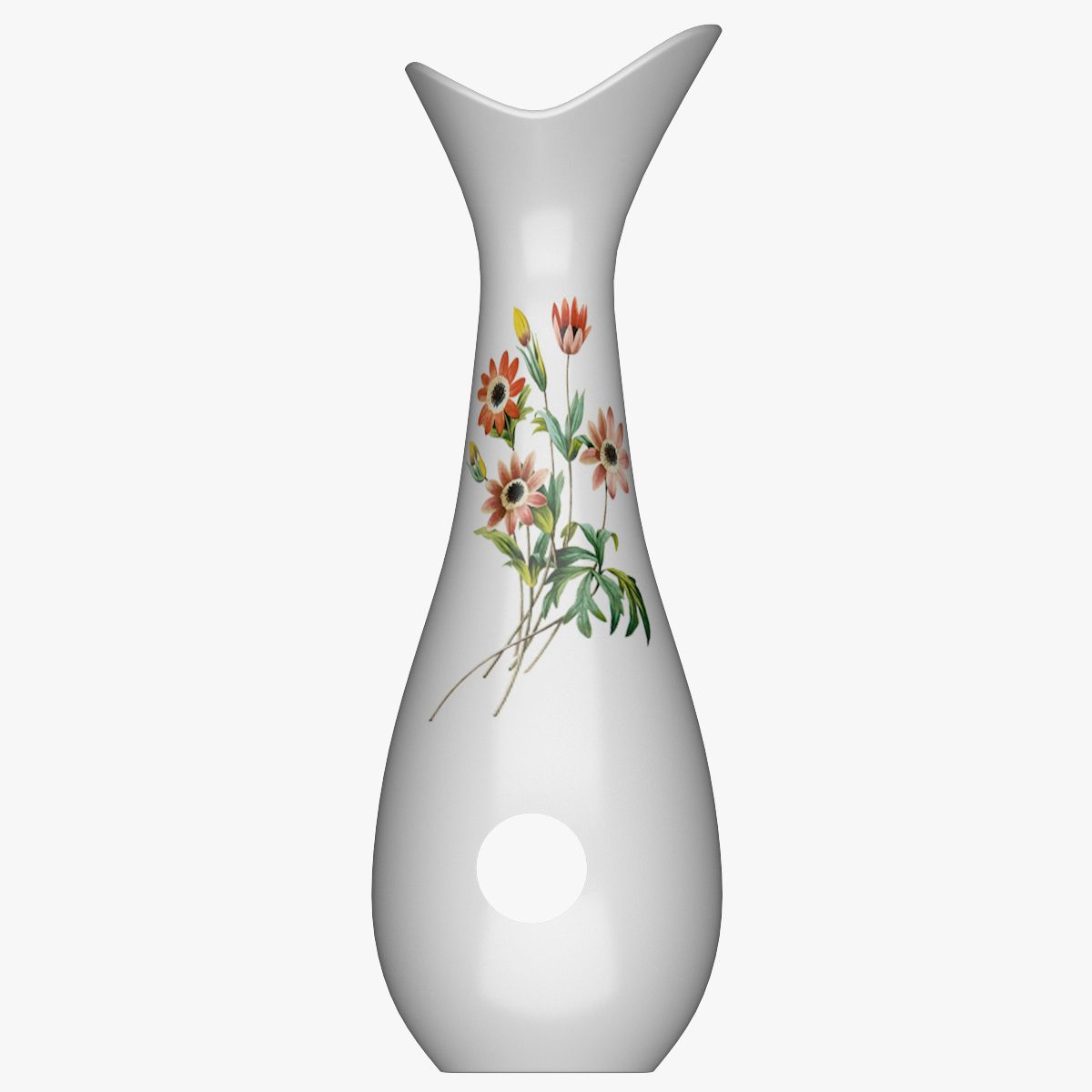


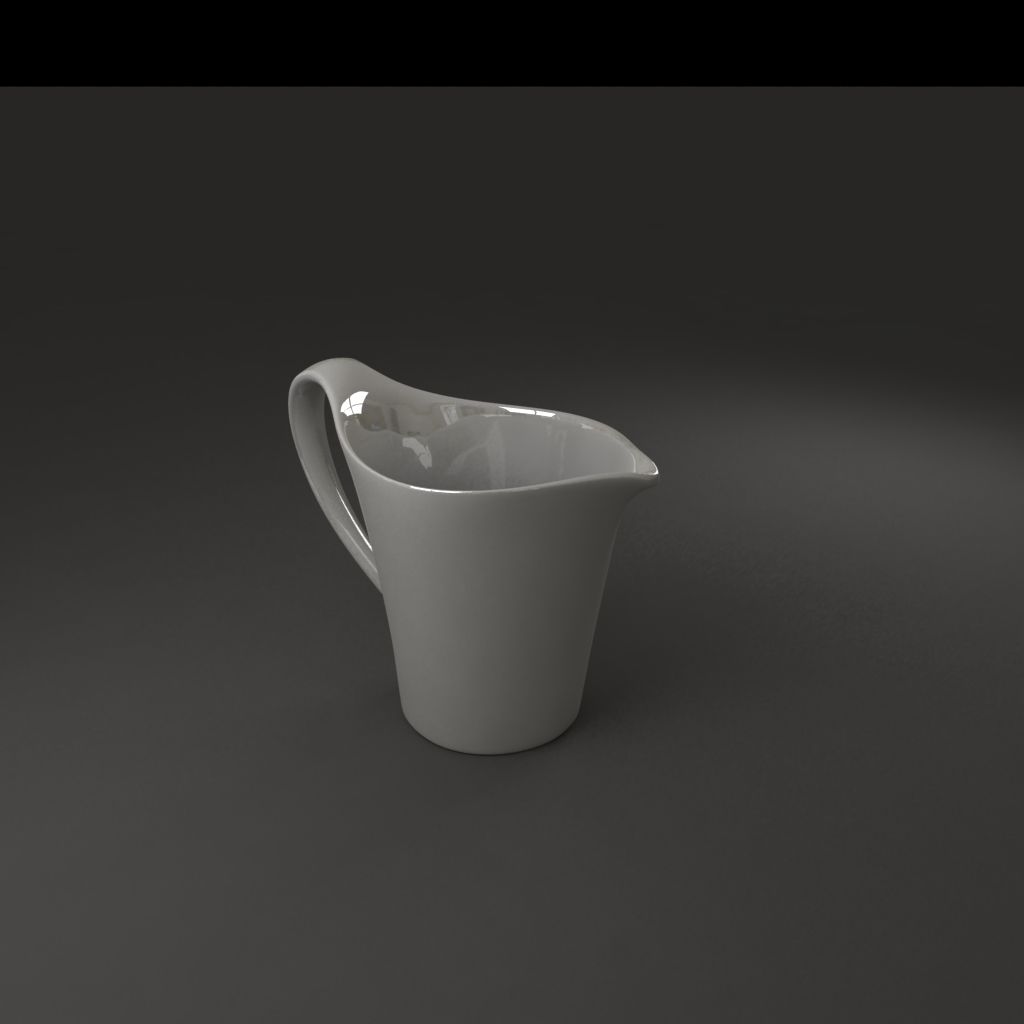


Pot à lait en porcelaine modèle 3D
0


Licence Libre de DroitsToutes les utilisations prolongées
Retours simples
Garantie du meilleur prix
Fonctionne hors de la boîte
776
visites

Proposé par
Lauranar
Caractéristiques
- Géométriesubdivision
- Des polygones4,790
- Sommets4,694
- Les texturesNo
- GrééNo
- AniméNo
- Prêt pour l'impression 3DNo
- Jeu Prêt (low poly)No
- UV mappéYes
- UV non emballésnon-overlapping
La description
Milk pot, Porcelain with gold decorations. High detailed.
The model is UV mapped (unwrapped).
3Dstudio max zip:
- 1 complete scene, Vray render version 1.50.sp5
- 1 complete scene, Mental Ray render
Subdivision method is Nurms Subdividion, you may turn it off or increase under Edit Poly tab.
Lightwave zip:
- 1 complete scene
- Objects (Milk pot, base, sphere)
The object is in 1 layer with different surfaces.
Subdivision activated, press Tab in modeler to toggle.
Softimage zip:
- Project with 1 complete scene.
Subdivision activated, press + or - on numeric keyboard to toggle.
Obj zip:
- Object with simple materials, no Subdivision (exported at Level 0.)
Polygons at Level 0: 4790
Triangles at Level 0: 4694
Sep 17, 2018
date ajoutée
Jan 27, 2022
dernière mise à jour
Avis
Il n'y a actuellement aucun avis sur ce produit.
Pourquoi ne pas être le premier à briser la glace?