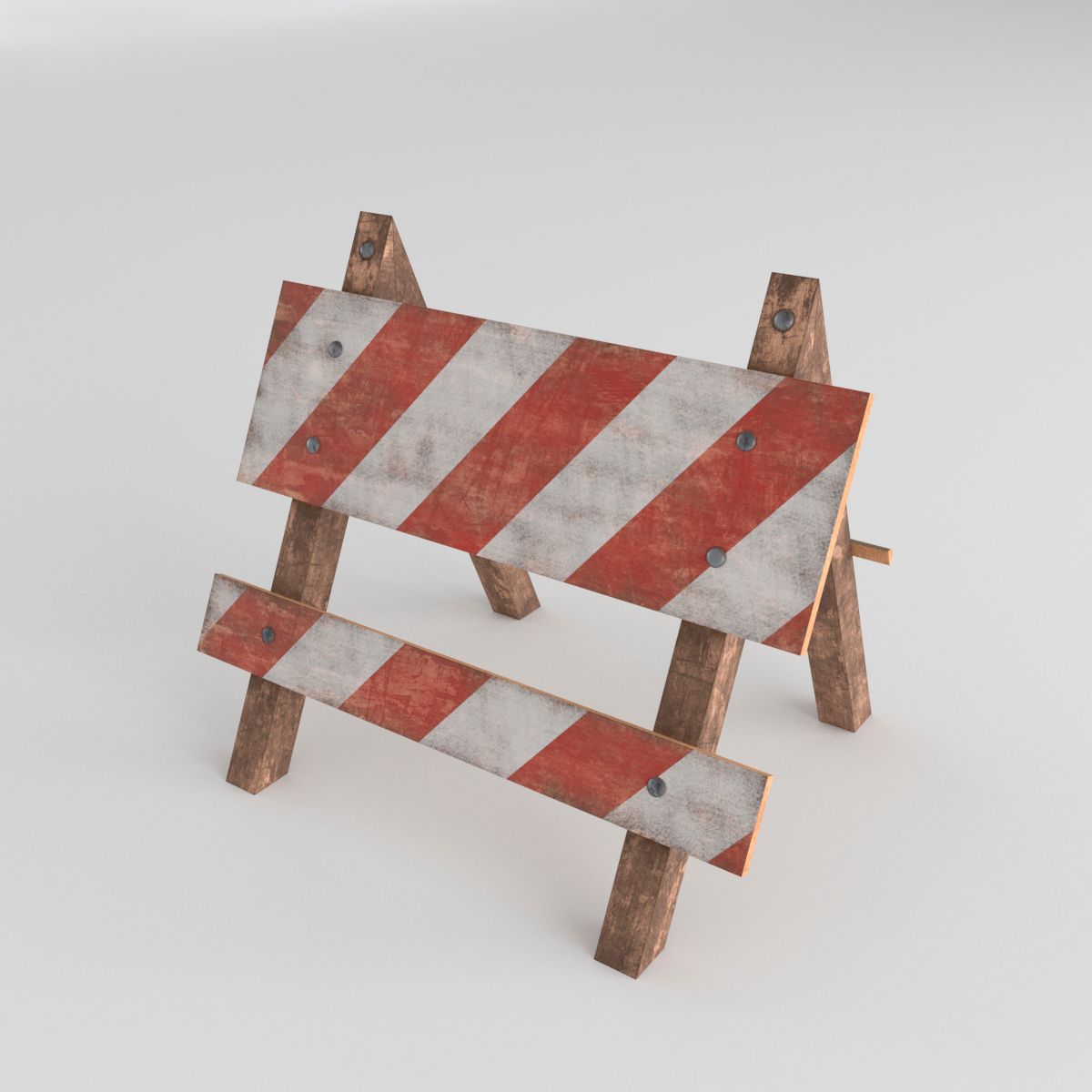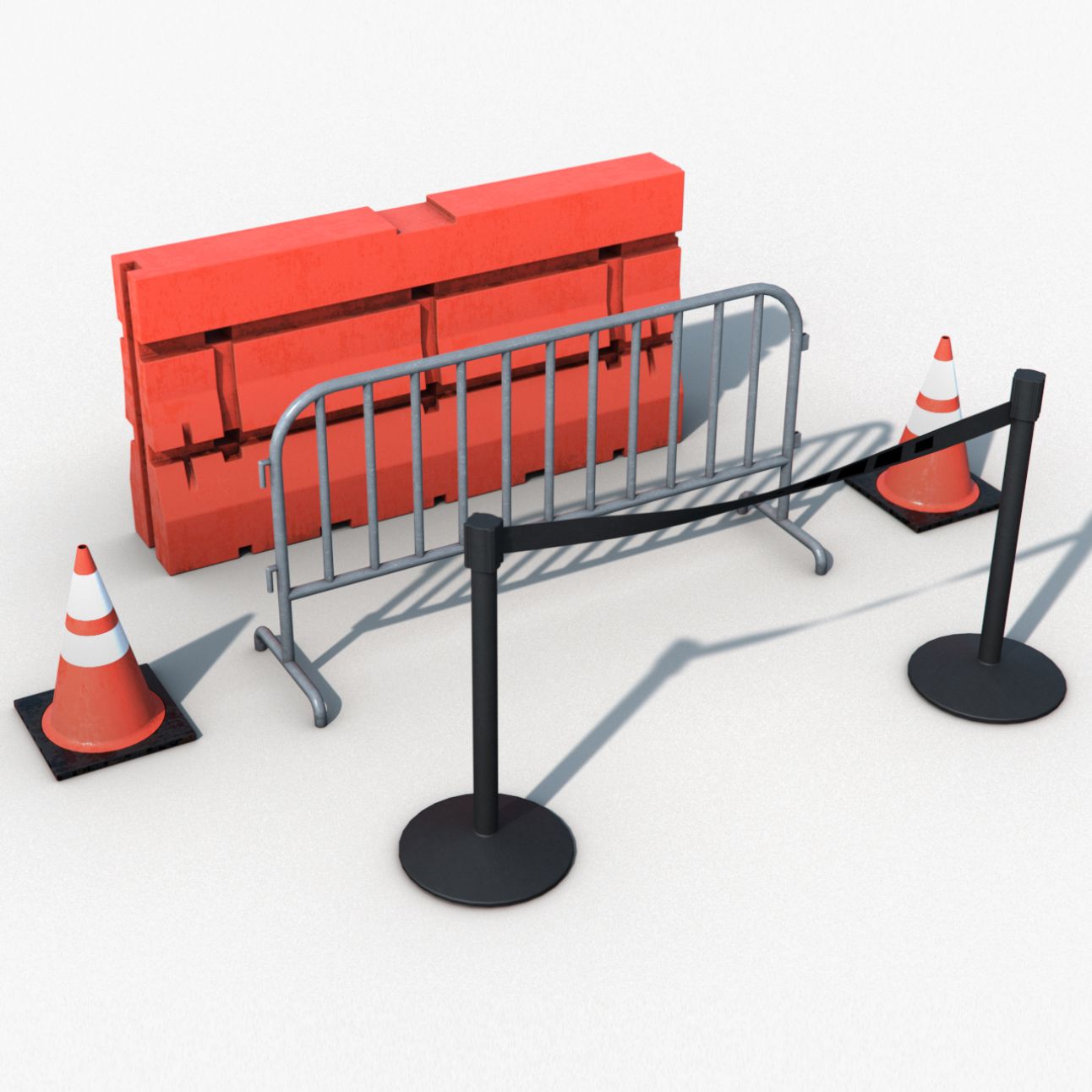


Road Plastic Barrier modèle 3D
0


Licence Libre de DroitsToutes les utilisations prolongées
Retours simples
Garantie du meilleur prix
Fonctionne hors de la boîte
26
visites

Proposé par
Andrey Petrov
Caractéristiques
- Géométriepolygonal
- Des polygones586
- Sommets536
- Les texturesYes
- GrééNo
- AniméNo
- Prêt pour l'impression 3DNo
- Jeu Prêt (low poly)No
- UV mappéYes
- UV non emballésoverlapping
La description
Photorealistic low polygonal model of road plastic barrier.
Ideal for use both in renders and game engines like Unreal engine, Unity, Cryengine.
Geometry:
Units - santimeters
Polycount - 586 polys, 536 verts, 1022 tris.
Textures:
Uses one texture set 1024x1024. Asset looks OK and with 512x512.
Diffuse - Two variations. Red and white.
Normal map
Masks (R = Ambient Oclusion / G = Roughness / B = empty)
The main image was rendered in Unreal Engine 4.
Unreal engine:
For save all paths you have to put the 'Assets' folder from 'PlasticBarrier_ue4' archive to 'Content' folder of your Unreal project and after that move the meshes and textures to necessary folder in Unreal Editor.
Oct 15, 2019
date ajoutée
Dec 06, 2021
dernière mise à jour
Avis
Il n'y a actuellement aucun avis sur ce produit.
Pourquoi ne pas être le premier à briser la glace?