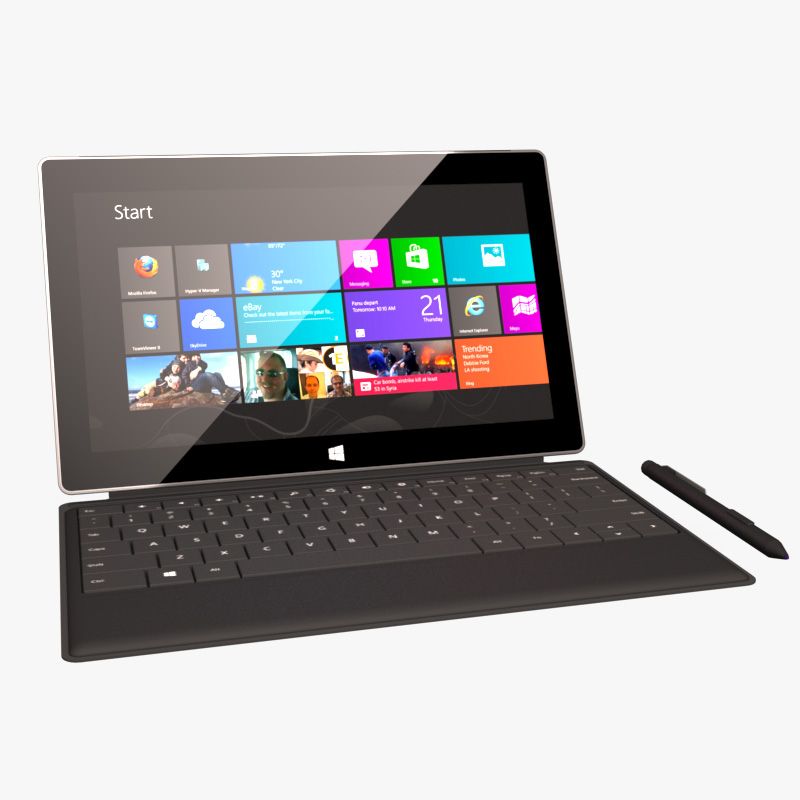


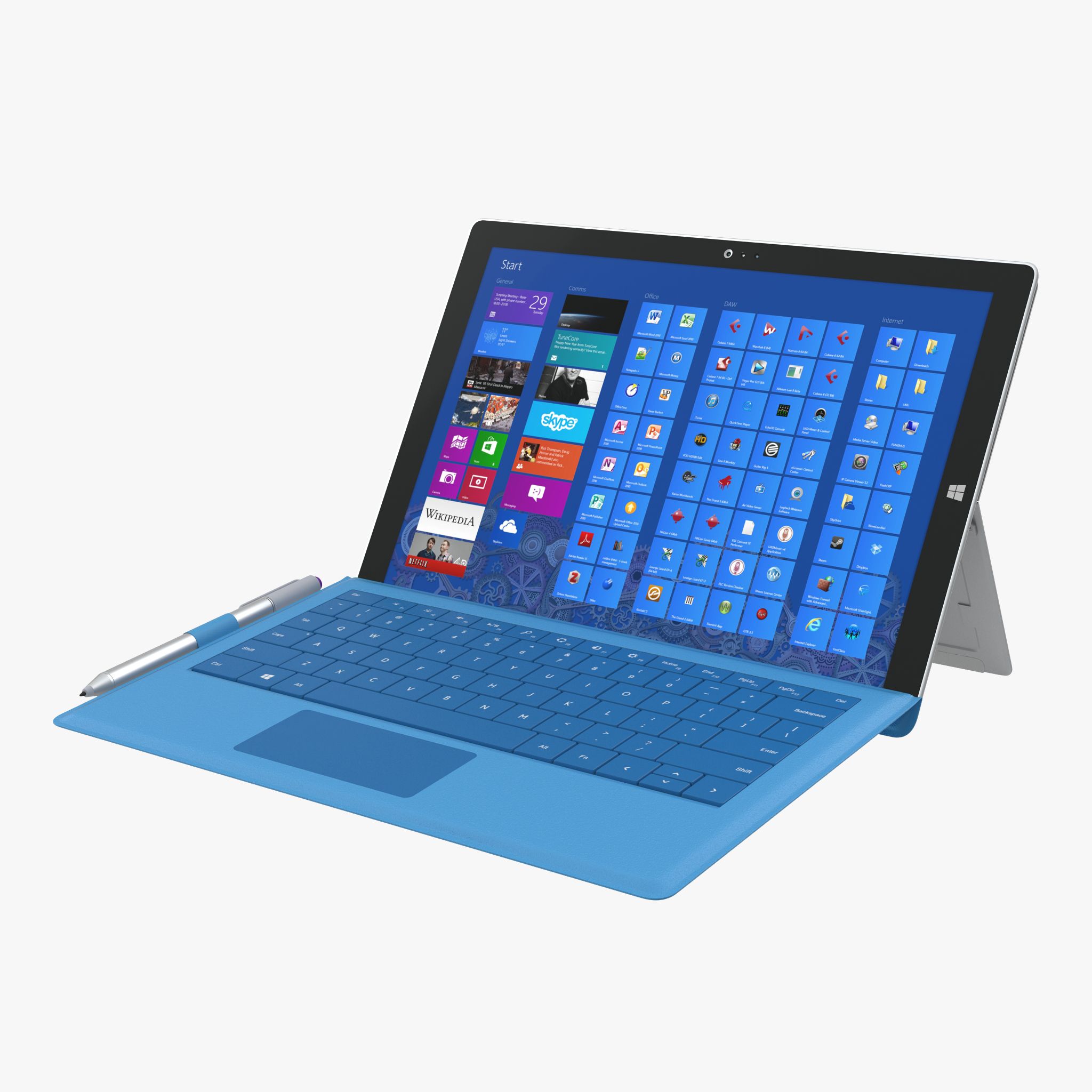
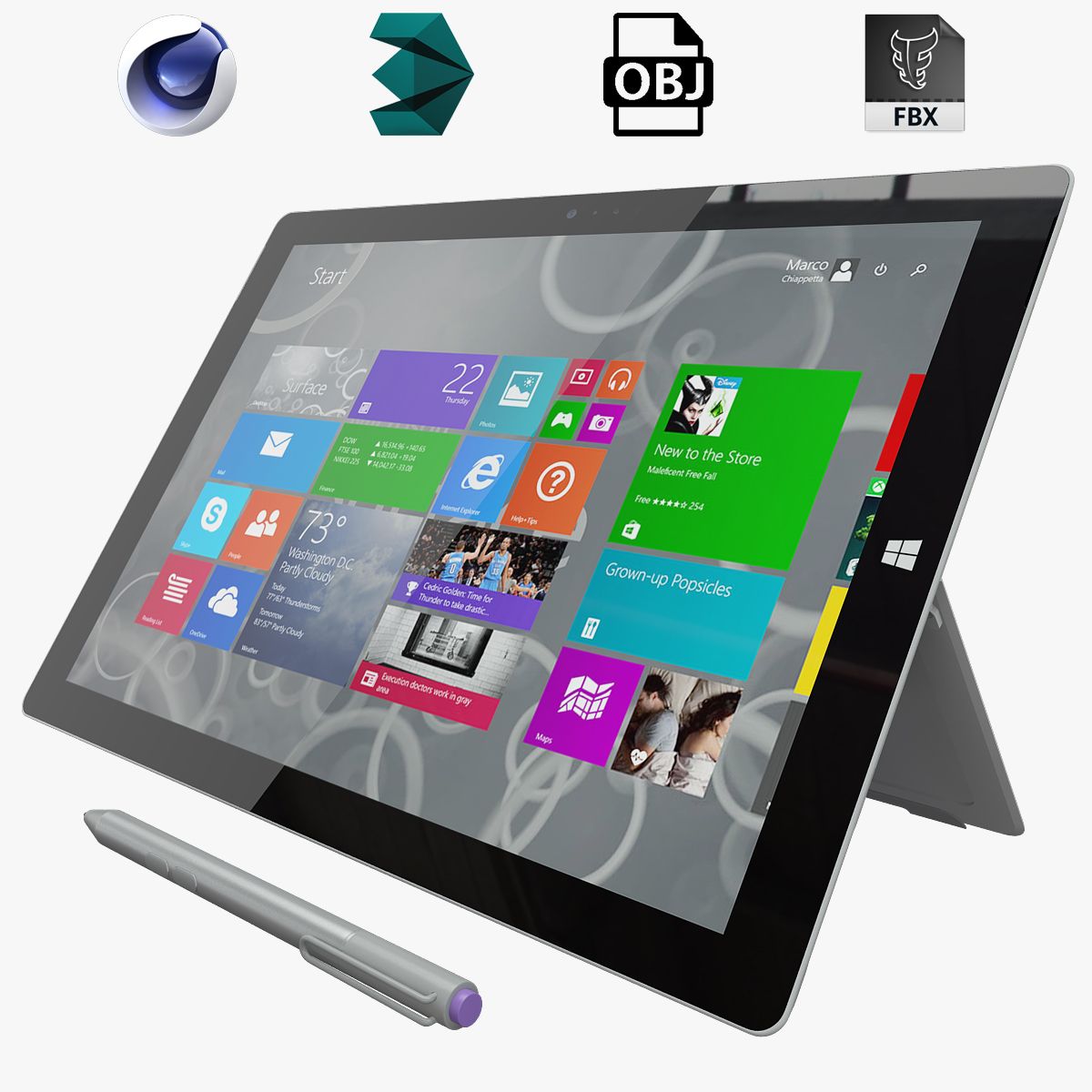


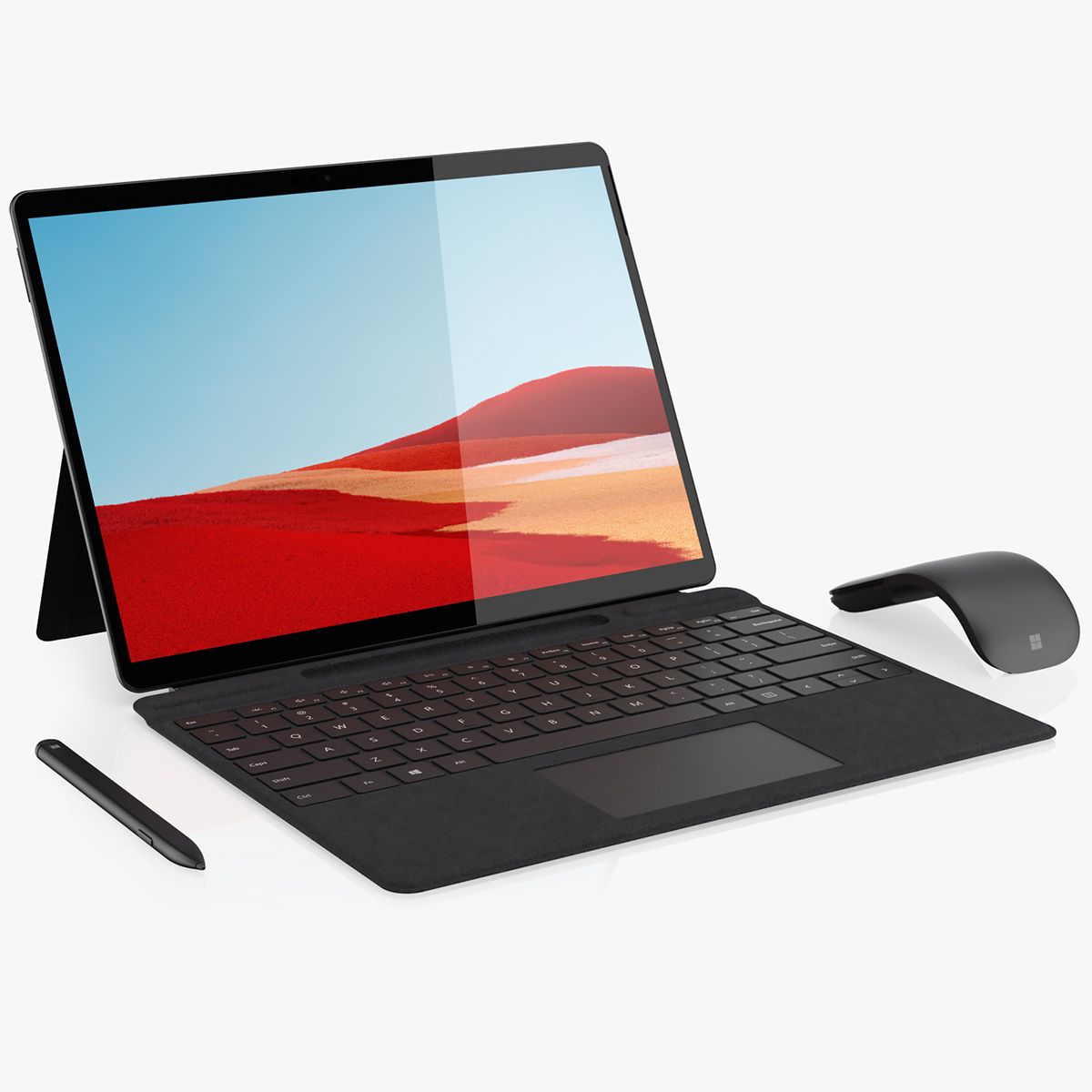
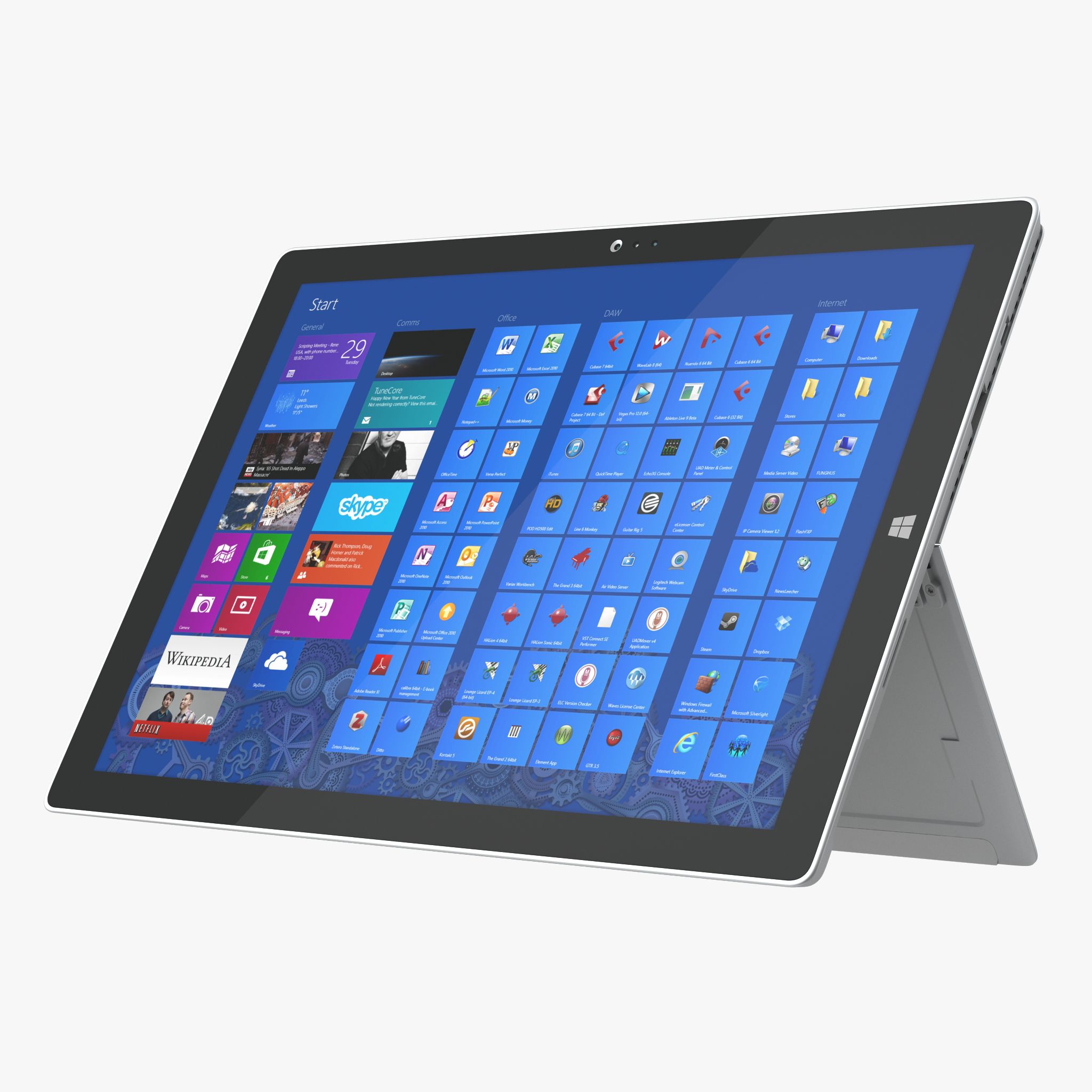


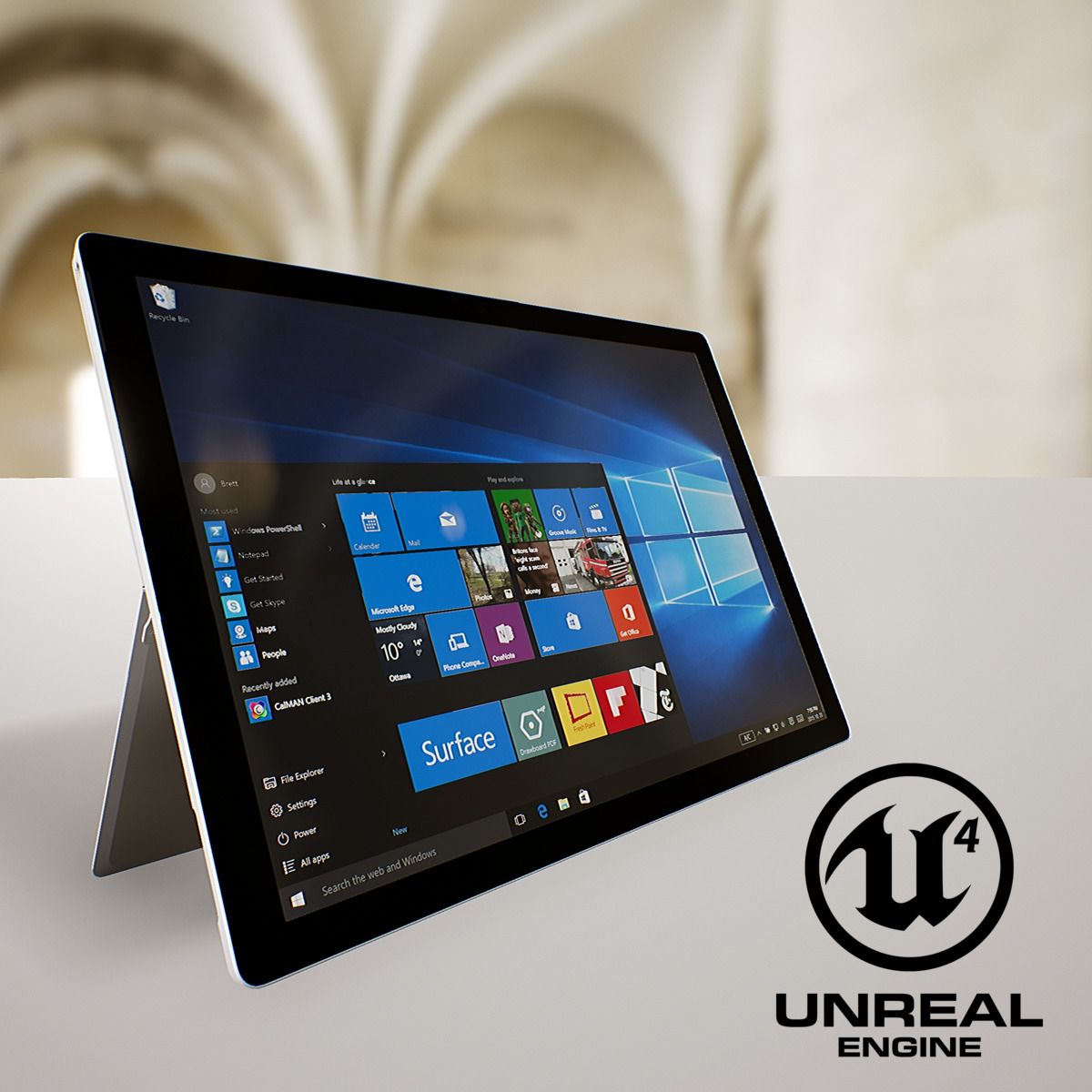
Surface Pro debout modèle 3D
0


Licence Libre de DroitsÉditorial seulement
Retours simples
Garantie du meilleur prix
Fonctionne hors de la boîte
0
visites

Proposé par
ODESIGN ARCHI
Caractéristiques
- Géométriepolygonal_tris only
- Des polygones979,280
- Sommets615,697
- Les texturesYes
- GrééNo
- AniméNo
- Prêt pour l'impression 3DNo
- Jeu Prêt (low poly)No
- UV mappéYes
- UV non emballésnon-overlapping
La description
Highly detailed 3D model of Surface Pro Standing
- READY-TO-USE : Basically Drag-and-Drop !
- Compatible only with Unreal Engine 4 Version 4.18+
- Compatible with VR / AR / low-poly scenes
- GEOMETRY : Single StaticMesh, Real-World Scaled
- Number of Vertices : 615,697
- Number of Triangles : 979,280
- COLLISION : Optional ( Activable in StaticMesh Editor > Collision > Add [Desired Type] Collision )
- All Materials and Textures(if used) are included and assigned
- Number of Materials : 9
- Number of Textures : 4 , which may vary in resolution from 1024x1024px to 4096x4096px
- USAGE :
1- Copy / Paste the Folder from Zip to "\[YOUR PROJECT FOLDER]\Content\"
2- In Unreal Engine 4 , Go to "\Content\Surface_Pro_Standing\Geometries\" and Drag-and-Drop the StaticMesh to Viewport
Additional Notes :
- Geometry is scalable but not editable, Materials are editable and Textures are changeable.
- Previews rendered in Unreal Engine 4 Version 4.18 with Low Preview Settings ; All Materials attributes are perfectly rendered with Normal Settings.
Nov 13, 2021
date ajoutée
Dec 09, 2021
dernière mise à jour
Avis
Il n'y a actuellement aucun avis sur ce produit.
Pourquoi ne pas être le premier à briser la glace?