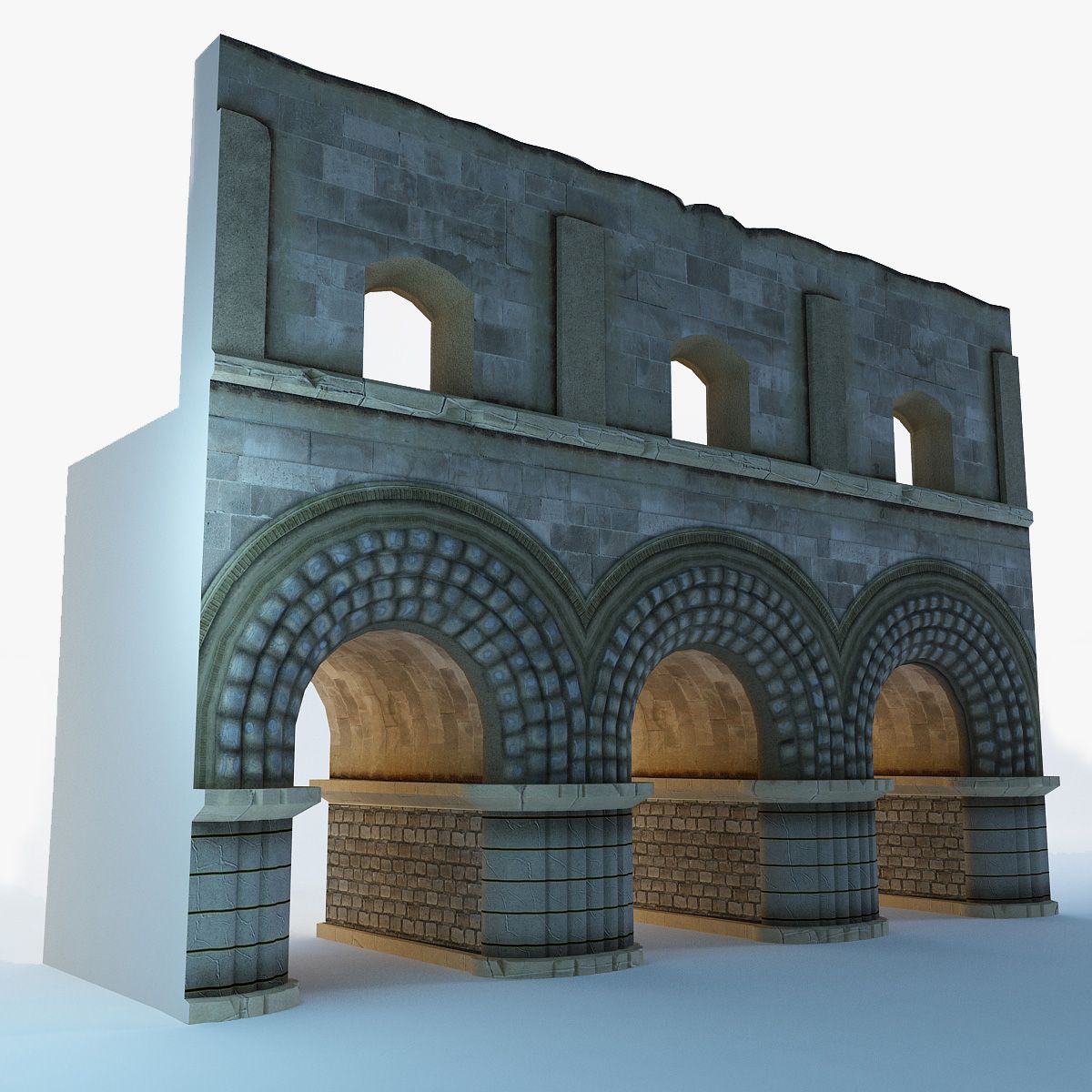

Sedia ad arco Modello 3D
0


Licenza RoyaltySolo editoriale
Ritorni semplici
Miglior prezzo garantito
Funziona fuori dalla scatola
0
visite

Inviato da
luxxeon
specificazioni
- Geometriapolygonal
- poligoni2,622
- vertici2,630
- TexturesYes
- riggedNo
- AnimatoNo
- Prontabile in 3DNo
- Gioco pronto (low poly)No
- UV mappatoYes
- UV non avvoltonon-overlapping
Descrizione
This is a model of the contemporary West Elm Arc Chair; a modern, comfortable design, inspired by the curving silhouette of the classic Greek Klismos chair. This model can provide a simple, but highly elegant addition to your arch/viz interior renders, or it could also work nicely as a character prop.
The model is available as a native 3dsmax 2012 scene file (.max), and also in several scaled .obj formats, for importing easily into other applications, like Blender, Poser, or Daz|Studio. It comes complete with COLOR and BUMP maps for all parts, including 4 different texture styles for the SEAT to choose from, so it will be easy to match this chair with any interior decor! I've also included the UV-Template for the seat, so you could feel free to paint your own unique textures if you desire, or just apply any procedural material, and it should map nicely.
You are free to use or modify this object as you see fit, for use in your scenes as a room filler or character prop, or any other type of situation where you may need a quality furniture item to render. This model can be used for both commercial and non commercial renders. You may not, however, resell this object, or any derivative of it; individually or as part of a package/set.
*** OBJ users: the POSER-specific OBJ version was exported with a scale conversion that should load with the appropriate scaling into Poser 9 and above. To ensure proper import into Poser, BE SURE to DE-select all check box options boxes in the Import Options dialogue. DESELECT the "Centered", "Place on Floor", "Percent of Standard Figure Size", etc. options in the import dialogue box after you select the poser .obj file, and then the object should load with correct scale into the scene. In DAZ|STUDIO, simply choose the Poser-scaled .obj version, and import with Poser Preset option from the import dialogue box. BLENDER users, obviously, choose the Blender scaled .obj. All other software applications may be best suited to import the standard .obj file.
Aug 07, 2020
Data aggiunta
Feb 06, 2022
ultimo aggiornamento
Recensioni
Al momento non ci sono commenti per questo prodotto.
Perché non essere il primo a rompere il ghiaccio?