


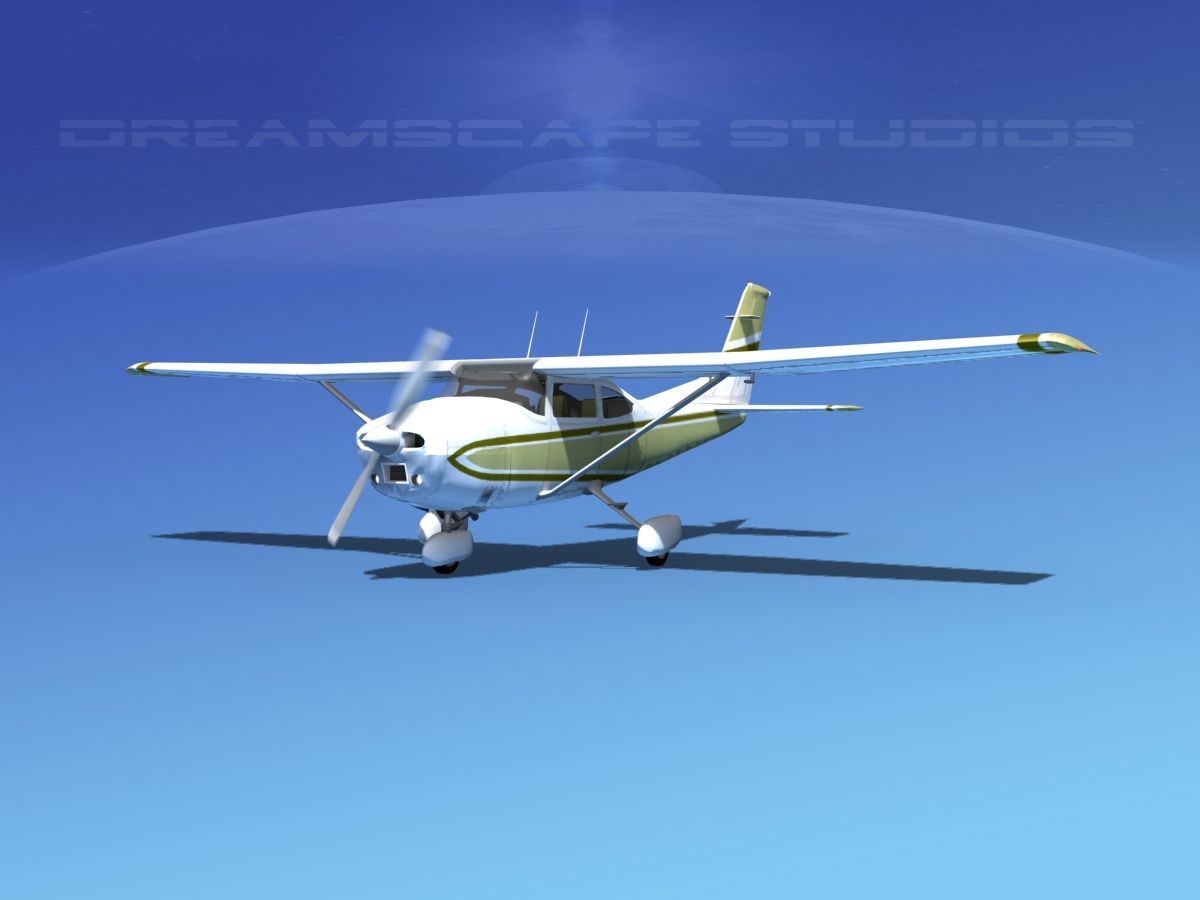


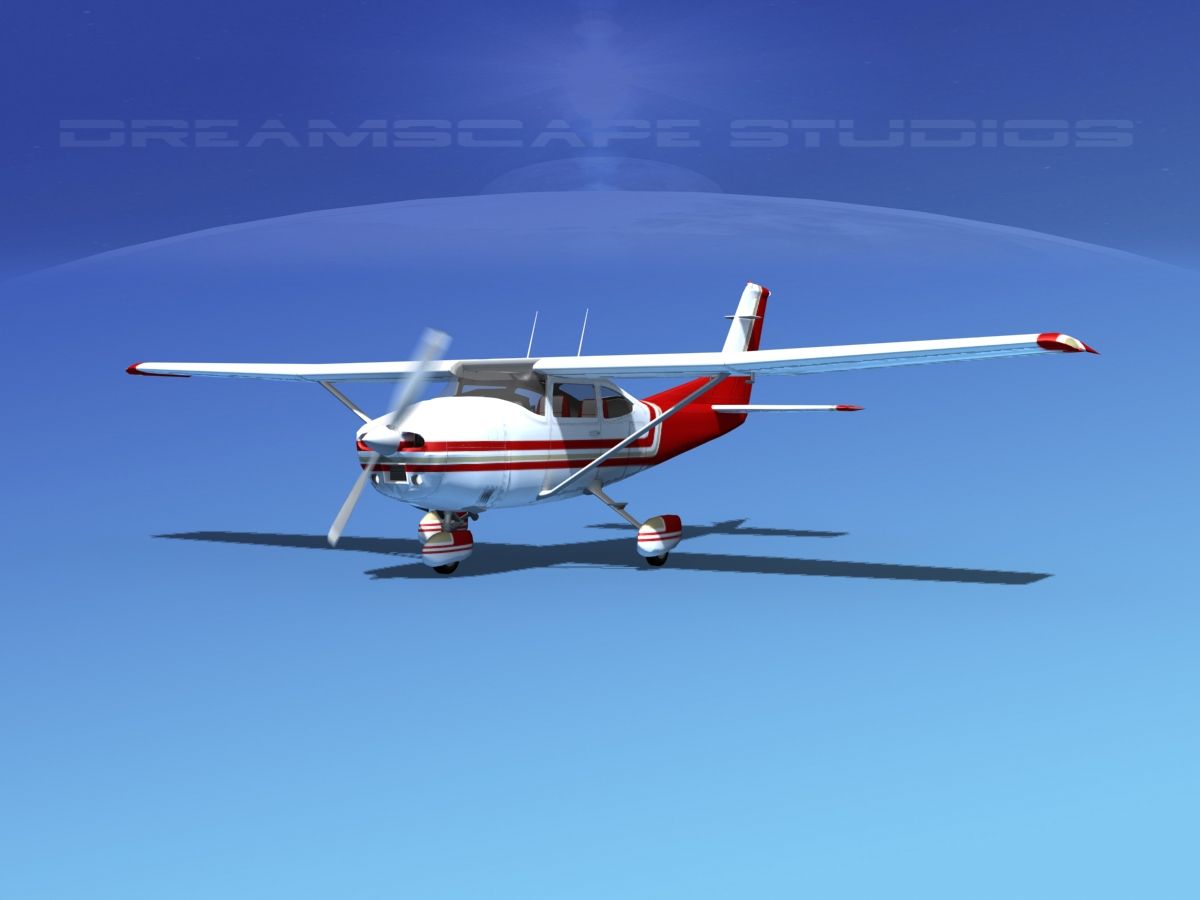

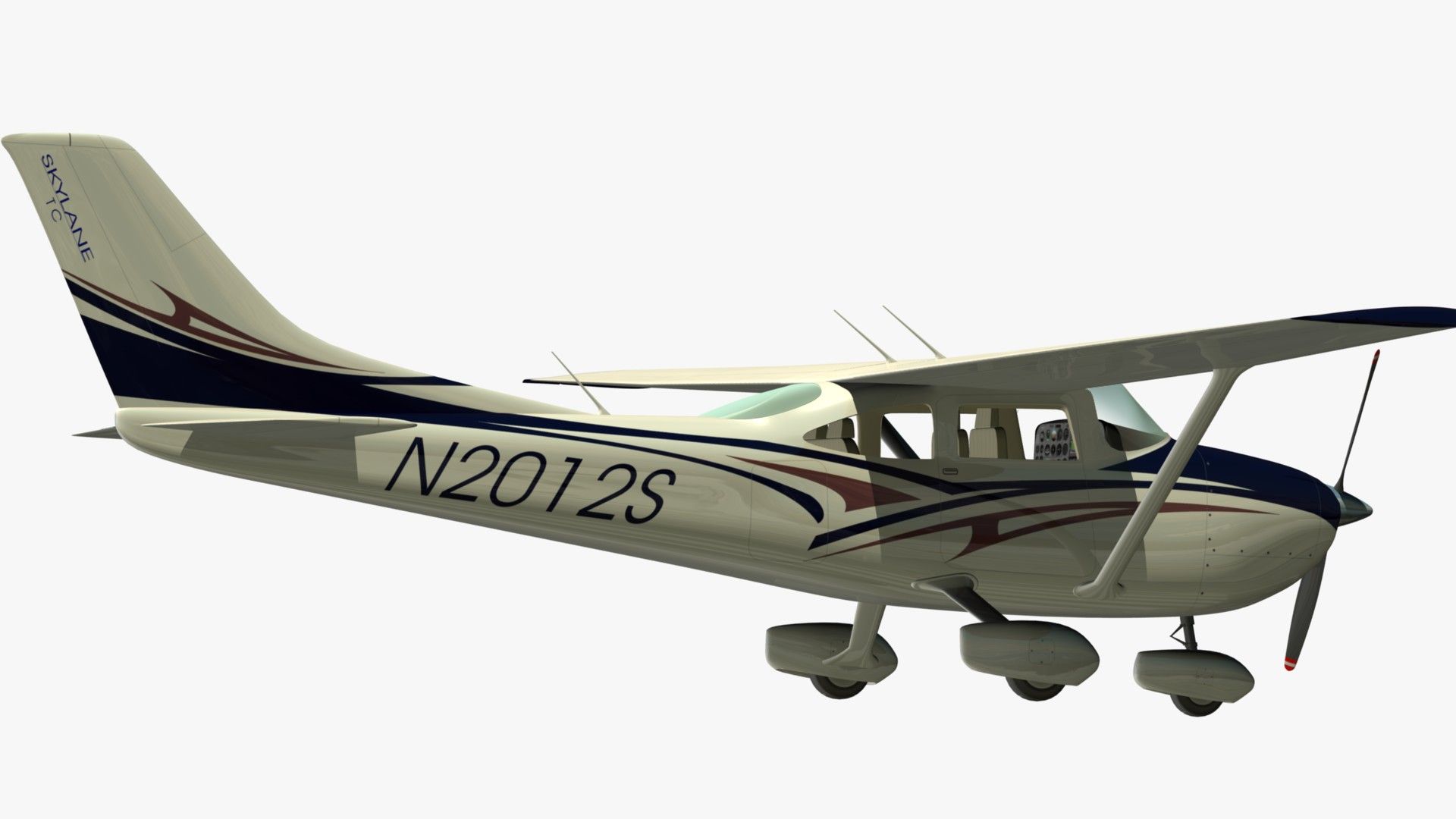
Cessna 182 Skylane Modello 3D
0




Licenza RoyaltySolo editoriale
Ritorni semplici
Miglior prezzo garantito
Funziona fuori dalla scatola
1,170
visite

Inviato da
EGPJET3D
specificazioni
- Geometriapolygonal_quads/tris
- poligoni16,756
- vertici17,514
- TexturesYes
- riggedNo
- AnimatoYes
- Prontabile in 3DNo
- Gioco pronto (low poly)No
- UV mappatoYes
- UV non avvoltomixed
Descrizione
Cessna 182 Skylane
The shapes and proportions of the objects are accurate. Following the original plans and photos.
In BLENDER 3D
Selecting the object named CONTROL (parents). Change the size, position and rotation of the whole. Ready for animation. Ready to render.
Textures , materials, lights, camera included.
Animatin.
Press the MBLUR for motion blur effect in the propellers. It is already configured.
Increase the value of OSA for more definition in BLUR effect.
When MBLUR is activated. Blender renders takes a number equal to the OSA. Once completed all renders BLUR effect appears.
In OBJ format.
In the OBJ format all properties are maintained. The meshes of the objects are independent. Materials and textures included.
The ZIP file contains: OBJ file, MTL file, and original texture map JPG and model in standard definition and high definition.
The number of polygons that appears in the specification is in standard resolution.
In FBX and MAX format.
The meshes of the objects are independent. Materials and textures included.
The model is available in normal and hd quality in all formats.
Optimized for infographics, integration in real environments and for close-ups.
HD shapes with the minimum possible number of polygons.
Quad topology.
Ready to render.
Cessna 182 Skylane Le forme e le proporzioni degli oggetti sono accurate. Seguendo i piani e le foto originali. In BLENDER 3D Selezione dell'oggetto CONTROL (genitori). Cambia la dimensione, la posizione e la rotazione del tutto. Pronto per l'animazione. Pronto per il rendering. Trame, materiali, luci, fotocamera inclusa. Animatin. Premere MBLUR per effetto sfocatura movimento nelle eliche. È già configurato Aumentare il valore di OSA per una maggiore definizione nell'effetto BLUR. Quando è attivato MBLUR. Il rendering di Blender prende un numero uguale all'OSA. Al termine di tutti i rendering viene visualizzato l'effetto BLUR. Nel formato OBJ. Nel formato OBJ vengono mantenute tutte le proprietà. Le maglie degli oggetti sono indipendenti. Materiali e texture inclusi. Il file ZIP contiene: file OBJ, file MTL e mappa texture originale JPG e modello in definizione standard e alta definizione. Il numero di poligoni che appare nelle specifiche è in risoluzione standard. In formato FBX e MAX. Le maglie degli oggetti sono indipendenti. Materiali e texture inclusi. Il modello è disponibile in qualità normale e hd in tutti i formati. Ottimizzato per infografica, integrazione in ambienti reali e per primi piani. Forme HD con il numero minimo possibile di poligoni. Topologia quadrupla. Pronto per il rendering.
Sep 14, 2018
Data aggiunta
Aug 20, 2021
ultimo aggiornamento
Recensioni
Al momento non ci sono commenti per questo prodotto.
Perché non essere il primo a rompere il ghiaccio?