







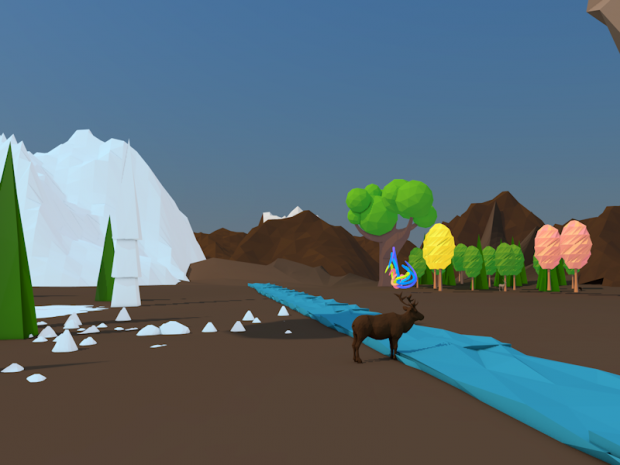
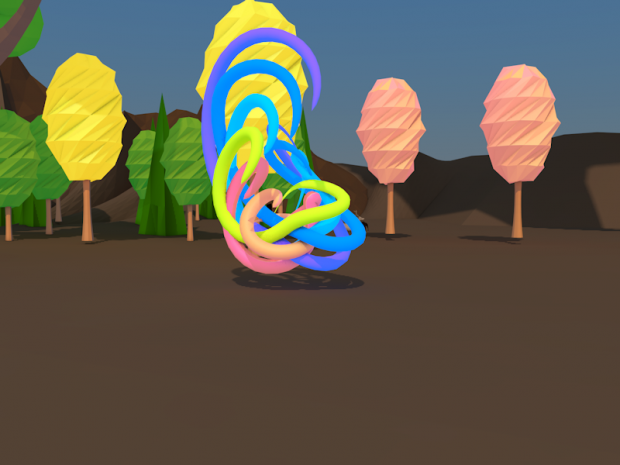
astratto modello basso poli Modello 3D
93




Licenza d'uso personale
112,827
visite
27,104
download

Inviato da
didoparadisefranza
specificazioni
- GeometriaPolygon Mesh
- poligoni0
- vertici0
- TexturesNo
- materialeNo
- riggedNo
- AnimatoNo
- Prontabile in 3DNo
- Gioco pronto (low poly)Yes
- UV mappatoNo
- UV non avvoltoUnknown
Descrizione
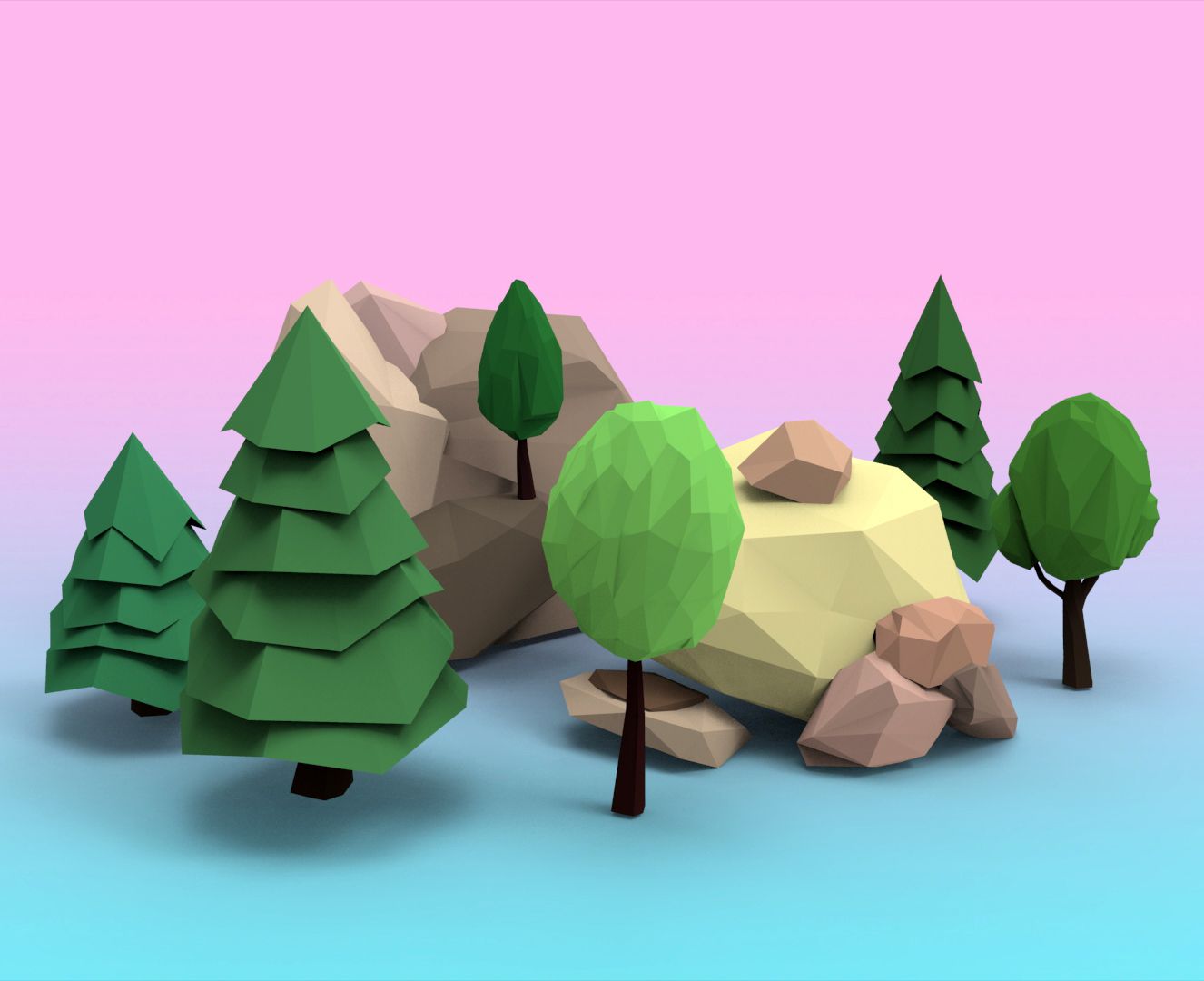
free template intro low poly that i made is tottaly free
watch here the template
https://www.youtube.com/watch?v=_uroyWRGh-s
please sub scribe if you like
Render sentting full HD, 2k, 4K
if you want change color of the sky ionthe render
go yo : render setting ( CTRL+B) go to Save and
check alpha channel
after you have render your template open after
import the first frame img png and after it compose the other png img now create e new layer and schosse the color you want for the sky and put this one as the last layer. :)
watch here the template
https://www.youtube.com/watch?v=_uroyWRGh-s
please sub scribe if you like
Render sentting full HD, 2k, 4K
if you want change color of the sky ionthe render
go yo : render setting ( CTRL+B) go to Save and
check alpha channel
after you have render your template open after
import the first frame img png and after it compose the other png img now create e new layer and schosse the color you want for the sky and put this one as the last layer. :)
il modello di intro low poly gratuito che ho realizzato è completamente gratuito
guarda qui il modello
https://www.youtube.com/watch?v=_uroyWRGh-s
per favore scrivici se ti piace
Rendering che invia full HD, 2k, 4K
se vuoi cambiare il colore del cielo sul rendering
vai yo: impostazione di rendering (CTRL + B) vai a Salva e
controlla il canale alfa
dopo aver reso il tuo modello aperto dopo
importa il primo frame img png e dopo componi l'altro png img ora crea un nuovo layer e schosse il colore che vuoi per il cielo e metti questo come ultimo livello. :)
guarda qui il modello
https://www.youtube.com/watch?v=_uroyWRGh-s
per favore scrivici se ti piace
Rendering che invia full HD, 2k, 4K
se vuoi cambiare il colore del cielo sul rendering
vai yo: impostazione di rendering (CTRL + B) vai a Salva e
controlla il canale alfa
dopo aver reso il tuo modello aperto dopo
importa il primo frame img png e dopo componi l'altro png img ora crea un nuovo layer e schosse il colore che vuoi per il cielo e metti questo come ultimo livello. :)
Sep 12, 2014
Data aggiunta
Nov 20, 2019
ultimo aggiornamento

Commenti