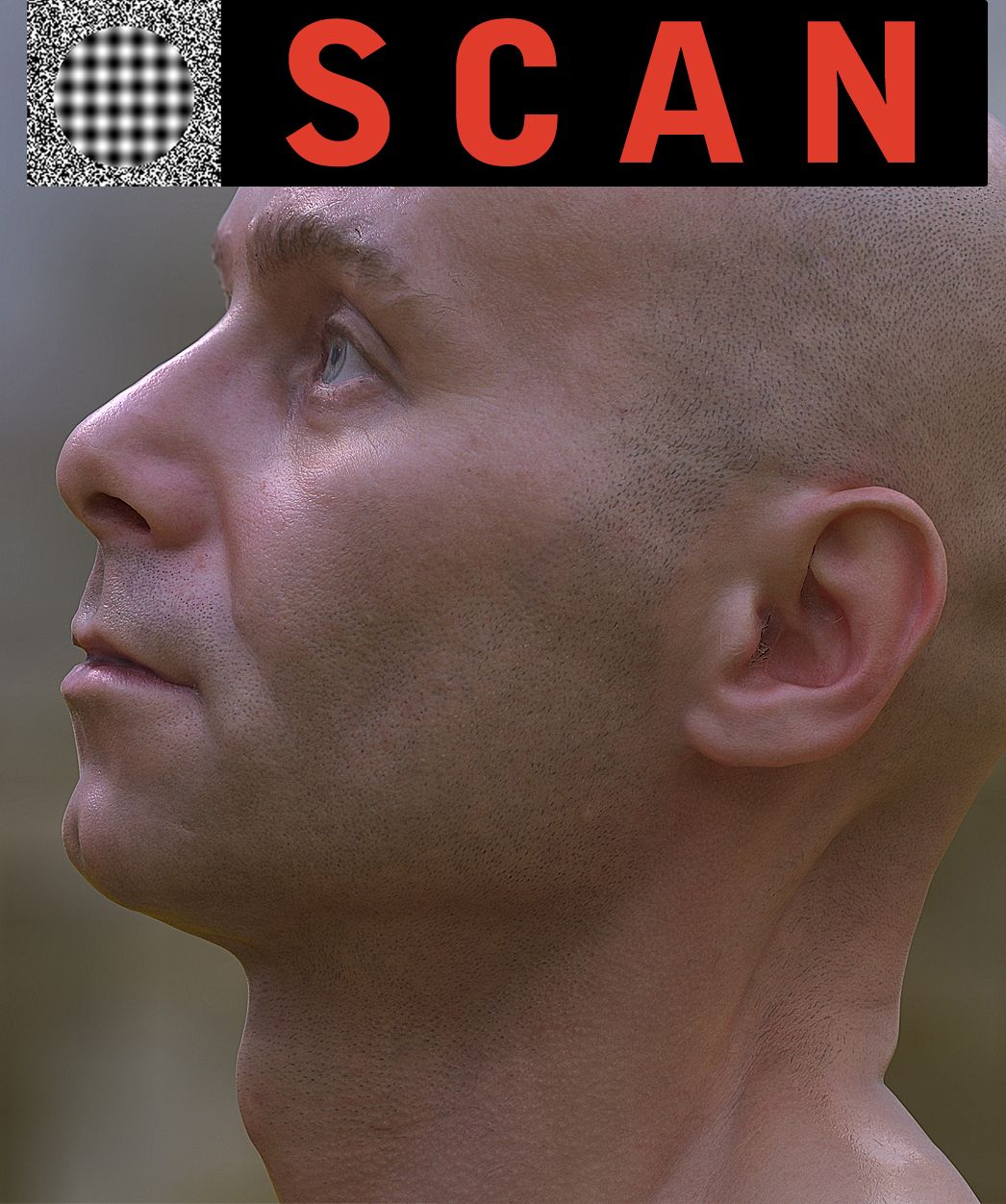
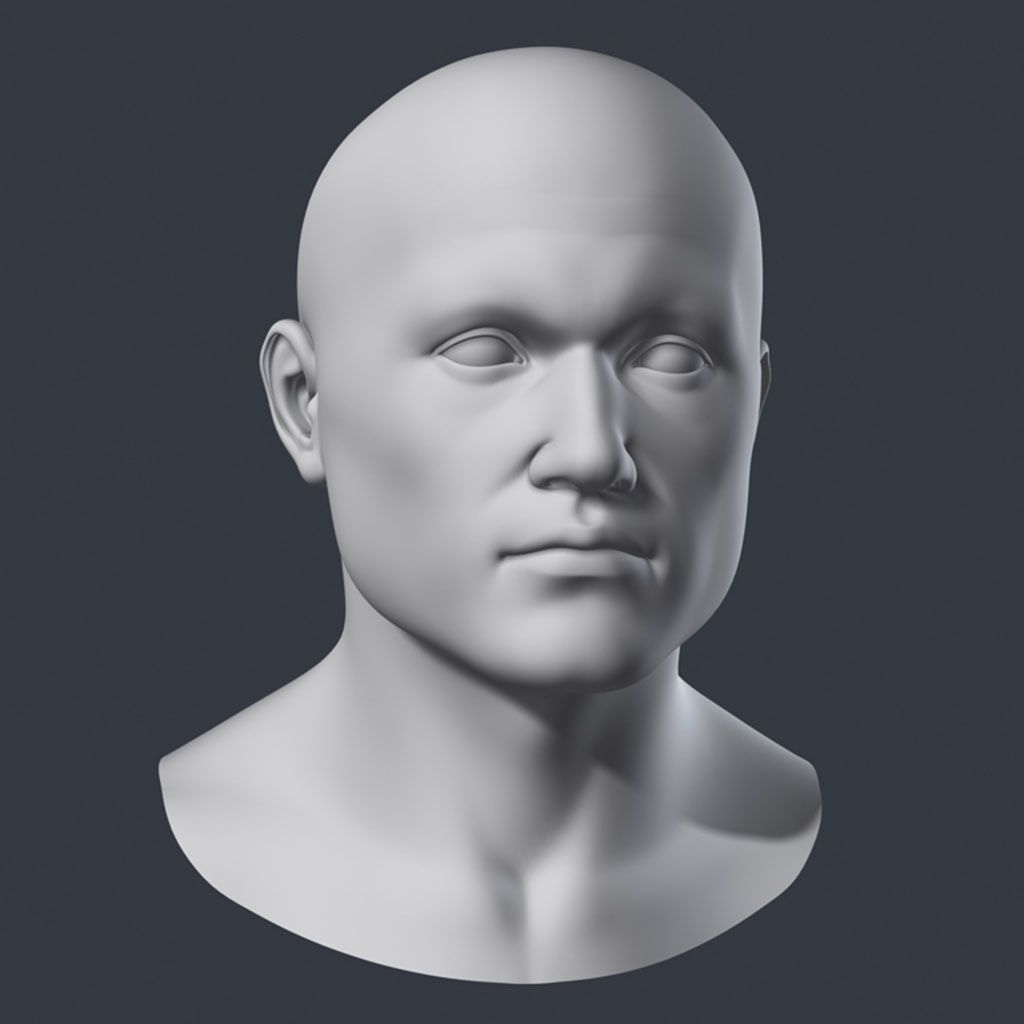
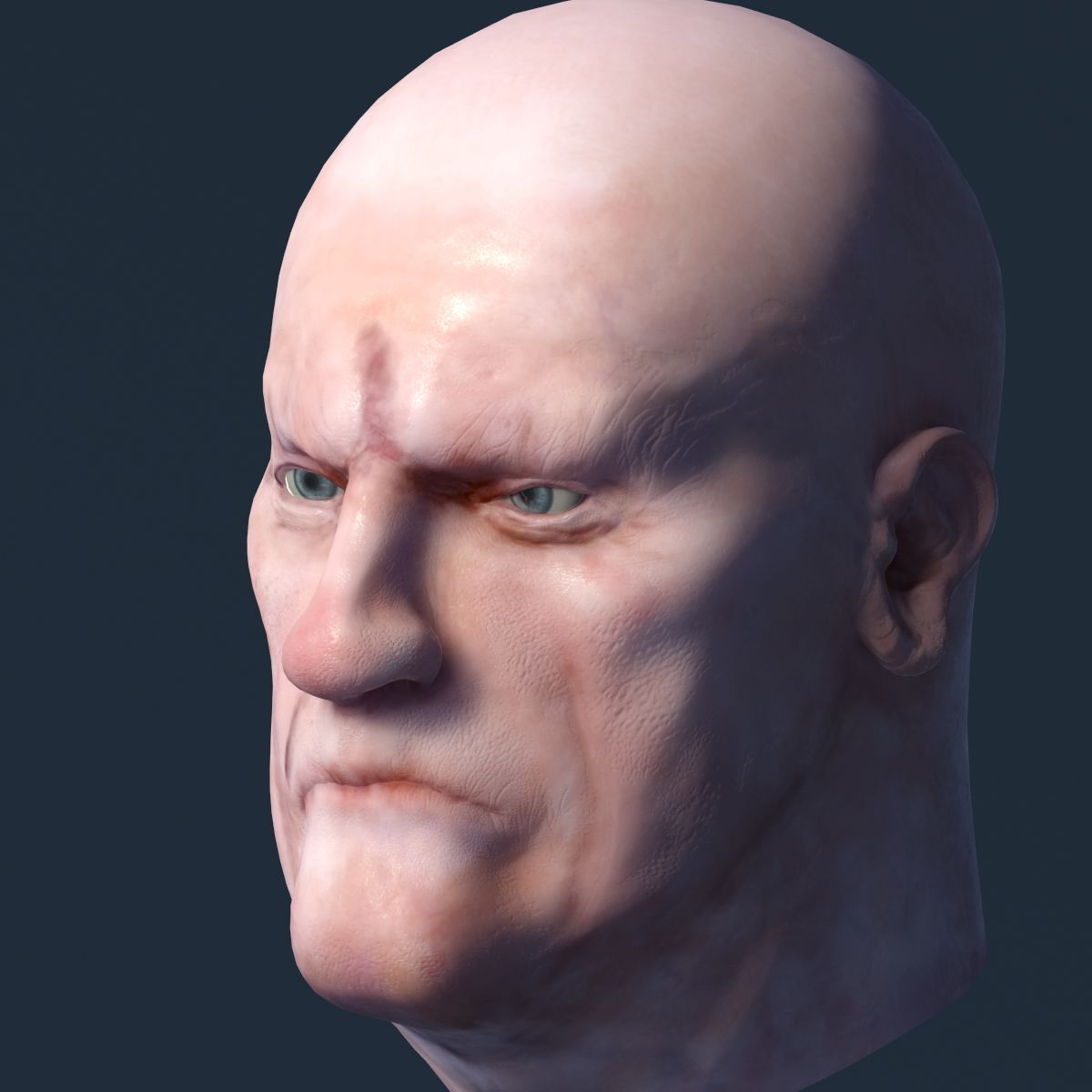
Testa maschile Modello 3D
0



Licenza RoyaltyTutti gli usi estesi
Ritorni semplici
Miglior prezzo garantito
Funziona fuori dalla scatola
1,612
visite

Inviato da
sogun
specificazioni
- Geometriapolygonal_quads only
- poligoni1,769
- vertici1,786
- TexturesYes
- riggedNo
- AnimatoNo
- Prontabile in 3DNo
- Gioco pronto (low poly)No
- UV mappatoYes
- UV non avvoltonon-overlapping
Descrizione
100% quad
Textures: 2048x2048 diffuse, normal, specular, bump
Parts: Head and eyes.
Thumbnails were rendered in Max 2009: WYSWYG = What You See What You Get. No rendered final image has been modified in Photoshop.
The mesh form and volume has been checked against real life 3D scans.
Max 2009 Scanline:
Diffuse, normal and specular textures
If asked about Gamma settings, please answer yes to apply.
Max 2009 Mental Ray skinshader render setup:
Skin and eye shader. Bump map enhances the normalmaps, separately configurable. If asked about Gamma settings, please answer yes to apply.
FBX:
After importing into Max please flip the Green Channel (Y) for the normal map in the Material Editor. In Maya and XSI the normal map in this FBX renders properly.
Zbrush 4 R4p2: Fast render setup
Six subdivision levels down to the 100% quad lowpoly.
How to render: in the Main Menu click on Render then click on the "Best" button.
You can further detail/subdivide this hipoly model. Here you can create displacement maps, Vector Displacement Maps, normal maps, Ambient Occlusion and Cavity Maps, just as I did for this mesh's textures.
Cinema 4D 11.5: Fast render
Advanced Renderer setup. C4D always renders nice scenes with default settings.
Autodesk Softimage XSI 5: Fast render
Mental Ray skinshader render setup with proper normal map display.
Maya 2009: Fast render
Mental Ray skinshader render setup with proper normal map display.
Max 2012 example scene:
People reported on the internet that Mental Ray in Max 2011 and 2012 may render incorrectly looking normal maps. You can find a solution in the MAX.ZIP package: "MentalRayNormalMap.TXT", where I describe how to create a scene that perfectly renders normal maps and bump with Mental Ray in Max 2009 through 2012. All the finalized settings you find in the complete Max 2012 Mental Ray skinshader render setup.
100% quad texture: 2048x2048 diffusa, normale, speculare, bump Parti: testa e occhi. Le miniature sono state renderizzate in Max 2009: WYSWYG = Cosa vedi che ottieni. Nessuna immagine finale resa è stata modificata in Photoshop. La forma e il volume della mesh sono stati controllati rispetto alle scansioni 3D della vita reale. Scansione max. 2009: trame diffuse, normali e speculari Se ti viene chiesto delle impostazioni Gamma, rispondi si per applicare. Max 2009 Mental Ray skinshader render setup: Skin and eye shader. Bump map migliora le mappe normali, configurabili separatamente. Se ti viene chiesto delle impostazioni Gamma, rispondi si per applicare. FBX: dopo aver importato in Max, inverti il Green Channel (Y) per la normale mappa nell'Editor dei materiali. In Maya e XSI la mappa normale in questo FBX viene visualizzata correttamente. Zbrush 4 R4p2: configurazione rendering veloce Sei livelli di suddivisione fino al 100% quad lowpoly. Come eseguire il rendering: nel menu principale fai clic su Rendering quindi fai clic sul pulsante "Migliore". È possibile ulteriori dettagli / suddividere questo modello hipoly. Qui puoi creare mappe di spostamento, mappe di spostamento vettoriale, mappe normali, occlusione ambientale e mappe di cavità, proprio come ho fatto per le trame di questa maglia. Cinema 4D 11.5: rendering veloce Impostazione avanzata del Renderer. C4D rende sempre belle le scene con le impostazioni predefinite. Autodesk Softimage XSI 5: rendering rapido Mental Ray skinshader esegue il rendering dell'installazione con la visualizzazione normale della mappa corretta. Maya 2009: renda veloce l'impostazione di rendering skinshader di Mental Ray con la normale visualizzazione della mappa. Scenario di esempio del 2012 massimo: le persone hanno riferito su Internet che Mental Ray in Max 2011 e 2012 potrebbe rendere errate le normali mappe. Puoi trovare una soluzione nel pacchetto MAX.ZIP: "MentalRayNormalMap.TXT", dove descrivo come creare una scena che rende perfettamente le mappe normali e l'impatto con Mental Ray nel Max 2009 fino al 2012. Tutte le impostazioni finalizzate che trovi nel Completa la configurazione di rendering skinshader Max 2012 di Mental Ray.
Jan 16, 2018
Data aggiunta
Feb 04, 2022
ultimo aggiornamento
Recensioni
Al momento non ci sono commenti per questo prodotto.
Perché non essere il primo a rompere il ghiaccio?