

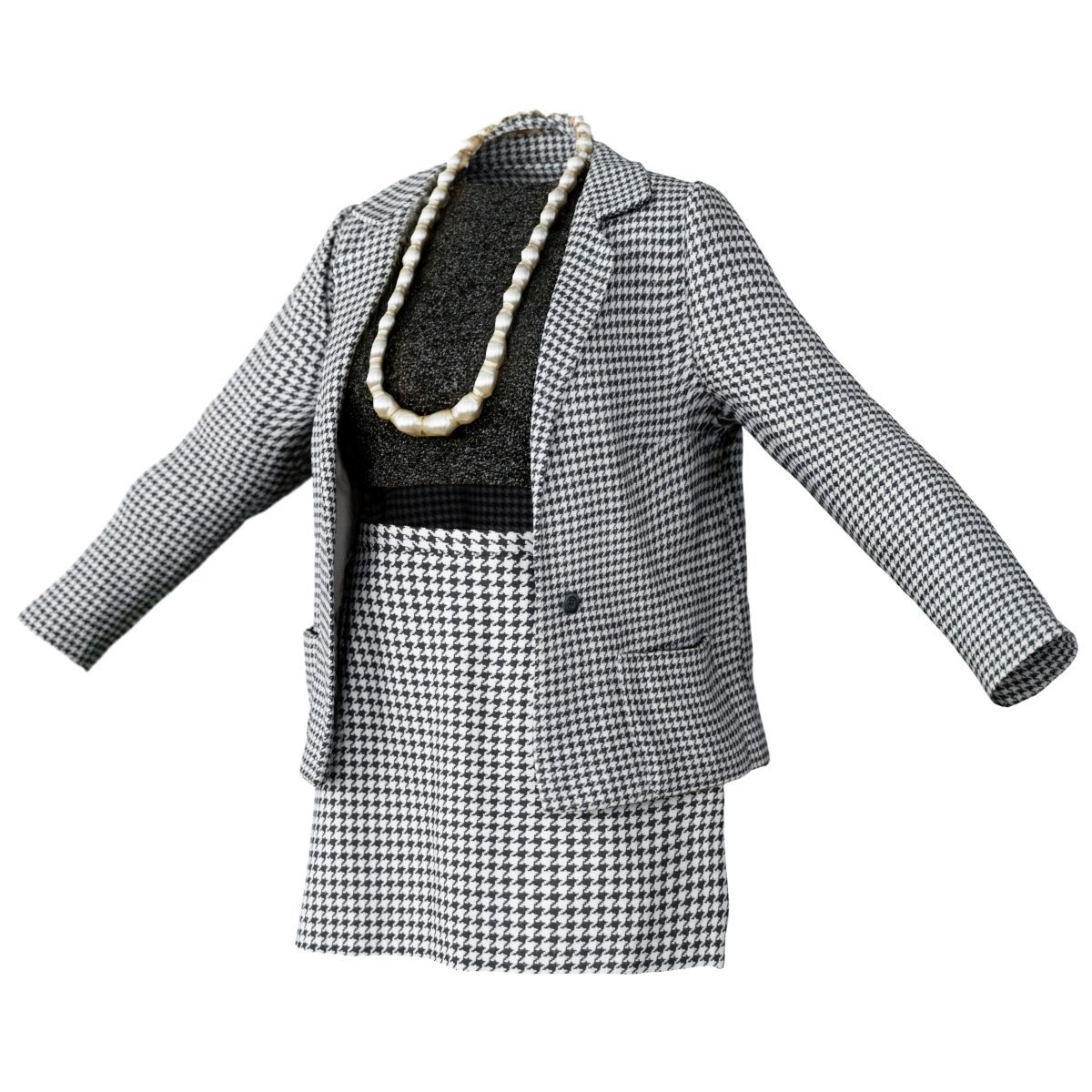




490年代のヴィンテージ衣装 3Dモデル
0


0
訪問

から提出された
Polygonal Miniatures
仕様
- ジオメトリpolygonal
- 多角形1
- 頂点1
- テクスチャYes
- 堅いNo
- アニメ化No
- 3Dプリント可能No
- ゲームレディ(低ポリ)No
- UVマップYes
- ラップされていないUVnon-overlapping
説明
Photorealistic Clothing Item Collection
Low poly Quads OBJ file with 4096*4096px Normal & Texture Map
How to use this clothing item:
Marvelous Designer:
- Import (OBJ to Garment)
- Simulate on Avatar (For best results, use DAZ Studio Genesis 8 Female)
- Export
- Use layers/import in Zbrush to restore UV's.
DAZ Studio:
- Import OBJ, Assign maps in Surfaces Tab
- Skin clothing using Transfer Utility. This item fits DAZ Genesis 8 Female.
- When Posing, simulate the clothing in Marvelous Designer (see steps above).
Other:
- Import OBJ
- Adjust using Zbrush,...
- Skin the clothing to your avatar.
Previews rendered in Octane Standalone (Glossy Shader with Normal, Specular & Diffuse Channels active). Wireframes Rendered in Marmoset Toolbag 3.
Enjoy!
Nov 12, 2021
追加日
Dec 14, 2023
最後の更新
レビュー
この商品のレビューはまだありません。
氷を砕いた最初の人になろう。
