


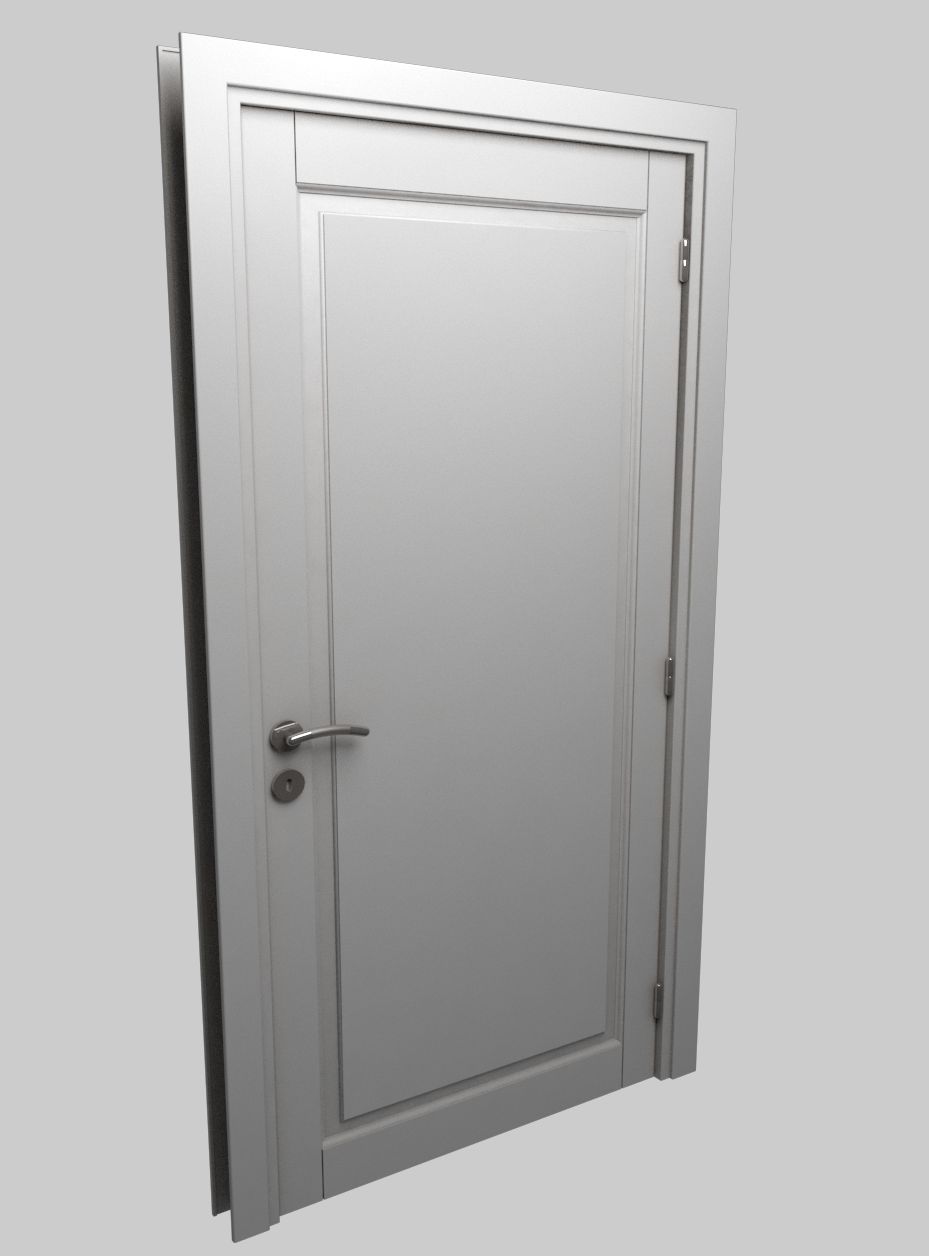


ドア01 3Dモデル
0


931
訪問

から提出された
Lauranar
仕様
- ジオメトリpolygonal
- 多角形5,234
- 頂点5,004
- テクスチャYes
- 堅いNo
- アニメ化No
- 3Dプリント可能No
- ゲームレディ(低ポリ)No
- UVマップYes
- ラップされていないUVmixed
説明
Detailed door provided with jamb, handle, lock, hinges and key.
The door is uv mapped and texture is included.
Easy to manipulate, to insert in your scenes and to rotate (instructions below)
Each zip contains:
- Complete scene with 1 closed door and 1 open door
- texture
3dstudio max: object are grouped, the groups are open. To rotate the door, just select the "Rotation Group" of the open door.
Lightwave: For rotation, edit the open door in modeler and select the "Door rotate" Part. Rotate it from the center of the hinge in top view.
Softimage: Objects are grouped in 2 Models. In the open door model, objects for rotation are linked to the "Hinge1 Rotate" object.
Feb 22, 2018
追加日
Jan 22, 2022
最後の更新
レビュー
この商品のレビューはまだありません。
氷を砕いた最初の人になろう。