


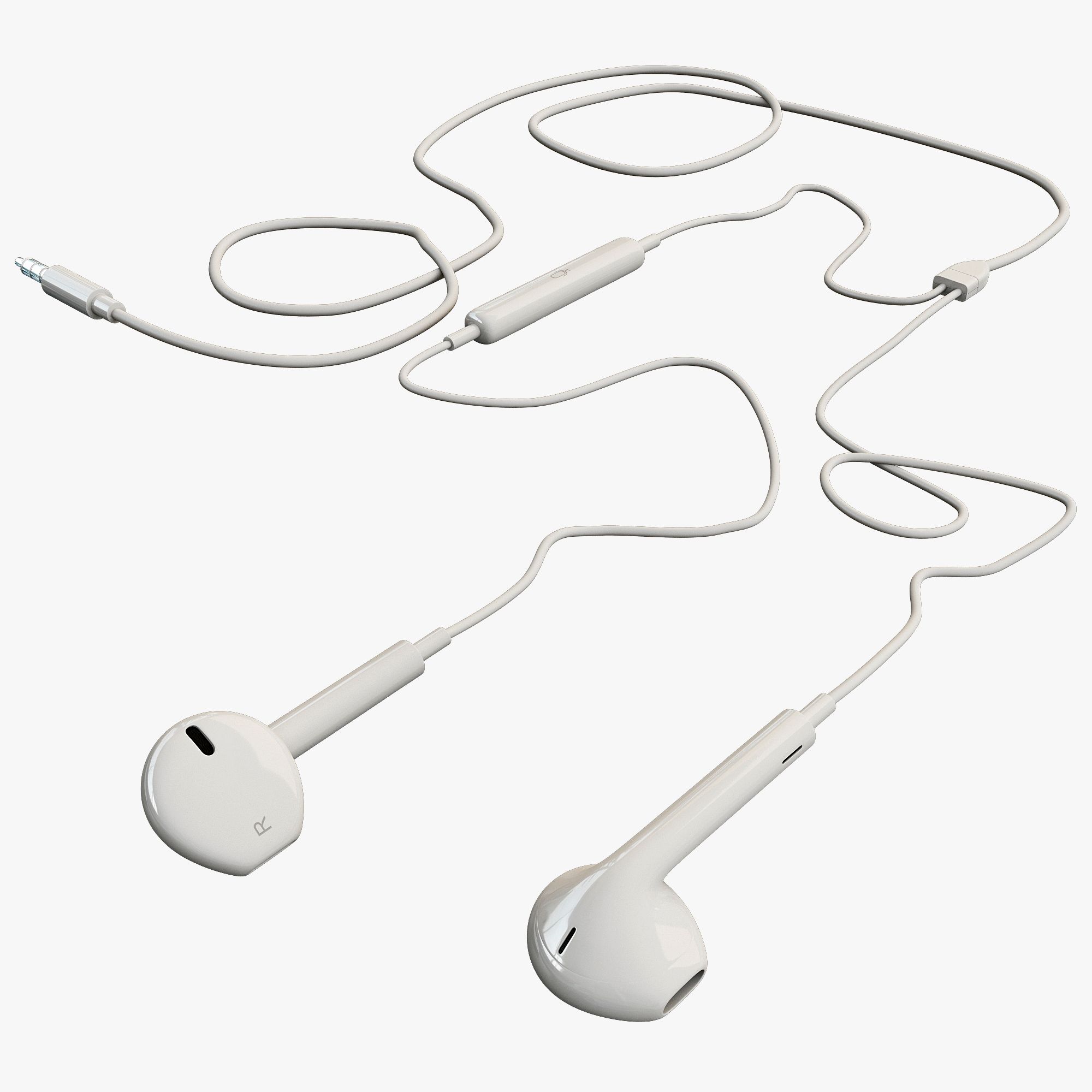



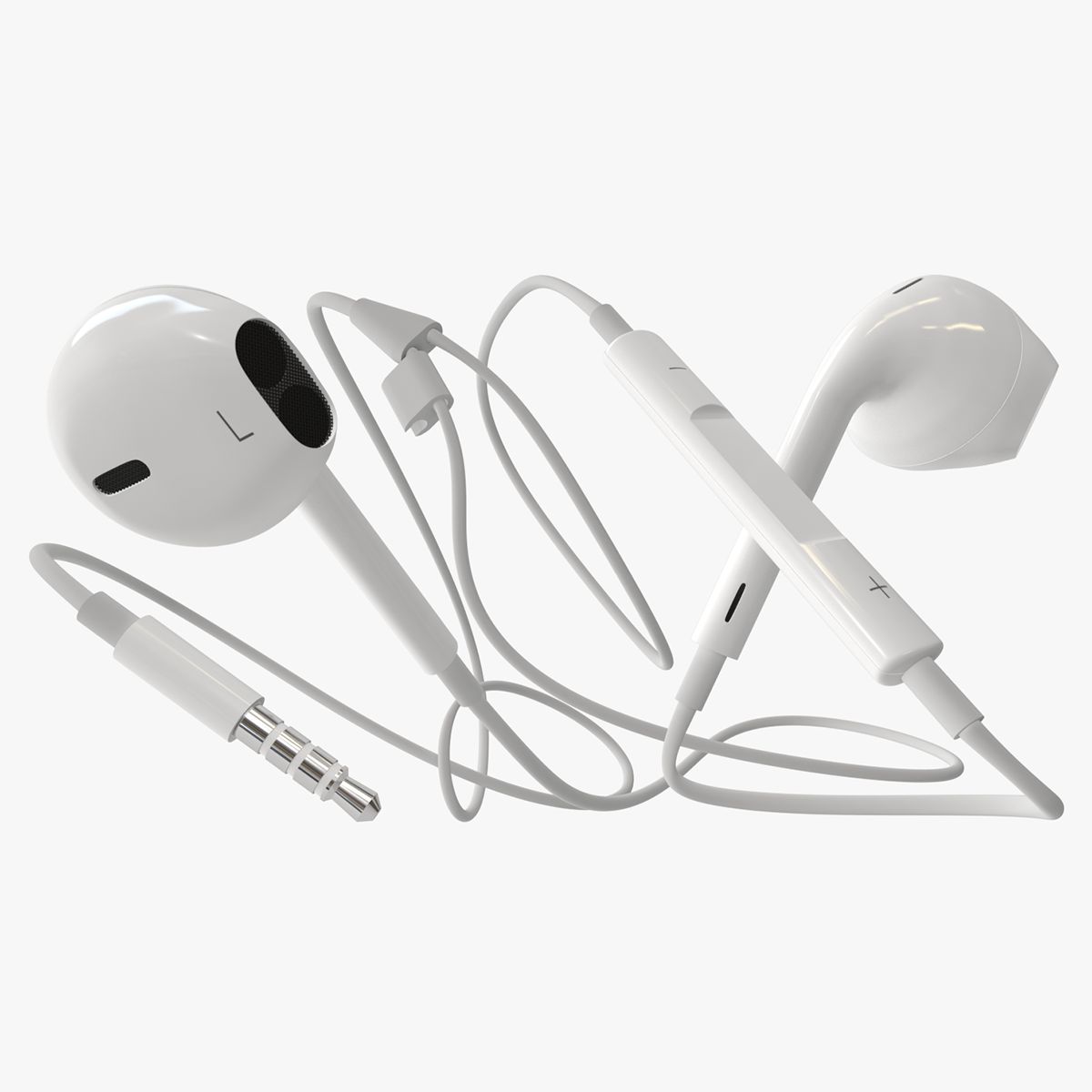
EarPods 3Dモデル
0


0
訪問

から提出された
Benjamin Quirk
仕様
- ジオメトリpolygonal_quads only
- 多角形34,766
- 頂点36,748
- テクスチャYes
- 堅いYes
- アニメ化No
- 3Dプリント可能No
- ゲームレディ(低ポリ)No
- UVマップYes
- ラップされていないUVnon-overlapping
説明
EarPods
|| USAGE ||
Suitable for use in high-res film close-ups, advertising, design visualization, and the like.
Accurate representation of EarPods.
|| SPECS ||
- Created in 3ds Max 2014
- Staged using the Mental Ray Render Engine
- Diffuse Color Map texture for generic Scanline Render
- Built to scale in Meters
- TurboSmooth, OpenSubDiv & Subdivision Friendly
- Tight edging. Set viewpoint to 1/.1 focal for very close zoom in 3D MAX
- Material ID selection for ease of selecting material & polygon parts
- Material Multi-Sub Object setup use Material IDs
- Smoothing Groups
Box Diameter: Meters
Width-X: 0.0371m
Length-Y: 1.093m
Height-Z: 0.017m
14 separate objects:
34,766 polygons with TurboSmooth OFF
103,800 polygons with TurboSmooth ON (X1)
340,488 polygons with TurboSmooth ON (X2)
Quads Only
0 Triangles
|| PRESENTATION IMAGES ||
Two render types are available:
1. Default Scanline Render with the basic Diffuse Color Map.
2. 3ds Max Mental Ray Render using the Arch & Design Materials.
No Composting or Photoshop was used in the preview thumbnail.
Product is ready to render out-of-the-box. Lights, Cameras, and RIG are included in the 3ds Max file named 'EarPods_MR_RIG.max'
The basic Diffuse Color Scanline Render file is 'EarPods' for both 3D Max and Maya.
Photometric flood lights are setup to control shadows. Top Flood lights include/exclude the model luminescence and shadows.
All other model poses in this presentation were rendered separately. Model poses are NOT included to keep the file clean.
NO HDRI background image is included. Presentation images show what it may look like with a HDRI image setup in the environment options.
The small MESH wire pieces do not need to be subdivided.
|| TEXTURES ||
4096x4096 JPG Color Diffuse Map
4096x4096 PNG Decal Texture Map
4096X4096 PSD - Native Texture Layers
- Native .PSD contains grouped Color, UV layout, & Decal layers
- Illustrator (.AI) layers for Decal Logo & Text editing
- All other texture maps are generated in 3D Max. Generated cellular and noise maps are used for metal, plastic, and other arch & design surface materials
|| GENERAL ||
Model is built to real-world scale
Object is grouped
No third-party render or plug-ins needed
(MB, FBX, DAE, OBJ, DWG, 3DS) only contain the Mesh Object.
Diffuse Map is linked/embedded to most formats.
|| ANIMATIONS/RIG ||
The rigging is setup using the IKSpline modifier.
The skinning is setup using the Skin modifier.
The rig in the 3ds Max Mental Ray file is setup up only to quickly shape the model in a needed form. Recommended use for still shots only. The rig included is NOT recommended for animation. Twisting is NOT supported. A completely different bone rig will be needed.
Frame 0 - T-pose default
Frame 15 - Signature image pose
Frame 50 - Full pose
Dec 01, 2019
追加日
Feb 24, 2022
最後の更新
レビュー
この商品のレビューはまだありません。
氷を砕いた最初の人になろう。