




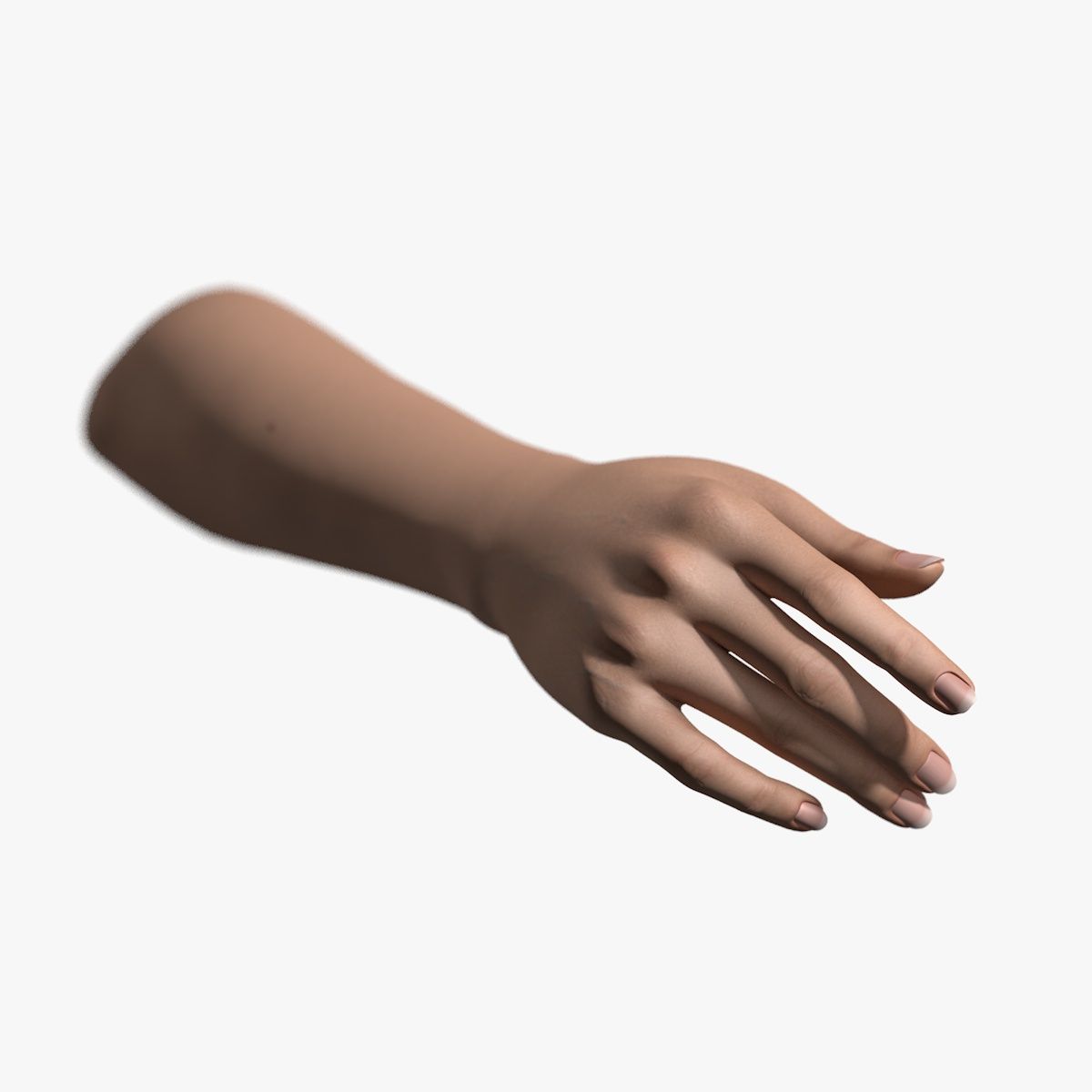


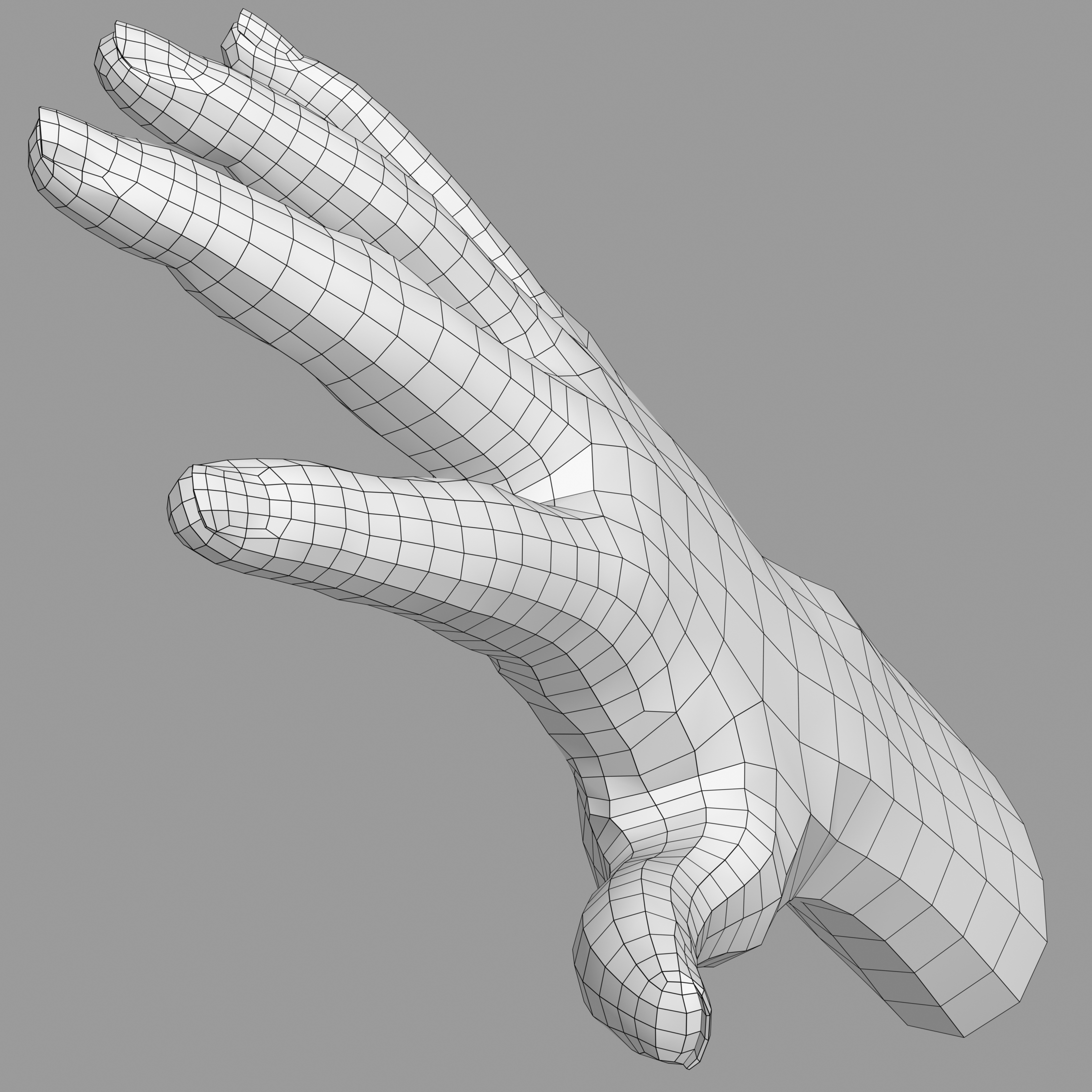
女性の手V2 3Dモデル
0




2
訪問

から提出された
sogun
仕様
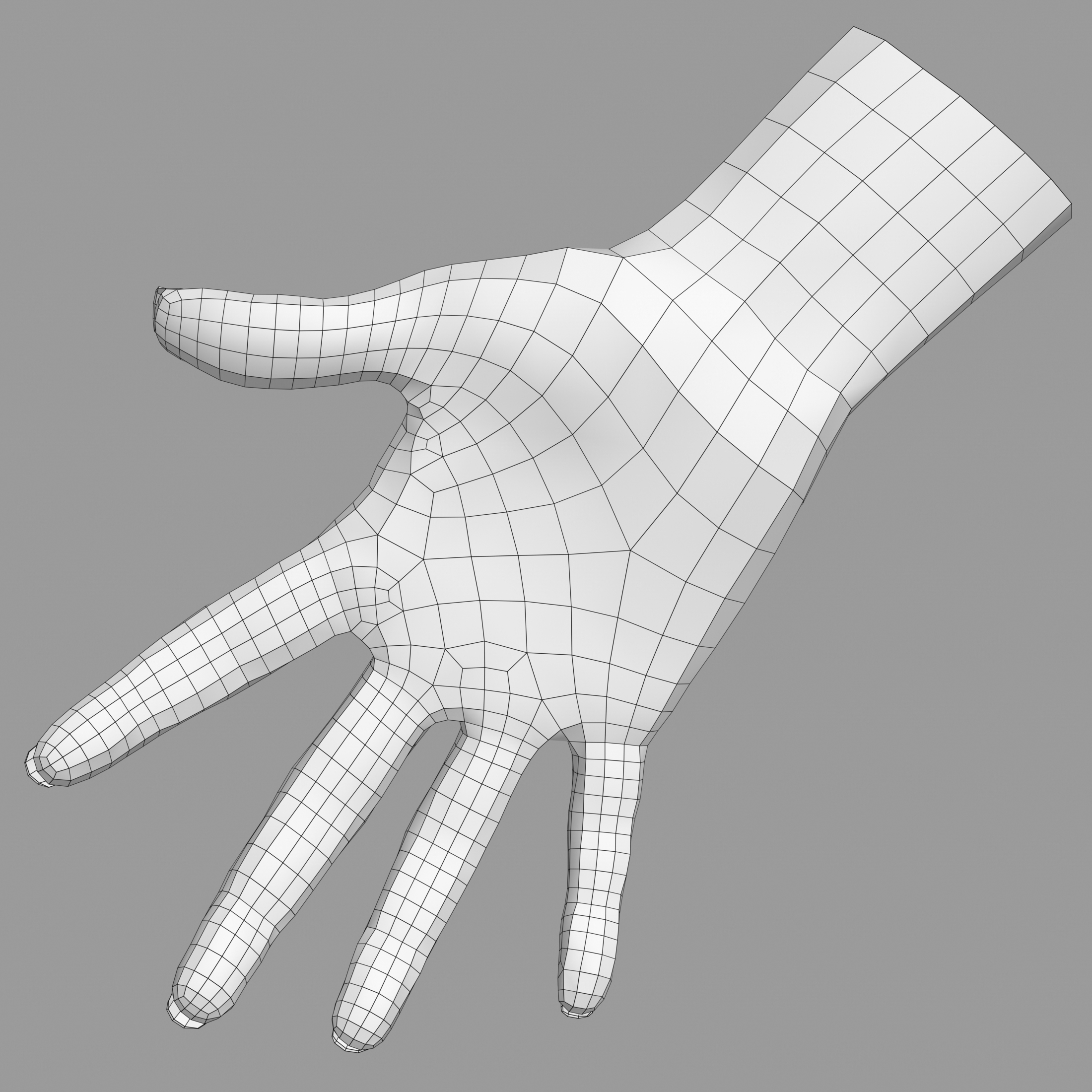
- ジオメトリpolygonal_quads only
- 多角形1,562
- 頂点1,571
- テクスチャYes
- 堅いNo
- アニメ化No
- 3Dプリント可能No
- ゲームレディ(低ポリ)No
- UVマップYes
- ラップされていないUVnon-overlapping
説明
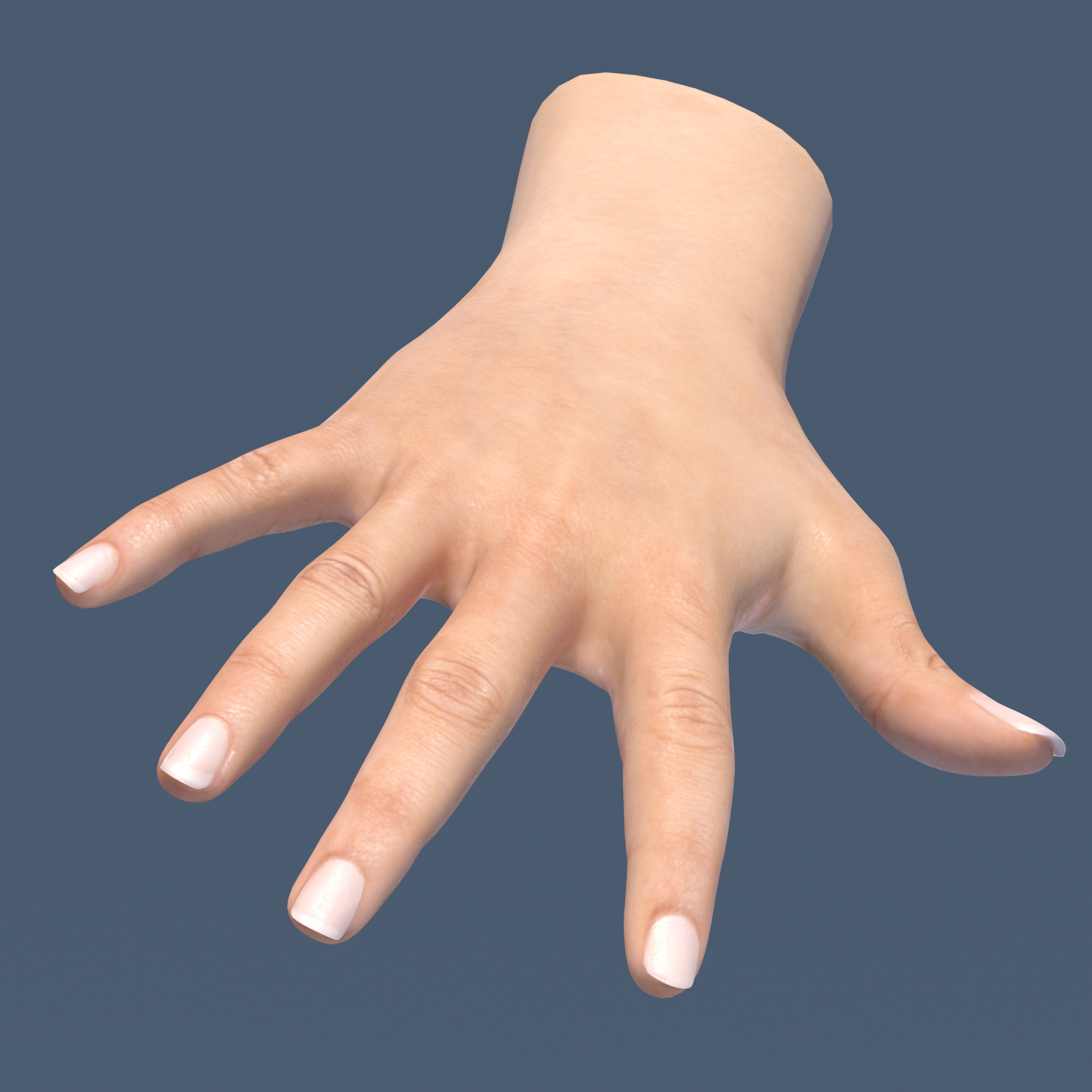
Female hand model
Slightly tan, creole skin, manicured nails.
100% quad.
Textures:
2048x2048 color/diffuse, specular and normal maps in BMP format.
Features:
Cinema 4D 11.5 or higher version, Advanced Render:
Press SHIFT+R Render to picture viewer.
Softimage XSI 5.0 or higher version, Mental Ray render: XSI-specific seamless normal map included.
Press Render Region Tool button, draw a region around the hand.
3DSMAX 2009 or higher version Scanline and Mental Ray render ready:
In Customize ---> Preferences ---> Gamma and LUT either disable gamma correction entirely and render, or check "Enable Gamma/LUT Correction then set Gamma to 2.2, set Input Gamma to 1.0 and set Output Gamma to 2.2 and then render.
3DSMAX 2009 Mental Ray scene has skin shader setup. The pictures you see here were rendered with this is What You See What You Get: WYSWYG
Maya 2009 Mental Ray render: Maya-specific seamless normal map included.
Extract the supplied project from ZIP archive: browse into the SCENE directory, open the file "Hand_Maya2009.mb" then choose the Rendering workspace.
In the main menu select Render---->Render Current Frame.
Hand_FBX.FBX: scanline render setup. Opening it in Max 2009 does not import the normal-map. Try a higher Max version or get the normal-map from the Max Scanline ZIP package.
Hand_FBX_2012.FBX: For Mental Ray. Textures are embedded in the file Assign the Mental Ray renderer to render properly.
Zbrush 4R4 Project: This is the source for generating all maps.
Large, because it contains the original 6 million hipoly geometry.
Open the ZBR file and you find the textured 100% quad lowpoly model with all geometry subdivision levels:
From Level_1 = 1562 polygons to Level_7 = 6,397,952 polygons
Mesh has sculpted details to enhance the diffuse/color texture.
This Zbrush file is ideal for further detailing the hand. Using this model you can generate Vector Displacement Maps, Displacement Maps, Normal Maps, Cavity Maps and Ambient Occlusion maps. You can bake an enhanced material (your unique creation) into a new Diffuse/color texture.
The active color/diffuse texture can be located in the Main Menu --->Texture, then select---->Texture map.
This project was saved in the version: Zbrush 4R4 Update 2. or "4R4p2"
Nov 04, 2019
追加日
Oct 02, 2021
最後の更新
レビュー
この商品のレビューはまだありません。
氷を砕いた最初の人になろう。