
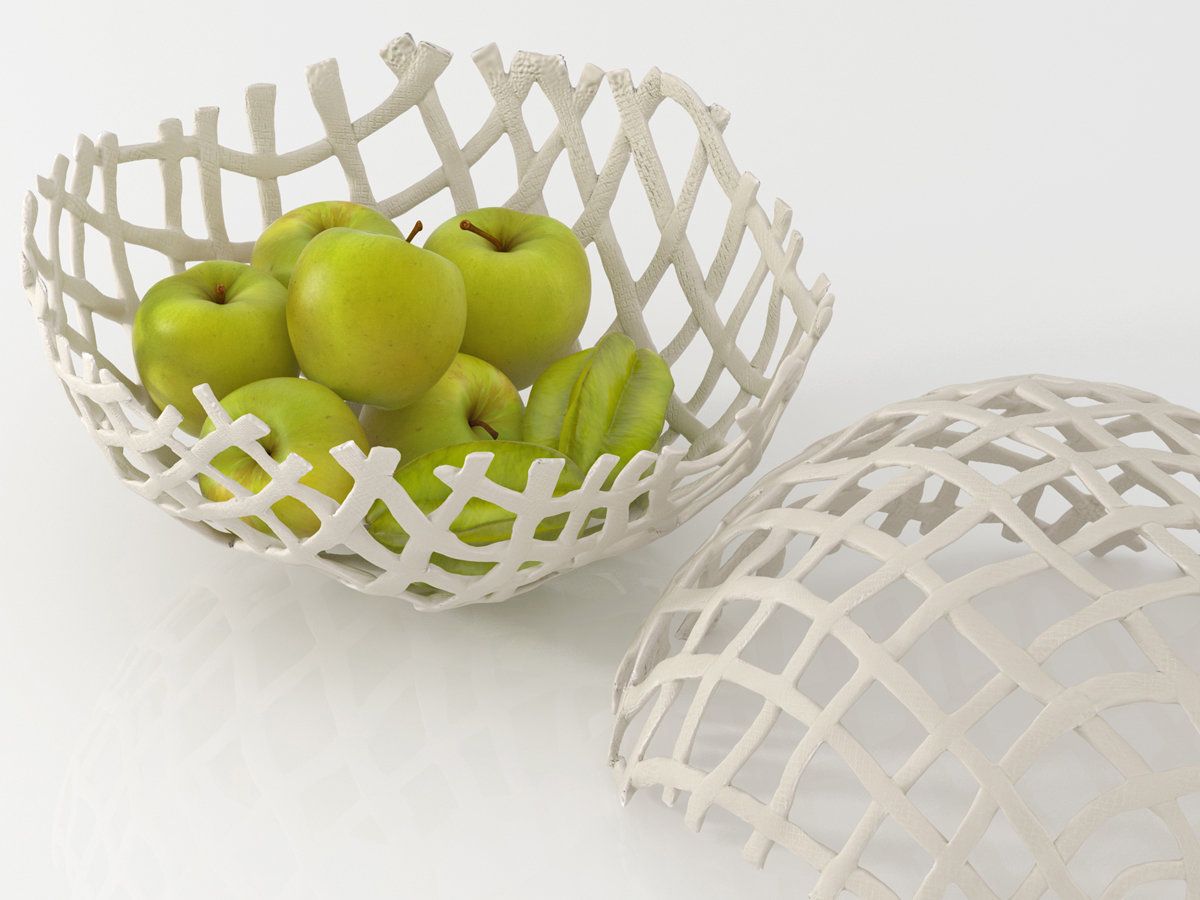


マーブルフルーツボウル 3Dモデル
0


0
訪問

から提出された
S_ivanov
仕様
- ジオメトリpolygonal
- 多角形782
- 頂点784
- テクスチャYes
- 堅いNo
- アニメ化No
- 3Dプリント可能No
- ゲームレディ(低ポリ)No
- UVマップYes
- ラップされていないUVnon-overlapping
説明
Modelled in Blender 2.79
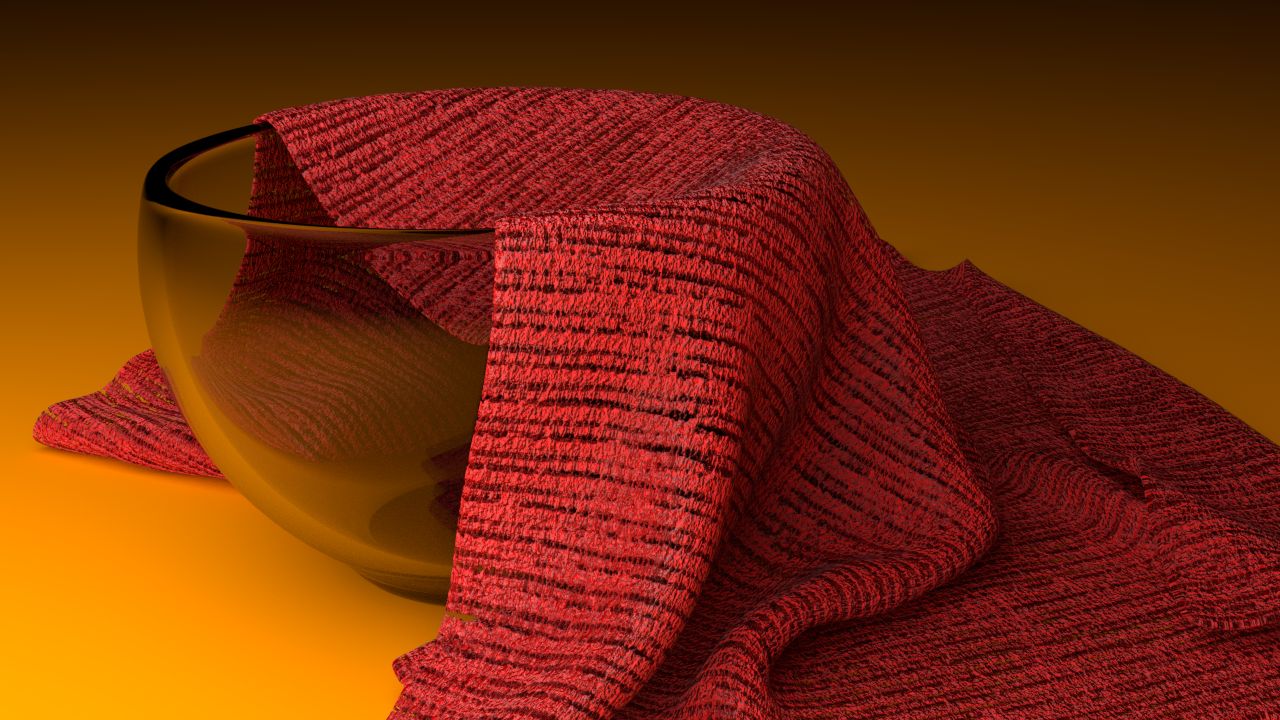
Rendered with Blender Cycles Render
Rendered with smooth shading with subdivision surface modifier on at level 3.
2K Texture map (2048 by 2048)
Each file type comes with both a PNG and a jpg of the texture map. You do not need both plugged in. You only need one. Just giving you an option of file type depending on your project requirements.
Blender file is the only file that comes with the back drop, lights and camera
FBX, 3ds and OBJ files are the Fruit bowl only. No extras
Please note: For all file types except the blend file type the subdivision surface modifier has not been applied and has been removed as there was issues with the export and import.
If you wish to get the plate to look smooth you will have to add subdivision in the program you are using. I used level 3 in Blender.
The blender file still has the modifier on but it has NOT been applied. So you can tweak the levels to your liking.
Also please note other programs may change the material settings. You may have to manually re-apply the texture
Enjoy!
Jun 19, 2020
追加日
Feb 26, 2022
最後の更新
レビュー
この商品のレビューはまだありません。
氷を砕いた最初の人になろう。