


-->
建築乗り物キャラクター航空機家具エレクトロニクス動物たち植物兵器スポーツのフード解剖学
ブックマーク済み
ブックマークを削除しました

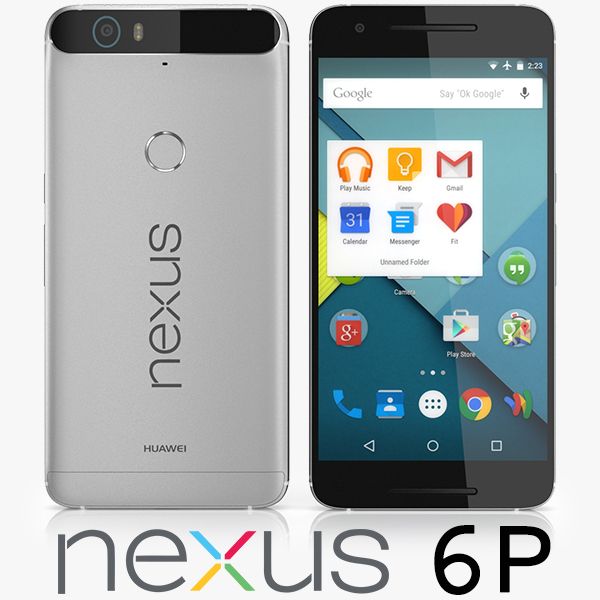
Nexus 6P Element 3D V2.2 3Dモデル

0
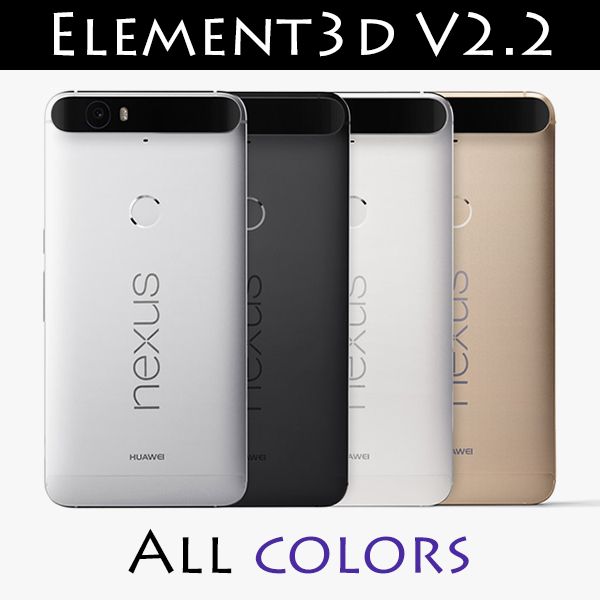
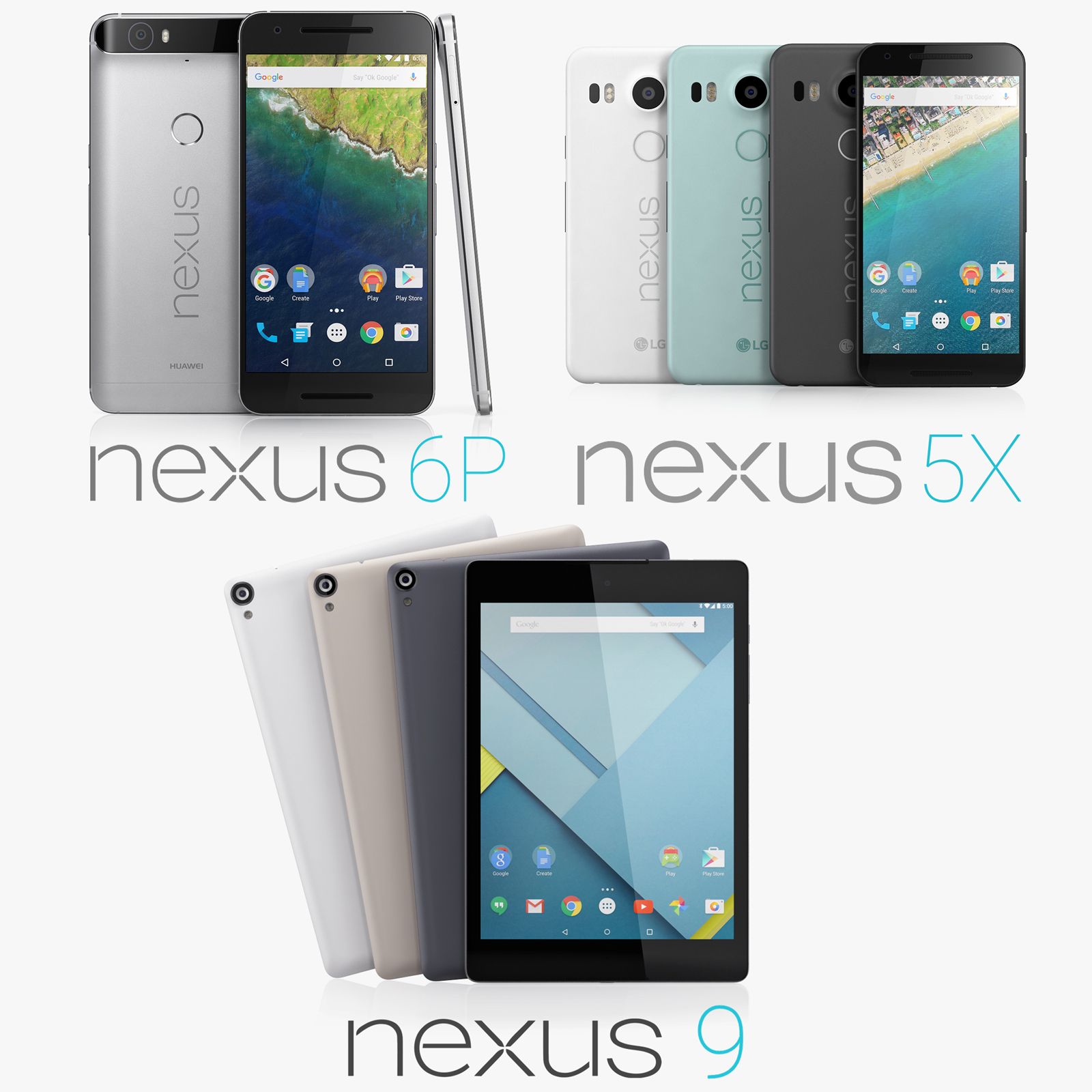
Nexus 6P Element 3D V2.2 royalty-free 3d model - Preview no. 1
Nexus 6P Element 3D V2.2 royalty-free 3d model - Preview no. 2
Nexus 6P Element 3D V2.2 royalty-free 3d model - Preview no. 3
Nexus 6P Element 3D V2.2 royalty-free 3d model - Preview no. 4
Nexus 6P Element 3D V2.2 royalty-free 3d model - Preview no. 5
Nexus 6P Element 3D V2.2 royalty-free 3d model - Preview no. 6
Nexus 6P Element 3D V2.2 royalty-free 3d model - Preview no. 7
Nexus 6P Element 3D V2.2 royalty-free 3d model - Preview no. 8
Nexus 6P Element 3D V2.2 royalty-free 3d model - Preview no. 9
Nexus 6P Element 3D V2.2 royalty-free 3d model - Preview no. 10
Nexus 6P Element 3D V2.2 royalty-free 3d model - Preview no. 1
Nexus 6P Element 3D V2.2 royalty-free 3d model - Preview no. 2
Nexus 6P Element 3D V2.2 royalty-free 3d model - Preview no. 3
Nexus 6P Element 3D V2.2 royalty-free 3d model - Preview no. 4
Nexus 6P Element 3D V2.2 royalty-free 3d model - Preview no. 5
Nexus 6P Element 3D V2.2 royalty-free 3d model - Preview no. 6
Nexus 6P Element 3D V2.2 royalty-free 3d model - Preview no. 7
Nexus 6P Element 3D V2.2 royalty-free 3d model - Preview no. 8
Nexus 6P Element 3D V2.2 royalty-free 3d model - Preview no. 9
Nexus 6P Element 3D V2.2 royalty-free 3d model - Preview no. 10
単純な返品
ベストプライスギャランティ
箱から出して動作
0 訪問
Frezzy

仕様

  • ジオメトリsubdivision
  • 多角形17,224
  • 頂点18,132
  • テクスチャYes
  • 堅いNo
  • アニメ化No
  • 3Dプリント可能No
  • ゲームレディ(低ポリ)No
  • UVマップYes
  • ラップされていないUVmixed

フォーマットとファイル

OBJ
(.obj)
5 MB

Nexus 6P Silver - OBJ.rar
(.unknown)
8 MB

Nexus 6P Silver - E3D.rar

説明

This pack: Element 3D V2.2 ( All colors ) models preset easy to use - 1 file OBJ High poly - 1 file OBJ standard - E3D file full materials set up like previews ID Nexus 6P Silver all formats: 967931 How to use it? 1. Open After Effects CC 2014 ( or higher) and create new composition ( You need Element3D V2.2 to use ) 2. Create new Solid layer and add Element effect. ( Effect/Video Copilot/ Element ) 3. Click Scene Setup 4. Click on IMPORT inside Element3D scene setup 5. Choose my .e3d preset for the model and press Open. If you dont see the model do not forget to right click on the model name and press Replace model then select the .obj model file in the respective models folder.
Aug 04, 2020 追加日
Sep 30, 2022 最後の更新

レビュー

この商品のレビューはまだありません。
氷を砕いた最初の人になろう。