-->
建築乗り物キャラクター航空機家具エレクトロニクス動物たち植物兵器スポーツのフード解剖学
ブックマーク済み
ブックマークを削除しました

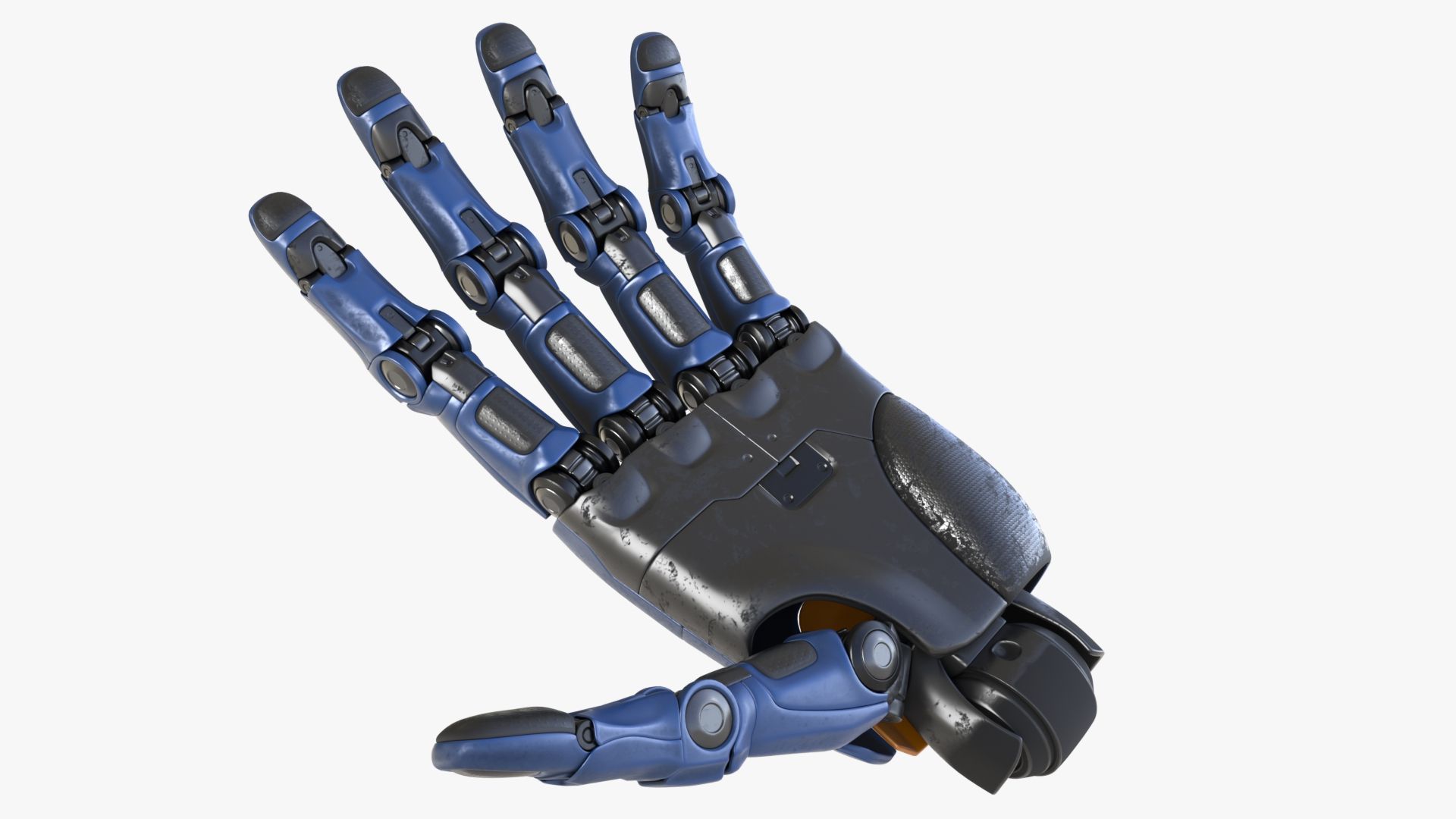
ロボットハンド 3Dモデル

0
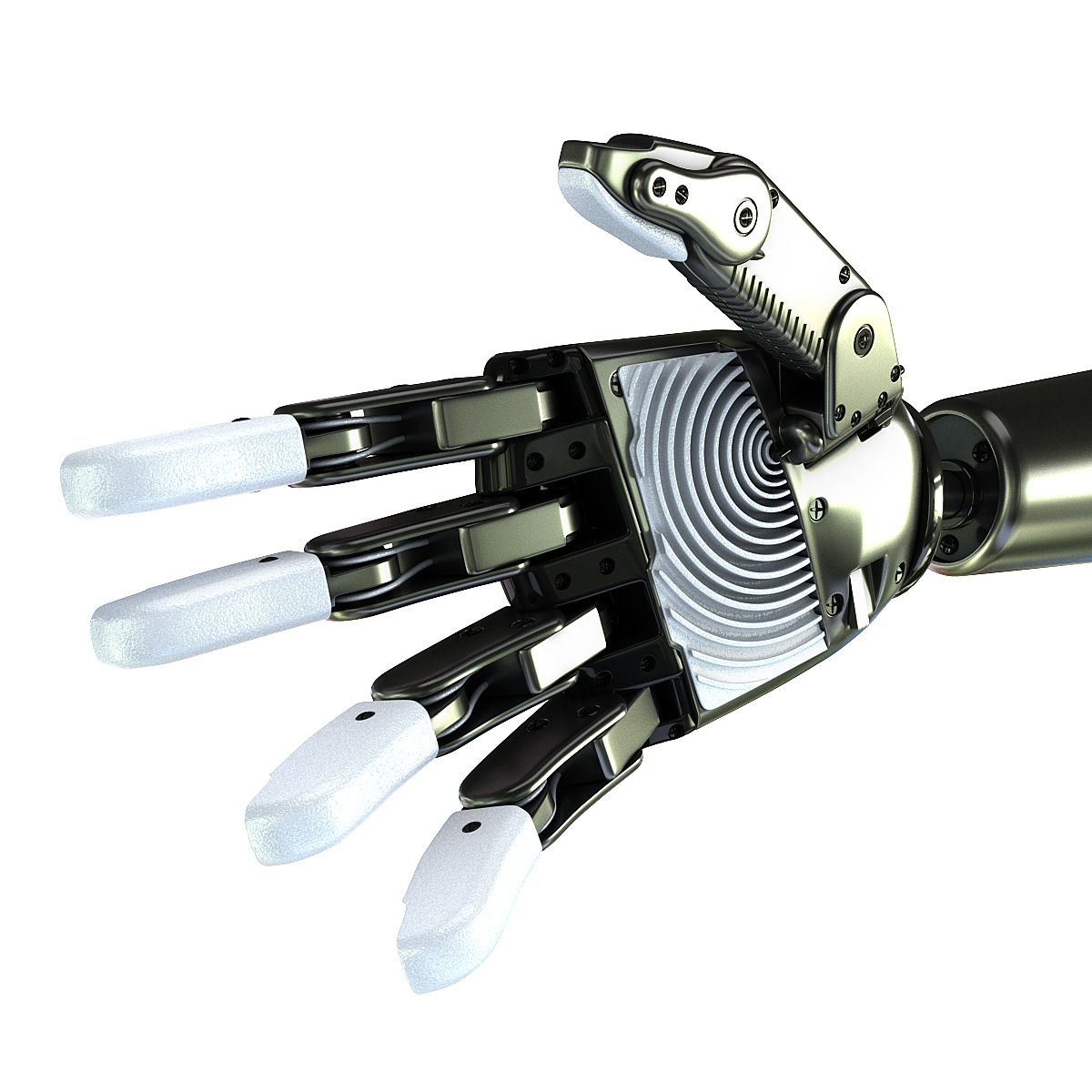
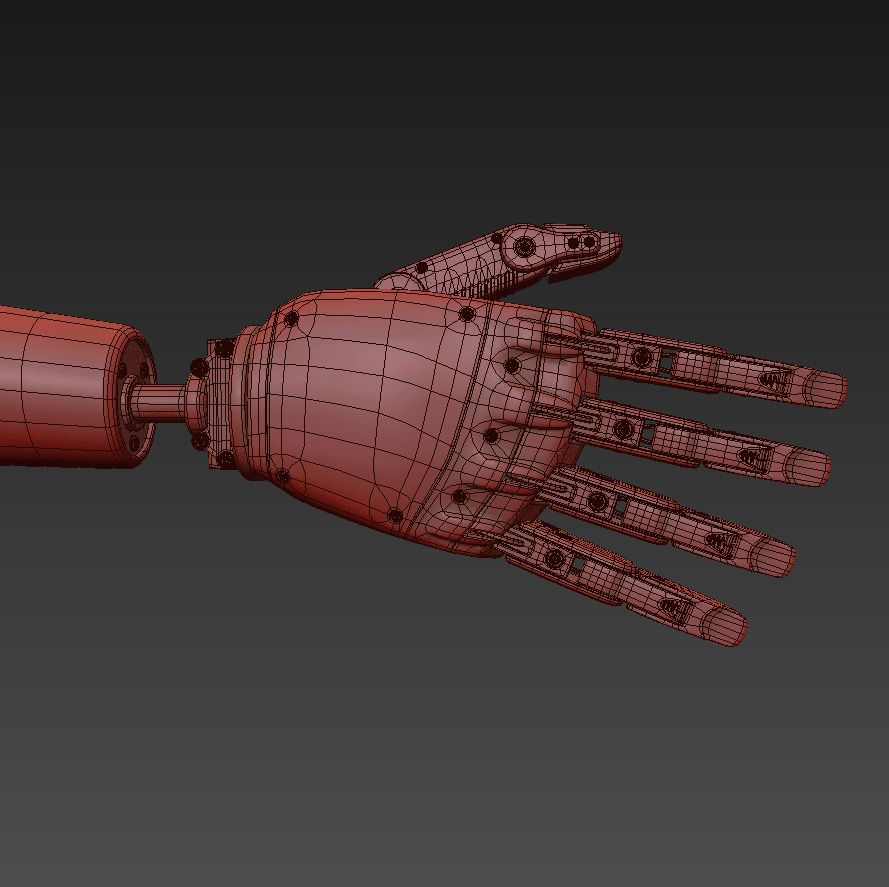
ロボットハンド royalty-free 3d model - Preview no. 1
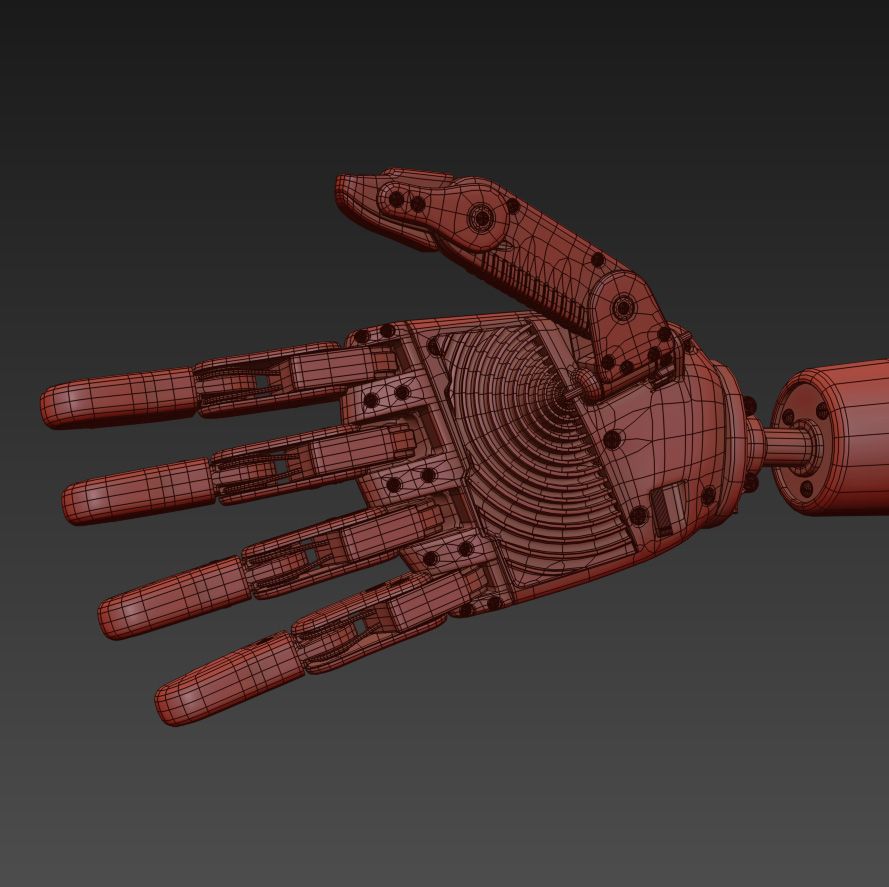
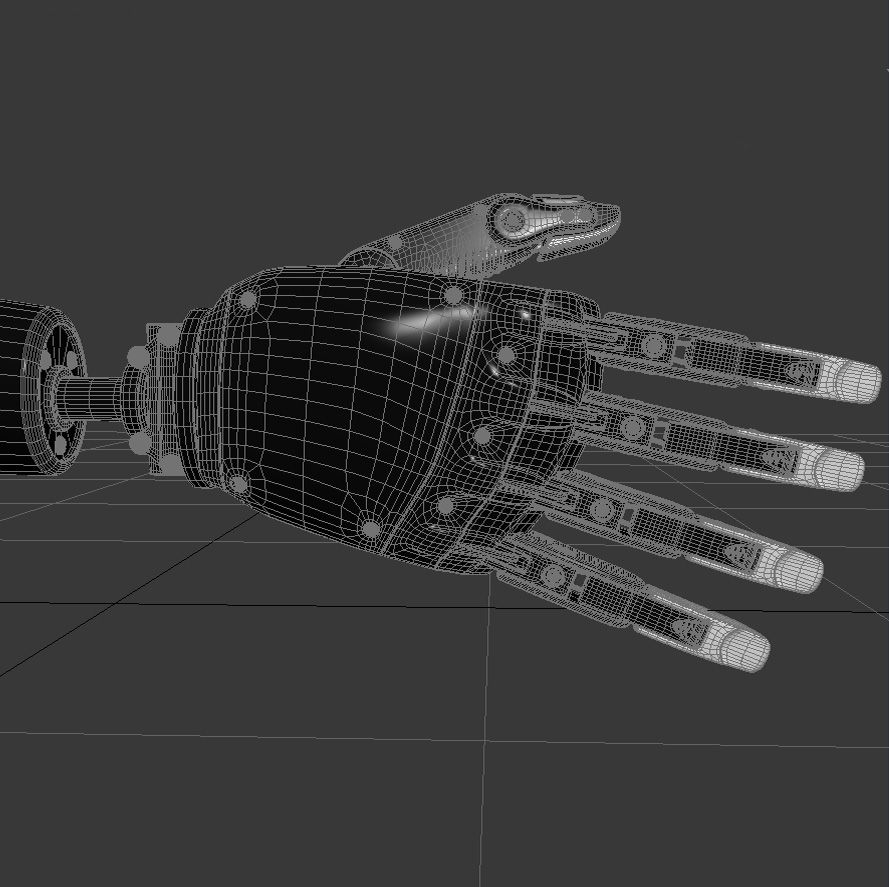
ロボットハンド royalty-free 3d model - Preview no. 2
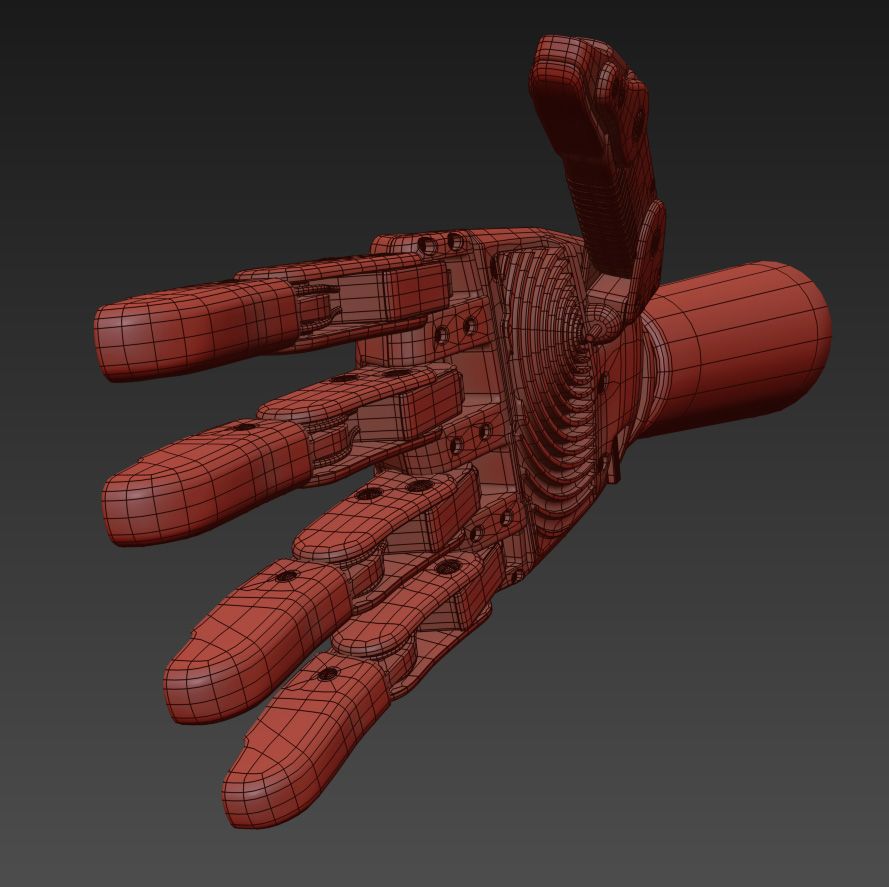
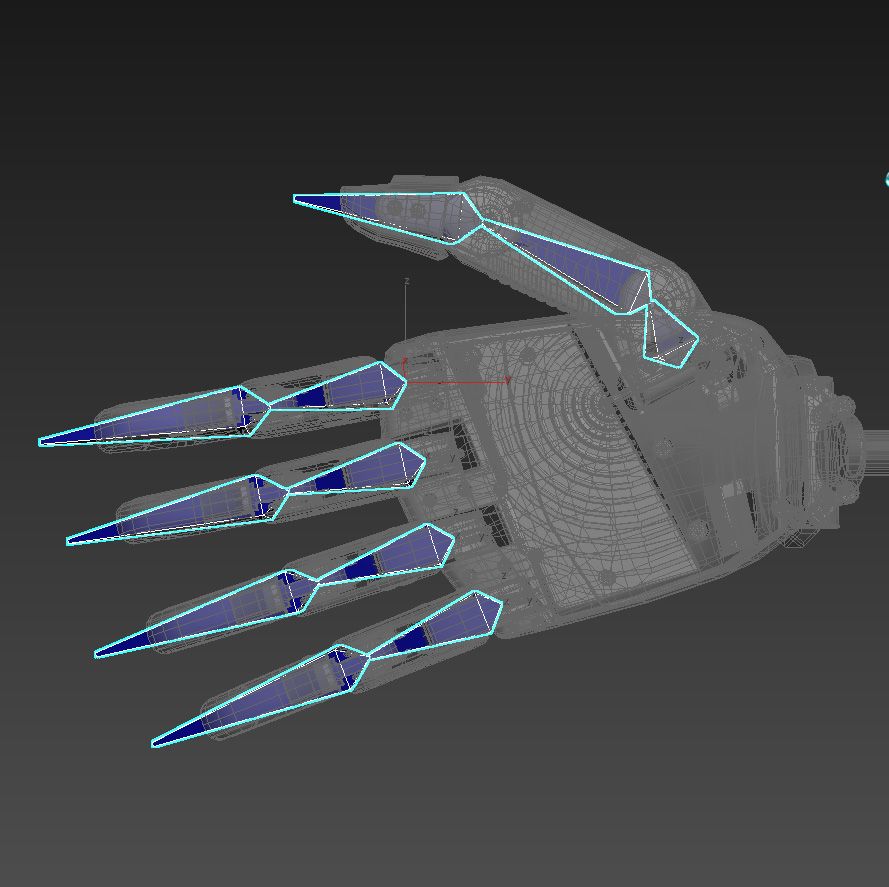
ロボットハンド royalty-free 3d model - Preview no. 3
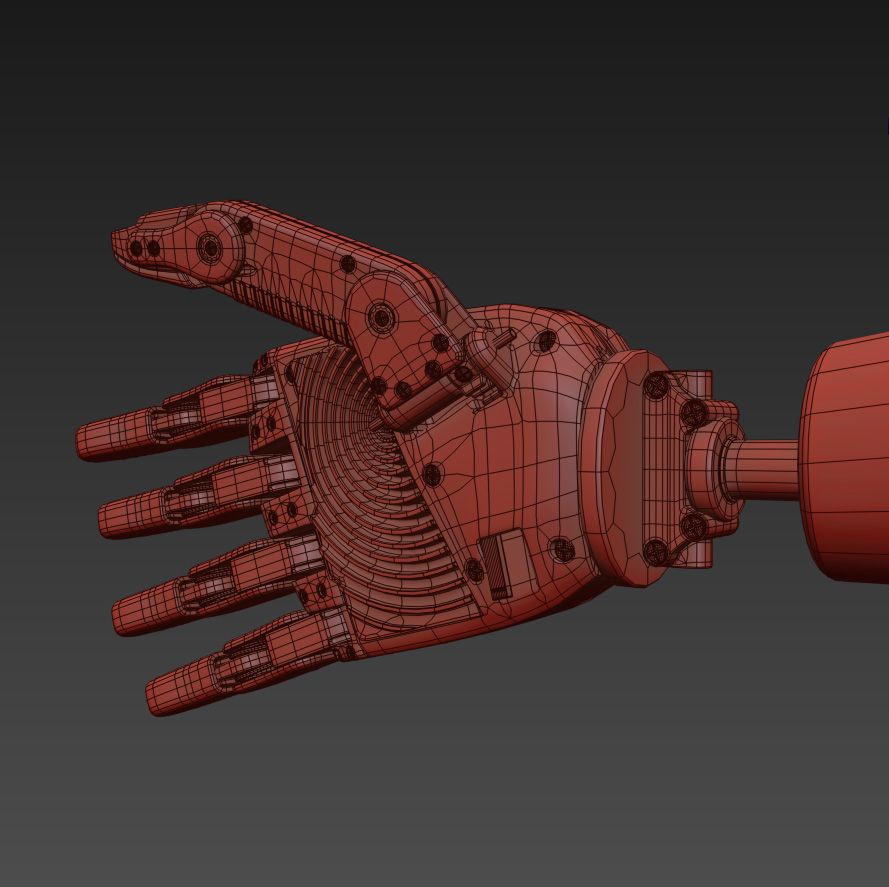
ロボットハンド royalty-free 3d model - Preview no. 4
ロボットハンド royalty-free 3d model - Preview no. 5
ロボットハンド royalty-free 3d model - Preview no. 6
ロボットハンド royalty-free 3d model - Preview no. 7
ロボットハンド royalty-free 3d model - Preview no. 8
ロボットハンド royalty-free 3d model - Preview no. 9
ロボットハンド royalty-free 3d model - Preview no. 10
ロボットハンド royalty-free 3d model - Preview no. 11
ロボットハンド royalty-free 3d model - Preview no. 12
ロボットハンド royalty-free 3d model - Preview no. 13
ロボットハンド royalty-free 3d model - Preview no. 14
ロボットハンド royalty-free 3d model - Preview no. 1
ロボットハンド royalty-free 3d model - Preview no. 2
ロボットハンド royalty-free 3d model - Preview no. 3
ロボットハンド royalty-free 3d model - Preview no. 4
ロボットハンド royalty-free 3d model - Preview no. 5
ロボットハンド royalty-free 3d model - Preview no. 6
ロボットハンド royalty-free 3d model - Preview no. 7
ロボットハンド royalty-free 3d model - Preview no. 8
ロボットハンド royalty-free 3d model - Preview no. 9
ロボットハンド royalty-free 3d model - Preview no. 10
ロボットハンド royalty-free 3d model - Preview no. 11
ロボットハンド royalty-free 3d model - Preview no. 12
ロボットハンド royalty-free 3d model - Preview no. 13
ロボットハンド royalty-free 3d model - Preview no. 14
単純な返品
ベストプライスギャランティ
箱から出して動作
0 訪問
anim3d

仕様

  • ジオメトリpolygonal
  • 多角形48,820
  • 頂点51,820
  • テクスチャYes
  • 堅いYes
  • アニメ化Yes
  • 3Dプリント可能No
  • ゲームレディ(低ポリ)No
  • UVマップNo
  • ラップされていないUVunknown

フォーマットとファイル

3DS
(.3ds)
2 MB

r_hand.3DS
OBJ
(.obj)
1 MB

Robot Hand_obj.rar
FBX
(.fbx)
3 MB

Robot Hand.FBX
3ds Max
(.max)
18 MB

vray 3.2
Robot Hand_2016_max.rar

説明

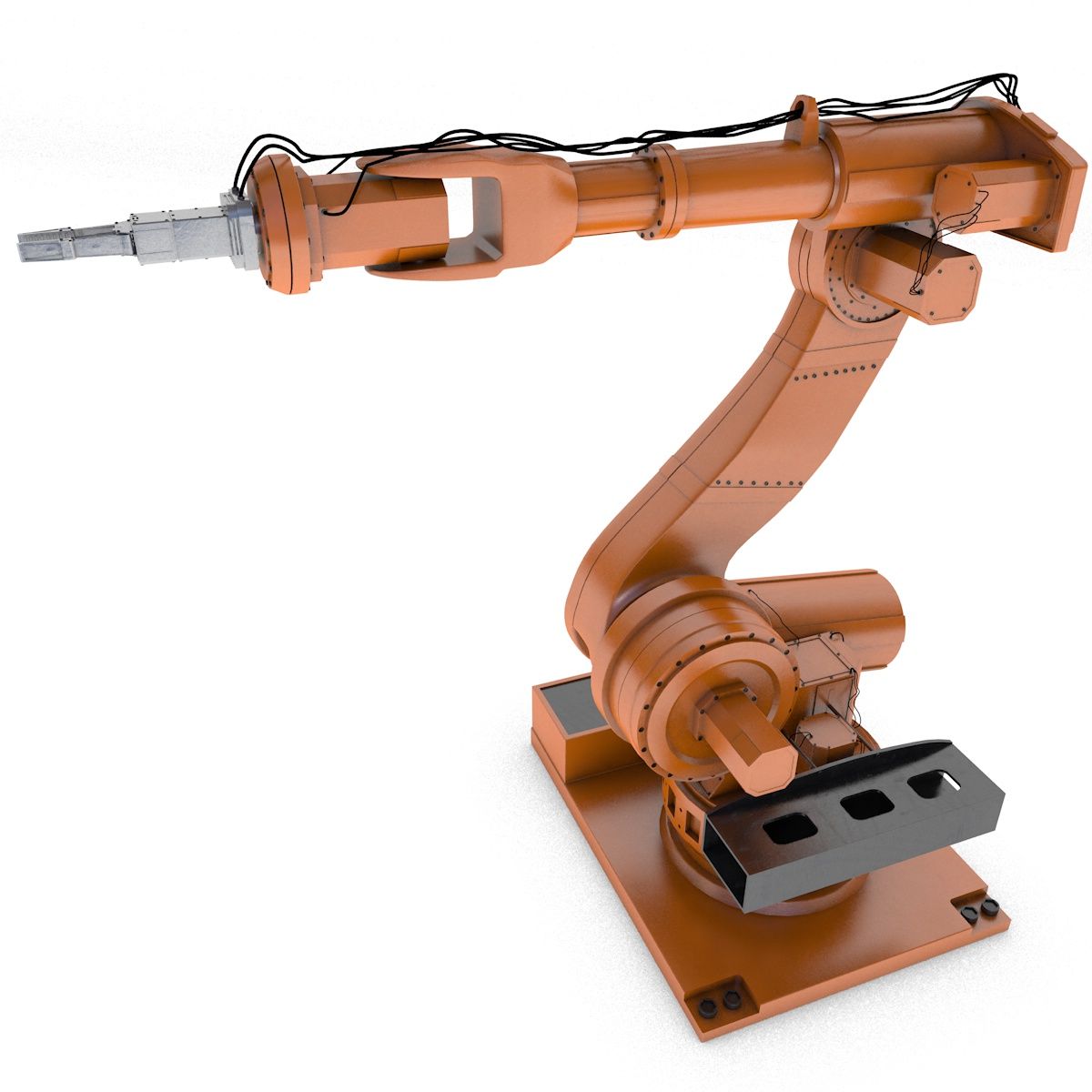
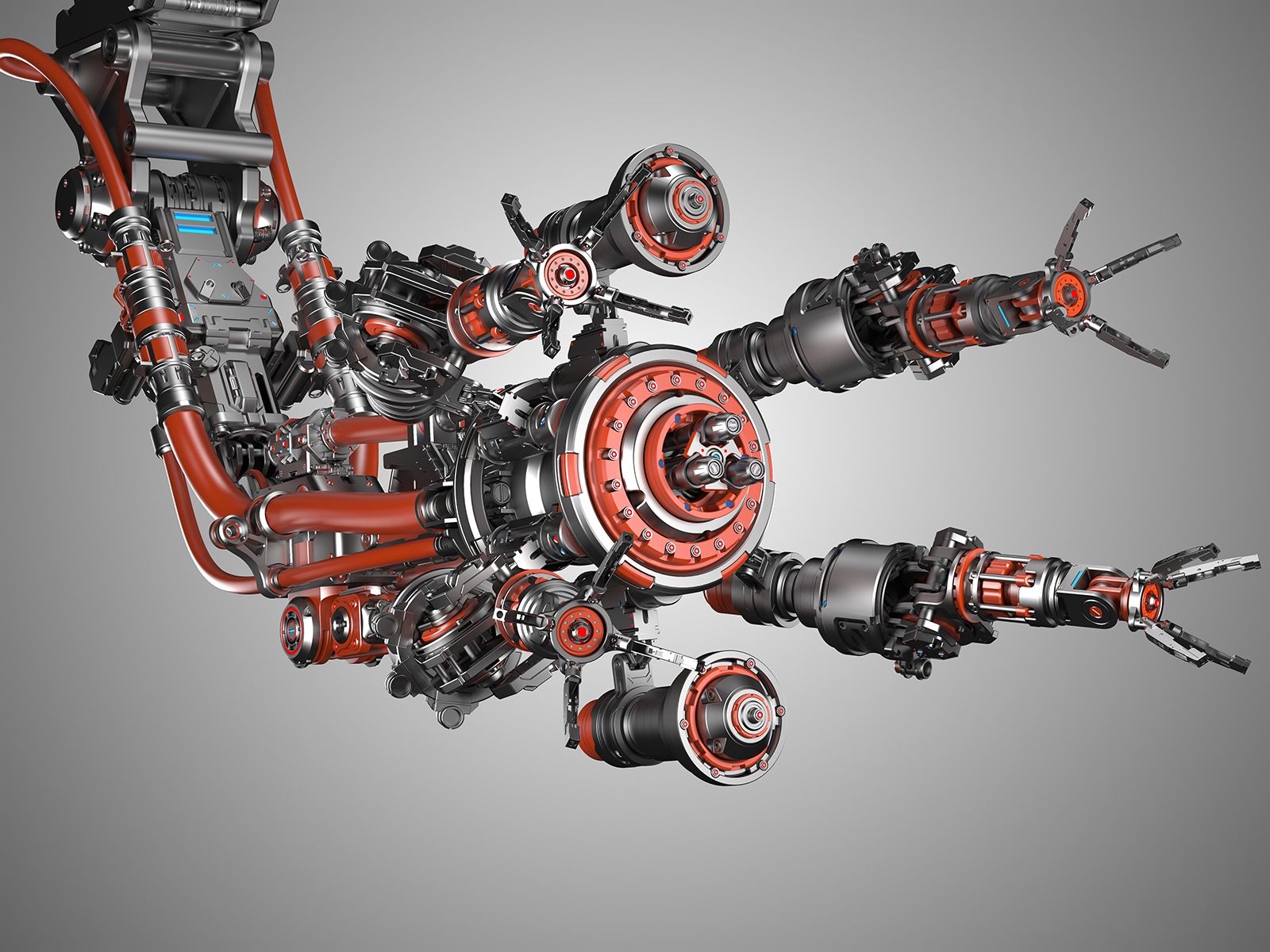
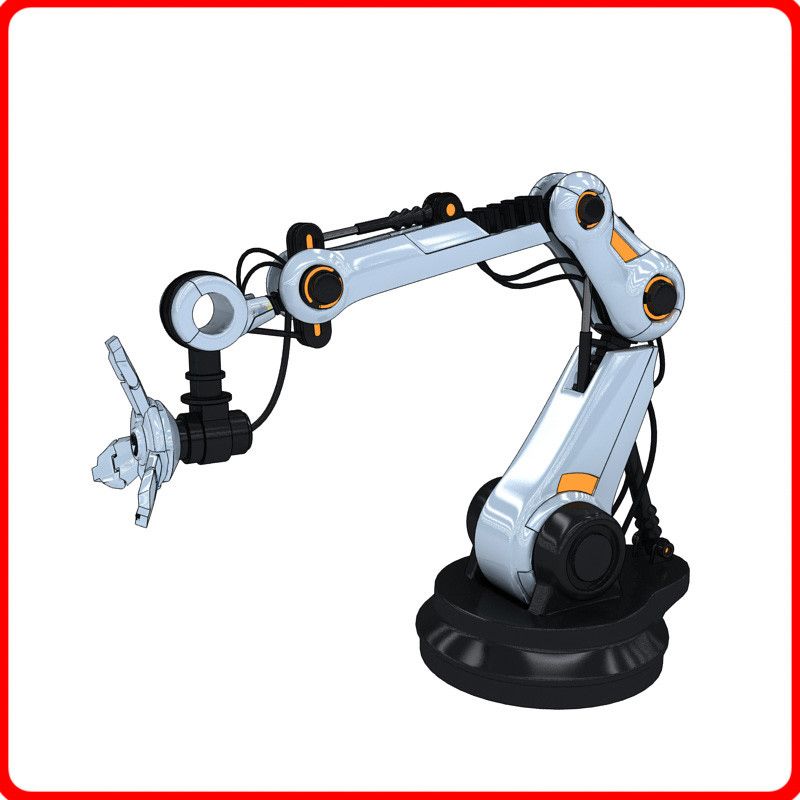
Robot Hand Created With 3ds Max 2016 -The presentation images were rendered with V-Ray -Objects are logically named for ease of scene management -The model is exposed on zero coordinates -Real world scale (mm) The contents of the scene: Robot_Hand: Polys:45820, Verts: 51820 HDRI map(1) V-Ray materials(3) The scene is configured to render. 1.Select a material. 2 .Apply TurboSmooth. 3. Click Render. Thanks!
Nov 12, 2021 追加日
Jan 23, 2025 最後の更新

レビュー

この商品のレビューはまだありません。
氷を砕いた最初の人になろう。