-->
建築乗り物キャラクター航空機家具エレクトロニクス動物たち植物兵器スポーツのフード解剖学
ブックマーク済み
ブックマークを削除しました

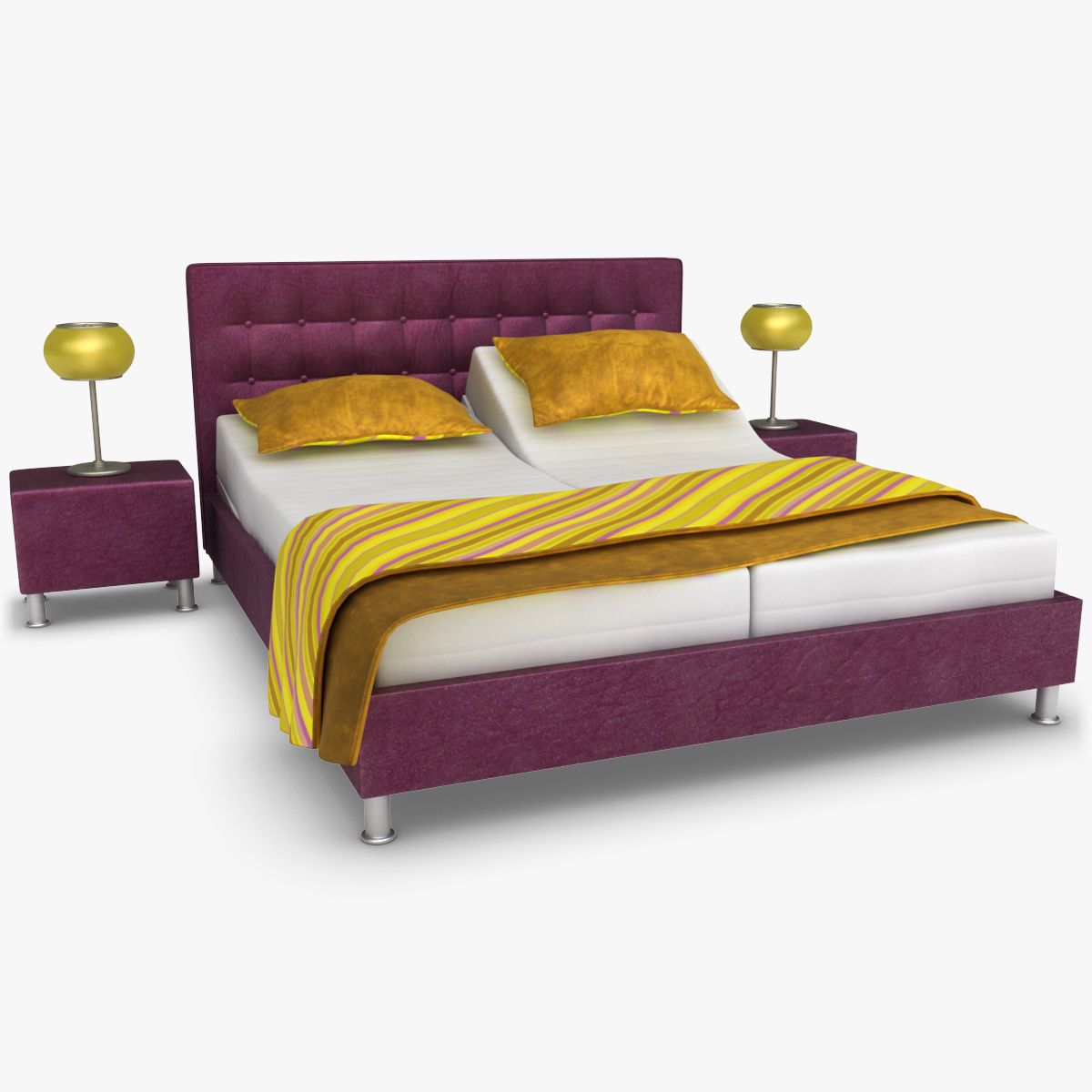
影の調節可能なベッド4色(装備) 3Dモデル

0
影の調節可能なベッド4色(装備) royalty-free 3d model - Preview no. 1
影の調節可能なベッド4色(装備) royalty-free 3d model - Preview no. 2
影の調節可能なベッド4色(装備) royalty-free 3d model - Preview no. 3
影の調節可能なベッド4色(装備) royalty-free 3d model - Preview no. 4
影の調節可能なベッド4色(装備) royalty-free 3d model - Preview no. 5
影の調節可能なベッド4色(装備) royalty-free 3d model - Preview no. 6
影の調節可能なベッド4色(装備) royalty-free 3d model - Preview no. 7
影の調節可能なベッド4色(装備) royalty-free 3d model - Preview no. 8
影の調節可能なベッド4色(装備) royalty-free 3d model - Preview no. 9
影の調節可能なベッド4色(装備) royalty-free 3d model - Preview no. 10
影の調節可能なベッド4色(装備) royalty-free 3d model - Preview no. 11
影の調節可能なベッド4色(装備) royalty-free 3d model - Preview no. 12
影の調節可能なベッド4色(装備) royalty-free 3d model - Preview no. 13
影の調節可能なベッド4色(装備) royalty-free 3d model - Preview no. 14
影の調節可能なベッド4色(装備) royalty-free 3d model - Preview no. 15
影の調節可能なベッド4色(装備) royalty-free 3d model - Preview no. 16
影の調節可能なベッド4色(装備) royalty-free 3d model - Preview no. 17
影の調節可能なベッド4色(装備) royalty-free 3d model - Preview no. 18
影の調節可能なベッド4色(装備) royalty-free 3d model - Preview no. 19
影の調節可能なベッド4色(装備) royalty-free 3d model - Preview no. 20
影の調節可能なベッド4色(装備) royalty-free 3d model - Preview no. 21
影の調節可能なベッド4色(装備) royalty-free 3d model - Preview no. 1
影の調節可能なベッド4色(装備) royalty-free 3d model - Preview no. 2
影の調節可能なベッド4色(装備) royalty-free 3d model - Preview no. 3
影の調節可能なベッド4色(装備) royalty-free 3d model - Preview no. 4
影の調節可能なベッド4色(装備) royalty-free 3d model - Preview no. 5
影の調節可能なベッド4色(装備) royalty-free 3d model - Preview no. 6
影の調節可能なベッド4色(装備) royalty-free 3d model - Preview no. 7
影の調節可能なベッド4色(装備) royalty-free 3d model - Preview no. 8
影の調節可能なベッド4色(装備) royalty-free 3d model - Preview no. 9
影の調節可能なベッド4色(装備) royalty-free 3d model - Preview no. 10
影の調節可能なベッド4色(装備) royalty-free 3d model - Preview no. 11
影の調節可能なベッド4色(装備) royalty-free 3d model - Preview no. 12
影の調節可能なベッド4色(装備) royalty-free 3d model - Preview no. 13
影の調節可能なベッド4色(装備) royalty-free 3d model - Preview no. 14
影の調節可能なベッド4色(装備) royalty-free 3d model - Preview no. 15
影の調節可能なベッド4色(装備) royalty-free 3d model - Preview no. 16
影の調節可能なベッド4色(装備) royalty-free 3d model - Preview no. 17
影の調節可能なベッド4色(装備) royalty-free 3d model - Preview no. 18
影の調節可能なベッド4色(装備) royalty-free 3d model - Preview no. 19
影の調節可能なベッド4色(装備) royalty-free 3d model - Preview no. 20
影の調節可能なベッド4色(装備) royalty-free 3d model - Preview no. 21
単純な返品
ベストプライスギャランティ
箱から出して動作
0 訪問
3dror

仕様

  • ジオメトリpolygonal_quads/tris
  • 多角形11,420
  • 頂点10,457
  • テクスチャYes
  • 堅いYes
  • アニメ化No
  • 3Dプリント可能No
  • ゲームレディ(低ポリ)No
  • UVマップYes
  • ラップされていないUVmixed

フォーマットとファイル

FBX
(.fbx)
5 MB

Shadow_4-Colors_fbx.zip
OBJ
(.obj)
8 MB

Shadow_4-Colors_obj.zip
3DS
(.3ds)
7 MB

Shadow_4-Colors_3ds.zip
3ds Max
(.max)
5 MB

vray 2.30.01
Shadow_4-Colors_vray.zip
3ds Max
(.max)
5 MB

mentalray
Shadow_4-Colors_mentalray.zip
3ds Max
(.max)
5 MB

default_scanline
Shadow_4-Colors_scanline.zip
3ds Max
37 MB

Shadow_4-Colors_texture-4096.zip

説明

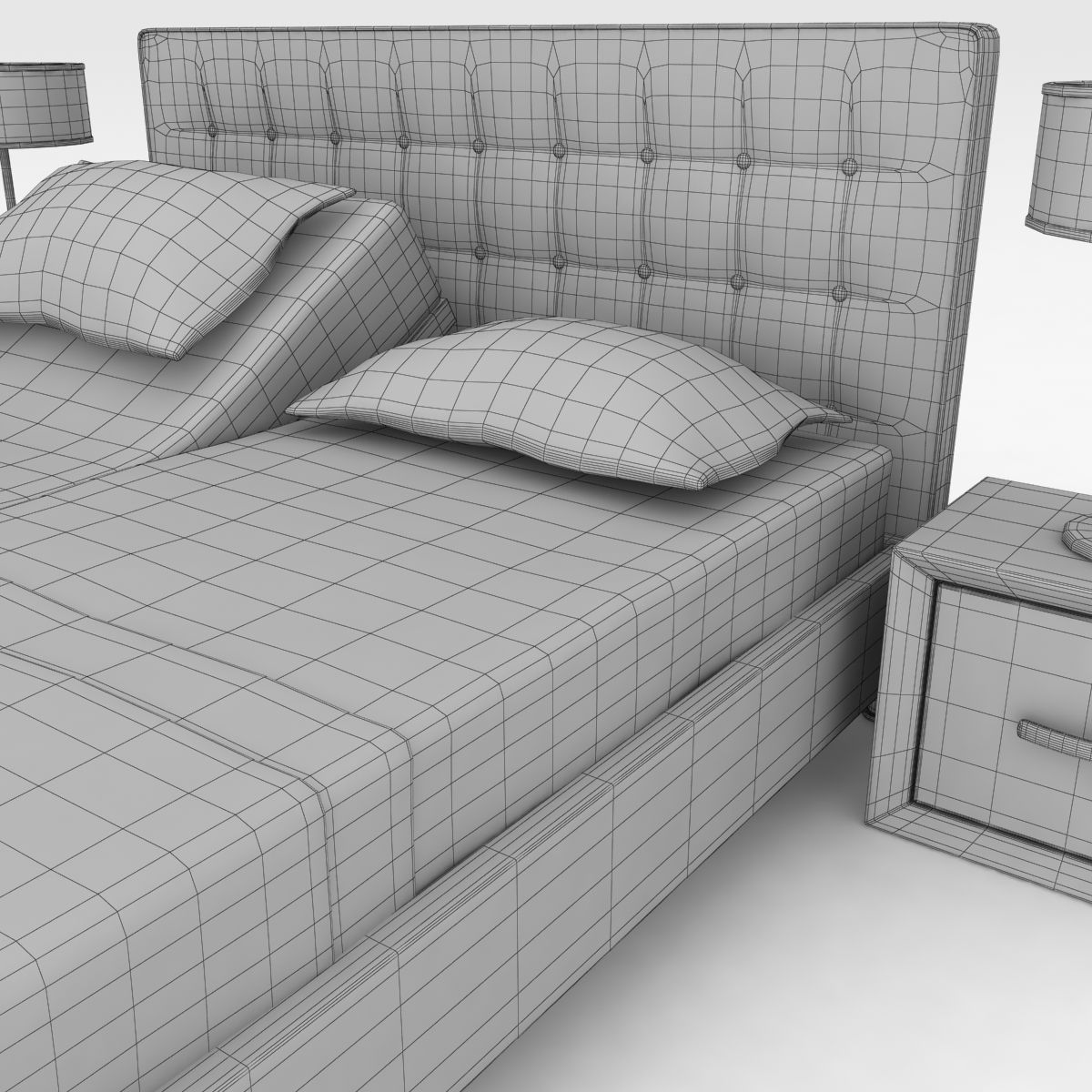
Realistic 3D model of the Shadow Adjustable Bed 4 Colors (RIGGED) * The materials are available in the 3ds Max file format with V-Ray, Mentalray and Scanline Render -Scene lighting is included, ready for instant rendering * The entire model is subdivided -3ds Max files: TurboSmooth modifier can be used to increase mesh resolution if necessary -FBX file: subdivision level 2 (render scene) -OBJ file: subdivision level 2 -3DS file: subdivision level 2 * All the objects of the model are named * All the materials are named In the attached 3ds Max files you can easily change between four different colors of the model with Multi / Sub-Object In FBX, OBJ and 3DS files is attached model with one color, Textures are ordered in convenient file names structure for easy import. * Non-overlapping UV's are applied where it is necessary * Texture: 4096*4096 (diffuse, bump and normal map) * Requires 3ds Max Version 2010 and higher * Real-world scale * The model is rigged with Bones (in 3ds max files only) You can move and rotate bones freely and return to the original state in ease: Select All Bones > Alt + right click > Transform To Zero
Nov 30, 2019 追加日
Jan 09, 2026 最後の更新

レビュー

この商品のレビューはまだありません。
氷を砕いた最初の人になろう。