

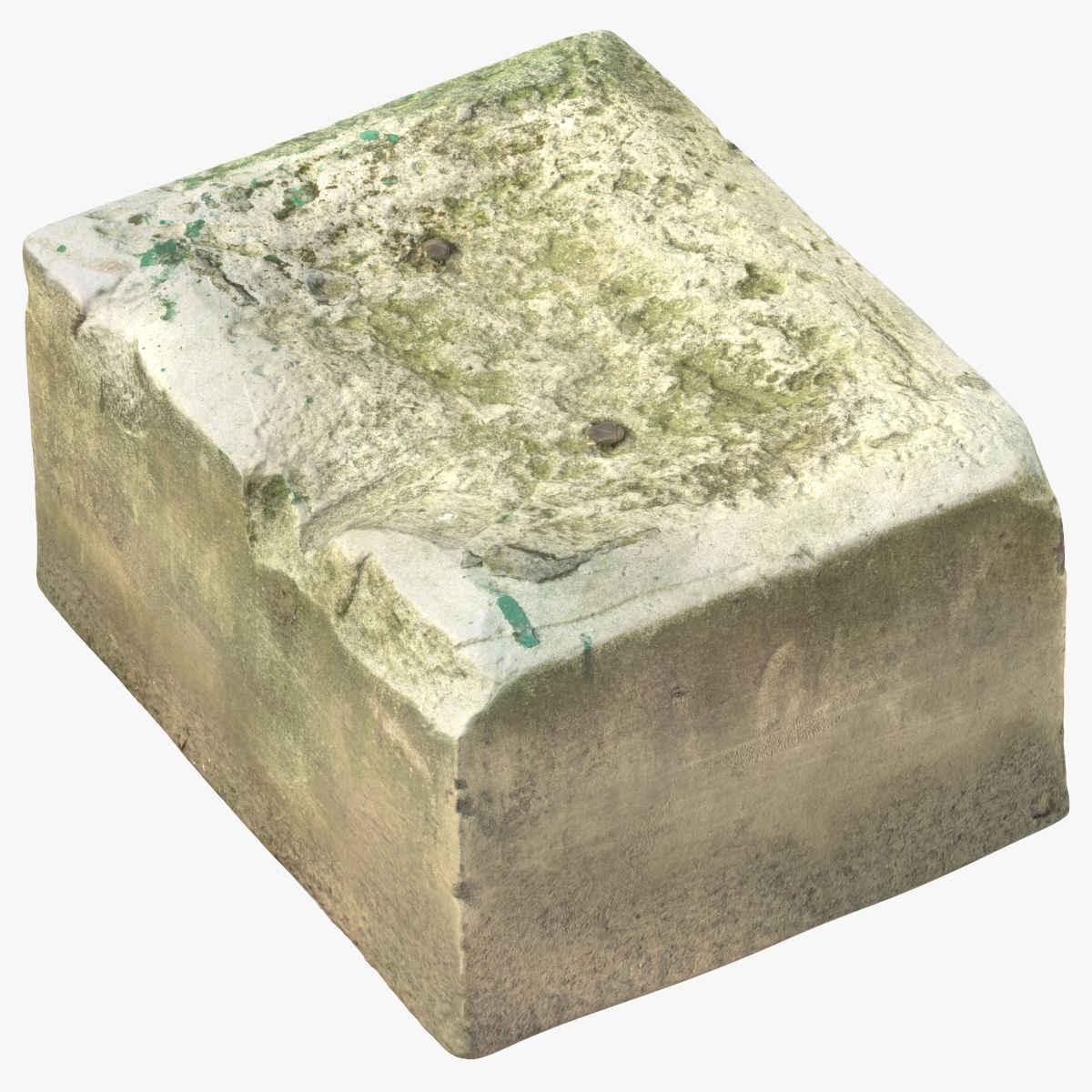


ストーンデブリ01 3Dモデル
0


6
訪問

から提出された
Litarvan
仕様
- ジオメトリpolygonal_tris only
- 多角形4,998
- 頂点2,499
- テクスチャYes
- 堅いNo
- アニメ化No
- 3Dプリント可能No
- ゲームレディ(低ポリ)No
- UVマップYes
- ラップされていないUVnon-overlapping
説明
- V-Ray and standard materials
- Hi-Res Realistic product
- Correct scale
- Object(s) in their own layer (name via product name)
Several Versions included:
1) Main version - Around 5000 Polygons (including Displacement 32 and 16 bit map, Normals And Diffuse Maps)
2) Extra Low Poly version - Around 1000 Polygons (including Displacement 32 bit map, Normals And Diffuse Maps)
3) Middle Poly Version- Around 50 000 Polygons (Diffuse and Normal Maps are present)
4) Original HiPoly Version - Around Few Milion polygons (Diffuse Map included)
Maps in max archives (5K (5000 Polygons) version):
Diffuse 4096*4096px JPG
Normals 2048*2048px JPG
32 bit Displacement 2048*2048px exr
16 bit Displacement 2048*2048px jpg
These are optimized and are indistinguishable from 8192*8192px TIFFs (which take more RAM during rendering etc.)
Nevertheless if you want 105% quality, you can download the separate hires TIFF textures archive (around 250MB), which contains:
Diffuse 8192*8192px TIF
Normal 8192*8192px TIF
Displacement 16bit 8192*8192px TIF
Displacement 32bit 8192*8192px EXR
If you need just the original mesh without using displacement map during rendering, take the low poly version, subdivide it a couple of times and use the displacement map in 'displace' modifier (in 3ds max) or similiar in other applications, which will deform your mesh in viewport realtime, so you get the original hipoly mesh. You can use it, or use it as proxy or decimated it etc.
Objects are in their own layer called '_Merged_Buyed'. No part-name confusion when importing. Centered on 0,0,0.
Nov 12, 2019
追加日
Jun 30, 2023
最後の更新
レビュー
この商品のレビューはまだありません。
氷を砕いた最初の人になろう。