


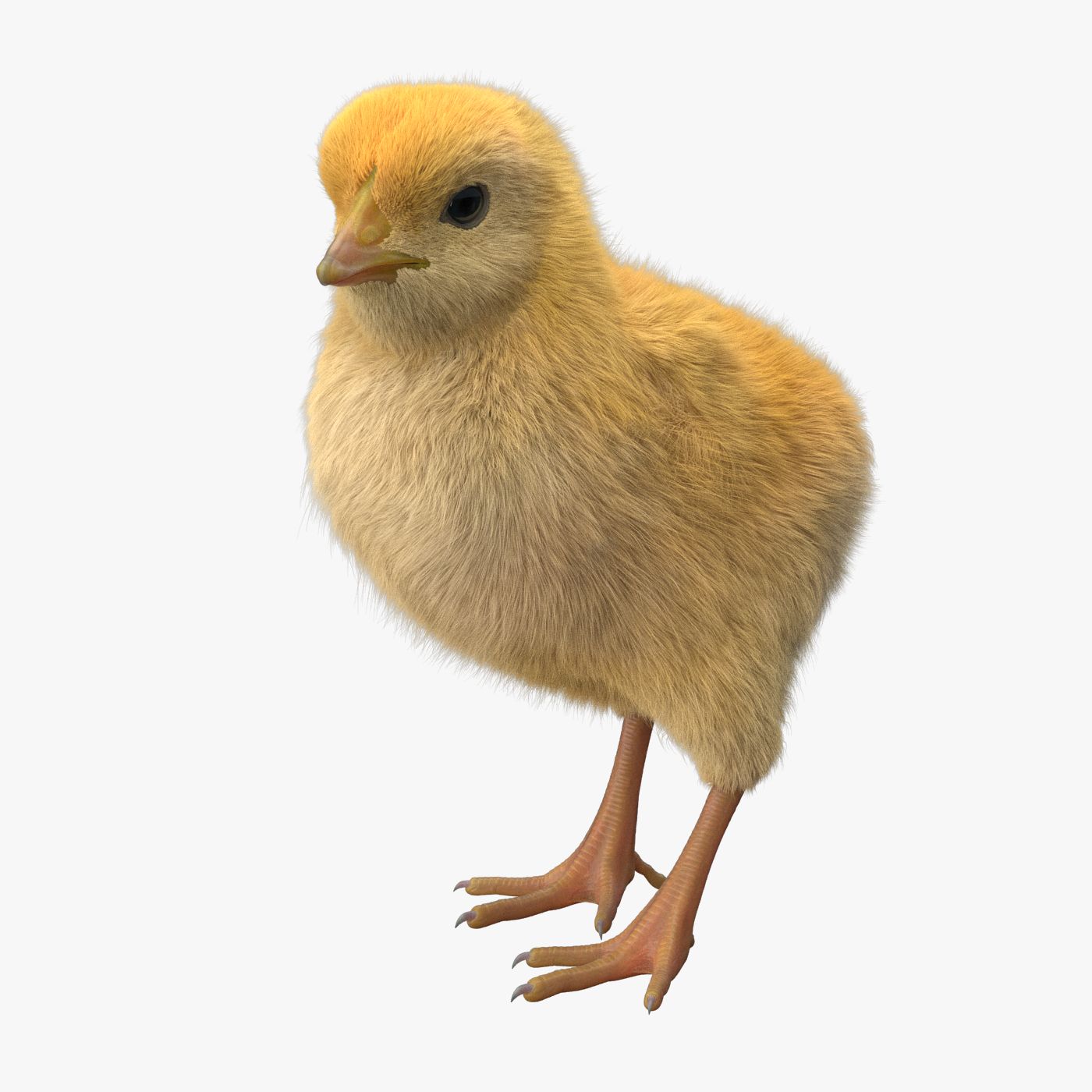




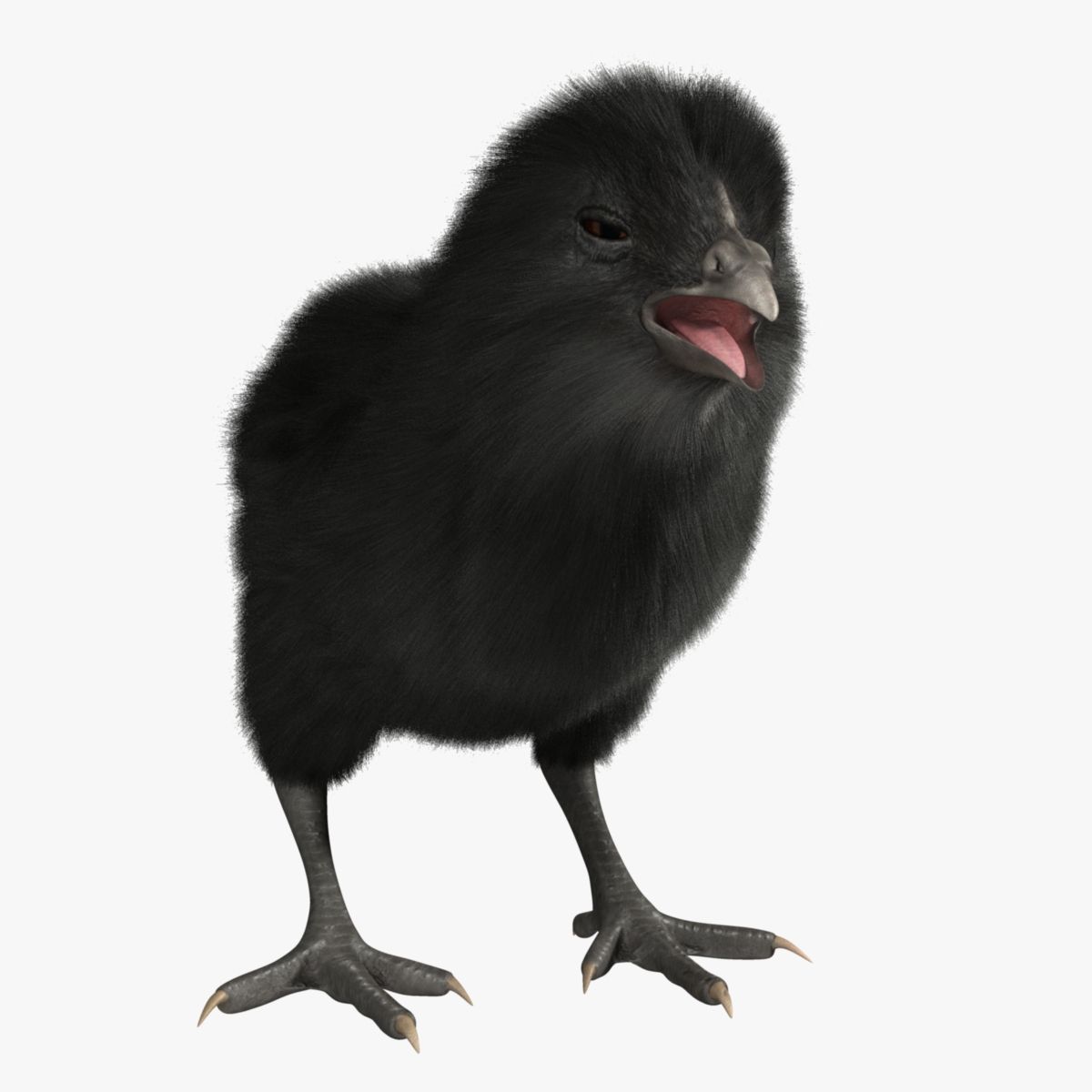
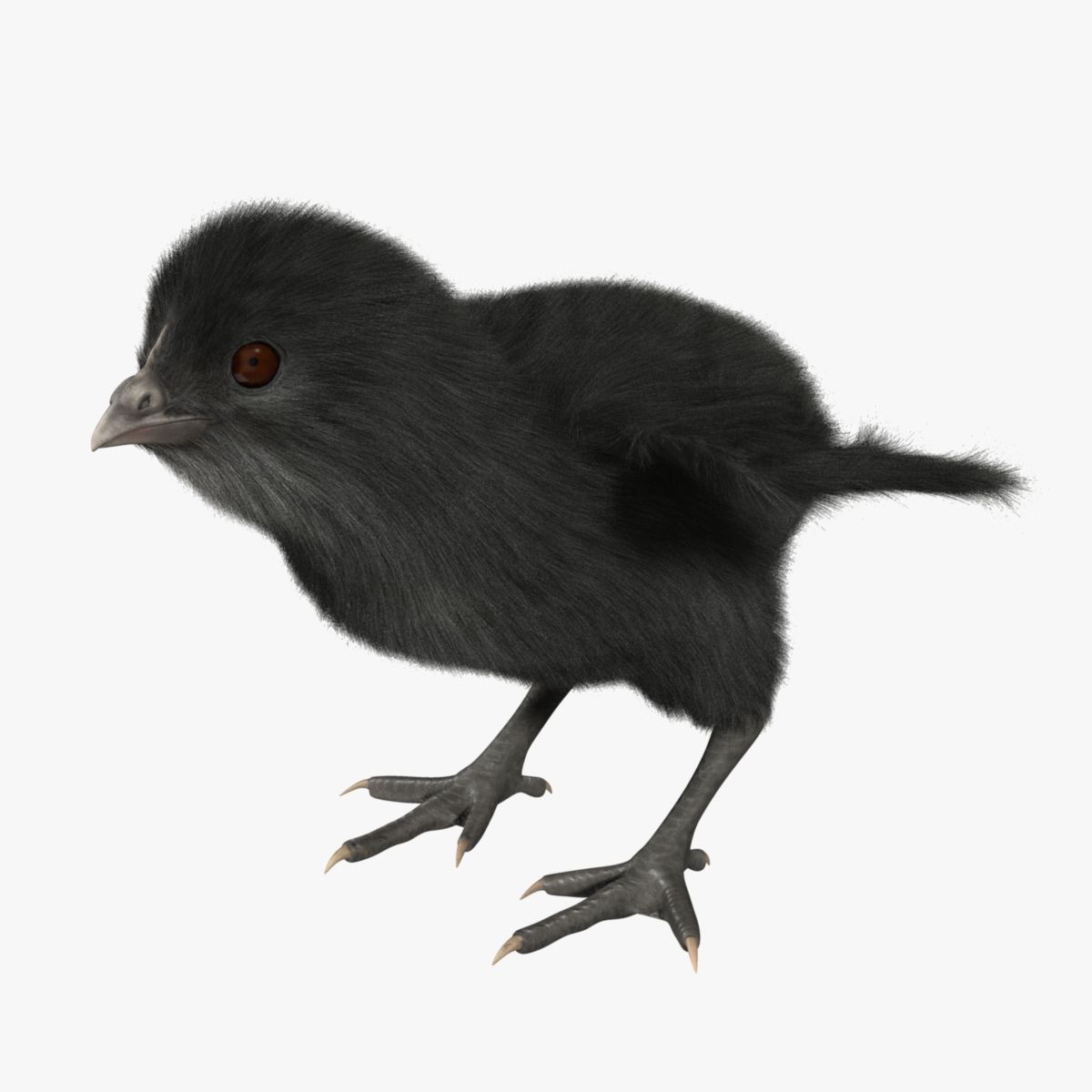
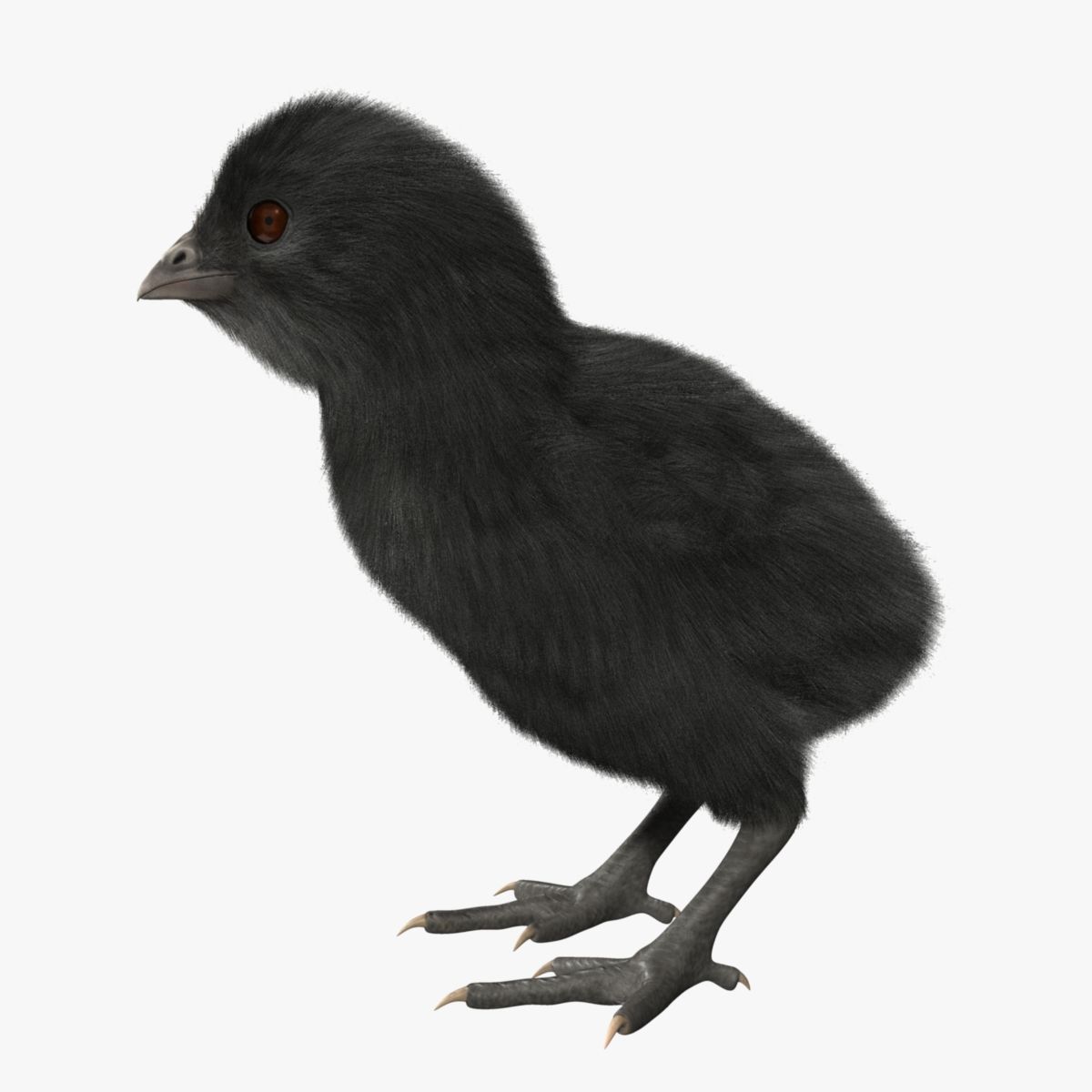
Black Chick 3D 모델
0




0
방문

에 의해 제출 된
triduza
명세서
- 기하학polygonal_quads only
- 다각형8,218
- 정점들8,355
- 텍스처Yes
- 딱딱한Yes
- 생기 있는No
- 3D 인쇄 가능 준비No
- 게임 준비 (낮은 폴리)No
- UV 매핑 됨Yes
- 포장되지 않은 자외선mixed
기술
3D model of Black Chick created in Maya 2013.
Real-world scale.
Clean topology with quad polygons only.
All objects properly named.
Model fully rigged and ready for animation. Please watch attached video with rig preview.
Also rig's readme file attached.
No third party plugins were used, fur created with standard Maya tools.
PLEASE NOTE:
FIXING FUR MAPS PATH
Create new project. Copy .mb files to ‘scenes’ folder, textures to ‘sourceimages’ folder and owerwrite ‘renderData’ folder from archive to project’s folder.
Sometimes Maya not update relative path’ for fur maps and automatically convert them to absolute, you need to check and fix them manually.
In Attribute Editor open Fur properties.
Expand: Details -> Base Color -> Maps
Click on path and delete everything before renderData - this will make file path relative.
Scroll down and repeat this operation for all fur maps
Make sure that you checked all files connected to Fur, you can see all of them in renderData/fur/furAttrMap folder.
FUR_README file added to archive.
Model Exported to .obj format (without fur)
Polygons:
Faces: 8218
Vertices: 8355
Textures:
body_bump.jpg (4096x4096)
body_diffuse.jpg (4096x4096)
body_specular.jpg (4096x4096)
zstudiolight.tga (1024x1024) environment map
renderData folder contains maps with fur parameters
Rig description:
MainControl - controls whole model position and rotation
Body_Control - controls body position and rotation
Tail_Control - controls tail rotation
ltfeathers_Control - controls bending of left side of tail
Neck_Control1-2 - control neck rotation and position
Head_Control - controls head rotation and position
LowerBeak_Control - controls beak opening
Tongue_Control1-3 - control tongue rotation and stretch
lEye_Control - left eye taget
rEye_Control - right eye target
liris_Control - left eye's iris size
riris_Control - right eye's iris size
leyelids_Control - close left eye
reyelids_Control - close right eye
lmembrane_Control - close left eye membrane
rmembrane_Control - close right eye membrane
lwing_fold_Control - controls left wing folding
rwing_fold_Control - controls right wing folding
lWing_Control1-3 - left wing rotation
rWing_Control1-3 - right wing rotation
lupleg_Control - left upper leg position and rotation
rupleg_Control - right upper leg position and rotation
lLeg_Control - left leg position and rotation
rLeg_Control - right leg position and rotation
lfoot_Control - left foot position and rotation
rfoor_Control - right foot position and rotation
lfinger1_Control1-2, lfinger2_Control1-2, lfinger3_Control1-2, lfinger4_Control1-2 - control bending of left leg's fingers
rfinger1_Control1-2, rfinger2_Control1-2, rfinger3_Control1-2, rfinger4_Control1-2 - control bending of right leg's fingers
Sep 28, 2020
추가 된 날짜
Sep 29, 2022
마지막 업데이트
리뷰
현재이 제품에 대한 리뷰가 없습니다.
얼음을 깬 첫 번째 사람이되지 않겠습니까?