



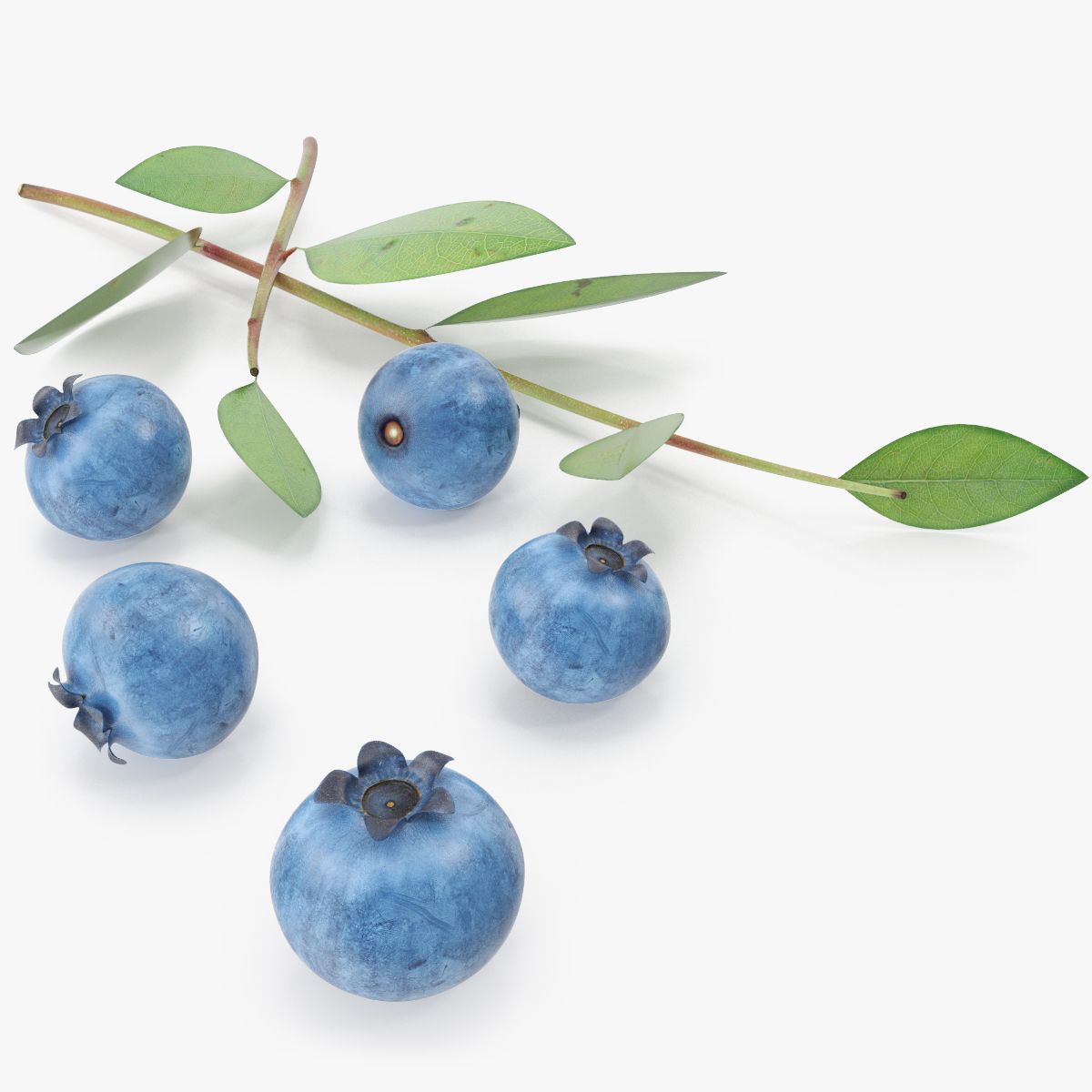
Blueberry 3D 모델
0


835
방문

에 의해 제출 된
R0STlSLAV
명세서
- 기하학polygonal_quads only
- 다각형3,898
- 정점들3,982
- 텍스처Yes
- 딱딱한No
- 생기 있는No
- 3D 인쇄 가능 준비No
- 게임 준비 (낮은 폴리)No
- UV 매핑 됨Yes
- 포장되지 않은 자외선non-overlapping
기술
— Model Description —
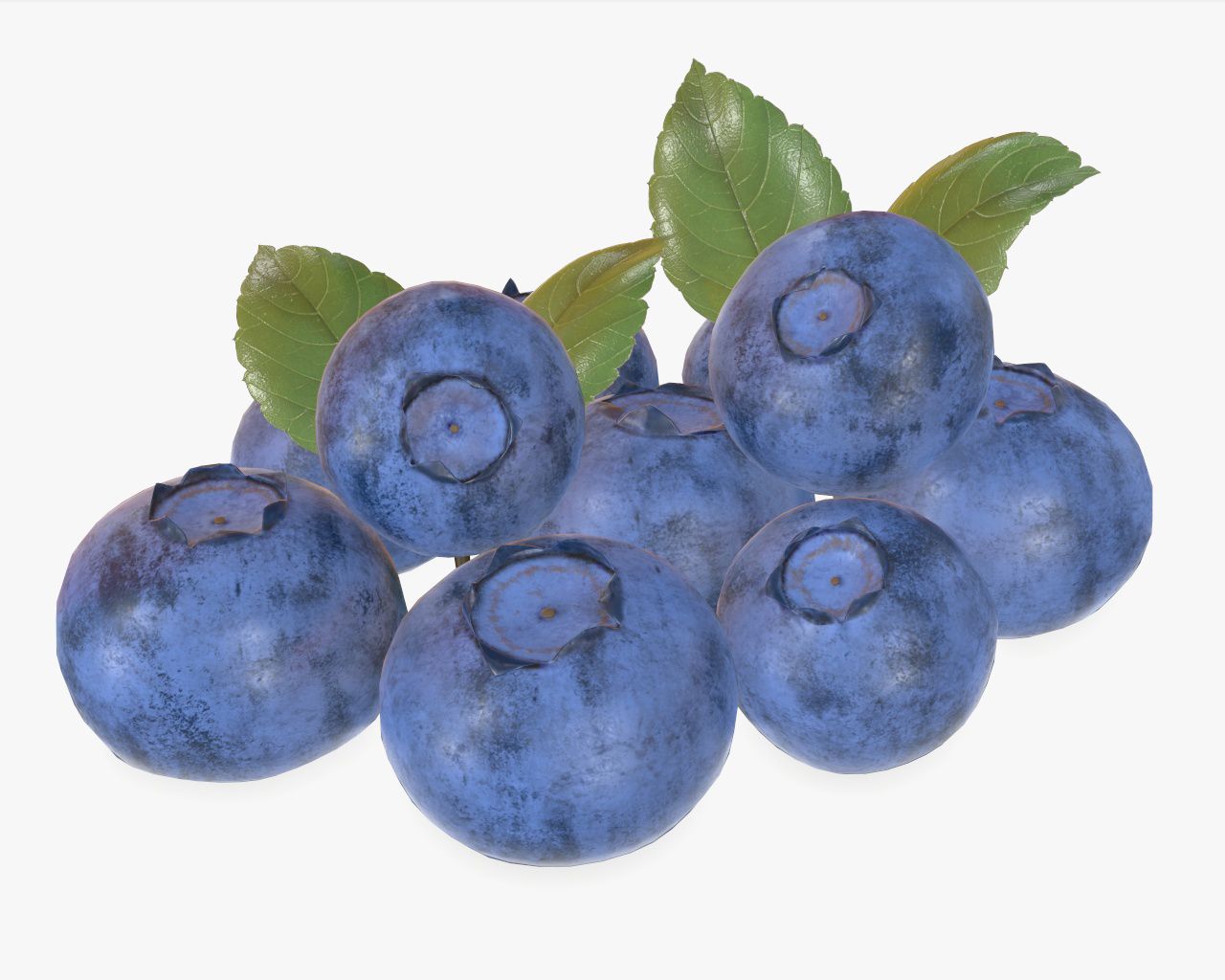
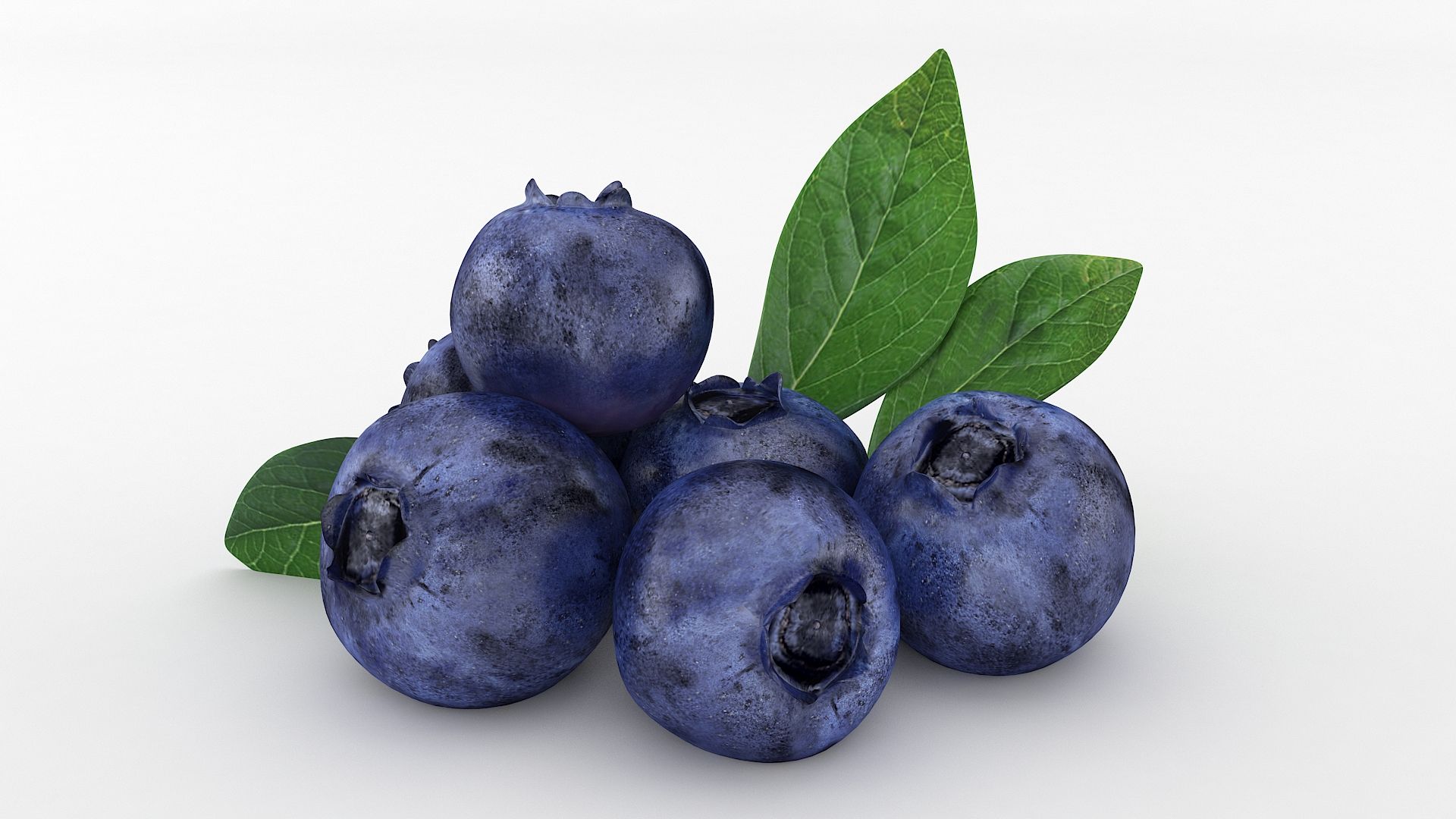
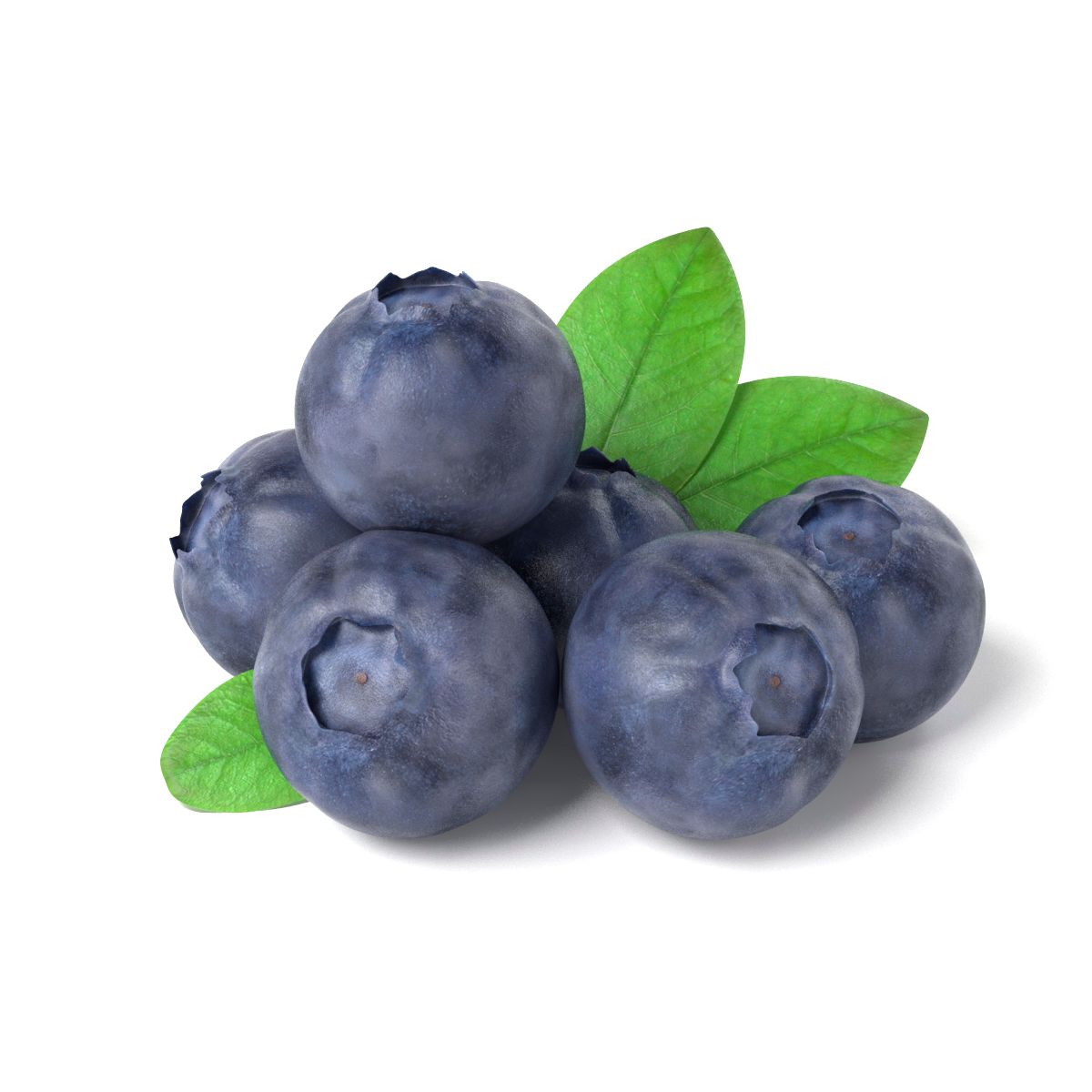
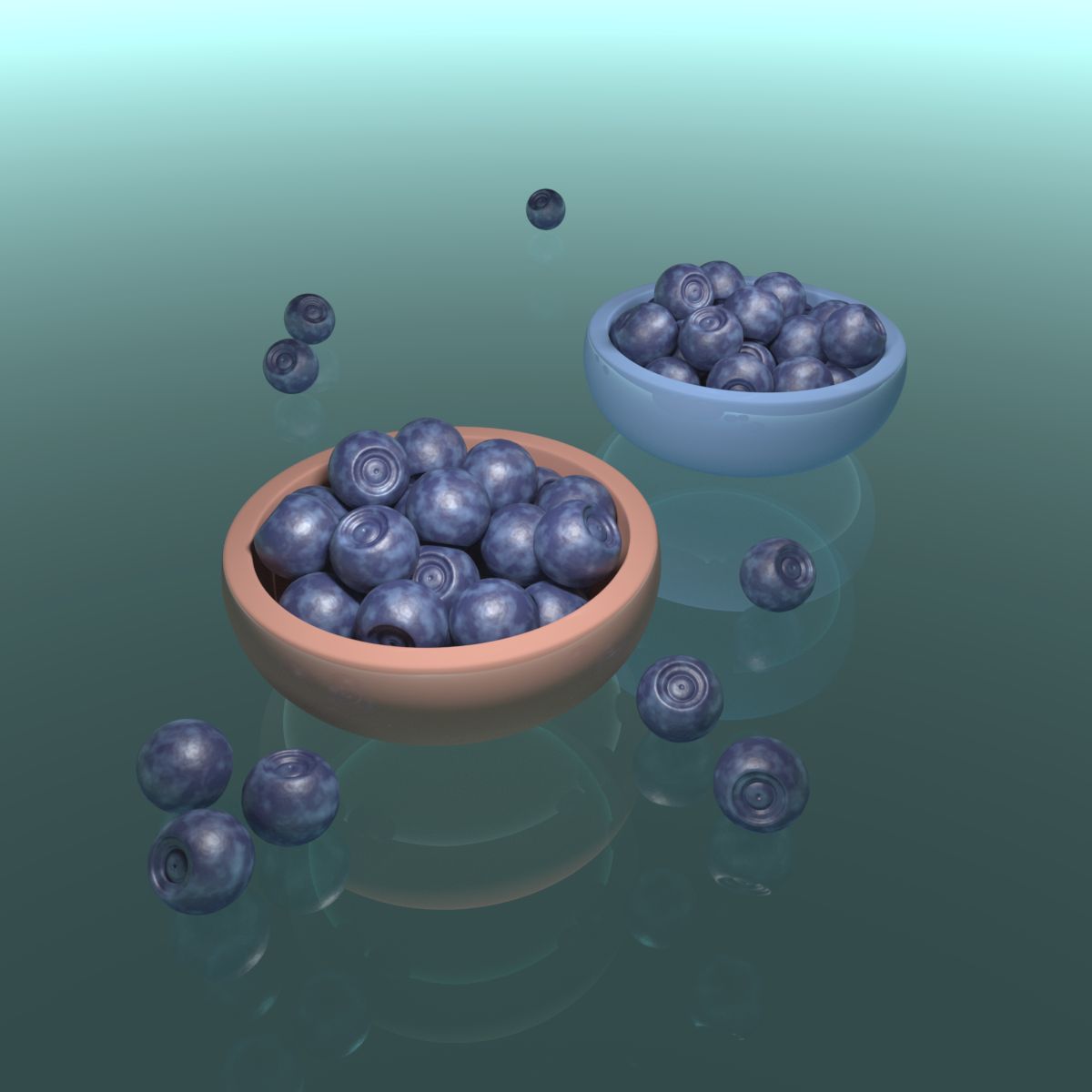
• This Blueberry or high-quality, photorealistic model, which will improve the accuracy and detail of all your visualization projects.
• Was originally modeled in 3ds Max 2016 and compatible with 3ds Max 2010 or later.
— 3d model of a Blueberry —
• Subdividable, high detail and clean mesh geometry
• High resolution textures
• Manually optimized UV mapping
• Suitable for close-up renderings
• Model is made of 100 % Quadrangles ( 3898 )
— Included Texture —
• Blueberry_M1_diffuse.tif (4096 * 4096 pixels, deffuse map)
• Blueberry_M1_glossiness.tif (4096 * 4096 pixels, glossiness map)
• Blueberry_M1_reflection.tif (4096 * 4096 pixels, specular map)
• Blueberry_M1_bump.tif (4096 * 4096 pixels, bump map)
• Blueberry_M2_diffuse.tif (3502 * 3502 pixels, deffuse map)
• Blueberry_M2_glossiness.tif (3502 * 3502 pixels, glossiness map)
• Blueberry_M2_reflection.tif (3502 * 3502 pixels, specular map)
• Blueberry_M2_bump.tif (3502 * 3502 pixels, bump map)
• Blueberry_M3_diffuse.tif (4096 * 4096 pixels, deffuse map)
• Blueberry_M3_glossiness.tif (4096 * 4096 pixels, glossiness map)
• Blueberry_M3_reflection.tif (4096 * 4096 pixels, specular map)
• Blueberry_M3_bump.tif (4096 * 4096 pixels, bump map)
— Features —
• Scene lighting is not included
• All the materials are named
• All the objects of the model are named
• The materials are available in the 3ds Max file format with V-Ray and Scanline Render
• FBX, OBJ, 3DS format files available materials Scanline Render
— Include Formats —
• 3ds Max 2010 V-Ray
• 3ds Max 2010 Default Scanline
• 3ds Max 2013 V-Ray
• 3ds Max 2013 Default Scanline
— Include other Formats —
• 3ds Max files: TurboSmooth modifier can be used to increase mesh resolution if necessary
— three FBX file:
• subdivision level: 0
• subdivision level: 1
• subdivision level: 2
— three OBJ files:
• subdivision level: 0
• subdivision level: 1
• subdivision level: 2
— three 3DS files:
• subdivision level: 0
• subdivision level: 1
• subdivision level: 2
Model has been checked with the appropriate software
— Important Notes —
• Lighting and Render environment setup as seen in the previews is not included
• All renderings show the model in subdivision state 2
• Textures are included in the .MAX .OBJ .3DS .FBX scene format
• Native scene format is 3ds max 2010 (.MAX)
• Other formats (than .MAX) might need minor material tweaking to achieve identical results as shown above
Sep 05, 2018
추가 된 날짜
Feb 27, 2022
마지막 업데이트
리뷰
현재이 제품에 대한 리뷰가 없습니다.
얼음을 깬 첫 번째 사람이되지 않겠습니까?