






자동차 애니메이션 01 3D 모델
0

756
방문

에 의해 제출 된
HalukTorun
명세서
- 기하학polygonal
- 다각형0
- 정점들0
- 텍스처No
- 딱딱한No
- 생기 있는No
- 3D 인쇄 가능 준비No
- 게임 준비 (낮은 폴리)No
- UV 매핑 됨No
- 포장되지 않은 자외선unknown
기술
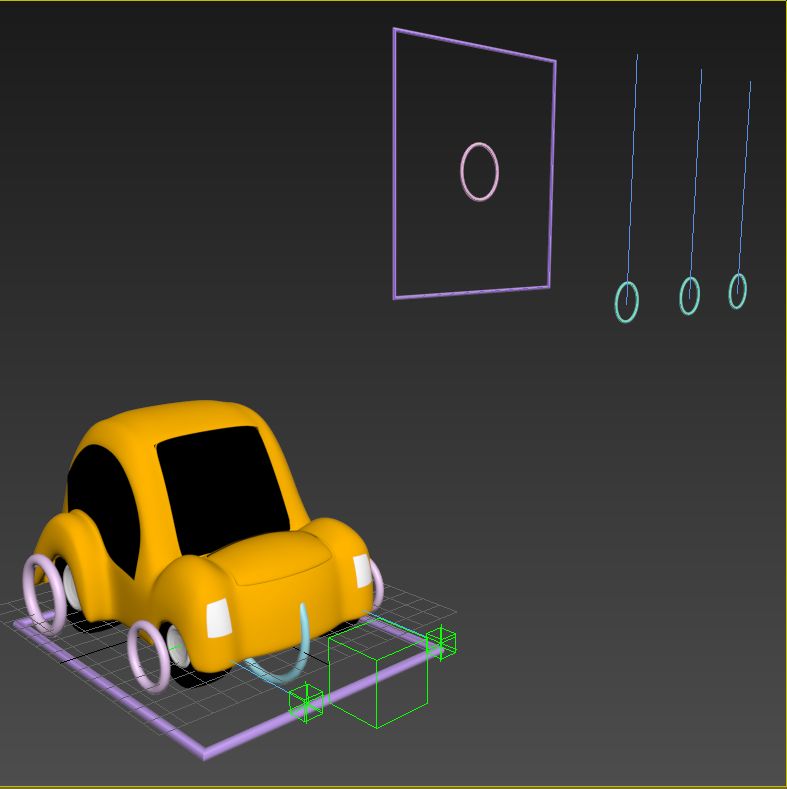
The point helpers have key per each frame animation, animated with real world dynamics. There are five animated helpers, for each of the four wheels, and the car body. Just link your wheels and car body, then calibrate your tire positions by just moving forward, and play!! Easy to use.
Search for the other animationsi there are more..
See the rendered video of this animation below..
Haluk Torun
Mar 14, 2018
추가 된 날짜
Feb 05, 2022
마지막 업데이트
리뷰
현재이 제품에 대한 리뷰가 없습니다.
얼음을 깬 첫 번째 사람이되지 않겠습니까?