


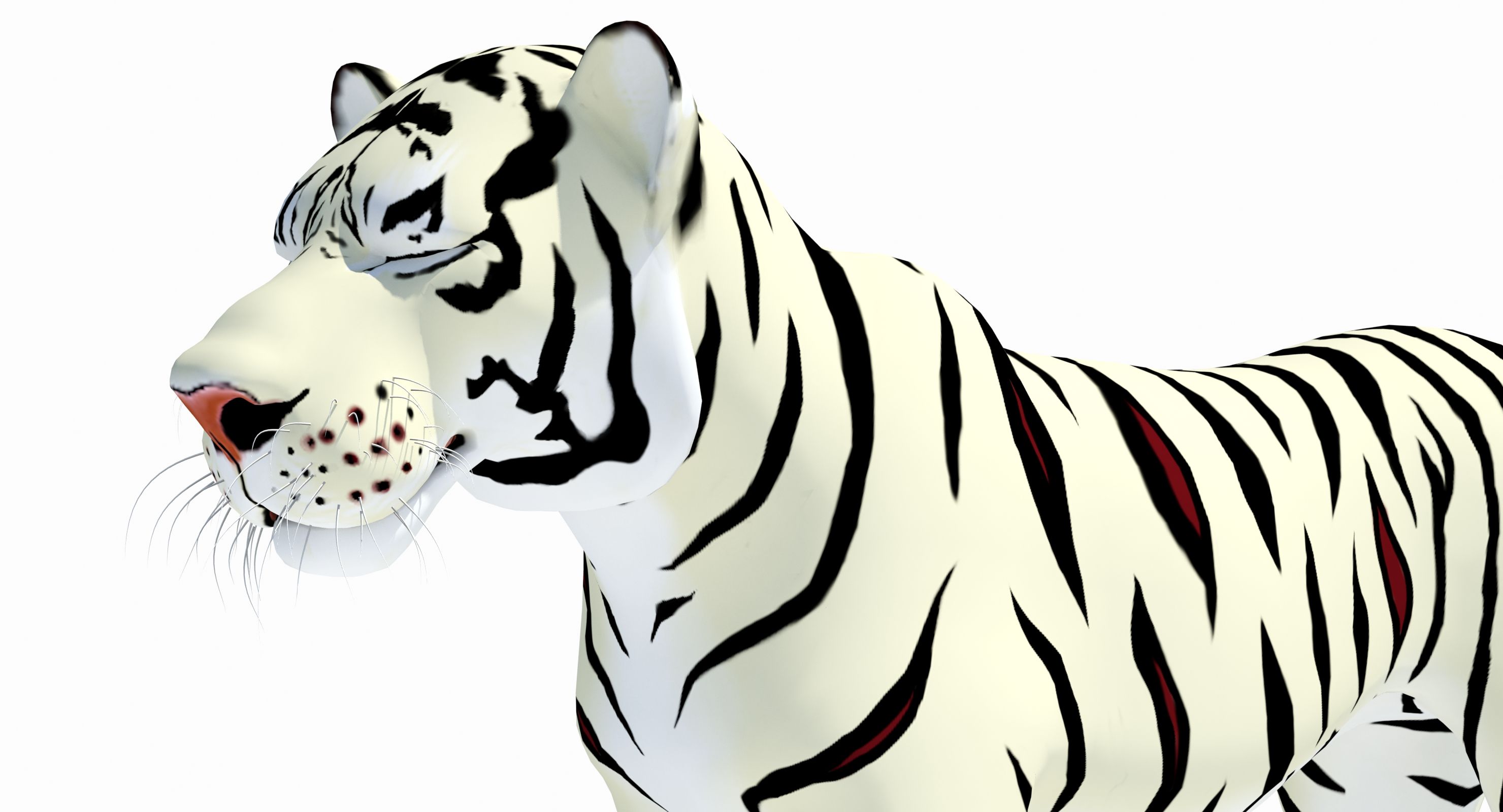
Animated White Cartoon Tiger 3D 모델
0




0
방문

에 의해 제출 된
PROmax3D
명세서
- 기하학polygonal_quads only
- 다각형8,117
- 정점들8,184
- 텍스처Yes
- 딱딱한Yes
- 생기 있는Yes
- 3D 인쇄 가능 준비No
- 게임 준비 (낮은 폴리)No
- UV 매핑 됨Yes
- 포장되지 않은 자외선non-overlapping
기술
'Cartoon Tiger (Animated)(White)' is a high quality 3d model to add more details and realism to your rendering projects. Fully detailed, textured model. Detailed enough for close-up renders. Comes with detailed textures.
Originally modeled in 3ds Max 2016. Final images rendered with Mental Ray.
*********************************
Textures formats and resolution:
The model is provided with high resolution texture (color maps are .png):
Tiger_Cartoon_Diffuse_White (2048x2048)
Tiger_Cartoon_Specular (2048x2048)
Tiger_Cartoon_Eyes_Diffuse_Blue (2048x2048)
Tiger_Cartoon_Mouth_Diffuse (2048x2048)
*********************************
Features:
- High quality polygonal model - correctly scaled accurate representation of the original objects.
- Display Unit Scale is set to Metric - Meters.
- Model resolutions are optimized for polygon efficiency (in 3ds Max the MeshSmooth function can be used to increase mesh resolution if necessary).
- All colors can be easily modified.
- Model is fully textured with all materials applied.
- All textures and materials are included and mapped in every format.
- Max models grouped for easy selection & objects are logically named for ease of scene management.
- No part-name confusion when importing several models into a scene.
- No cleaning up necessary, just drop model into your scene and start rendering.
- No special plug-in needed to open scene.
*********************************
File formats:
- 3ds Max 2016 (Contains also mental ray and standard materials scenes!)
All files are compressed in Archive.
*********************************
Rigging and Animation:
Rigging was done via CAT object.
Animation done via CAT Motion, and Animation Layers...
Frame Rate is NTSC (FPS:30)
In the Motion panel -> Layer Manager
1) Abs T_Pose
2) Abs Signature Image
3) CATMotion Layer (In CatMotion Editor (the paw icon) you will find main tow animation layers)
- Walk (01-48)
- Run (01-48)
4) +L Walk Adjustment (Local Adjustment Layer - Adjustment for walk cycle, that should be enabled only if you are using walk cycle )
5) +L Run Adjustment (Local Adjustment Layer - Adjustment for run cycle, that should be enabled only if you are using Run cycle.)
6) +L Mouth_Closed (Adjustment World - Mouth Closed)
7) +L Eyes_Closed (Adjustment World - Eyes Closed)
Note: Walk and run have their own separate adjustment layers that should be activated depending animals running or walking. You have to simply just turn on or off them.
Dec 27, 2019
추가 된 날짜
Oct 26, 2025
마지막 업데이트
리뷰
현재이 제품에 대한 리뷰가 없습니다.
얼음을 깬 첫 번째 사람이되지 않겠습니까?