-->
๊ฑด์ถ•๋ฌผ์ฐจ๋Ÿ‰๋ฌธ์žํ•ญ๊ณต๊ธฐ๊ฐ€๊ตฌ์ „์ž ์ œํ’ˆ๋™๋ฌผ์‹๋ฌผ๋ฌด๊ธฐ์Šคํฌ์ธ ์‹ํ’ˆํ•ด๋ถ€
๋ถ๋งˆํฌ ๋จ
๋ถ๋งˆํฌ ์‚ญ์ œ๋จ

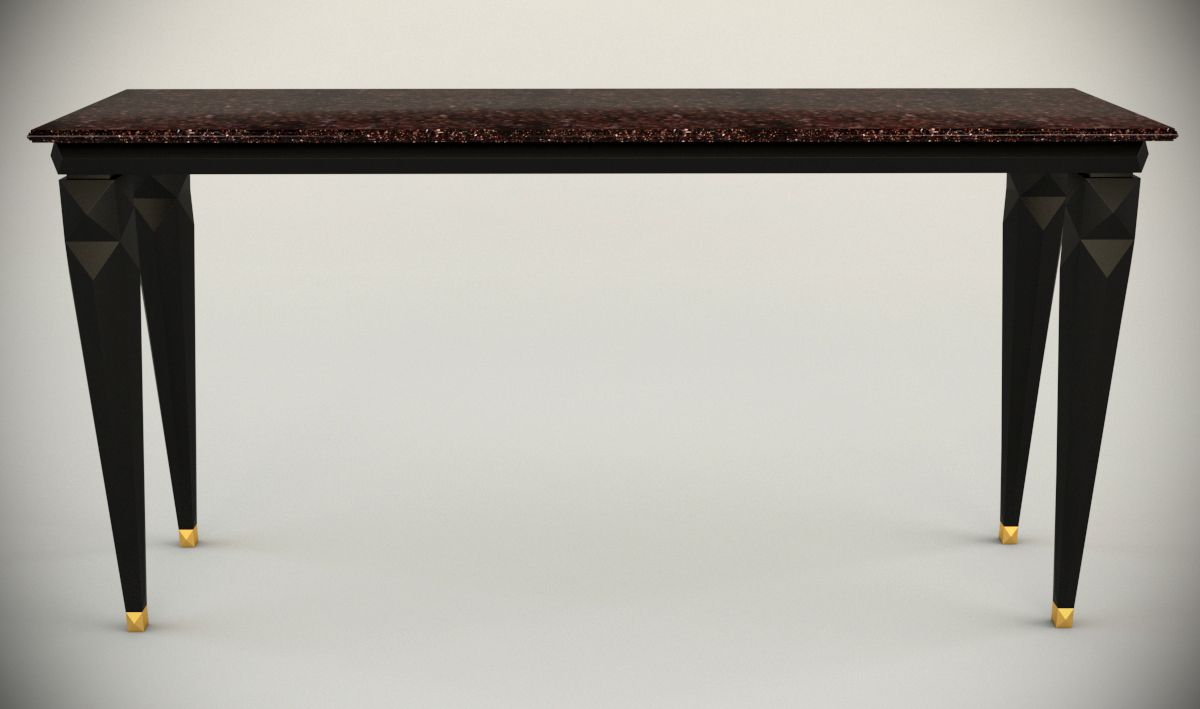
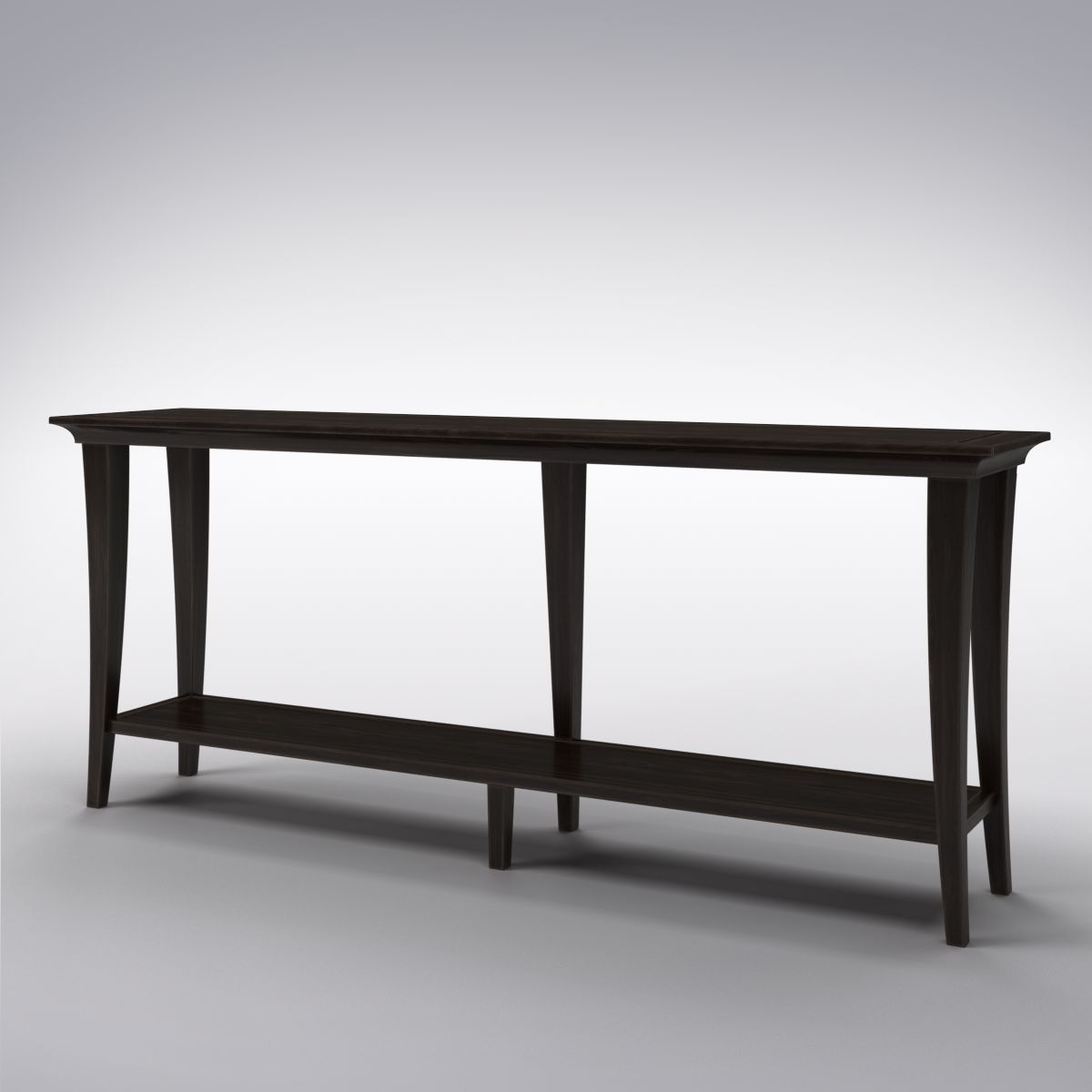
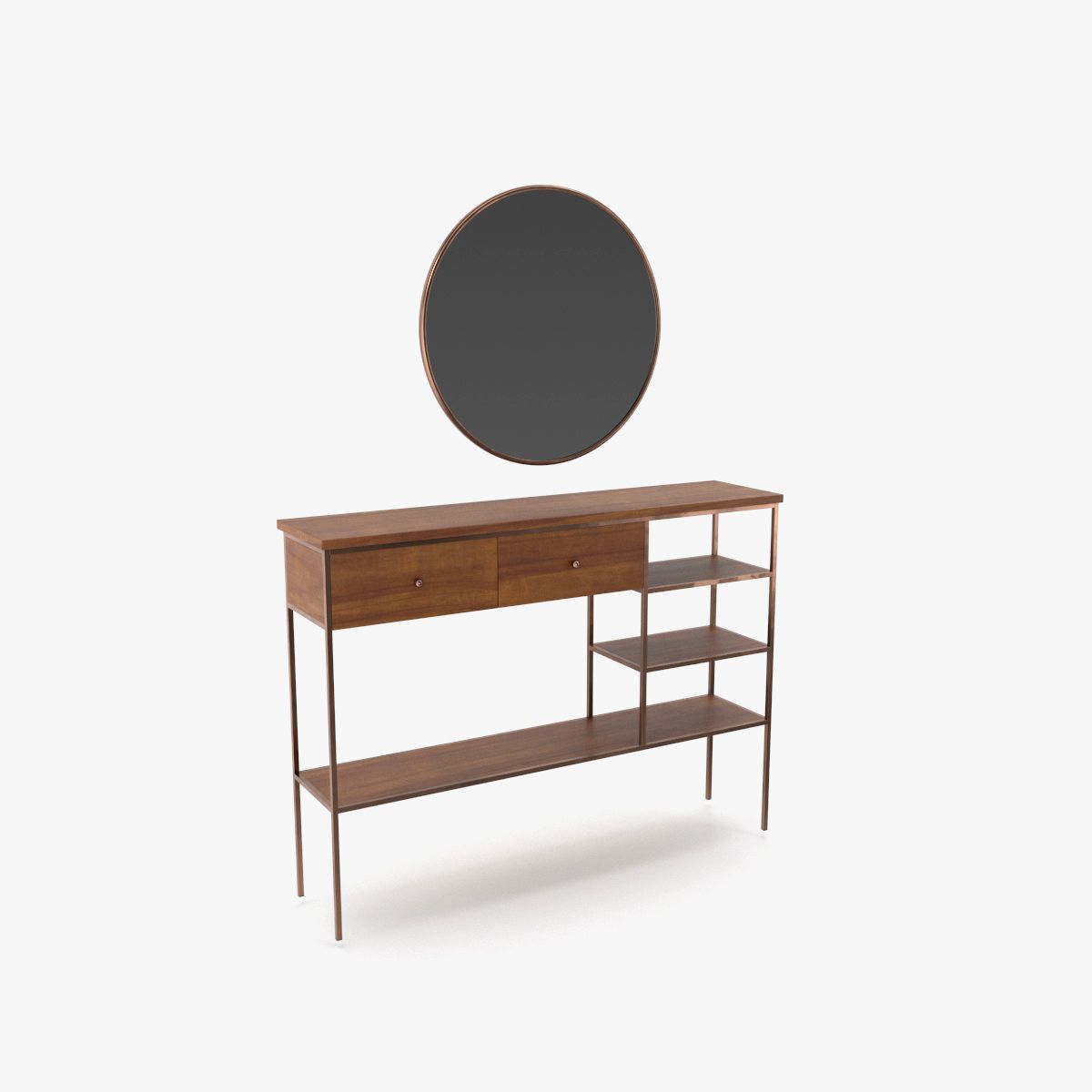
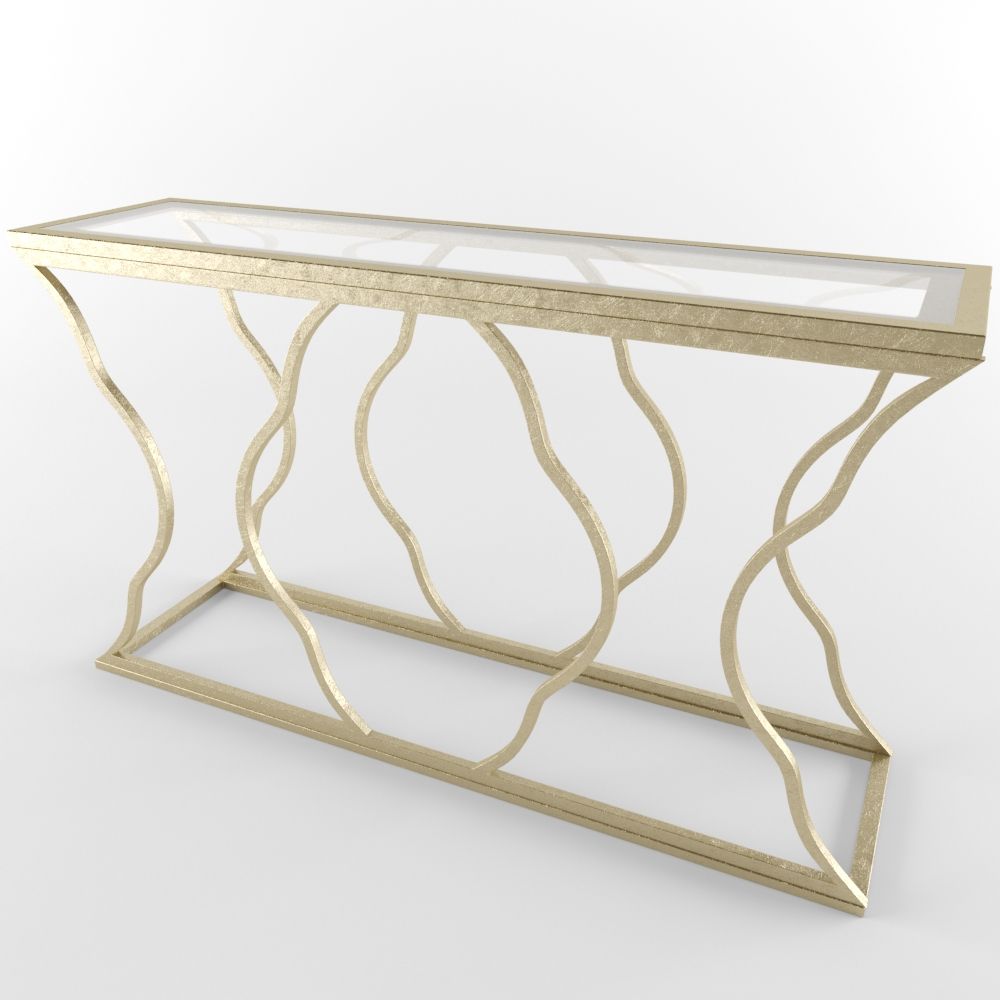
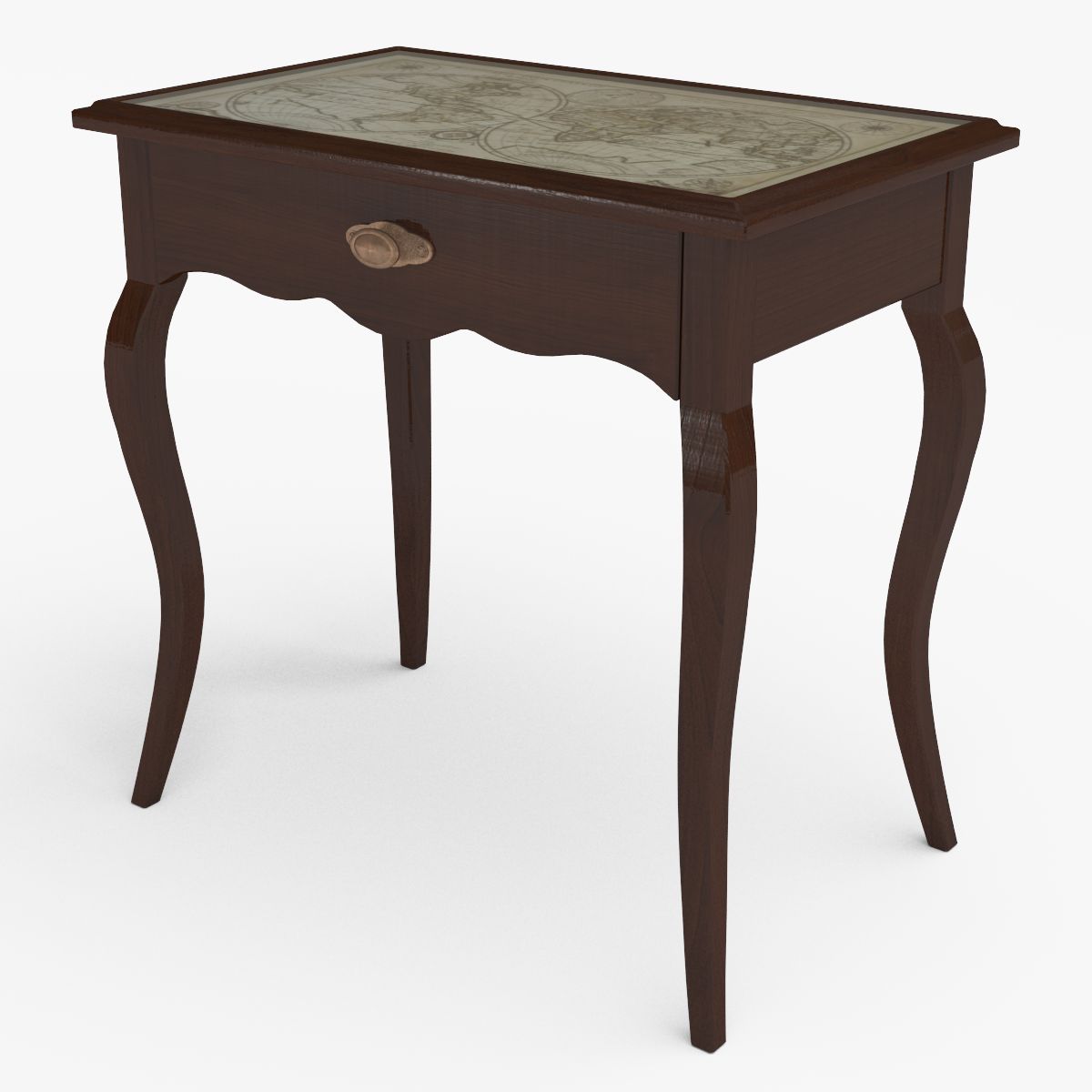
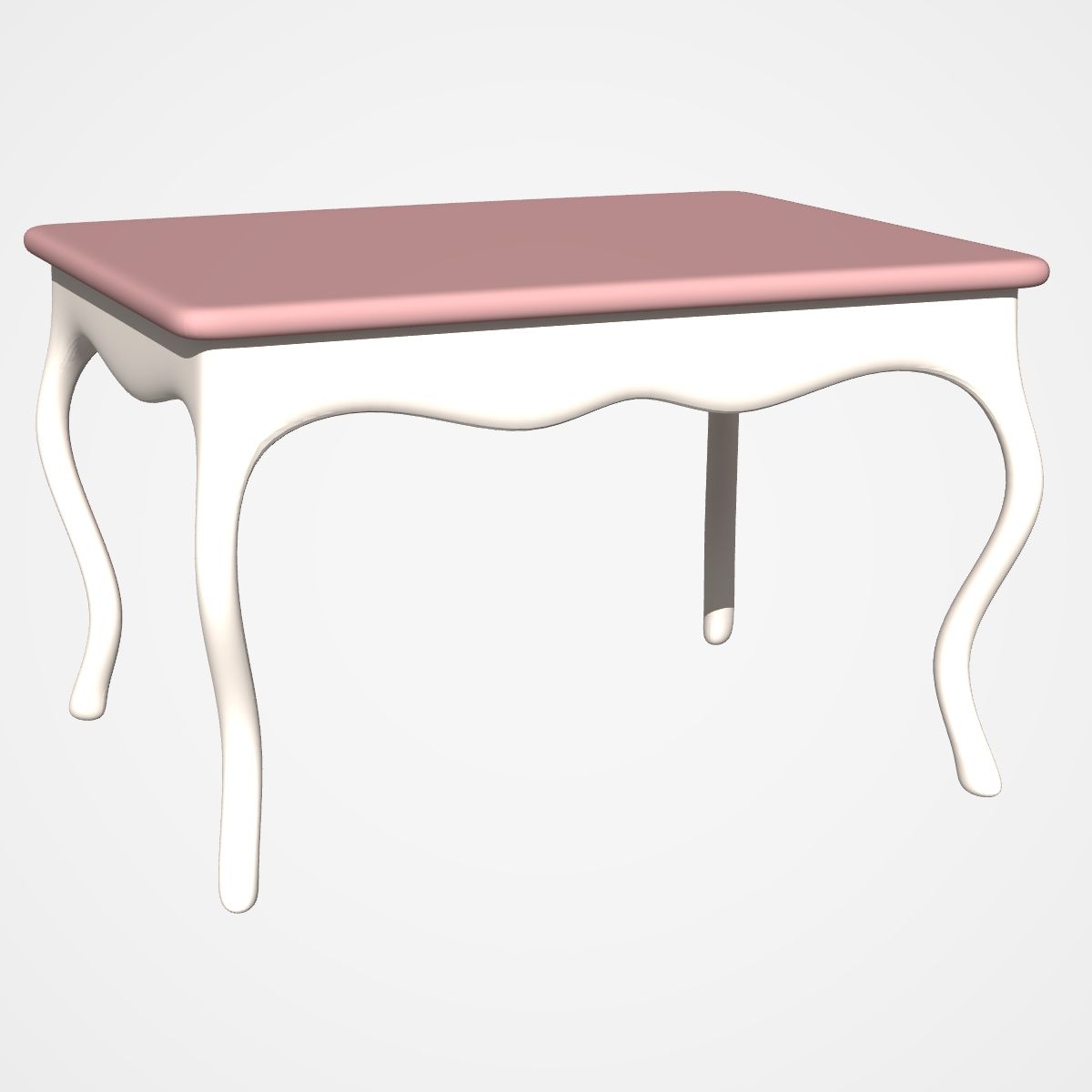
์ฝ˜์†” ํ…Œ์ด๋ธ” 3D ๋ชจ๋ธ

0
์ฝ˜์†” ํ…Œ์ด๋ธ” royalty-free 3d model - Preview no. 1
์ฝ˜์†” ํ…Œ์ด๋ธ” royalty-free 3d model - Preview no. 2
์ฝ˜์†” ํ…Œ์ด๋ธ” royalty-free 3d model - Preview no. 3
์ฝ˜์†” ํ…Œ์ด๋ธ” royalty-free 3d model - Preview no. 4
์ฝ˜์†” ํ…Œ์ด๋ธ” royalty-free 3d model - Preview no. 5
์ฝ˜์†” ํ…Œ์ด๋ธ” royalty-free 3d model - Preview no. 6
์ฝ˜์†” ํ…Œ์ด๋ธ” royalty-free 3d model - Preview no. 7
์ฝ˜์†” ํ…Œ์ด๋ธ” royalty-free 3d model - Preview no. 1
์ฝ˜์†” ํ…Œ์ด๋ธ” royalty-free 3d model - Preview no. 2
์ฝ˜์†” ํ…Œ์ด๋ธ” royalty-free 3d model - Preview no. 3
์ฝ˜์†” ํ…Œ์ด๋ธ” royalty-free 3d model - Preview no. 4
์ฝ˜์†” ํ…Œ์ด๋ธ” royalty-free 3d model - Preview no. 5
์ฝ˜์†” ํ…Œ์ด๋ธ” royalty-free 3d model - Preview no. 6
์ฝ˜์†” ํ…Œ์ด๋ธ” royalty-free 3d model - Preview no. 7
๋‹จ์ˆœ ๋ฐ˜ํ’ˆ
์ตœ์ €๊ฐ€ ๋ณด์žฅ
์ƒ์ž์—์„œ ์ž‘๋™ ํ•จ
723 ๋ฐฉ๋ฌธ
iolus

๋ช…์„ธ์„œ

  • ๊ธฐํ•˜ํ•™subdivision
  • ๋‹ค๊ฐํ˜•332
  • ์ •์ ๋“ค310
  • ํ…์Šค์ฒ˜No
  • ๋”ฑ๋”ฑํ•œNo
  • ์ƒ๊ธฐ ์žˆ๋Š”No
  • 3D ์ธ์‡„ ๊ฐ€๋Šฅ ์ค€๋น„No
  • ๊ฒŒ์ž„ ์ค€๋น„ (๋‚ฎ์€ ํด๋ฆฌ)No
  • UV ๋งคํ•‘ ๋จNo
  • ํฌ์žฅ๋˜์ง€ ์•Š์€ ์ž์™ธ์„ unknown

ํ˜•์‹ ๋ฐ ํŒŒ์ผ

DXF
(.dxf)

consoleTable.dxf
Collada
(.dae)

consoleTable.dae
3DS
(.3ds)

consoleTable.3ds
FBX
(.fbx)

consoleTable.fbx
OBJ
(.obj)

consoleTable.obj
Lightwave
(.lwo)

default_scanline
consoleTable.zip
Lightwave

consoleTable.mtl

๊ธฐ์ˆ 

Console table Modelled and rendered with Lightwave 3D 11.5 No pictures and what not were used at any stage of modelling (Just had a look for quick reference:)) Textures were created by mixing colors and using simple settings. If you will use this in formats other than lightwave, please be mindful about the following; * These files were opened in 3ds max and blender without any problems but the following were observed: - You may not see the same color/colors as seen in the preview picture - You may not see the same texture/textures as seen in the preview picture (you can, perhaps, see only as color). * If you are a Lightwave 3D user, you can open the zip file into a folder. The model and scene files are inside the folder and are ready for rendering.
Mar 13, 2018 ์ถ”๊ฐ€ ๋œ ๋‚ ์งœ
Aug 03, 2021 ๋งˆ์ง€๋ง‰ ์—…๋ฐ์ดํŠธ

๋ฆฌ๋ทฐ

ํ˜„์žฌ์ด ์ œํ’ˆ์— ๋Œ€ํ•œ ๋ฆฌ๋ทฐ๊ฐ€ ์—†์Šต๋‹ˆ๋‹ค.
์–ผ์Œ์„ ๊นฌ ์ฒซ ๋ฒˆ์งธ ์‚ฌ๋žŒ์ด๋˜์ง€ ์•Š๊ฒ ์Šต๋‹ˆ๊นŒ?