


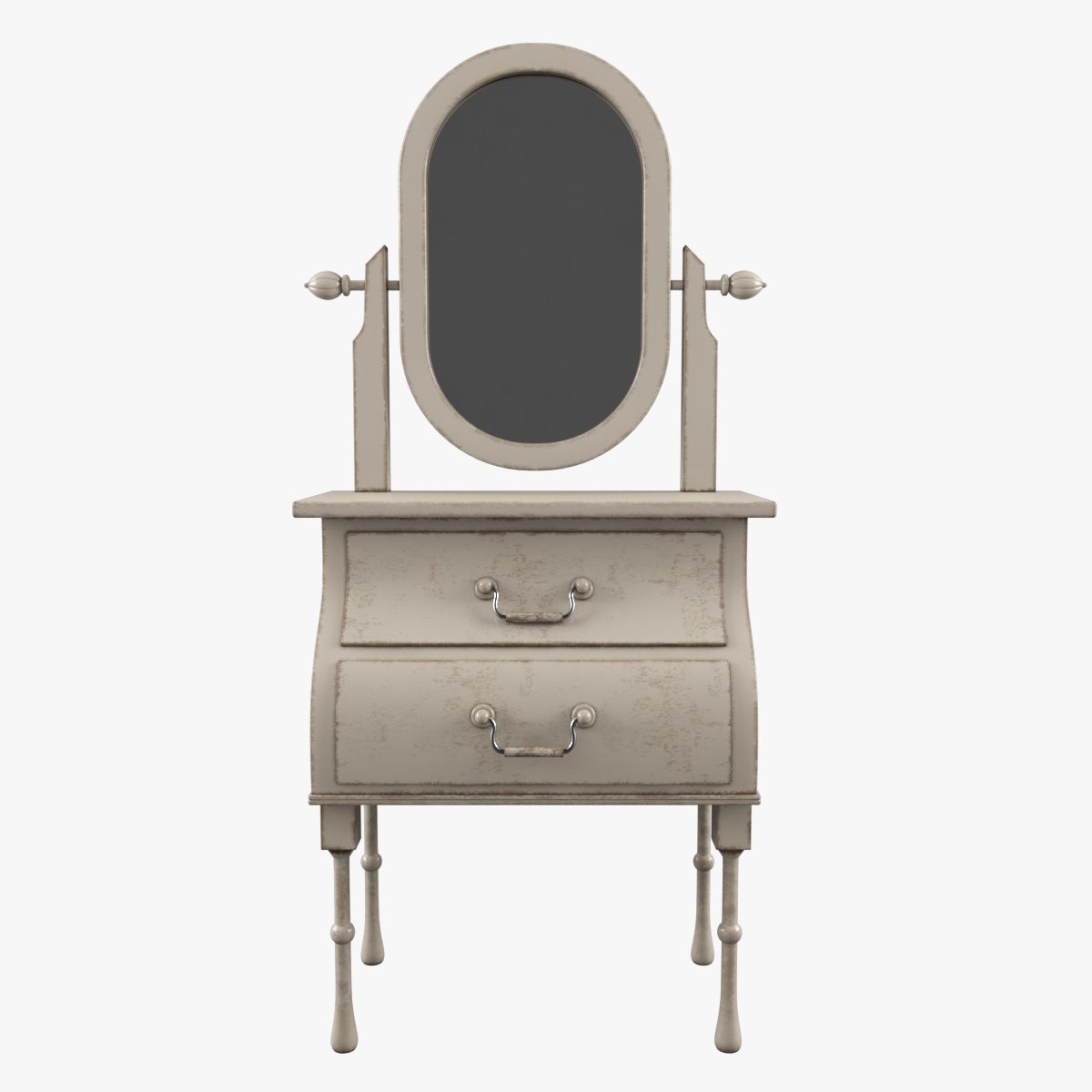
화장대 3D 모델
0


8
방문

에 의해 제출 된
Soul_Art
명세서
- 기하학polygonal_quads/tris
- 다각형24,224
- 정점들23,812
- 텍스처Yes
- 딱딱한No
- 생기 있는No
- 3D 인쇄 가능 준비No
- 게임 준비 (낮은 폴리)No
- UV 매핑 됨Yes
- 포장되지 않은 자외선none
기술
This is a realistic model of dressing table.
V-Ray render and materials.
Only quads and tris polygons.
All maps are included. All objects have materials.
All objects are named, all objects have 100% scale
Native format: 3Ds Max 2009.
additional file formats (Turbosmooth OFF):
fbx
obj
Materials are used only in 3Ds Max and FBX files.
The OBJ version has no materials.
The material Painted Wood is not created by VrayBlendMtl, but with the material Blend, so that it could be saved in both MAX and FBX formats. The material color can be easily changed to any other. The level of the surface aging can be as well easily varied from absolutely new(Vraydirt radius = 0) to the more time- worned, than on the preview. It can be achieved by just changing the radius parameter value in vrayDirt in Mask. If increase the vrayDirt parameter value to be larger, than the one in the scene, then the aging effect will be higher, than on the preview. The more the vrayDirt parameter value is, the older the material looks. By increasing very much the vrayDirt parameter value the material can be aged significantly
When working with Blend materials, there are rare cases when a material texture is not displayed in the viewport . It's easy to fix. Select the radio button Interactive next to the Mask material for a moment. On switching on the radio button the texture should become visible, after that, the status of the flag can be changed, if required. For the material Painted wood the radio button Interactive next to the Mask is initially turned on and can be cnanged manually, though being in this status, it allows to make any material texture visible in the viewport, hence there is no need to change it.
Doing no change will keep the result as it is on th preview. The model is completely ready to be used.
Textures Formats:
JPEG (.jpg)
-(3) 2500 x 2500
-(1) 2000 x 2236
-(1) 1024 x 1024
-(2) 700 x 700
Nov 12, 2019
추가 된 날짜
Aug 26, 2021
마지막 업데이트
리뷰
현재이 제품에 대한 리뷰가 없습니다.
얼음을 깬 첫 번째 사람이되지 않겠습니까?