
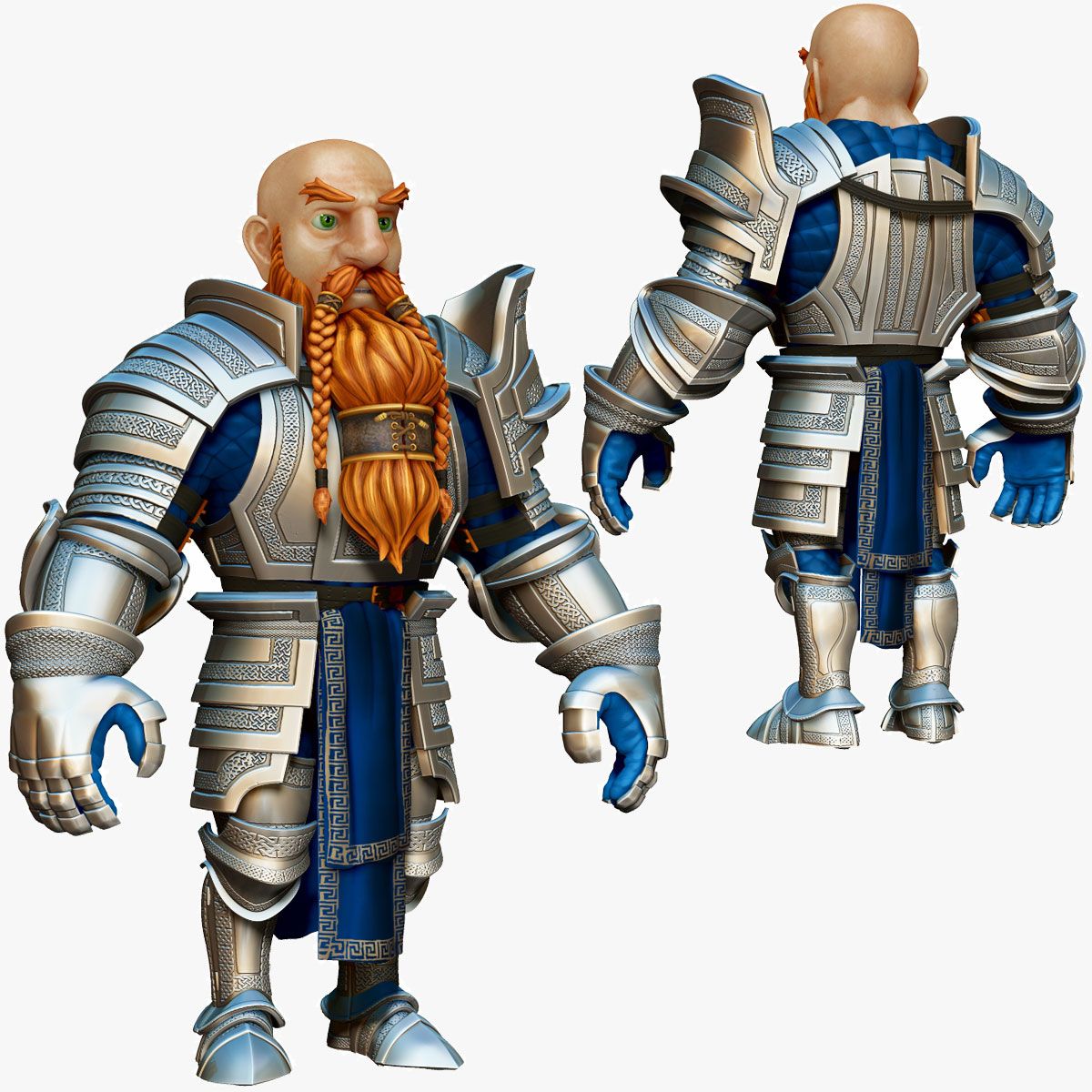
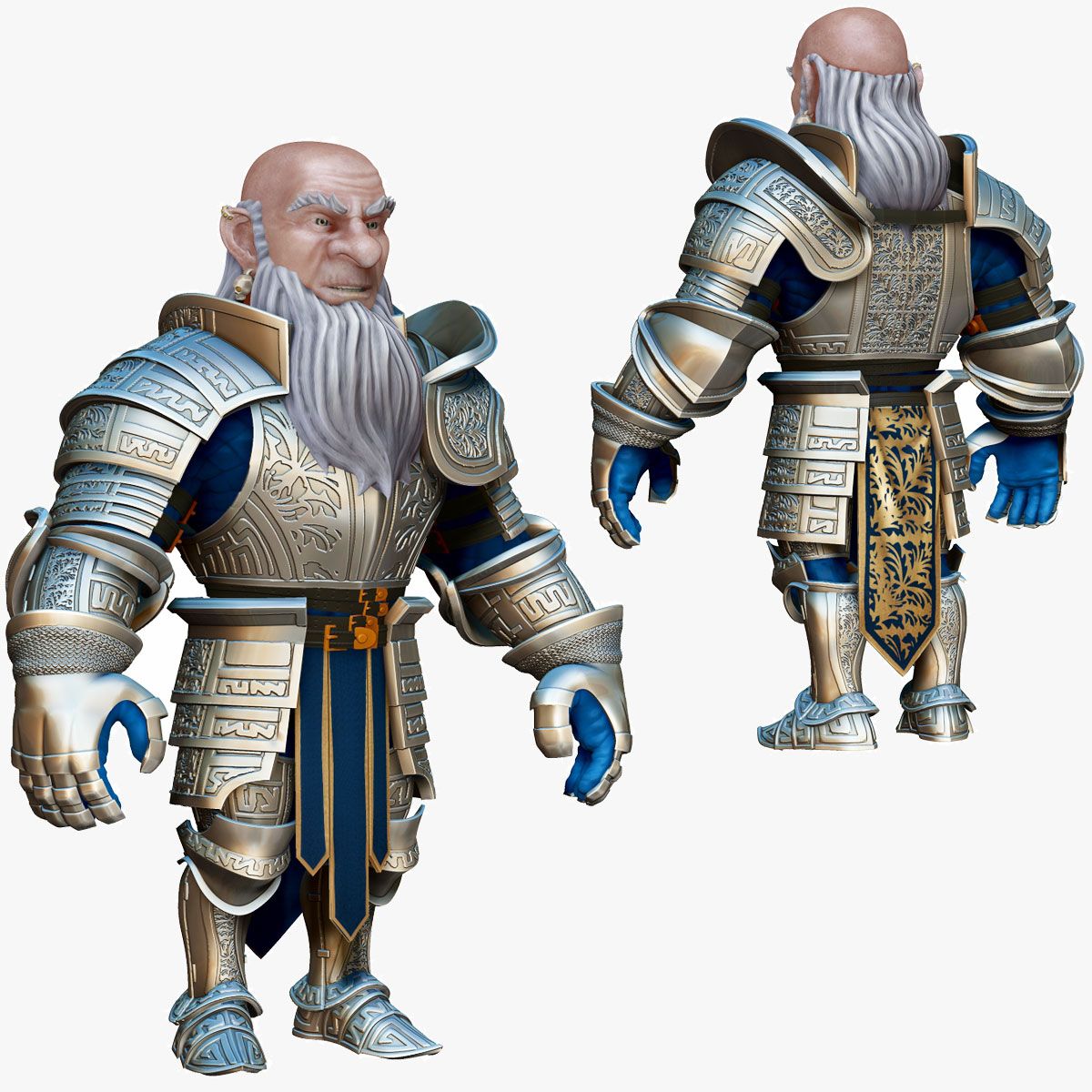




드워프 기사 D2K3 3D 모델
0







10
방문

에 의해 제출 된
Dannan
명세서
- 기하학polygonal_quads/tris
- 다각형35,461
- 정점들36,376
- 텍스처No
- 딱딱한No
- 생기 있는No
- 3D 인쇄 가능 준비No
- 게임 준비 (낮은 폴리)No
- UV 매핑 됨Yes
- 포장되지 않은 자외선non-overlapping
기술
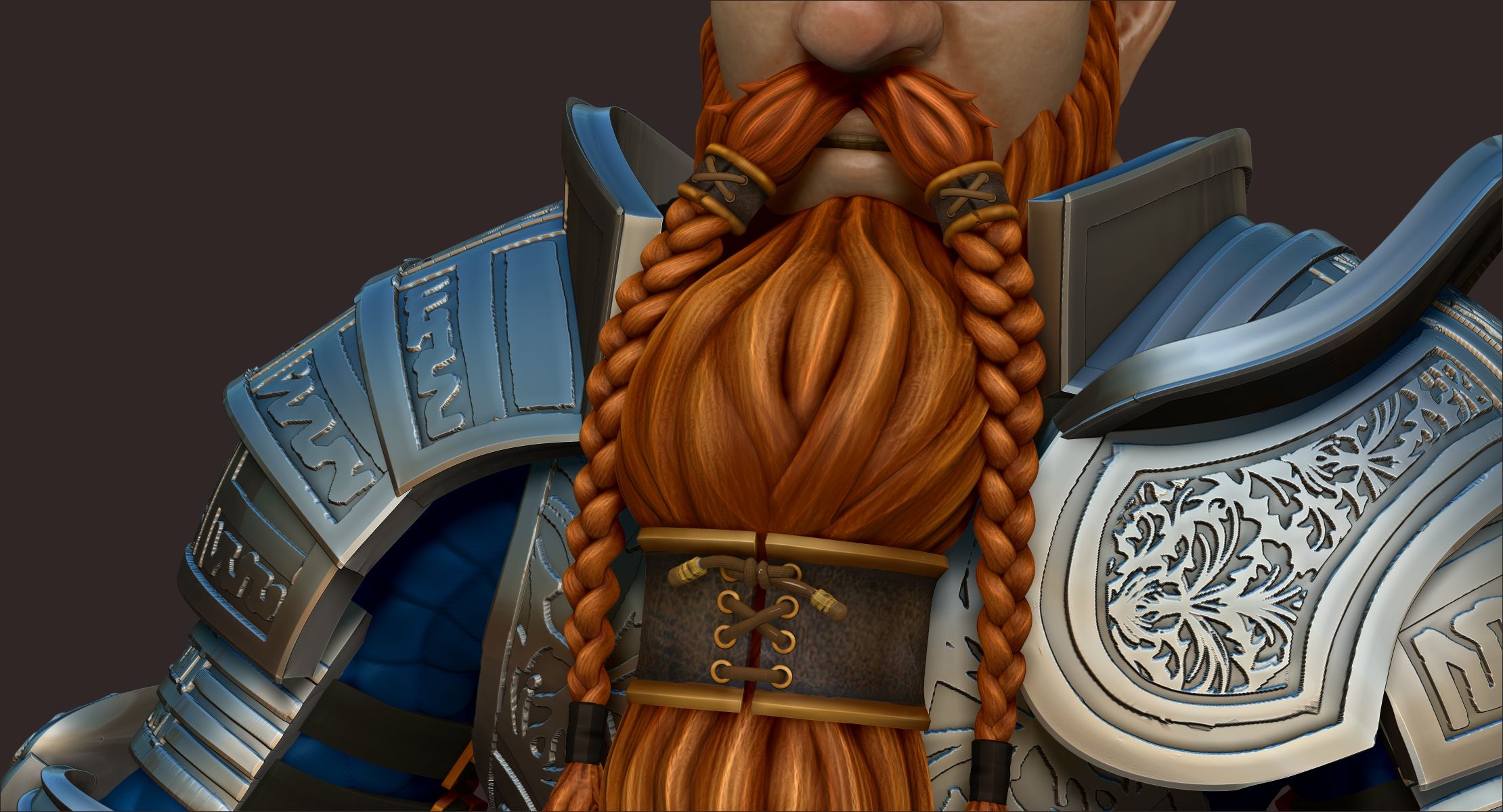
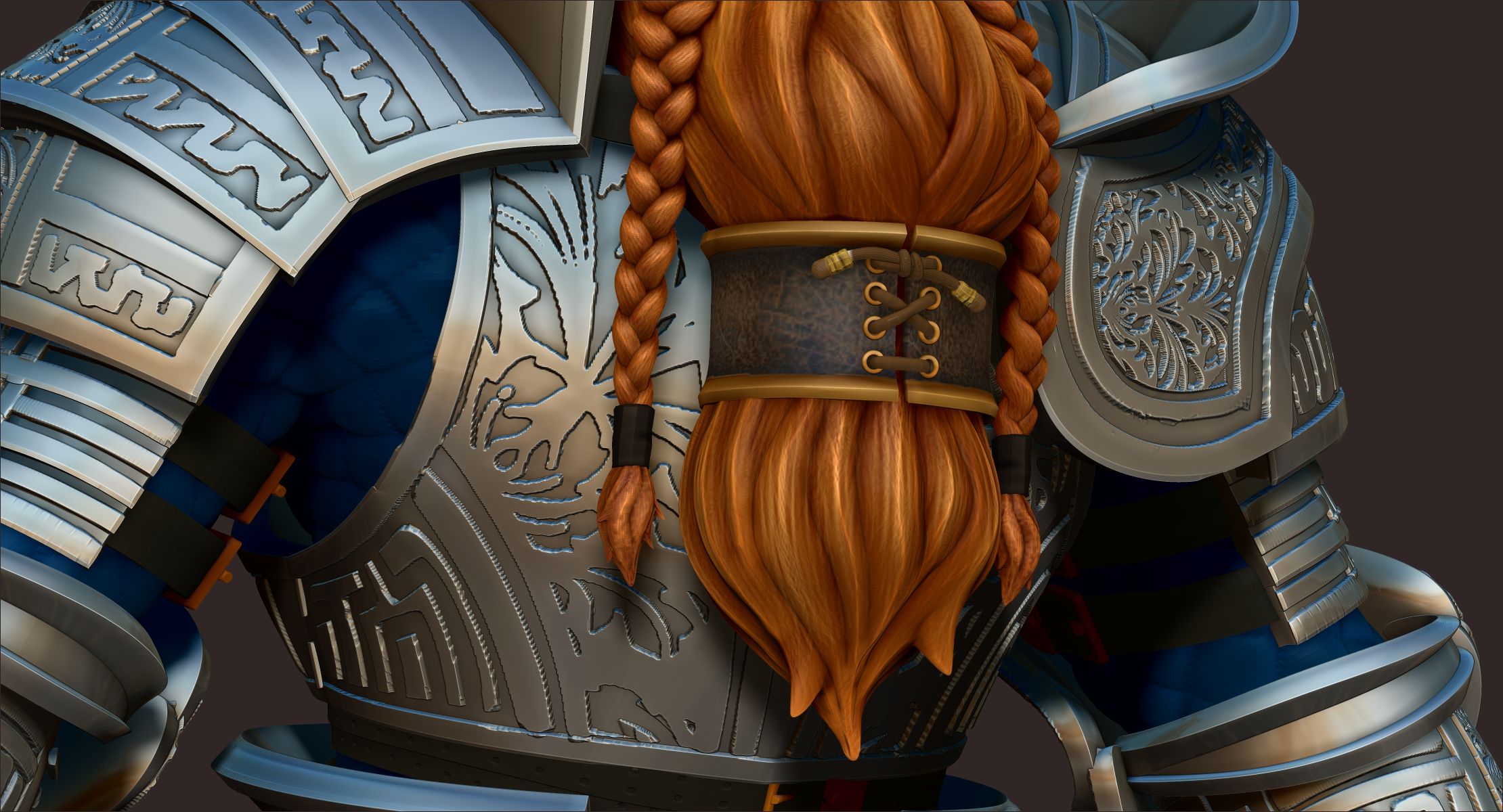
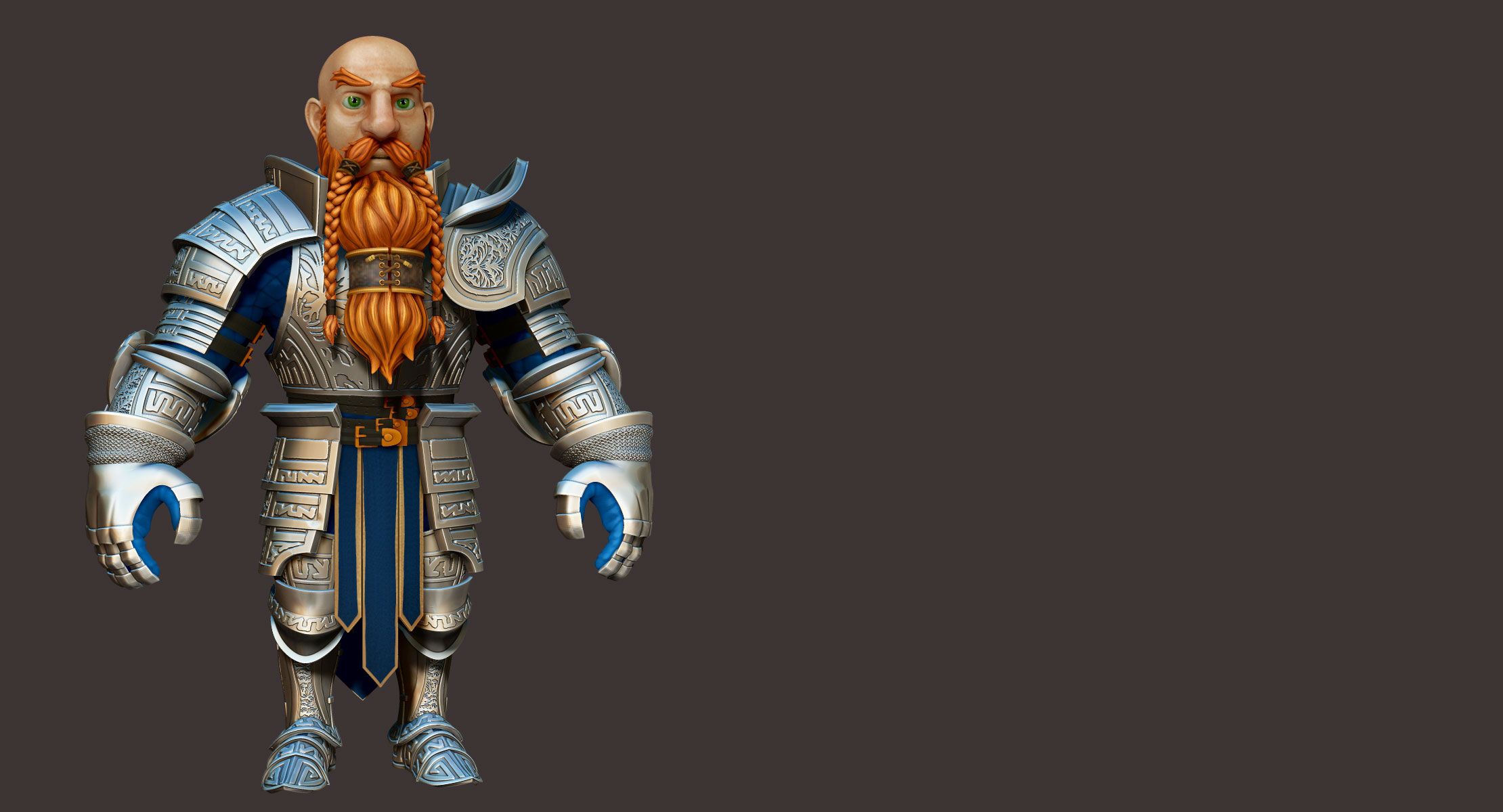
This is a high polygon sculpt of Dwarf Knight. it is one amongst many in the Dwarf Kight Series product line.
Character is 152 cm tall (4 feet 9 inches)
.ZTL DETAILS
---------------------
Product is provided in obj and .ztl format. You need to have Zbrush 4r7 or above to open .ztl file.
This product opens with all the subtools/meshes on their lowest subdivision level. subdivisions of each subtool ranges from 1 to 5,7 and 8 subdivision levels and can be exported from zbrush to your 3d package of choice. Either by exporting .obj files or using the GoZ feature in Zbrush.
**Links to free video tutorials on how to use GoZ in zbrush with Maya,3ds Max and Cinema 4D provided with product download
.OBJ DETAILS
-------------------------
The .obj files of the character are provided in 3 different subdivision levels and the can be re-exported from the ztl file if needed.
UV MAPPING
---------------------
All meshes have been UVed
....::: GEOMETRY LIST :::....
Head and shoulders
eyes
tongue
teeth
eyebrows
mustache
mustache wrap
braids
braid end ties
braid hair tips
beard
beard wrap
beard wrap lace
beard wrap lace end
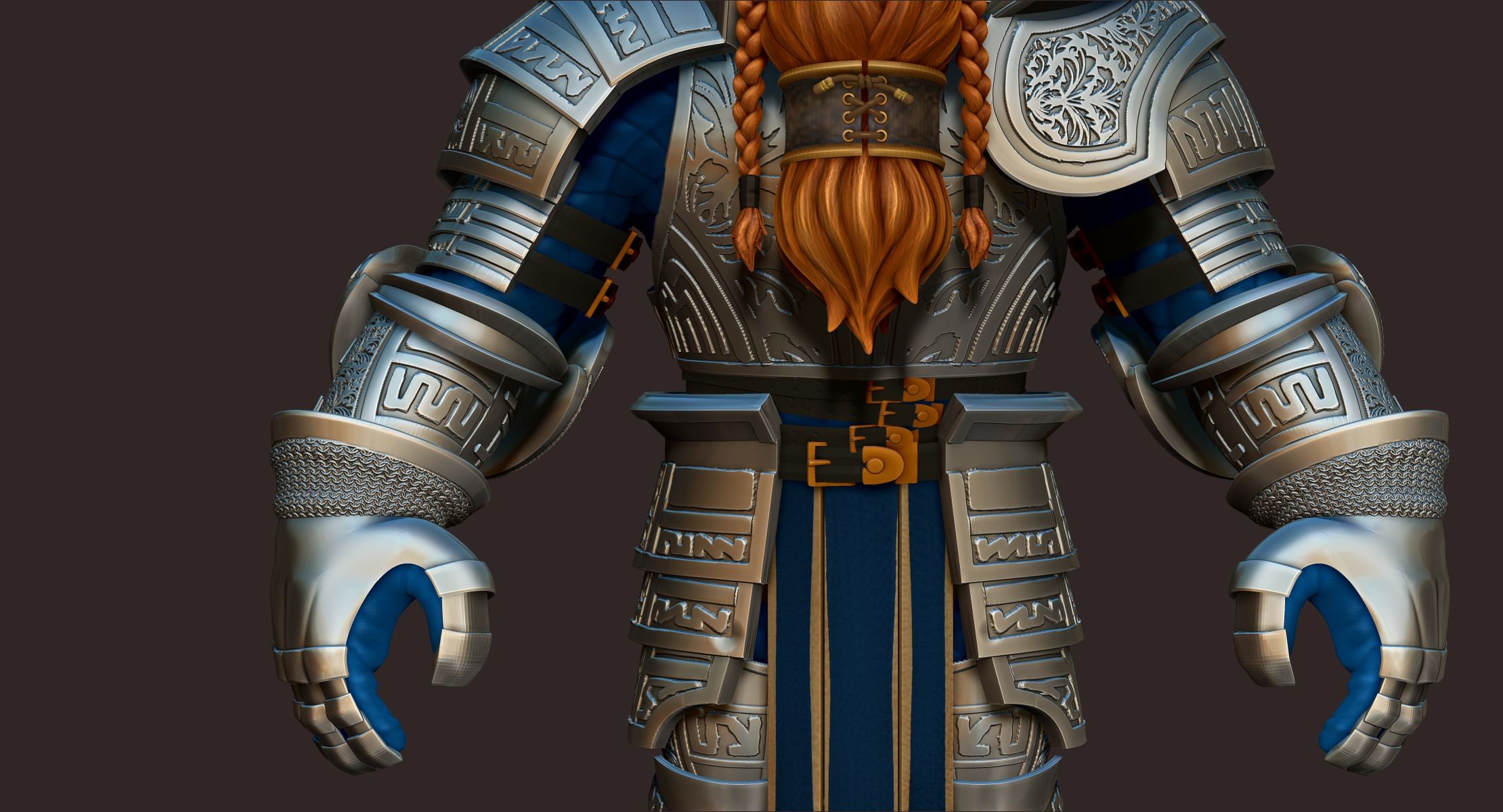
Pauldron(Shoulder armor)
Pauldron straps
Breastplate
Breastplate straps
ChainMail shirt
rebrace (upper arm armor)
couter (elbow armor)
vambrace ( lower arm armor)
gauntlets(hand armor)
pants
leg under armor padding
tasset (drapping thigh armor)
cuissie (upper leg armor)
poleyn (knee armor)
greaves (lower leg armor)
sabaton (feet armor)
Tabard (waist cloth)
belt
lower torso belts
....::: POLYPAINT & MATERIALS :::....
Every single subtool/mesh, but the armor and belt buckle metals, has been polypainted.
The metals of this product have a pure white rgb color. They rely on the pixologic's MAH_Shiny(armor) and Reflected Yellow(belt buckles) matcap materials for their shiny metal look. These materials can be downloaded on the pixologic site in the materials section.
All other assets have detailed paint work. Baking textures with these assets will product rich diffuse maps.
**Links to free video tutorials on how to convert polypaint to textures and export them out of zbrush provided with product download
**Links to free video tutorials on how to use MutiMap exporter, that ships with zbrush, to export other detail tetures(Normal, Displacement, Bump, etc) provided with product download
*You can repaint any of the characters assets to meet your projects needs.
Nov 03, 2019
추가 된 날짜
Dec 01, 2021
마지막 업데이트
리뷰
현재이 제품에 대한 리뷰가 없습니다.
얼음을 깬 첫 번째 사람이되지 않겠습니까?