


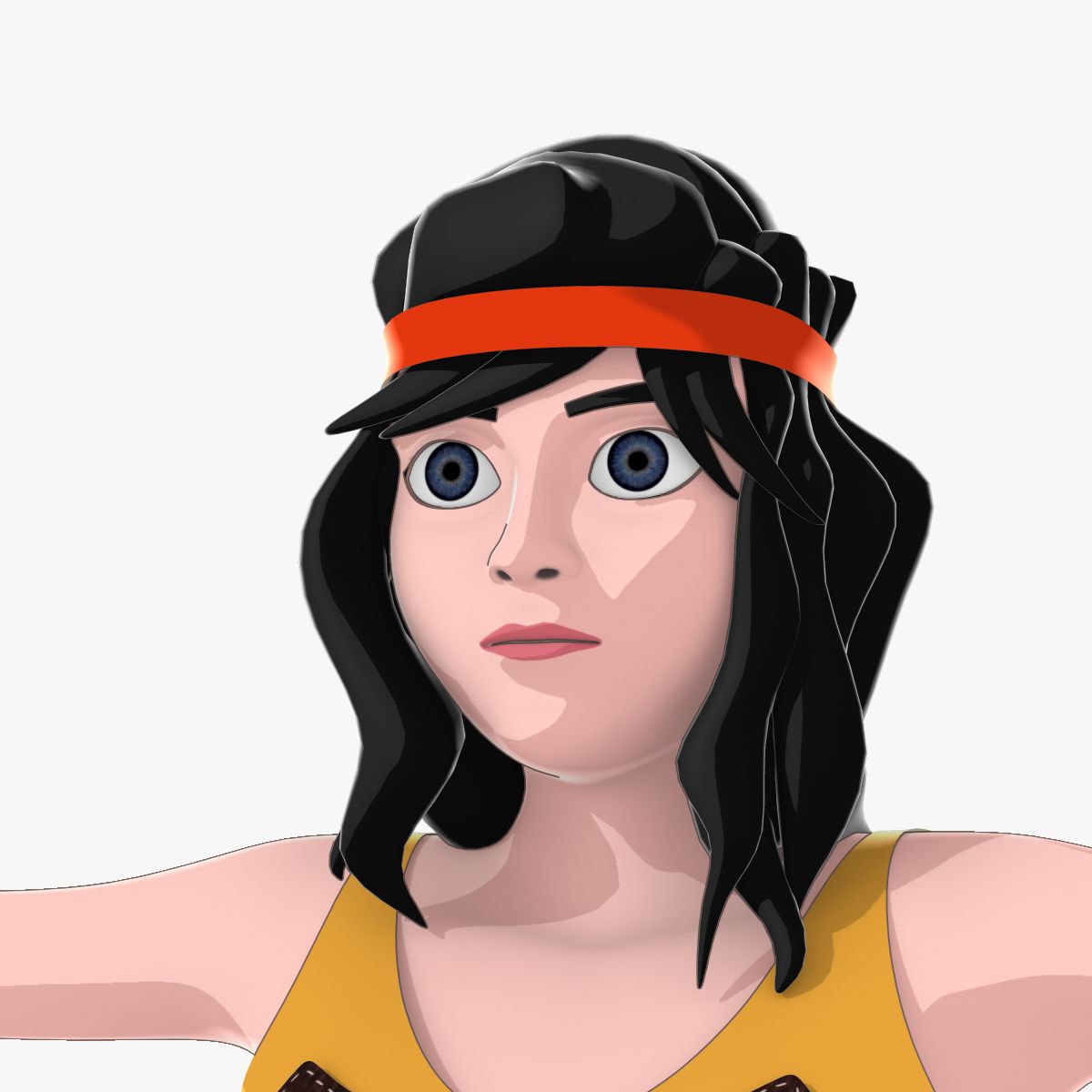


Fantasy Girl 3D 모델
0


0
방문

에 의해 제출 된
Cyberdei
명세서
- 기하학polygonal
- 다각형37,640
- 정점들37,525
- 텍스처Yes
- 딱딱한No
- 생기 있는No
- 3D 인쇄 가능 준비No
- 게임 준비 (낮은 폴리)No
- UV 매핑 됨Yes
- 포장되지 않은 자외선mixed
기술
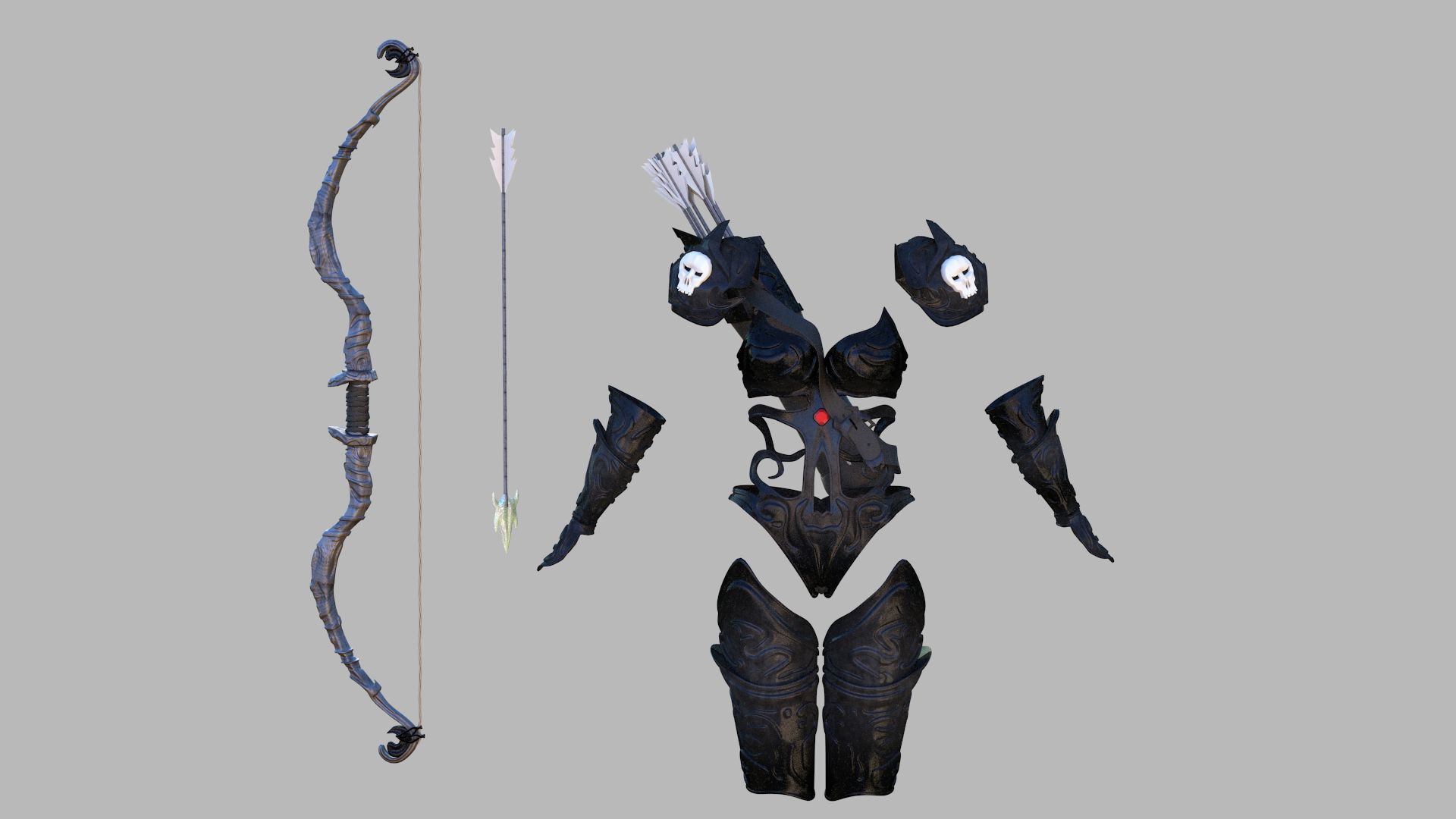
Fantasy Girl character!
2 sets of katanas
Clothes are separate meshes
37k poly, around 80k with subdivisions which looks perfectly smooth
For Games/Animations
blender file version 2.79 (new principled shader is used, so some of the materials will not work with previous versions)
The pose in the first preview screenshot is not included!
All of the textures are included in the .blend file
Solidify modifier for clothes for ease of rigging and animations.
Simply add subdivision modifier if you want it higher poly. In case you want to preserve the sharp edges of the armor: apply solidify modifier, go to edit mode > select > sharp edges > 80 > shift+e to crease the edges. Then you can add subdivisions and the armor will maintain its sharp edges.
Sharp edges applied (smoothing groups) so it is ready for UE4 or other engines. (make sure to select "edges" for smoothing type in the fbx export)
And don't worry, she does have panties under the dress ^^
Jul 16, 2020
추가 된 날짜
Apr 24, 2024
마지막 업데이트
리뷰
현재이 제품에 대한 리뷰가 없습니다.
얼음을 깬 첫 번째 사람이되지 않겠습니까?