

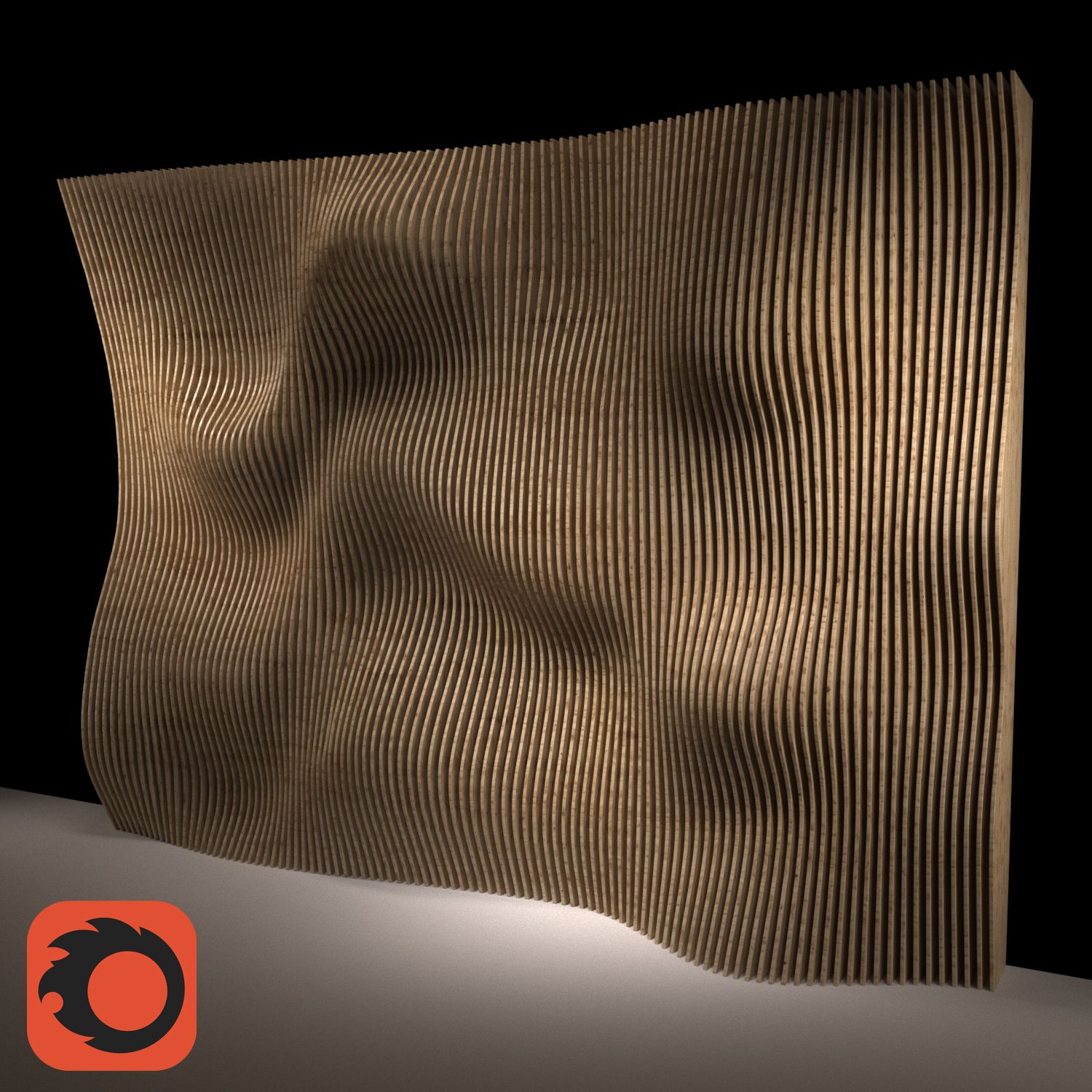
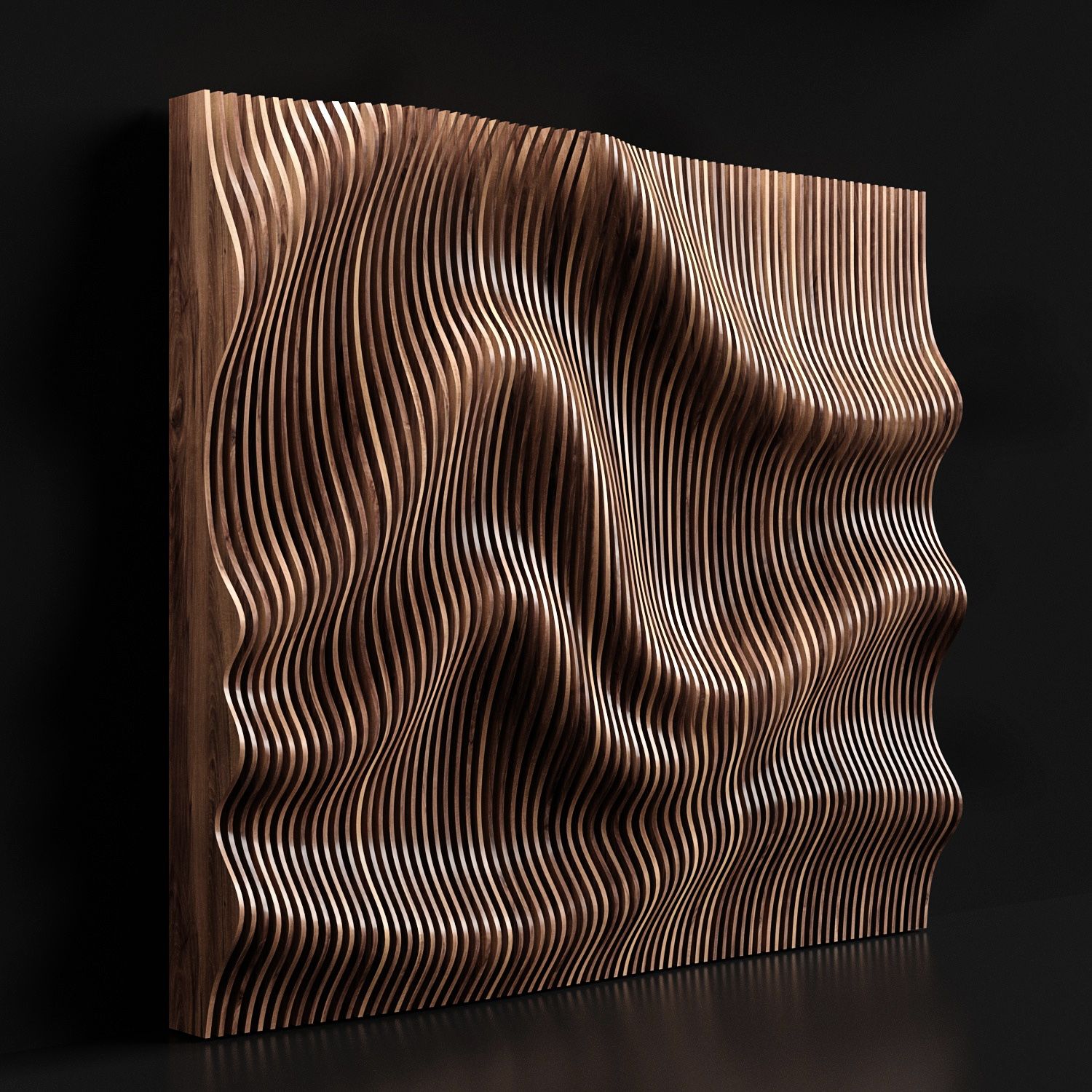


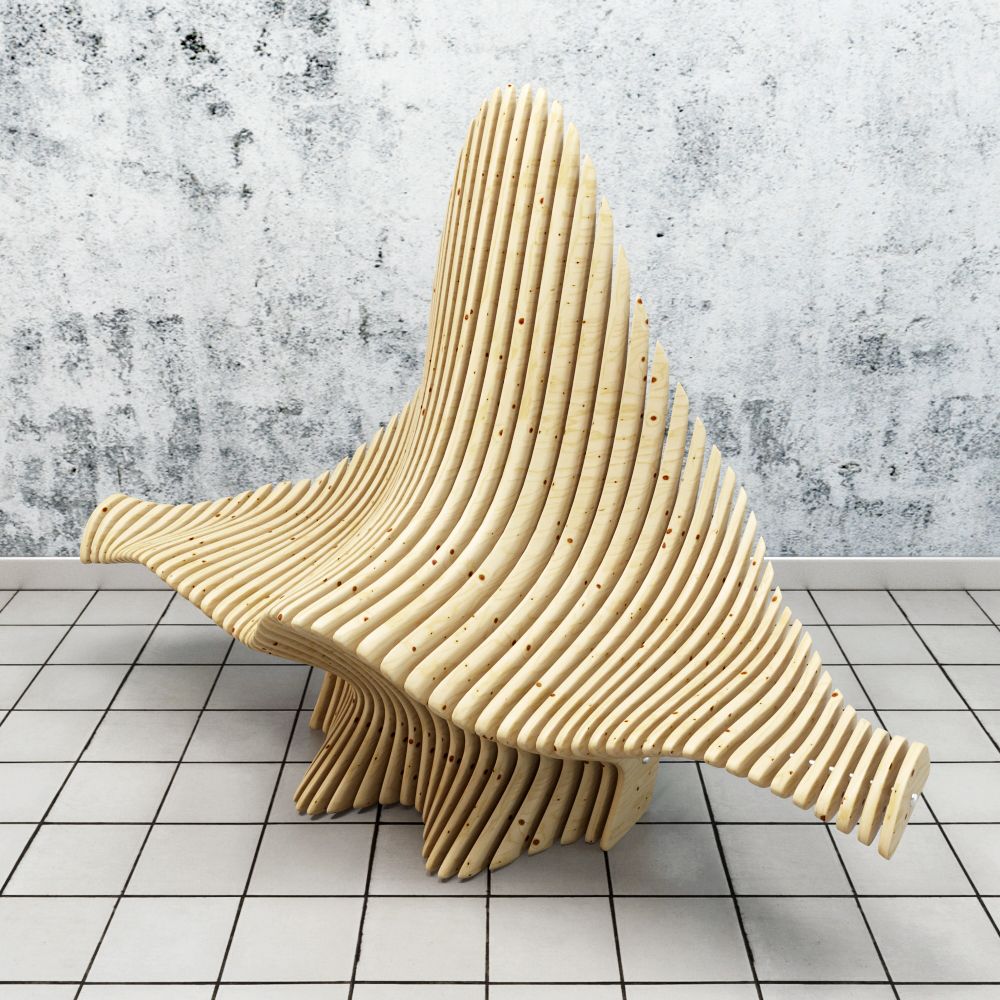


접기 패널 (파라 메트릭) 3D 모델
0


25
방문

에 의해 제출 된
Danith
명세서
- 기하학polygonal
- 다각형88
- 정점들46
- 텍스처No
- 딱딱한No
- 생기 있는No
- 3D 인쇄 가능 준비No
- 게임 준비 (낮은 폴리)No
- UV 매핑 됨Yes
- 포장되지 않은 자외선mixed
기술
We don't create fixed model because architect will need to use it in many types of project. That's why Parametric Folding Panel comes for you. This model is made from many formulas of Geometry to make it work correctly.
Simple process:
1. Load into the project.
2. Choose Plane base. Face or Workplane.
3. Drag the line based on your preference. Set the height.
4. Set Type on Thickness, Material, number of fold.
*Note: number of fold can freely input. 0 or 1 or 2 or 20 etc. You don't want inner panel? Just disable it.
5. Done!...Special thing is You can play by folding the panel to see how it fits to your project on floor plan view.
Oct 14, 2019
추가 된 날짜
Mar 06, 2022
마지막 업데이트
리뷰
현재이 제품에 대한 리뷰가 없습니다.
얼음을 깬 첫 번째 사람이되지 않겠습니까?