





과일 그릇 3D 모델
0


0
방문

에 의해 제출 된
argentum3d
명세서
- 기하학polygonal_quads only
- 다각형57,418
- 정점들57,050
- 텍스처Yes
- 딱딱한No
- 생기 있는No
- 3D 인쇄 가능 준비No
- 게임 준비 (낮은 폴리)No
- UV 매핑 됨Yes
- 포장되지 않은 자외선non-overlapping
기술
Fruit Pack Vol. 1 - Give your Scene a good Taste!
Rendering Fruits can be a time consuming work. Nevertheless, almost every interior Renders - especially Kitchen Scenes - need some fresh Food to make the Scene realistic and well looking.
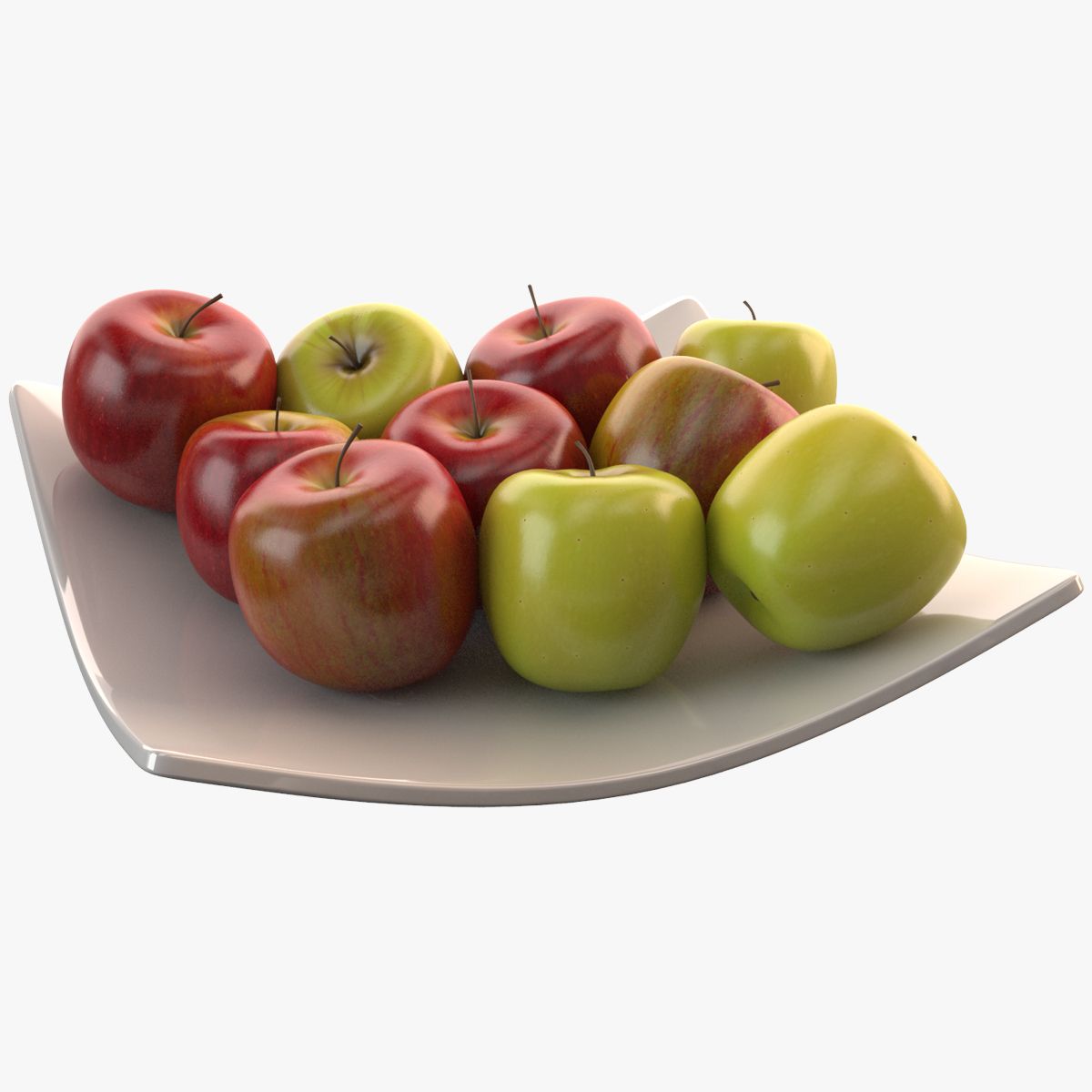
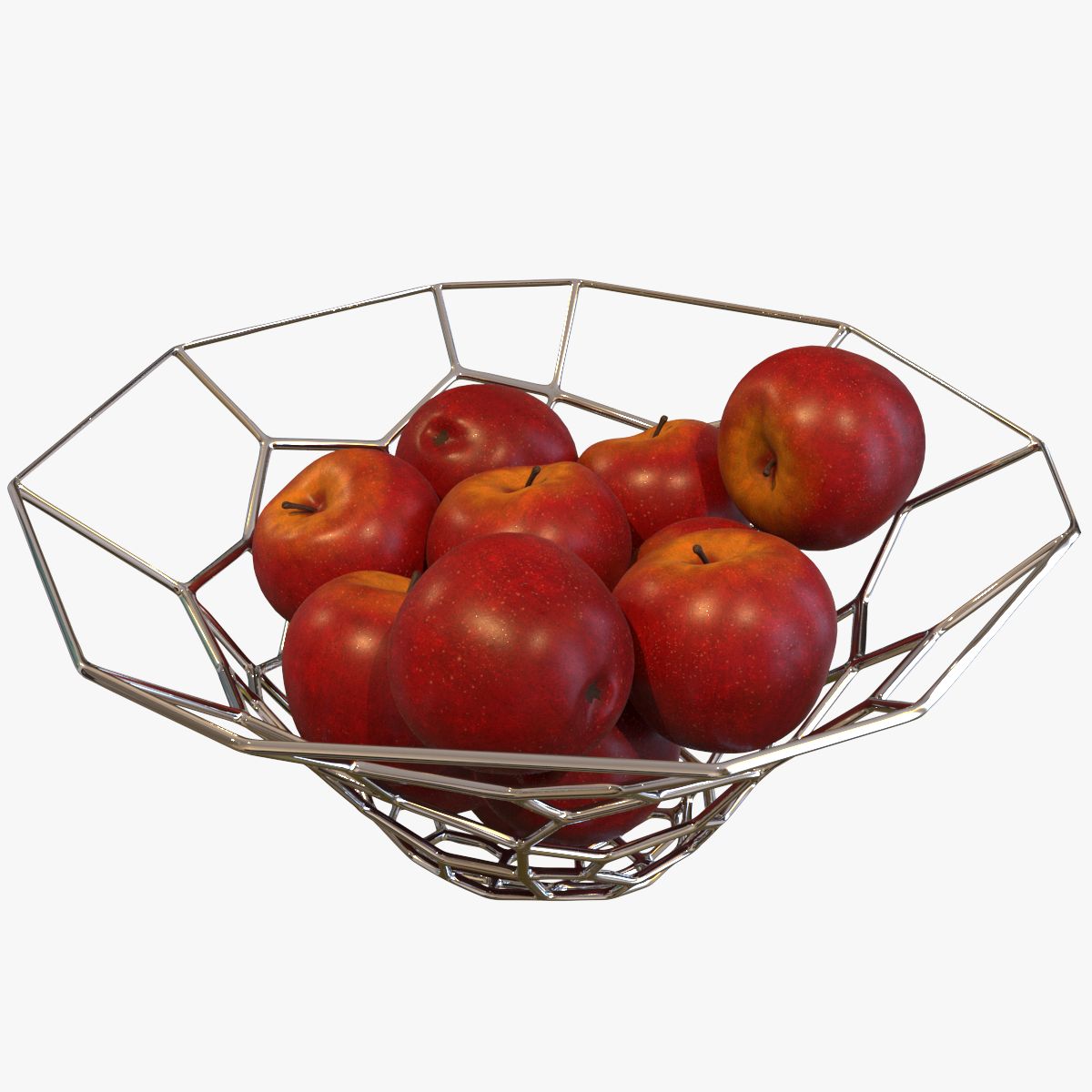
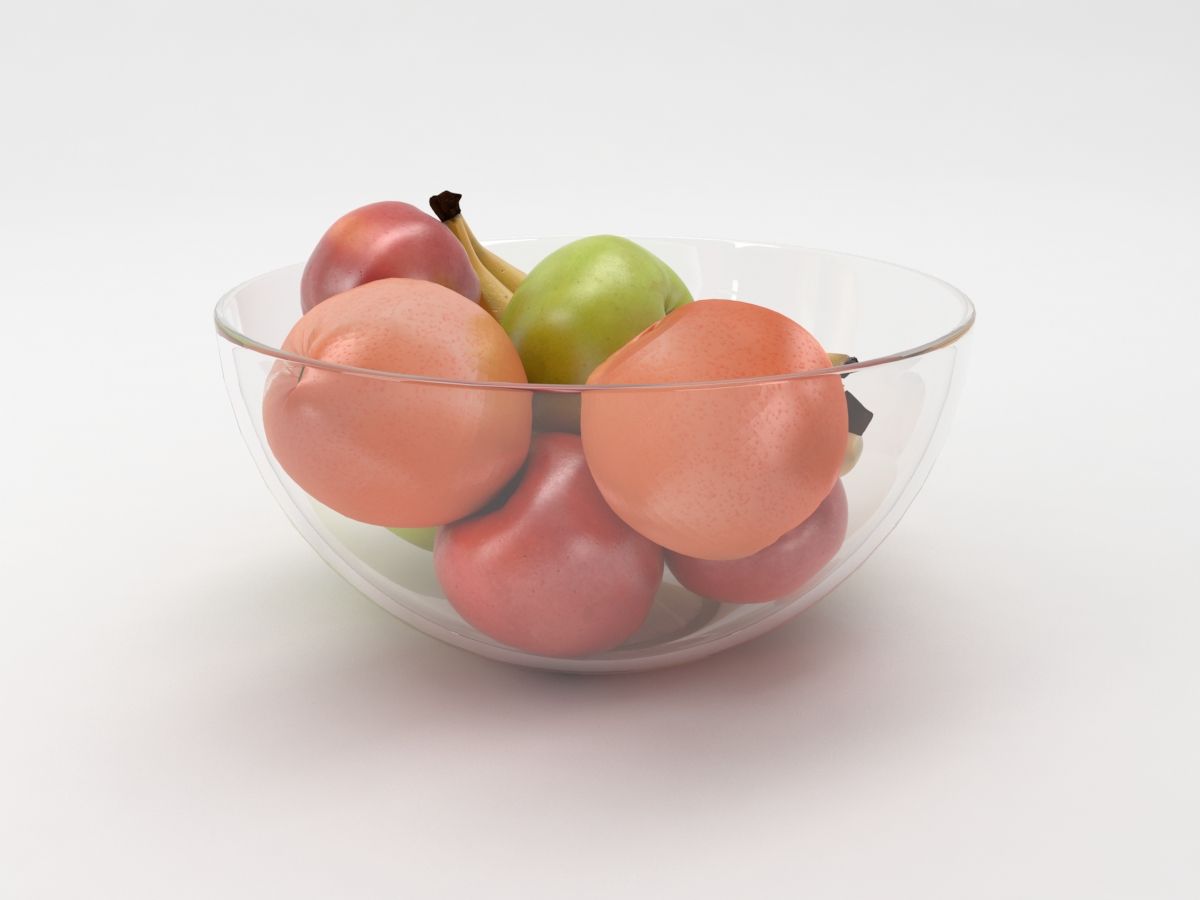
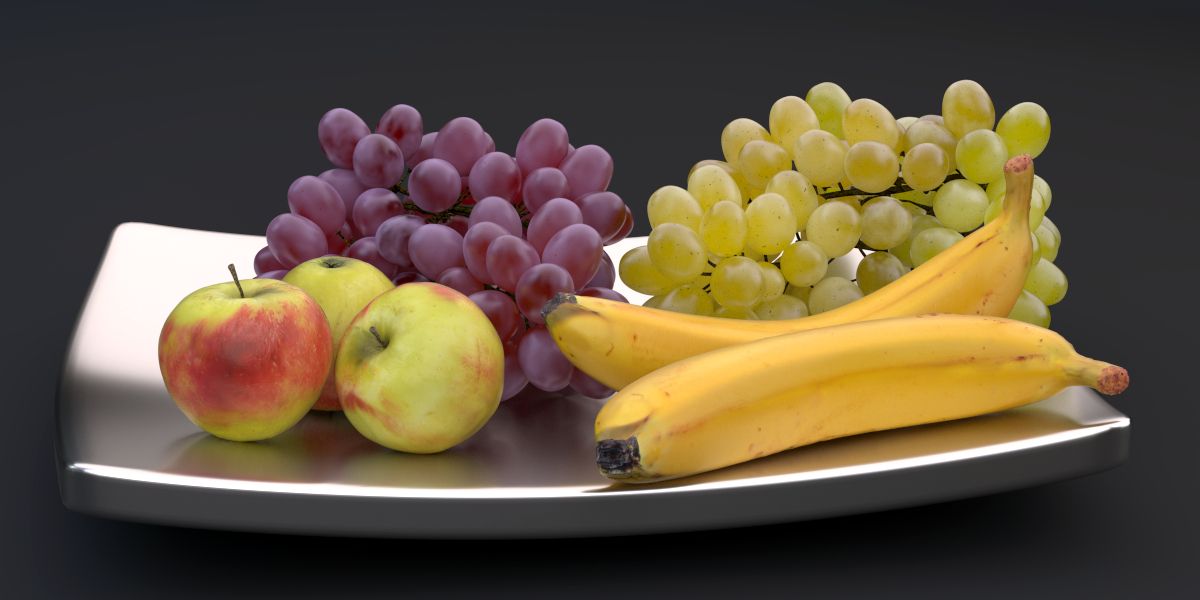
With this first Volume of the Fruit Series you will get a nice arranged Fruit Bowl with Apples, Bananas and Grapes.
High Res and Low Res Shader included
The Blend File contains a 4k and a 2k Material for the texture Based materials of the Bananas and the apples, already pre-installed in the Material Slot. Simply choose the material of your choice according to your requirements.
Easy Model Setup for each Fruit Type.
The Grapes are setup as a set of six branches, parented to an Empty. Therefore, it is easy to adjust the shape of the Grapes, in example when they are placed onto another surface.
The Apples are also parented to particular Empties, so each of them can be adjusted easy.
Prelit Scene
Just open the Blend File and hit F12. The Pack comes with a preinstalled Lighting Setup.
Groupes Structure for easy Appending
All Fruits are set up as self named Groups, plus a Group for the Fruit Bowl Scene, so you can either choose to import the whole Fruit Bowl Scene, or just the Fruit you like to create your own Arrangement. All Fruits are modelled in real Life Scale, but can be easily Scaled according to your needs.
Faces: 57418
Verts: 57050
DOCUMENTATION
For Loading the Fruits into your Scene, simply Choose "File --> Append", then choose "Group", then choose "Fruit Bowl" to get the Scene of all Fruits in a Bowl as Shown in the
Product Images. If you need Particular Fruits, Choose one of the Self named Groups:
Apples
Bananas
Grapes_Red
Grapes_Green
Apr 12, 2020
추가 된 날짜
Jan 17, 2026
마지막 업데이트
리뷰
현재이 제품에 대한 리뷰가 없습니다.
얼음을 깬 첫 번째 사람이되지 않겠습니까?