


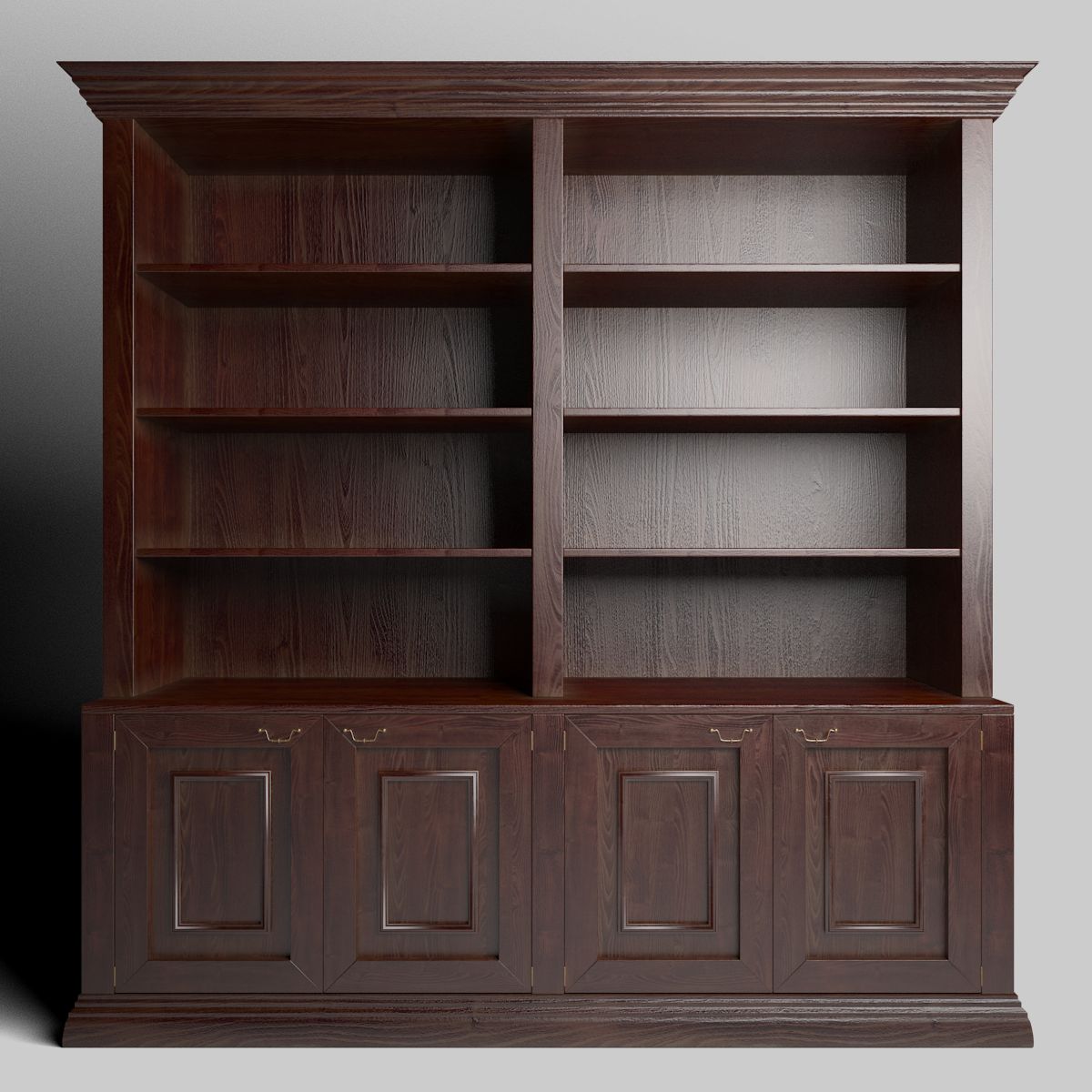

Full Bookshelf 3D 모델
0




0
방문

에 의해 제출 된
luxxeon
명세서
- 기하학polygonal_quads/tris
- 다각형5,400
- 정점들5,142
- 텍스처Yes
- 딱딱한No
- 생기 있는No
- 3D 인쇄 가능 준비No
- 게임 준비 (낮은 폴리)No
- UV 매핑 됨Yes
- 포장되지 않은 자외선mixed
기술
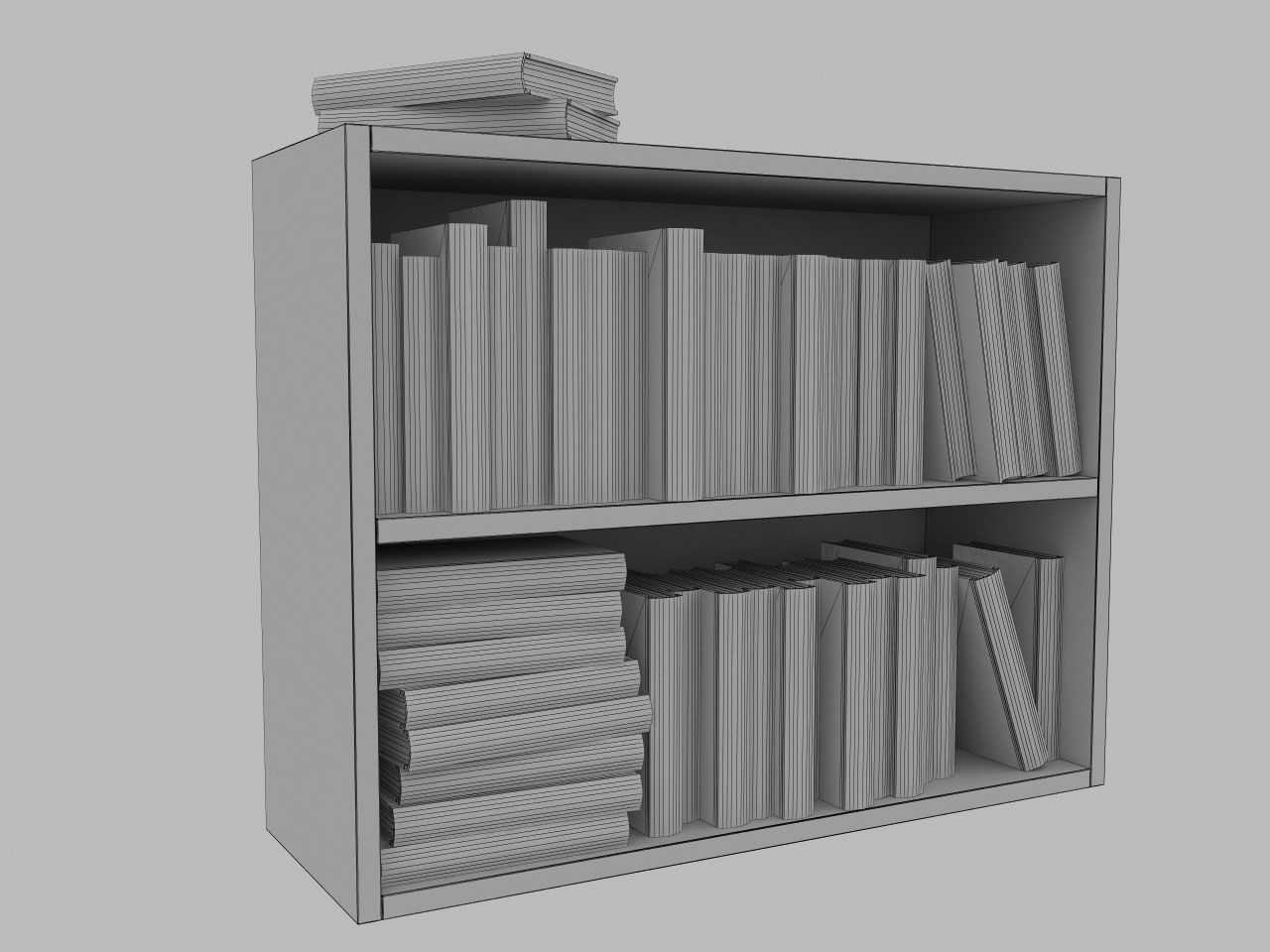
A simple but effective bookshelf, including books, that can be used in your contemporary architectural interior, or as a background prop anywhere you may need to fill space with realistic furniture.
The model is available as a native 3dsmax 2012 scene file (.max), and also in several scaled .obj formats, for importing easily into other applications, like Blender and Poser. All texture maps are included, for color and bump channels.
You are free to use or modify this object as you see fit, for use in your scenes as a prop, or any other type of scene where you may need a full bookshelf. This model is free to use for both commercial and non commercial renders. You may not, however, resell this object, or any derivative of it; individually or as part of a package/set.
*** OBJ users, the Poser-specific OBJ version was exported with a scale conversion that should load with the appropriate scaling into most Poser 9 and above. To ensure proper import, BE SURE to DE-select all check box options boxes in the Import Options dialogue. DESELECT the "Centered", "Place on Floor", "Percent of Standard Figure Size", etc. options in the import dialogue box after you select the poser .obj file, and then the object should load with correct scale into the scene. In Daz|Studio, simply choose the Poser scaled .obj version, and import with Poser preset from the import dialogue box. Blender users, obviously, choose the Blender scaled .obj. All other software applications may be best suited to import the standard .obj file.
Aug 12, 2020
추가 된 날짜
Feb 05, 2022
마지막 업데이트
리뷰
현재이 제품에 대한 리뷰가 없습니다.
얼음을 깬 첫 번째 사람이되지 않겠습니까?