




기곳 3D 모델
0


51
방문

에 의해 제출 된
iolus
명세서
- 기하학polygonal
- 다각형3,150
- 정점들2,797
- 텍스처Yes
- 딱딱한No
- 생기 있는No
- 3D 인쇄 가능 준비No
- 게임 준비 (낮은 폴리)No
- UV 매핑 됨No
- 포장되지 않은 자외선unknown
기술
Gigot
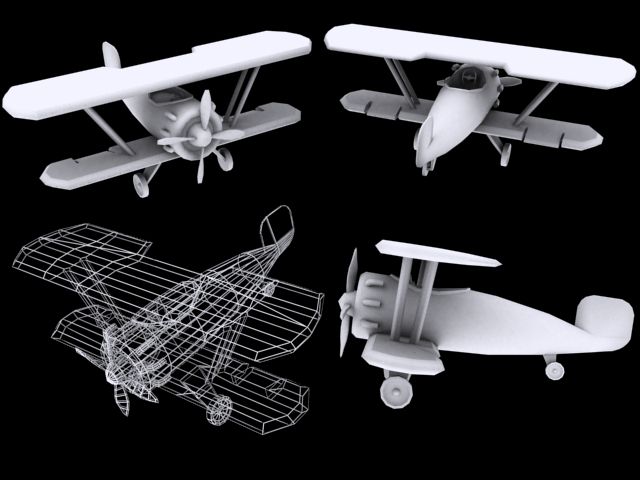
Modelled and rendered with Lightwave 3D 11.5
No pictures and what not were used at any stage of modelling (Just had a look for quick reference:))
Textures were created by mixing colors and using simple settings.
If you will use this in formats other than lightwave, please be mindful about the following;
* These files were opened in 3ds max and blender without any problems but the following were observed:
- You may not see the same color/colors as seen in the preview picture
- You may not see the same texture/textures as seen in the preview picture (you can, perhaps, see only as color).
* If you are a Lightwave 3D user, you can open the zip file into a folder. The model and scene files are inside the folder and are ready for rendering.
Sep 30, 2019
추가 된 날짜
Aug 03, 2021
마지막 업데이트
리뷰
현재이 제품에 대한 리뷰가 없습니다.
얼음을 깬 첫 번째 사람이되지 않겠습니까?