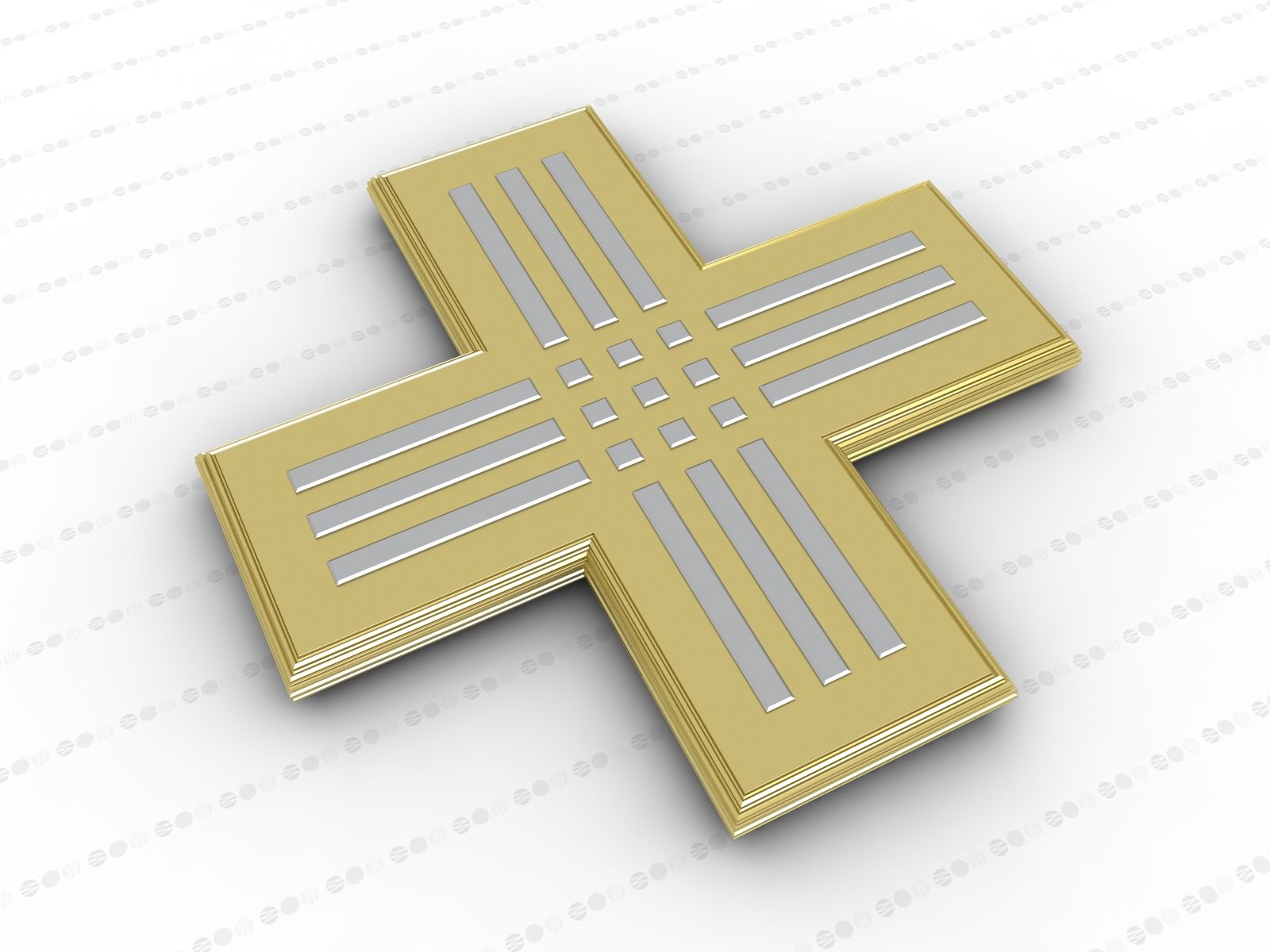

무덤 십자가 V1 3D 모델
0


56
방문

에 의해 제출 된
3d_molier
명세서
- 기하학polygonal
- 다각형2,327
- 정점들4,420
- 텍스처Yes
- 딱딱한No
- 생기 있는No
- 3D 인쇄 가능 준비No
- 게임 준비 (낮은 폴리)No
- UV 매핑 됨No
- 포장되지 않은 자외선unknown
기술
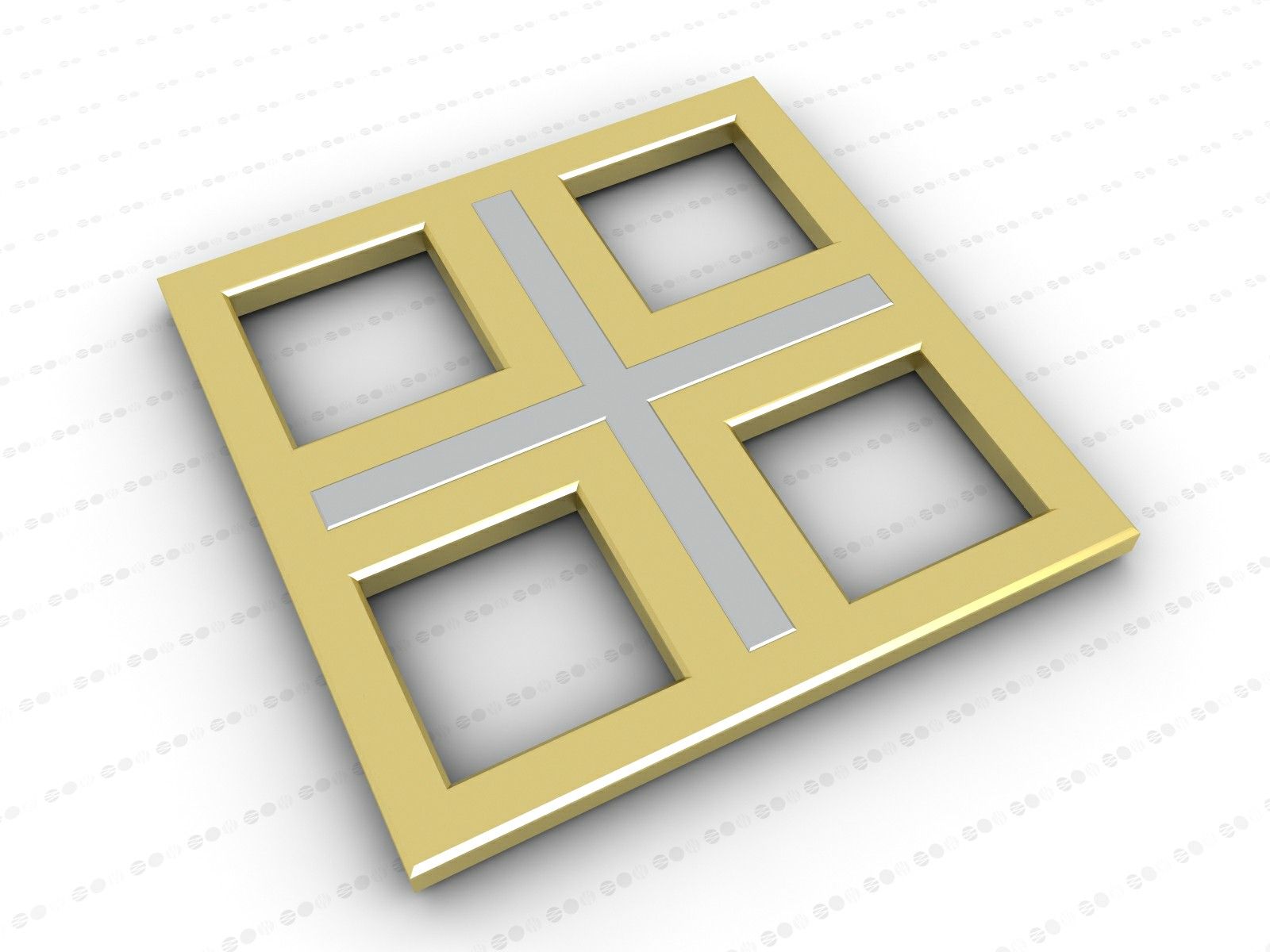
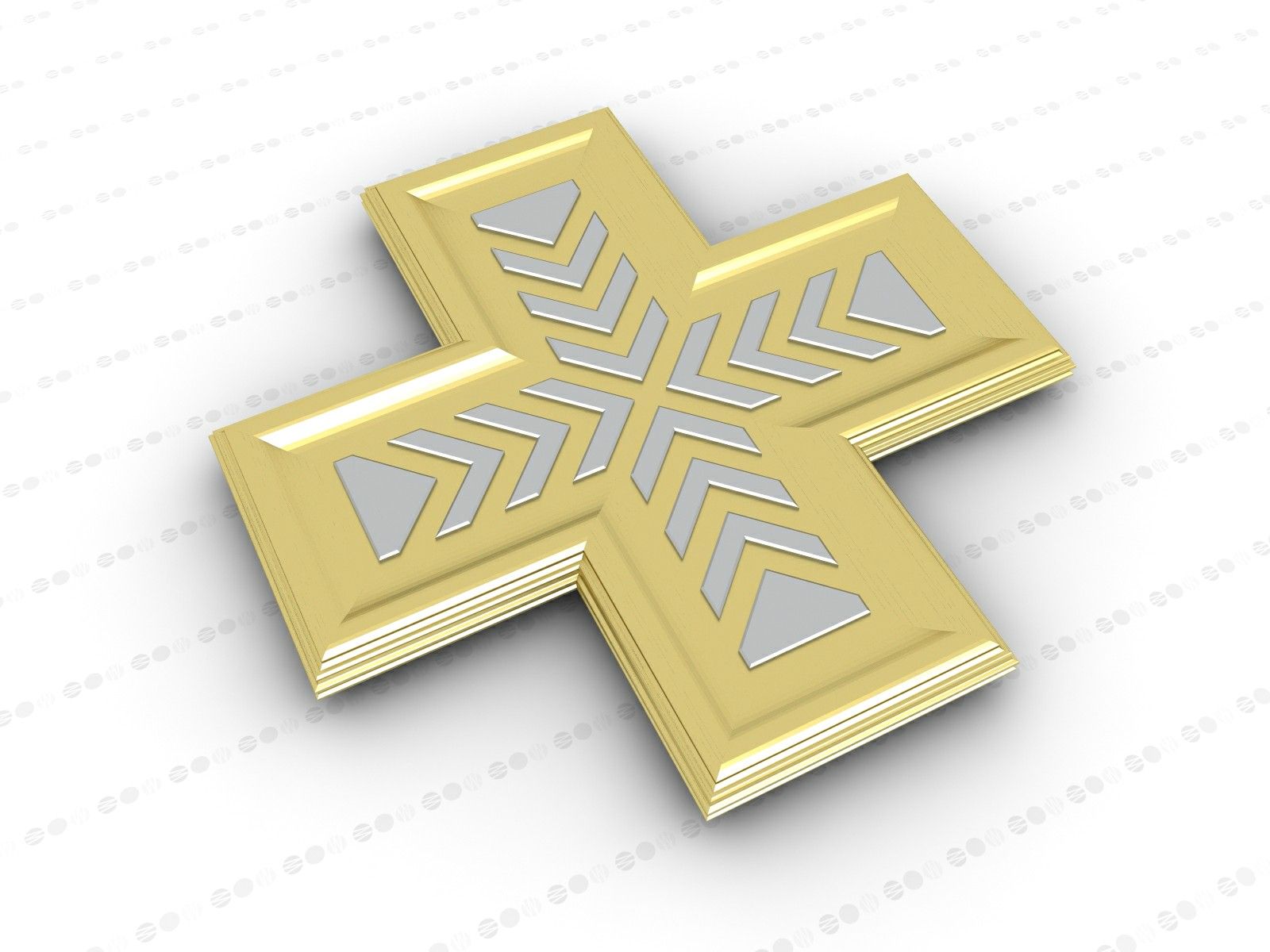
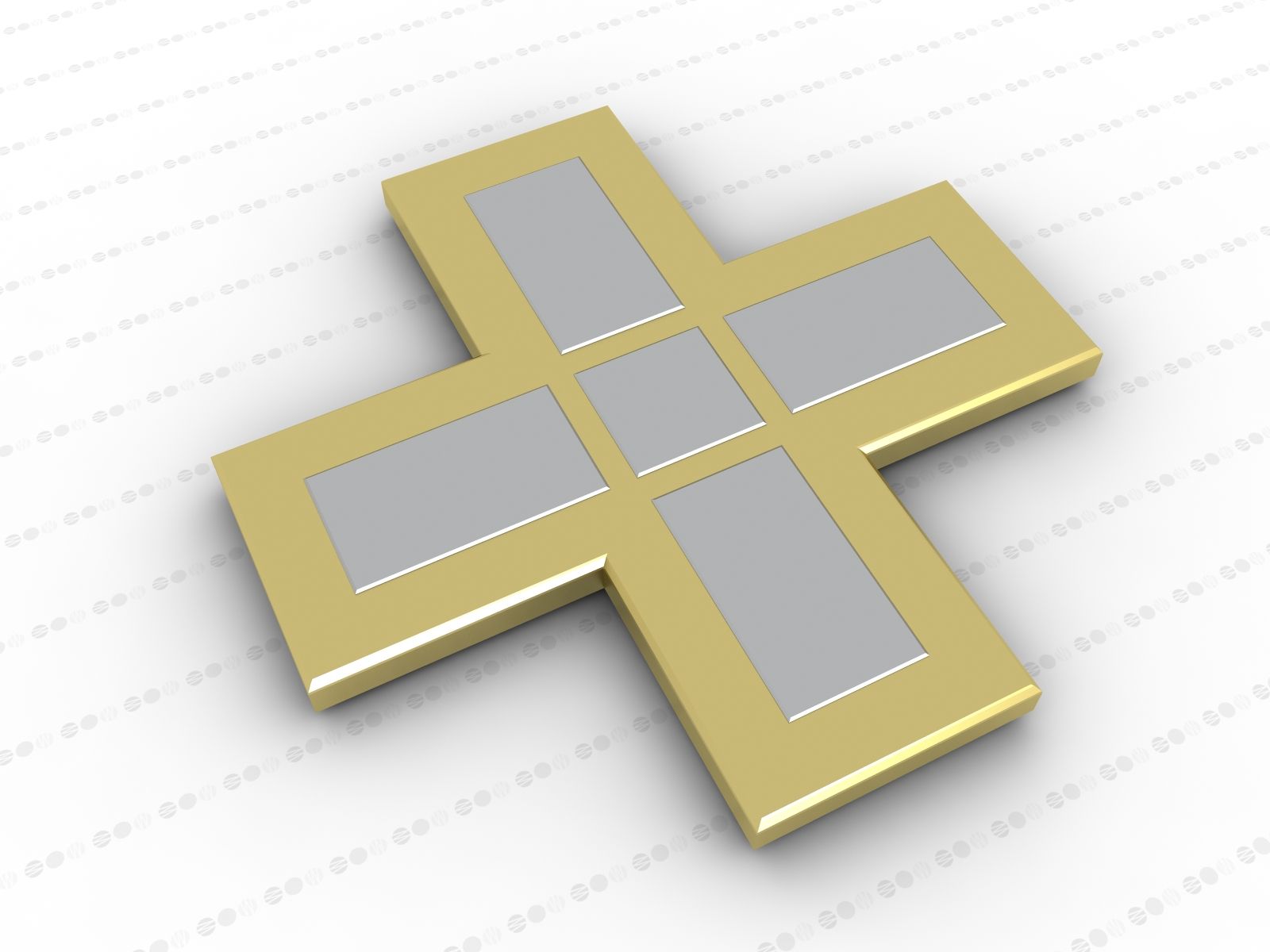
Grave cross V1 is a high quality model to add more details and realism to your exterior rendering projects. Detailed enough for close-up renders.
Models possible to use in any project.
Originally modelled in 3ds max 8. Final images rendered with vray.
The 3ds max zip file contains also vray and standard materials scenes.
*********************************
Features:
- High quality polygonal model - correctly scaled accurate representation of the original objects.
- Model resolutions are optimized for polygon efficiency(in 3DS MAX the meshsmooth function can be used to increase mesh resolution if necessary).
- All colors can be easily modified.
- Model is fully textured with all materials applied.
- All materials are included and mapped in every format.
- Max models grouped for easy selection & objects are logically named for ease of scene management.
- No part-name confusion when importing several models into a scene.
- No cleaning up necessary, just drop your models into the scene and start rendering.
- No special plugin needed to open scene.
*********************************
Models:
2 objects 1 texture:
polygons: 2327
points: 4420
*********************************
File formats:
- 3ds Max 8(Contains also vray and standard materials scenes!)
- OBJ (Multi Format)
- 3DS (Multi Format)
- Maya 8
- Lightwave 6
- Cinema 4D R8
- Softimage XSI 5.x
- OpenFlight
- DirectX
Every model has been checked with the appropriate software.
*********************************
Hope you like it!
Also check out my other models, just click on my user name to see complete gallery.
© 3d_molier - 2010
Sep 25, 2019
추가 된 날짜
Jan 23, 2022
마지막 업데이트
리뷰
현재이 제품에 대한 리뷰가 없습니다.
얼음을 깬 첫 번째 사람이되지 않겠습니까?