


-->
๊ฑด์ถ•๋ฌผ์ฐจ๋Ÿ‰๋ฌธ์žํ•ญ๊ณต๊ธฐ๊ฐ€๊ตฌ์ „์ž ์ œํ’ˆ๋™๋ฌผ์‹๋ฌผ๋ฌด๊ธฐ์Šคํฌ์ธ ์‹ํ’ˆํ•ด๋ถ€
๋ถ๋งˆํฌ ๋จ
๋ถ๋งˆํฌ ์‚ญ์ œ๋จ

์•„์ดํฐ 6S Elemenrt3D V2.2 3D ๋ชจ๋ธ

0
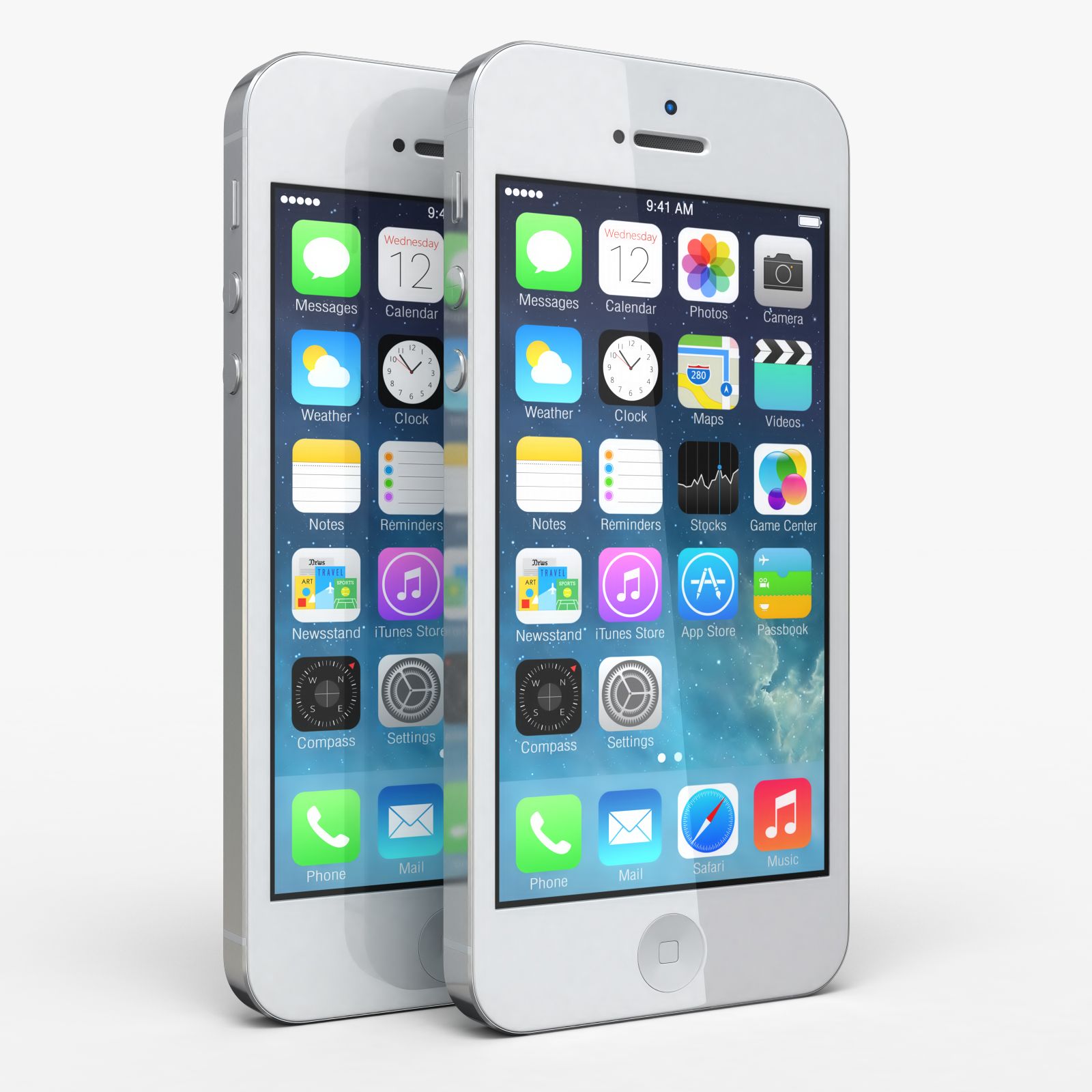
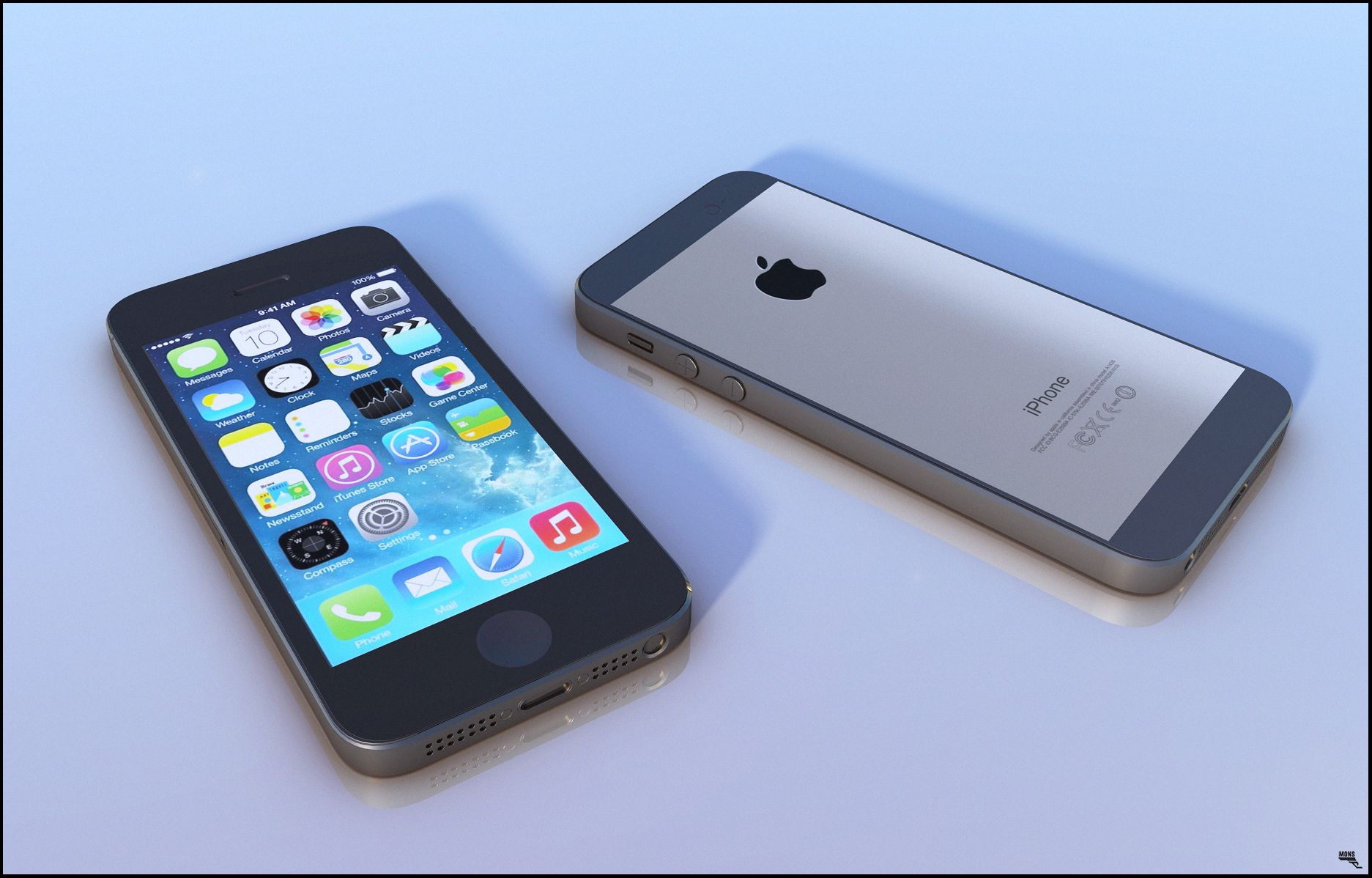
์•„์ดํฐ 6S Elemenrt3D V2.2 royalty-free 3d model - Preview no. 1
์•„์ดํฐ 6S Elemenrt3D V2.2 royalty-free 3d model - Preview no. 2
์•„์ดํฐ 6S Elemenrt3D V2.2 royalty-free 3d model - Preview no. 3
์•„์ดํฐ 6S Elemenrt3D V2.2 royalty-free 3d model - Preview no. 4
์•„์ดํฐ 6S Elemenrt3D V2.2 royalty-free 3d model - Preview no. 5
์•„์ดํฐ 6S Elemenrt3D V2.2 royalty-free 3d model - Preview no. 6
์•„์ดํฐ 6S Elemenrt3D V2.2 royalty-free 3d model - Preview no. 7
์•„์ดํฐ 6S Elemenrt3D V2.2 royalty-free 3d model - Preview no. 8
์•„์ดํฐ 6S Elemenrt3D V2.2 royalty-free 3d model - Preview no. 9
์•„์ดํฐ 6S Elemenrt3D V2.2 royalty-free 3d model - Preview no. 1
์•„์ดํฐ 6S Elemenrt3D V2.2 royalty-free 3d model - Preview no. 2
์•„์ดํฐ 6S Elemenrt3D V2.2 royalty-free 3d model - Preview no. 3
์•„์ดํฐ 6S Elemenrt3D V2.2 royalty-free 3d model - Preview no. 4
์•„์ดํฐ 6S Elemenrt3D V2.2 royalty-free 3d model - Preview no. 5
์•„์ดํฐ 6S Elemenrt3D V2.2 royalty-free 3d model - Preview no. 6
์•„์ดํฐ 6S Elemenrt3D V2.2 royalty-free 3d model - Preview no. 7
์•„์ดํฐ 6S Elemenrt3D V2.2 royalty-free 3d model - Preview no. 8
์•„์ดํฐ 6S Elemenrt3D V2.2 royalty-free 3d model - Preview no. 9
๋‹จ์ˆœ ๋ฐ˜ํ’ˆ
์ตœ์ €๊ฐ€ ๋ณด์žฅ
์ƒ์ž์—์„œ ์ž‘๋™ ํ•จ
0 ๋ฐฉ๋ฌธ
Frezzy

๋ช…์„ธ์„œ

  • ๊ธฐํ•˜ํ•™polygonal_quads/tris
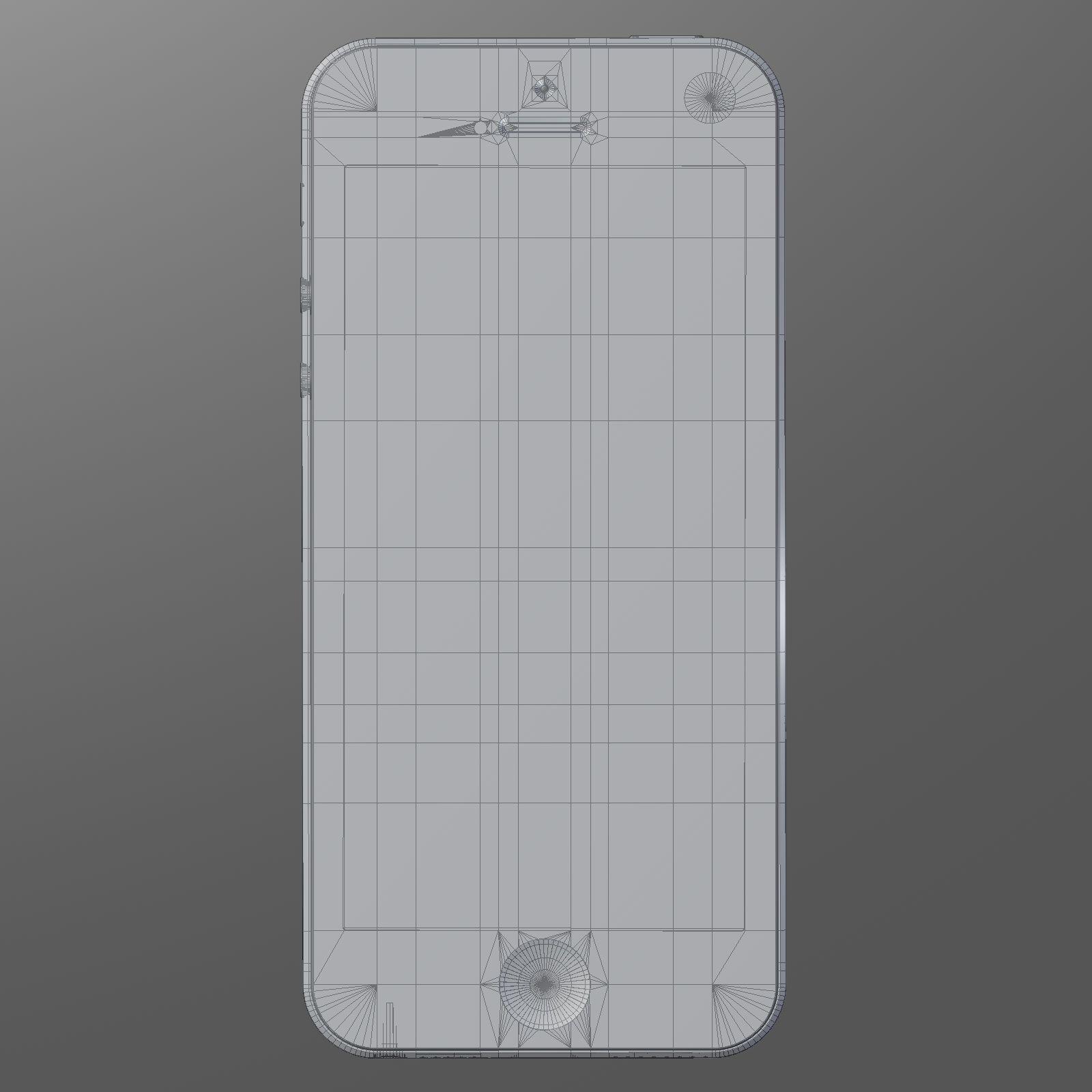
  • ๋‹ค๊ฐํ˜•69,069
  • ์ •์ ๋“ค71,880
  • ํ…์Šค์ฒ˜Yes
  • ๋”ฑ๋”ฑํ•œNo
  • ์ƒ๊ธฐ ์žˆ๋Š”No
  • 3D ์ธ์‡„ ๊ฐ€๋Šฅ ์ค€๋น„No
  • ๊ฒŒ์ž„ ์ค€๋น„ (๋‚ฎ์€ ํด๋ฆฌ)No
  • UV ๋งคํ•‘ ๋จYes
  • ํฌ์žฅ๋˜์ง€ ์•Š์€ ์ž์™ธ์„ mixed

๊ธฐ์ˆ 

This pack: Element 3D V2.2 ( All colors ) models preset easy to use - 1 file OBJ High poly - 1 file OBJ standard - 1 file C4D R12 standard render - E3D file full materials set up like previews How to use it? 1. Open After Effects CC 2014 ( or higher) and create new composition ( You need Element3D V2.2 to use ) 2. Create new Solid layer and add Element effect. ( Effect/Video Copilot/ Element ) 3. Click Scene Setup 4. Click on IMPORT inside Element3D scene setup 5. Choose my .e3d preset for the model and press Open. If you dont see the model do not forget to right click on the model name and press Replace model then select the .obj model file in the respective models folder.
May 26, 2020 ์ถ”๊ฐ€ ๋œ ๋‚ ์งœ
Feb 27, 2022 ๋งˆ์ง€๋ง‰ ์—…๋ฐ์ดํŠธ

๋ฆฌ๋ทฐ

ํ˜„์žฌ์ด ์ œํ’ˆ์— ๋Œ€ํ•œ ๋ฆฌ๋ทฐ๊ฐ€ ์—†์Šต๋‹ˆ๋‹ค.
์–ผ์Œ์„ ๊นฌ ์ฒซ ๋ฒˆ์งธ ์‚ฌ๋žŒ์ด๋˜์ง€ ์•Š๊ฒ ์Šต๋‹ˆ๊นŒ?