


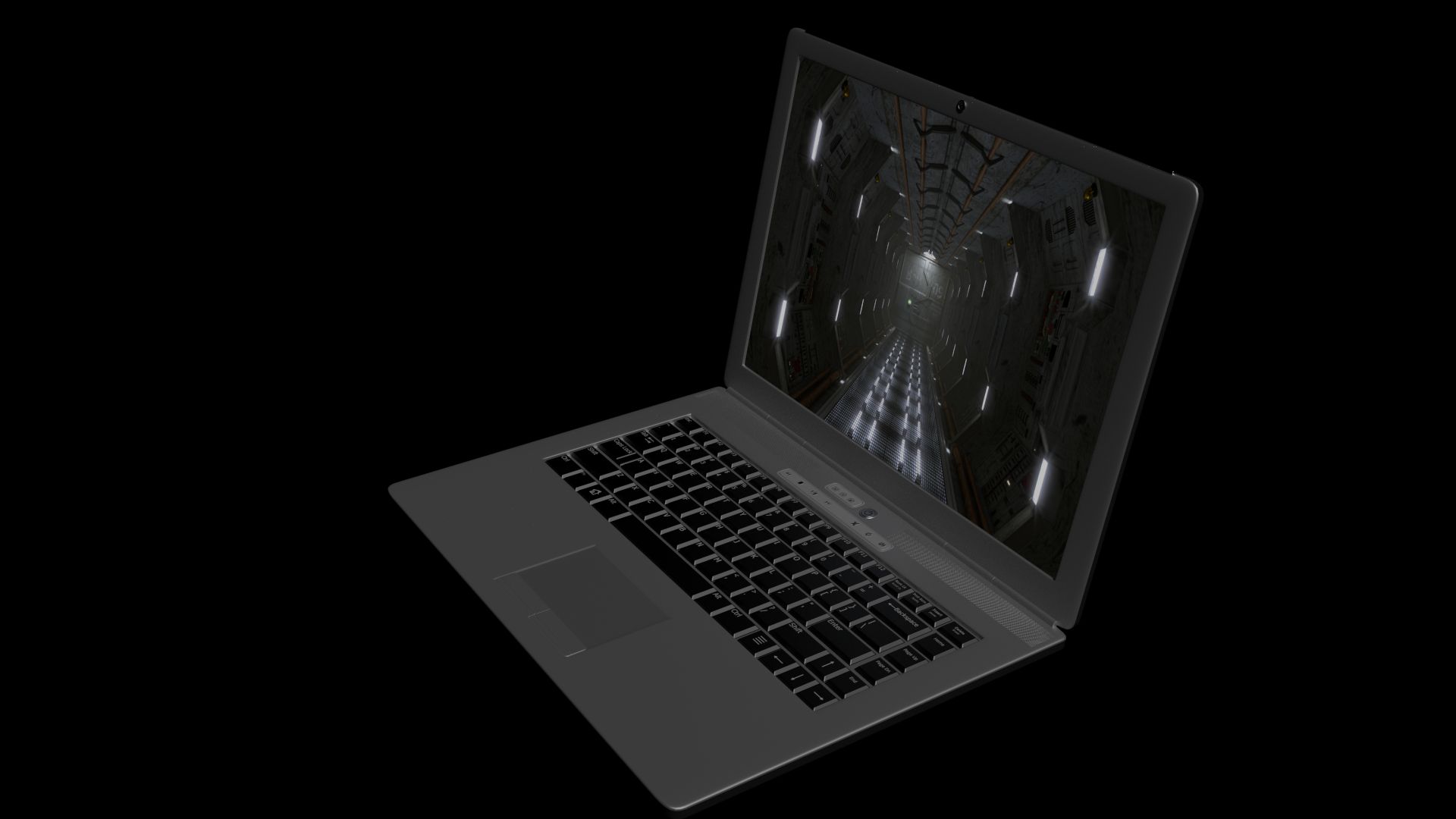


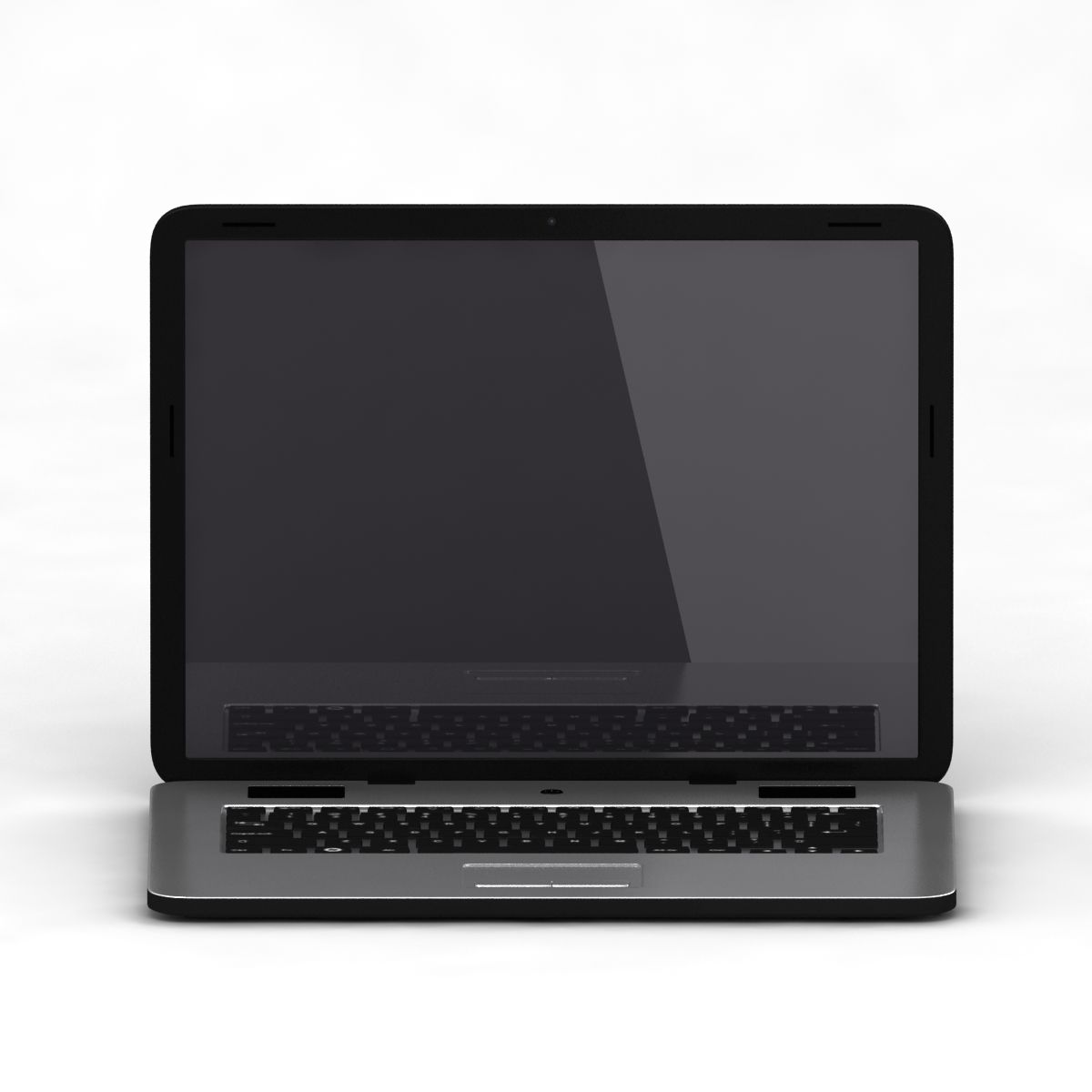


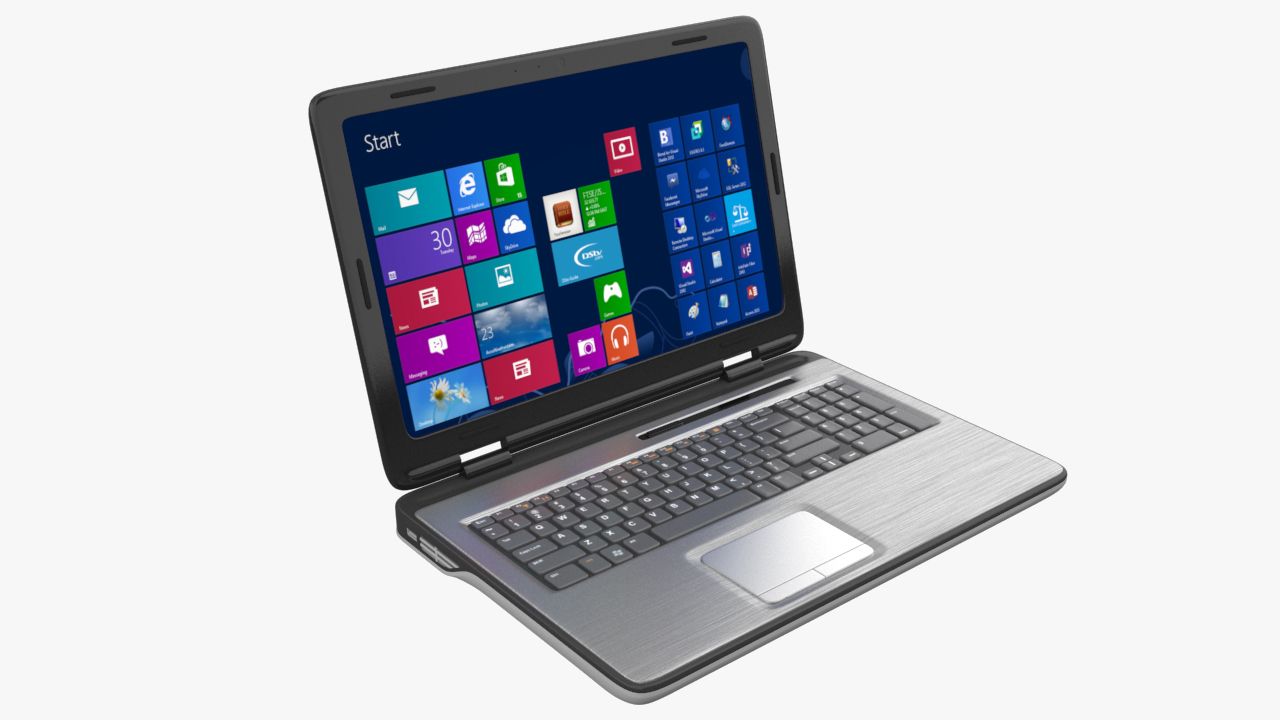
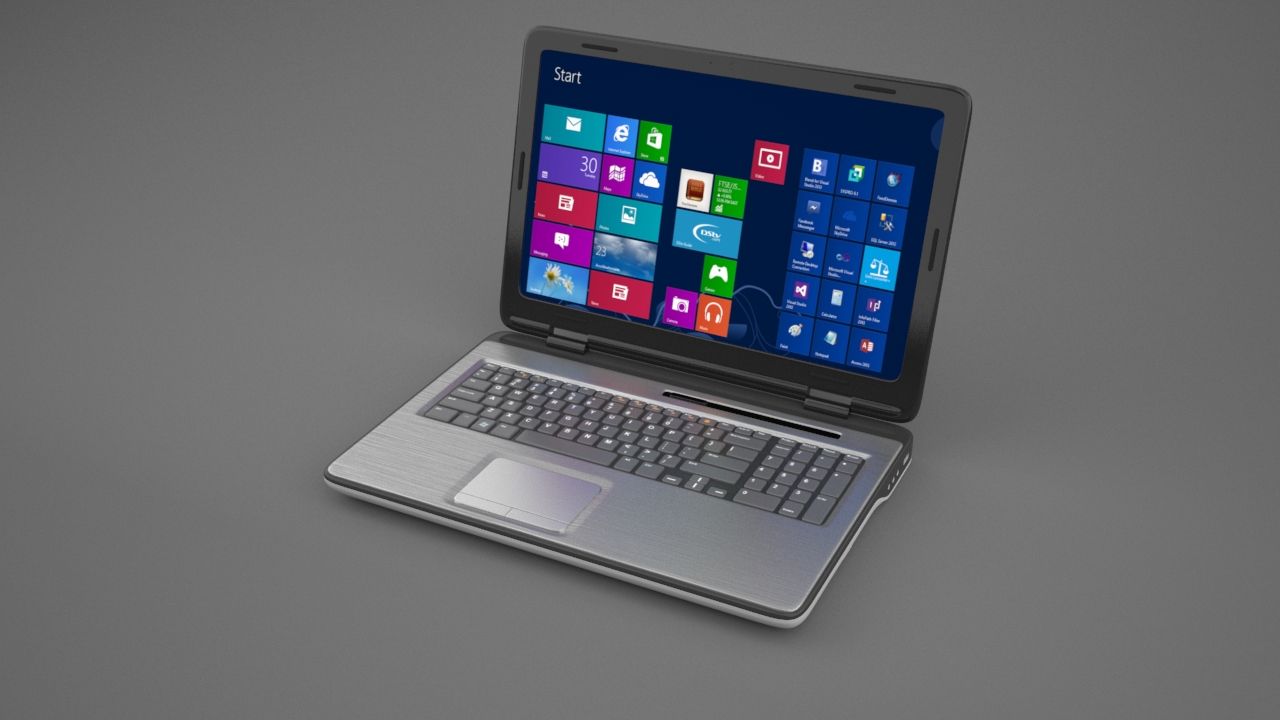
노트북 3D 모델
0

0
방문

에 의해 제출 된
toddd3d
명세서
- 기하학subdivision
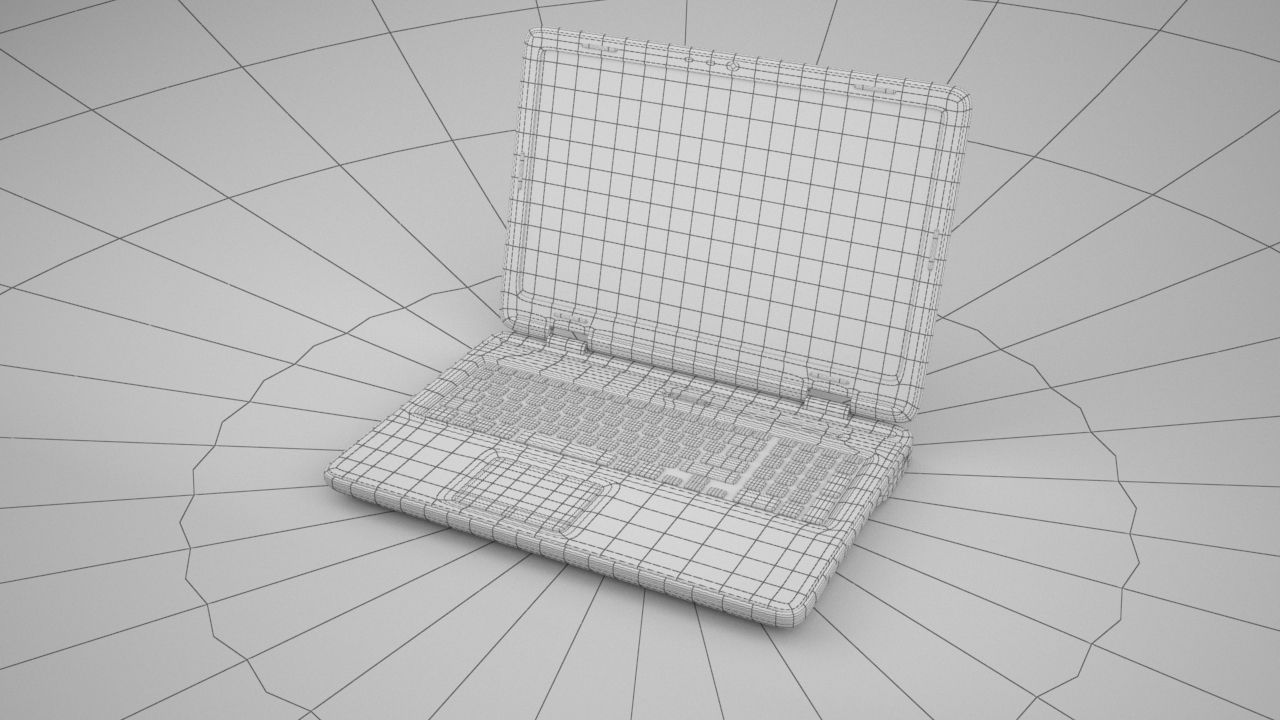
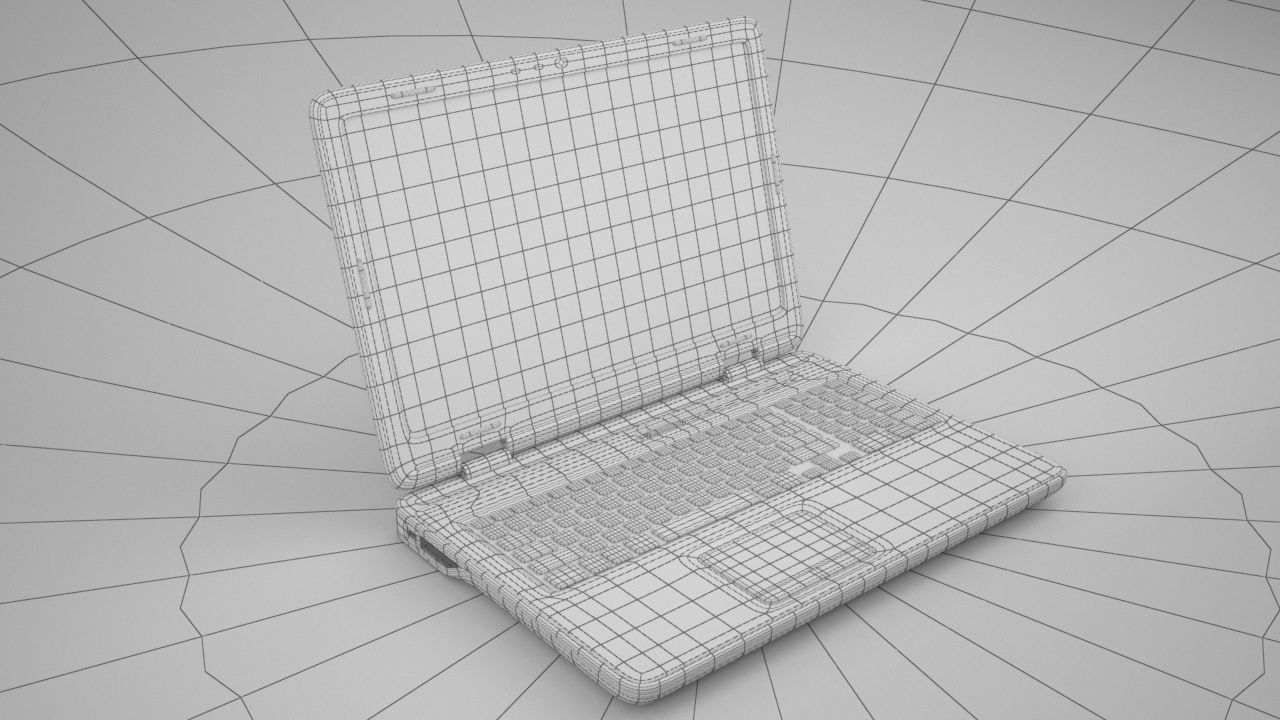
- 다각형14,471
- 정점들15,859
- 텍스처Yes
- 딱딱한No
- 생기 있는No
- 3D 인쇄 가능 준비No
- 게임 준비 (낮은 폴리)No
- UV 매핑 됨Yes
- 포장되지 않은 자외선mixed
기술
This laptop(based on a dell design from several years ago there are no logos on the device) is 1 of my older models, it has a moderate level of detail and is great for populating any scene or any cg environment with or without characters. It is detailed, and will hold up for medium to close range shots. Max users will receive vray materials as well as subdivisions in tact.
FBX users simply import and re-apply textures and materials. OBJ users import, subdivide and apply materials and textures in your application of choice.
Objects that need to be divided have the suffix '_divide'
zip with 2015 max file contains all required textures
max 2012 users may need to 'unhide all' as the file was backsaved from a newer version of max.
HDR not included.
Dec 18, 2019
추가 된 날짜
Nov 10, 2021
마지막 업데이트
리뷰
현재이 제품에 대한 리뷰가 없습니다.
얼음을 깬 첫 번째 사람이되지 않겠습니까?