




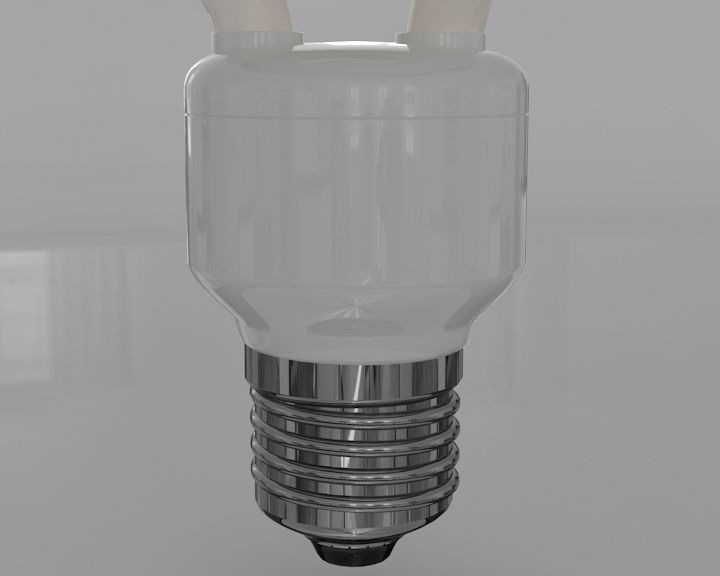
LED 전구 3D 모델
0




1
방문

에 의해 제출 된
Illusioncreators
명세서
- 기하학polygonal
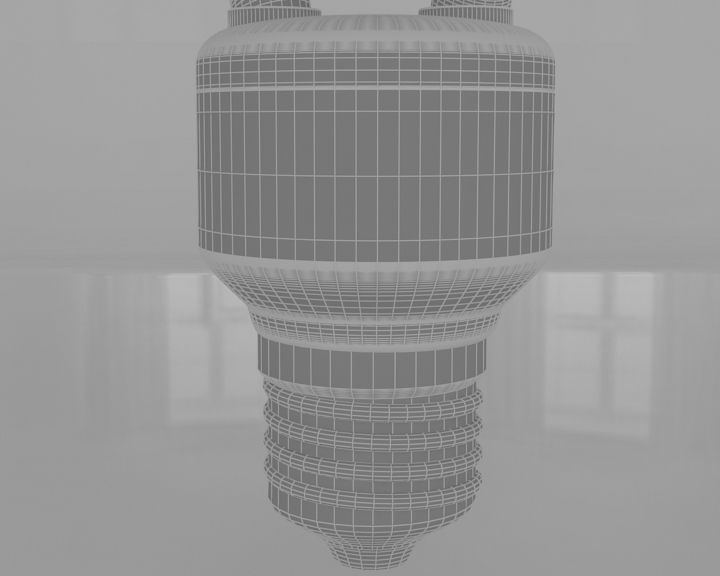
- 다각형20,664
- 정점들10,423
- 텍스처Yes
- 딱딱한No
- 생기 있는No
- 3D 인쇄 가능 준비No
- 게임 준비 (낮은 폴리)No
- UV 매핑 됨Yes
- 포장되지 않은 자외선mixed
기술
'Originally created with 3ds Max 2016
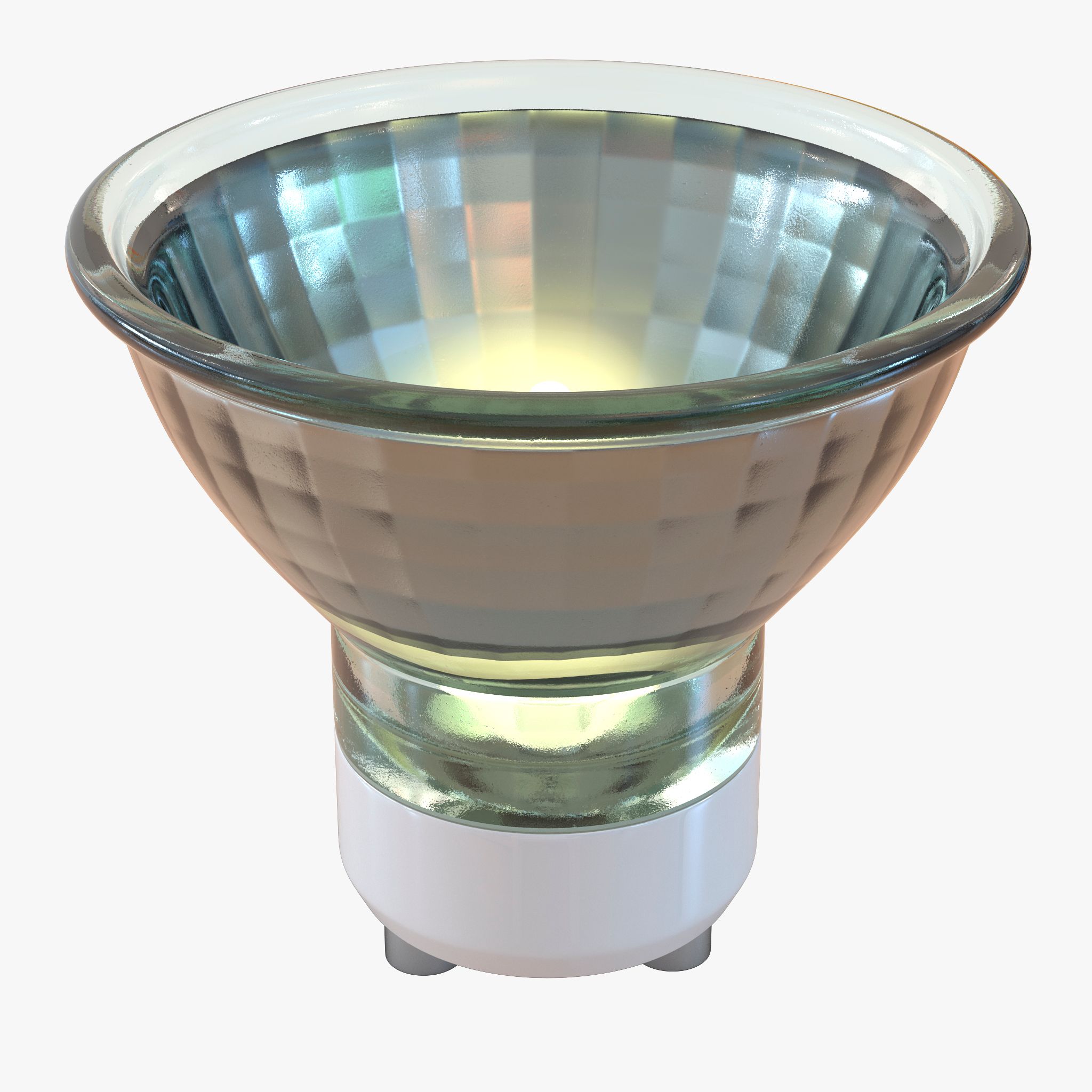
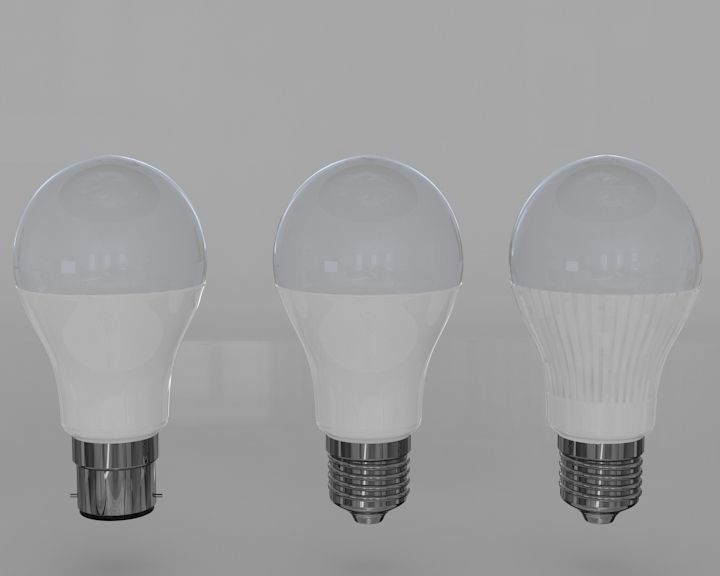
High resolution, realistic, fully detailed and textured LED Bulb Detailed enough for close-up renders. Model comes with detailed textures. All parts are separate and pivoted for animation.
Originally modeled in 3ds Max 2016.
The 3ds Max zip file contains also V-Ray and standard materials scenes.
--------------------------------------------------------------------------------------------------
Features:
- High quality polygonal model - correctly scaled accurate representation of the original objects.
- Model resolutions are optimized for polygon efficiency (in 3ds Max the MeshSmooth function can be used to increase mesh resolution if necessary).
- All colors can be easily modified.
- Model is fully textured with all materials applied.
- All textures and materials are included and mapped in every format.
- Max models are grouped for easy selection & objects are logically named for ease of scene management.
- No part-name confusion when importing several models into a scene.
- No cleaning up necessary, just drop your models into the scene and start rendering.
- No special plug-in needed to open scene.
--------------------------------------------------------------------------------------------------
File formats:-
- 3ds Max 2016 (Contains also V-Ray and standard materials scenes!)
- OBJ (Multi Format)
- 3DS (Multi Format)
- FBX (Multi Format)
Every model has been checked with the appropriate software.
--------------------------------------------------------------------------------------------------
Textures formats:
JPG(.jpg)-----------------------------------------------------------------------------------------
--------------------------------------------------------------------------------------------------
Additional Notes:-
- Max file is the original version; the use of this is recommended.
- Additional file formats exported without Smooth modifier.
Nov 07, 2019
추가 된 날짜
Jul 27, 2022
마지막 업데이트
리뷰
현재이 제품에 대한 리뷰가 없습니다.
얼음을 깬 첫 번째 사람이되지 않겠습니까?