
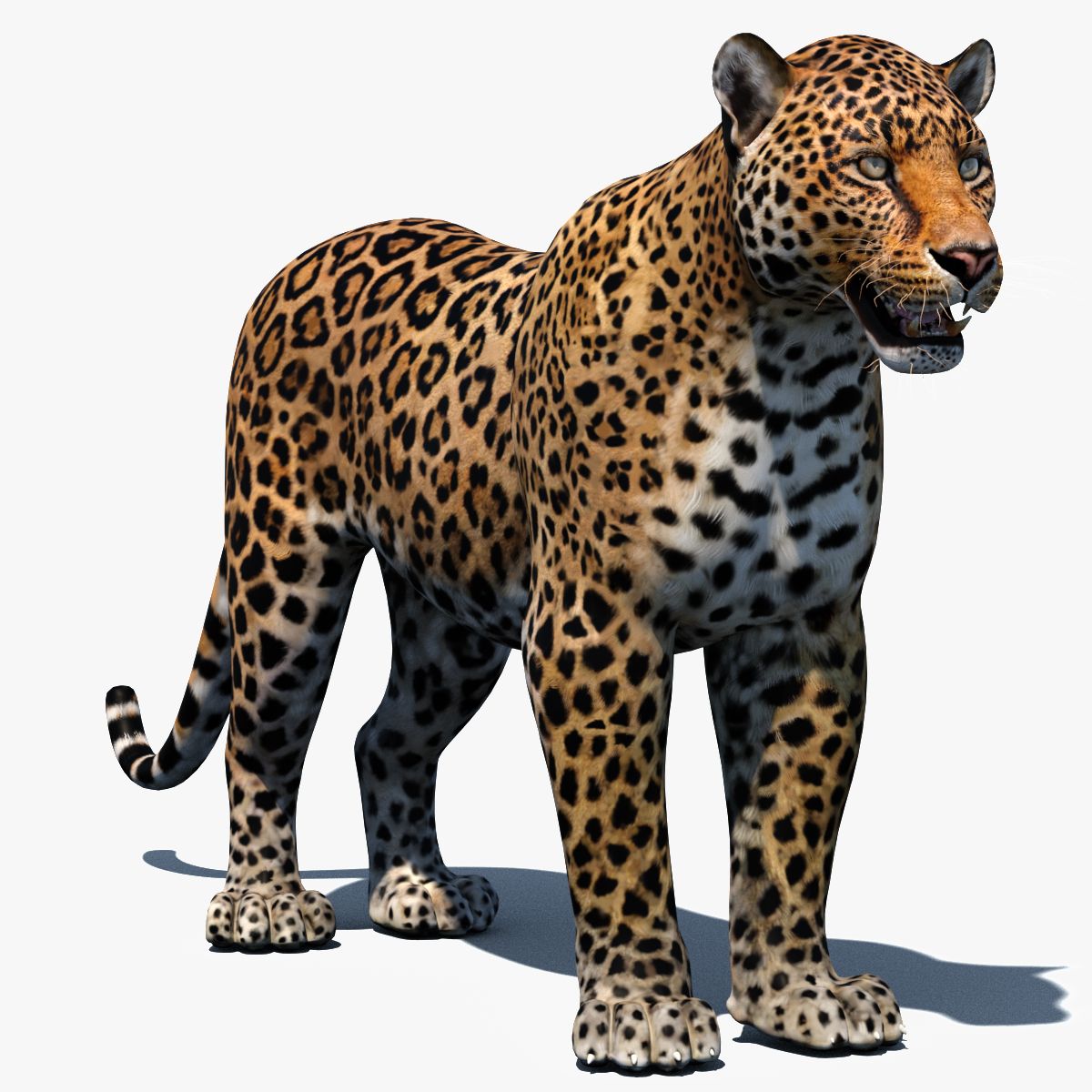
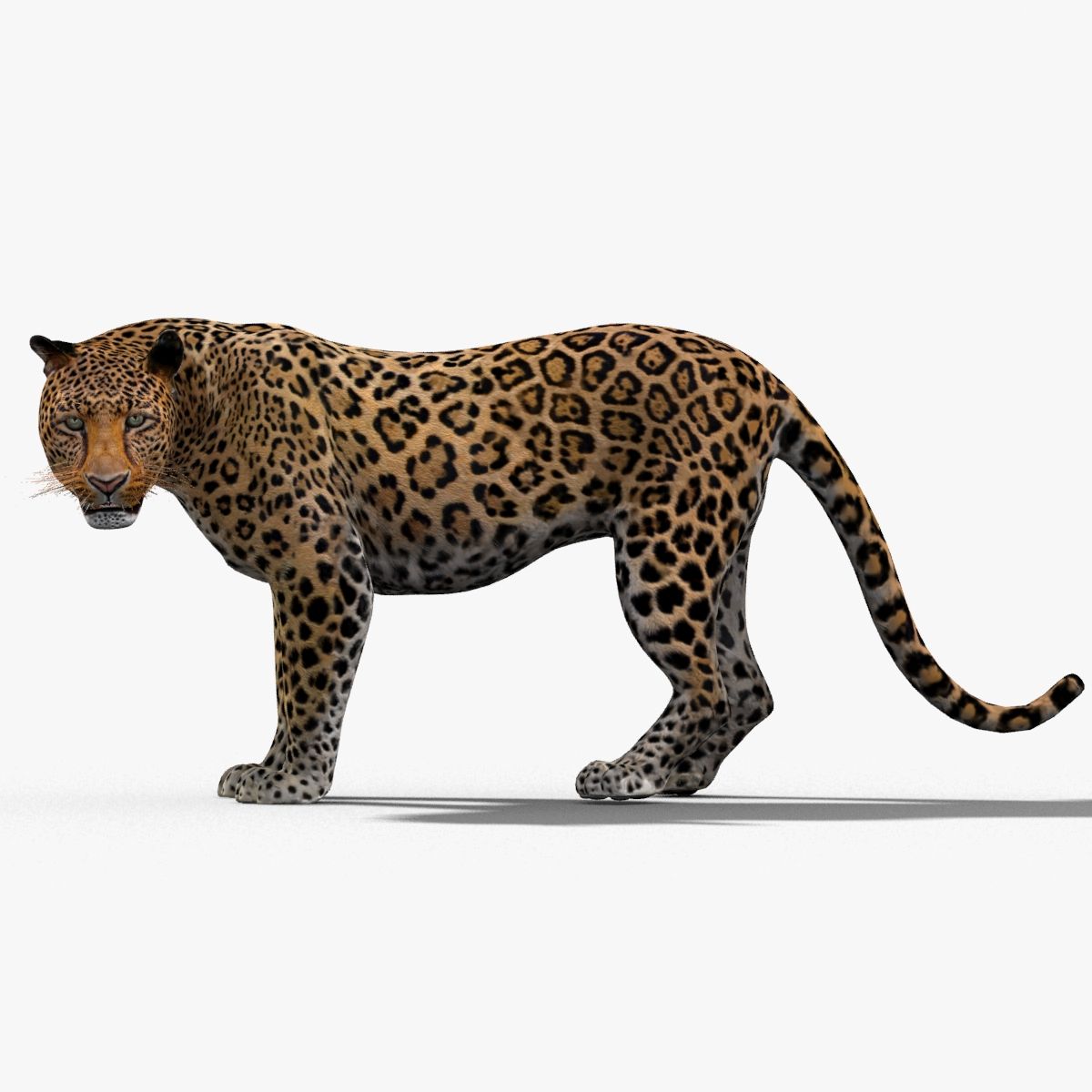


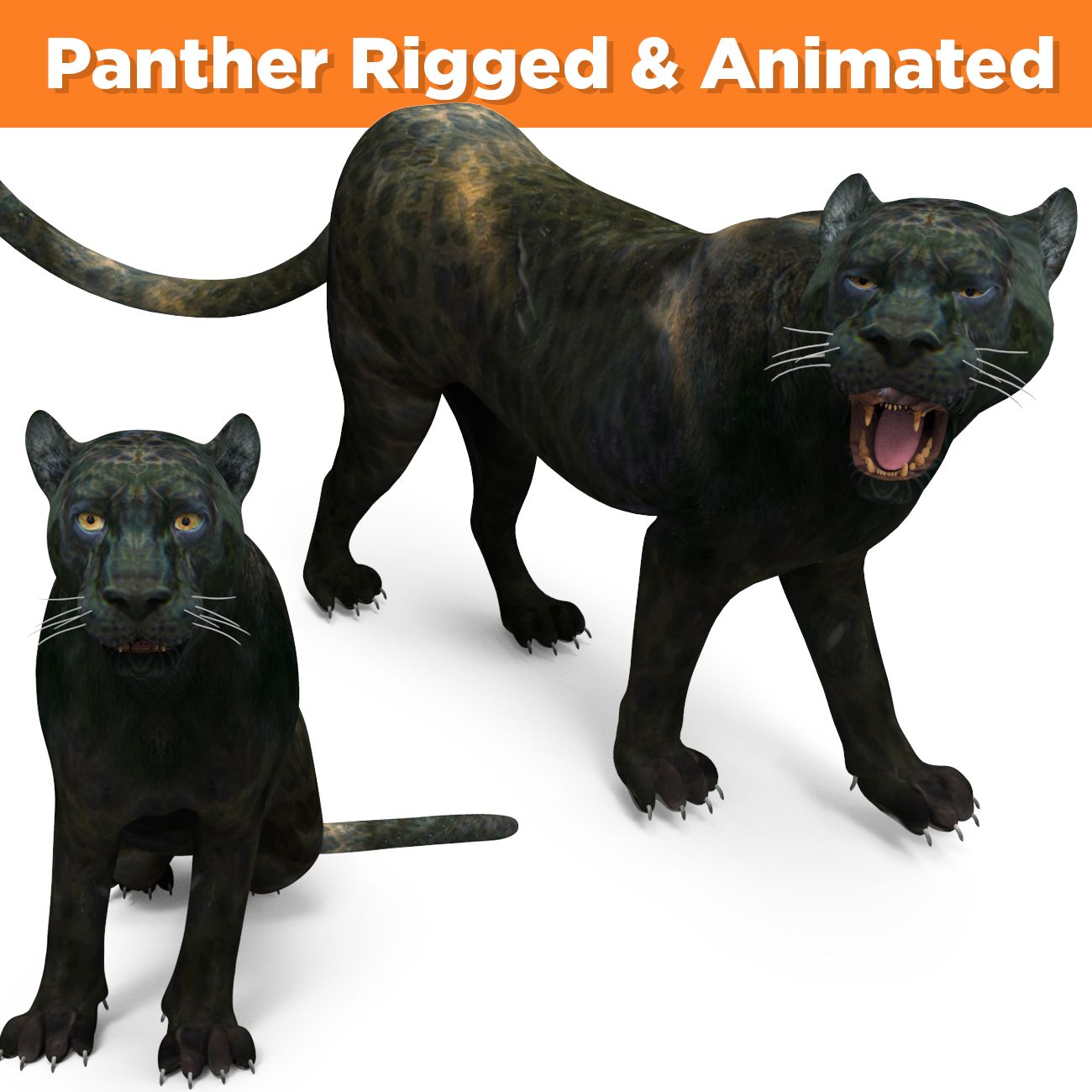
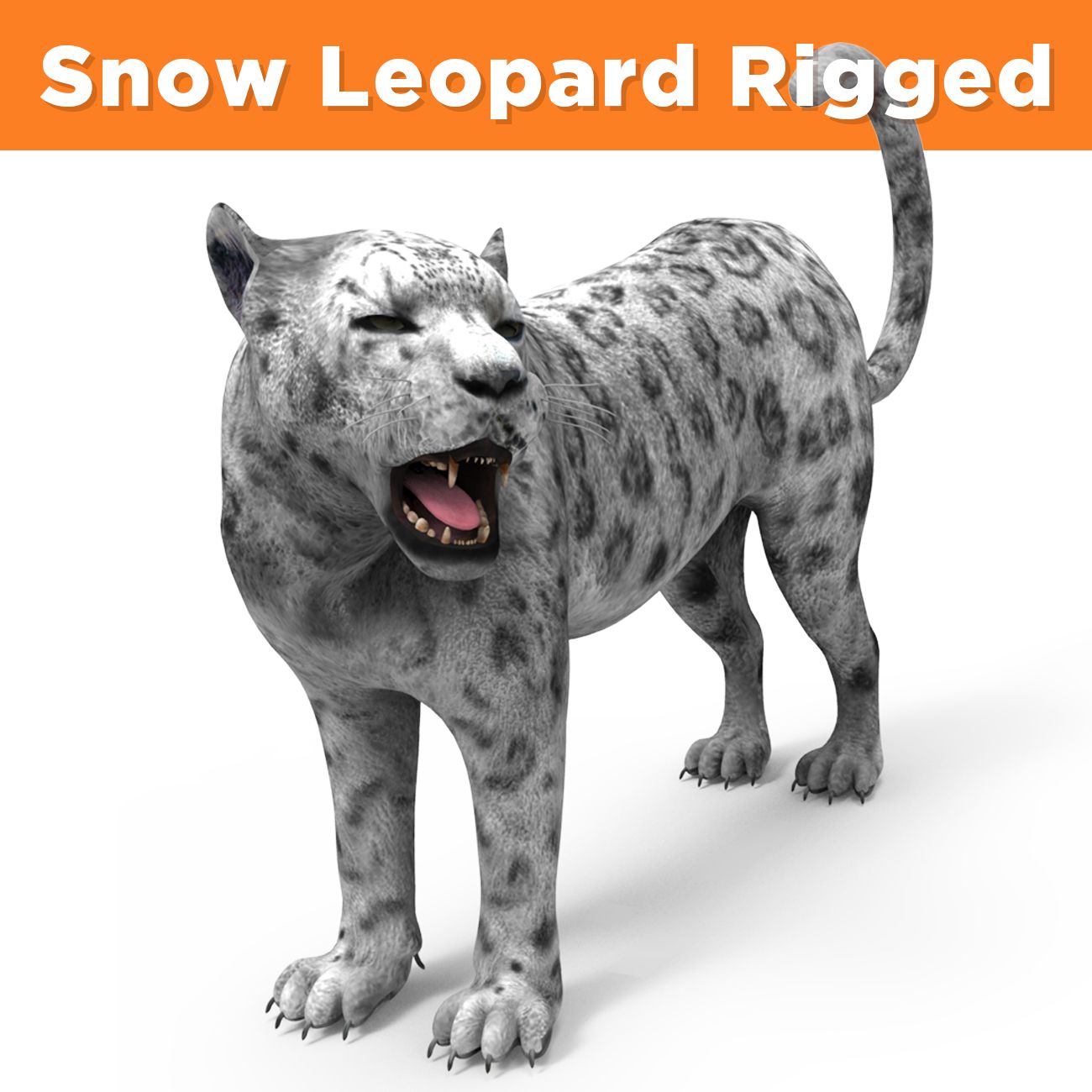


Leopard and Panther Animated 3D 모델








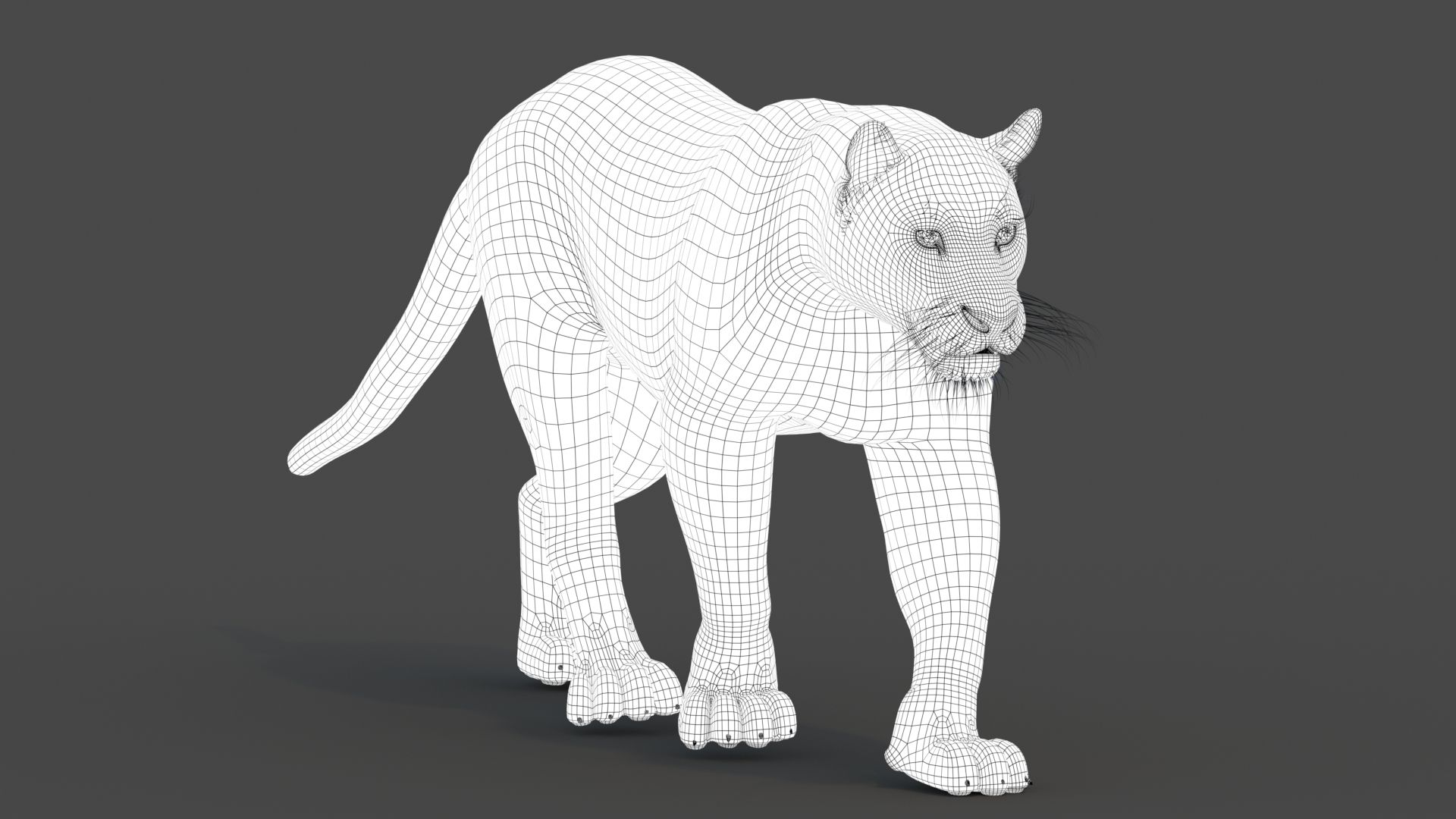




명세서
- 기하학polygonal_quads only
- 다각형8,848
- 정점들9,065
- 텍스처Yes
- 딱딱한Yes
- 생기 있는Yes
- 3D 인쇄 가능 준비No
- 게임 준비 (낮은 폴리)No
- UV 매핑 됨Yes
- 포장되지 않은 자외선mixed
기술
Leopard and Panther Animated
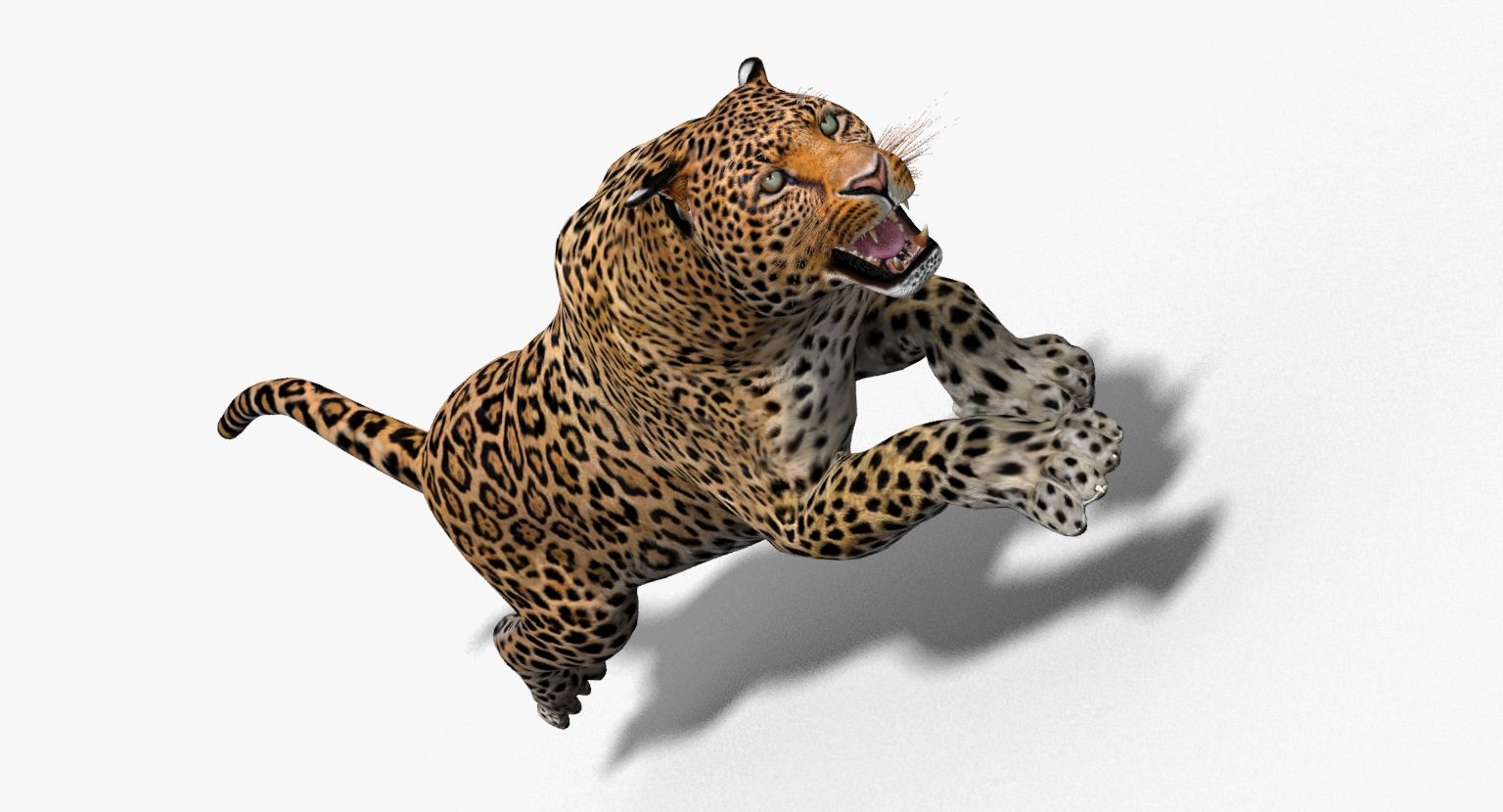
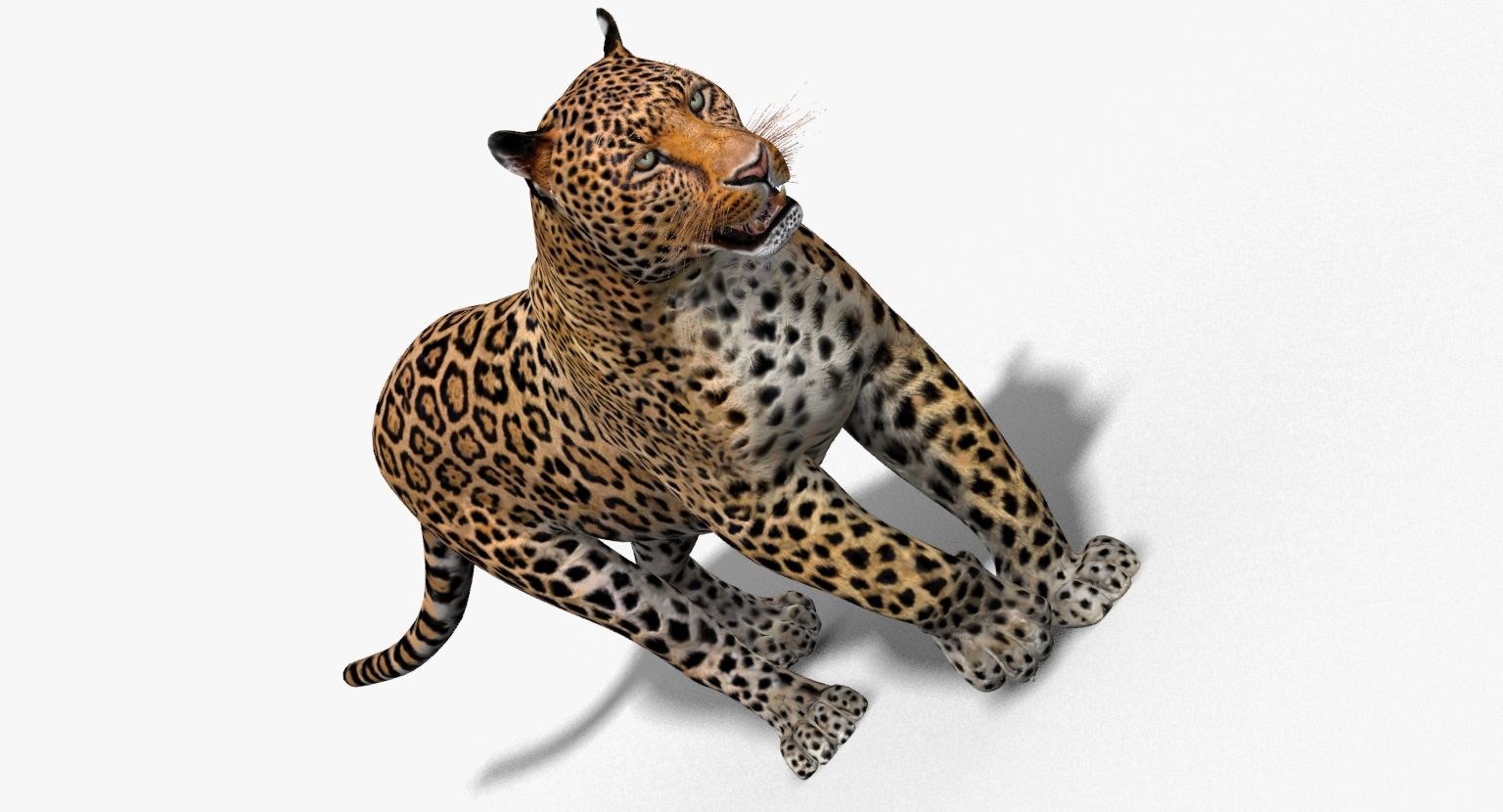
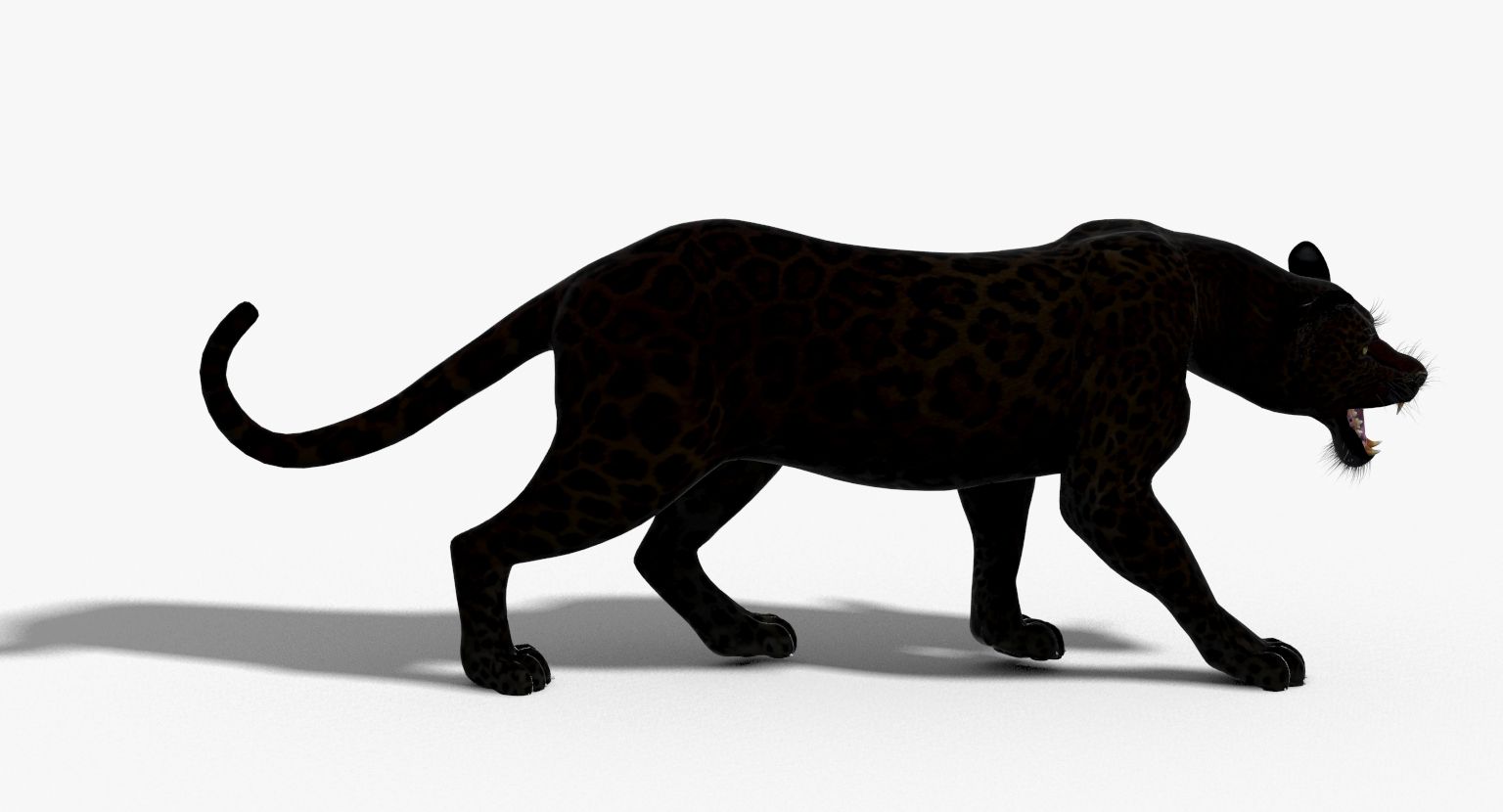
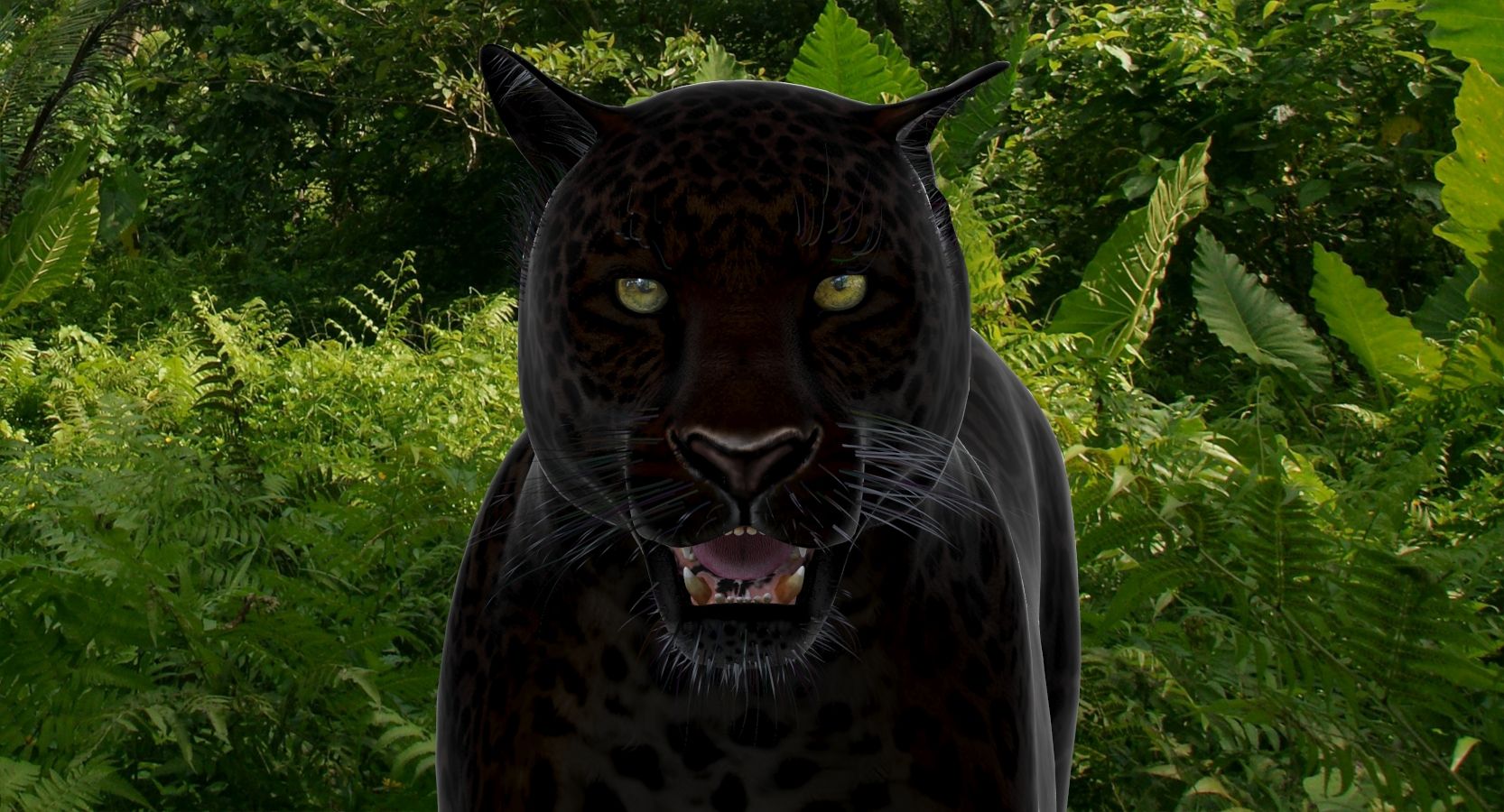
Panther and Leopard Animated is a high quality photorealistic 3d model to add more details and realism to your rendering projects. Fully detailed and textured 3d model. Detailed enough for close-up renders. Final images rendered with mental ray.
Features:
The model is provided with high resolution texture (color maps are .JPG, and PNG fromats):
- Panther_Diffuse_UVs (4096x4096)
- Leopard_Diffuse_UVs (4096x4096)
- -Panther_Glossiness (4096x4096)
- -Panther_Hair_Cut (2048x2048)
- -Panther-mouth-UVW (4096x4096)
- -Panther-mouth-Bumb (4096x4096)
- -Panther-mouth-Normal-Map (1024x1024)
- Nails_UVs (4096x4096)
Materials:
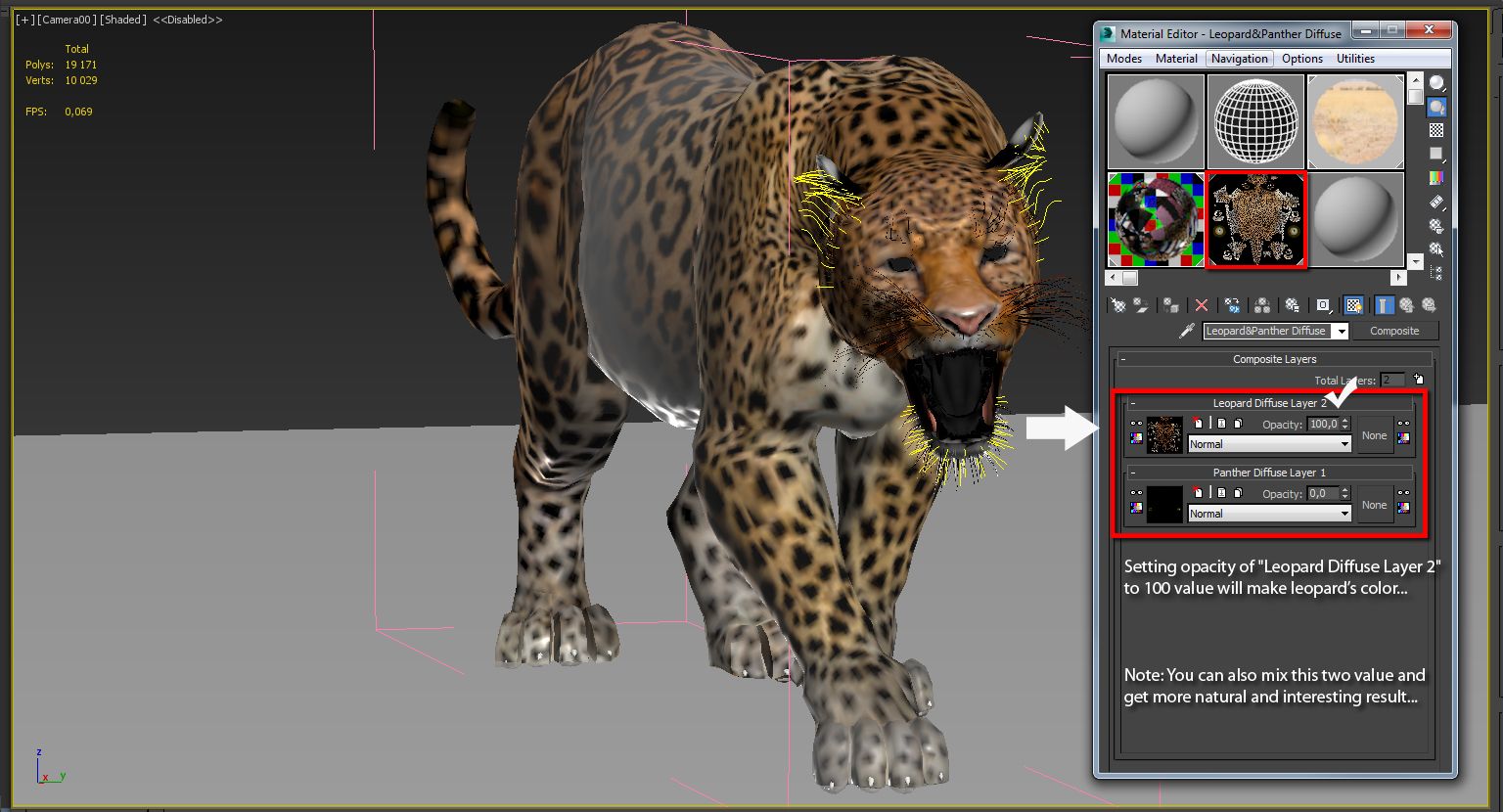
Color of the Panthera and Leopard are controlled via "composite shader" within diffuse channel of main material "Leopard&Panther Diffuse" and depending on which opacity is maxed, will determine which color of Leopard or Panthera is shown. Simply hide and unhide, or drag and drop up or down desired layer within "Composite shader" and you will achieve desired color change.
Mesh Totals
- Body - Polys:4286; Vertices:4303, Mouth - Polys:3890; Vertices:3974, Eyes - Polys:288; Vertices:324, Nails - Polys:384; Vertices:464,
Subtotal: Panther (Group); - Polys:8848; Vertices:9065. Rigging and Animation: Rigging was done via CAT object. Animation done via CAT Motion, and Animation Layers... Frame Rate is NTSC (FPS:30) 1) WalkAndRun (In CatMotion Editor (the paw icon) you will find main tow layers) - Walk (01-48) - Run (01-48) 2) +W Walk Run (Adjustment World - Adjustment for walk and run cycle) 3) +L Walk Run(Local Adjustment Layer - Adjustment for walk and run cycle) 4) +W Run (Adjustment World - Adjustment for run cycle only. Should be enabled only if you are using Run cycle.) 5) +W Ear Motion (Adjustment World - Ear motion) 6) +W Mouth Closed (Adjustment World - Mouth Closed) 7) +W Eyes Closed (Adjustment World - Eyes Closed) 8) Abs Standing Pose (Absolute layer) 9) Abs Signature Image (Absolute layer) Notes: To activate the animation you have to select any bone first, then to select 'Motion' -> 'Layer Manager', after you can select WalkAndRun appropriate ("CATMotion" walk/run-cycle) animation layer... Walk and run have their own separate adjustment layers that should be activated depending animals running or walking. Simply turn on or off the animation layers.
리뷰
현재이 제품에 대한 리뷰가 없습니다.
얼음을 깬 첫 번째 사람이되지 않겠습니까?