


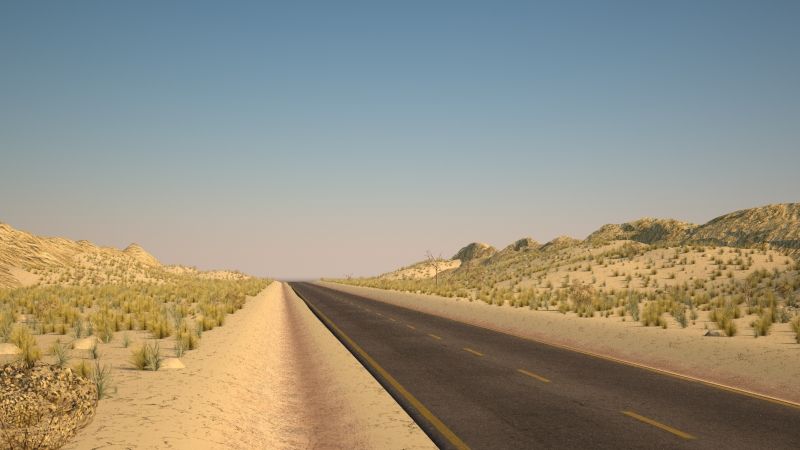



Low Poly Desert Road 3D 모델
0


0
방문

에 의해 제출 된
CamilleMCG
명세서
- 기하학polygonal
- 다각형429
- 정점들476
- 텍스처Yes
- 딱딱한No
- 생기 있는No
- 3D 인쇄 가능 준비No
- 게임 준비 (낮은 폴리)No
- UV 매핑 됨Yes
- 포장되지 않은 자외선non-overlapping
기술
A seamless road made in Maya and rendered with Arnold. I included the render setup in the scene directly: the lighting, the camera, the HDRI.. (do not forget to set project). So the renders look exactly like the previews you can see here.
What can you find exactly in the pack:
- A Maya file (with Arnold render lighting setup)
- An FBX and and OBJ file of the road
- The textures (PNGs, 4K, PBR) :
Basecolor
Metallic
Roughness
Normals
Height
Ambiant Occlusion
The model has low polygons definition but the edge loops are made such as it is possible to apply a transform and bend the road as you please.
I hope you will appreciate the product! Do not hesitate to comment, ask me questions or visit the rest of the assets in my profile. Cheers!
-----
|| ADDITIONAL NOTES ||
It is possible that you encounter while opening the maya file this message popping in your script editor (depending on your version) :
// Error: Cannot find procedure "CgAbBlastPanelOptChangeCallback".
This is a well known issue of Maya 2018. Be aware that this pop-up won't impact anything in the scene and is simply informing that my version of Maya has had a third party plug-in installed in the past.
No third party plug in was presently used to create this asset, if you encounter this pop-up, you can simply ignore this message.
Nov 13, 2021
추가 된 날짜
Nov 13, 2021
마지막 업데이트
리뷰
현재이 제품에 대한 리뷰가 없습니다.
얼음을 깬 첫 번째 사람이되지 않겠습니까?