


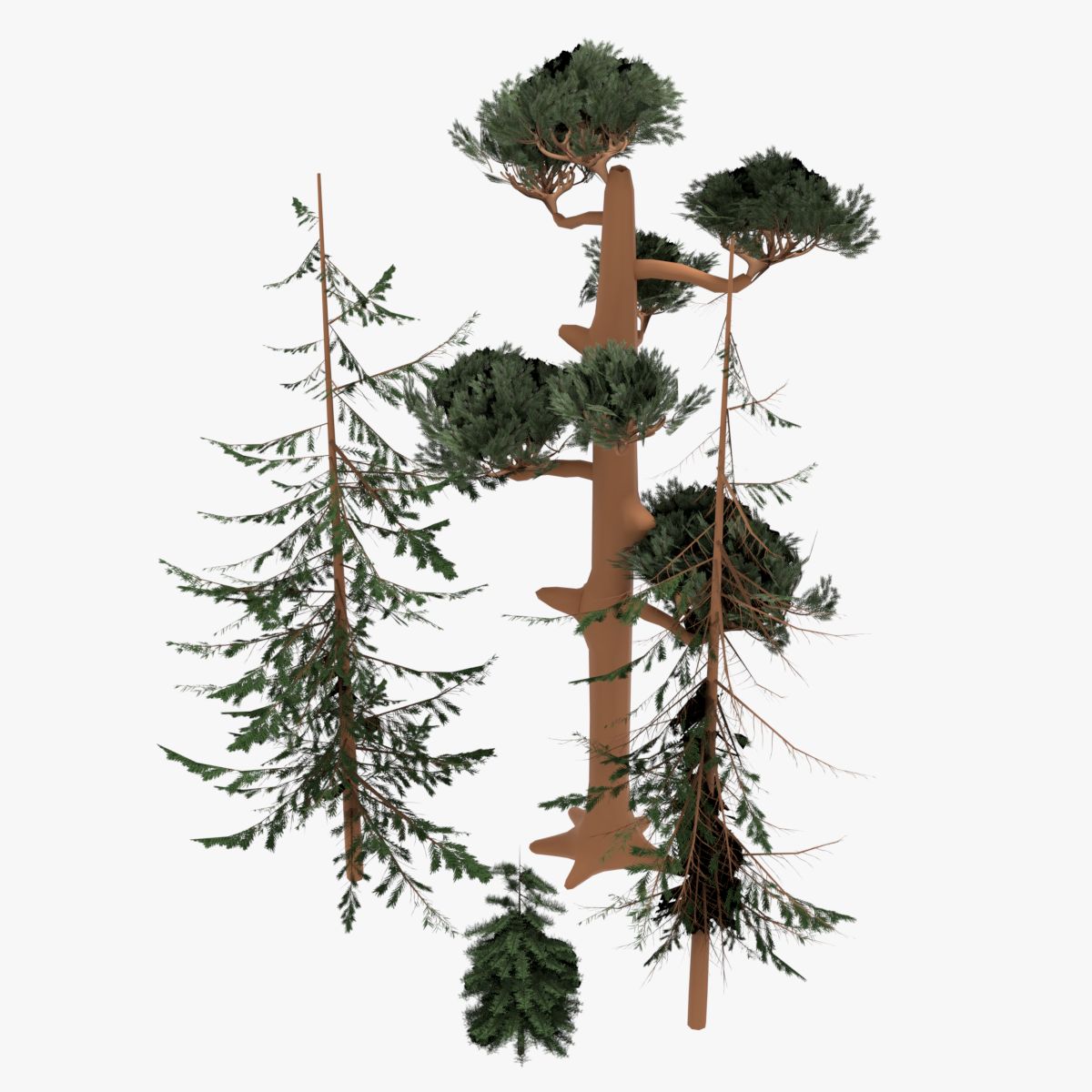




MR Render Ready Trees-키 큰 소나무 3D 모델
0


22
방문

에 의해 제출 된
mathIn3d
명세서
- 기하학polygonal
- 다각형2,611,877
- 정점들3,832,642
- 텍스처Yes
- 딱딱한No
- 생기 있는No
- 3D 인쇄 가능 준비No
- 게임 준비 (낮은 폴리)No
- UV 매핑 됨Yes
- 포장되지 않은 자외선overlapping
기술
Notes:
- The textures and demo scene bundled with this download and purchase are solely meant for demonstration purposes, and are provided AS IS.
- The main aspect of this product are the trees, and their geometry and readiness for use with various programs.
- Renders from the sample scene were processed in Autodesk Composite to add contrast and vibrance and other small effects to the final image.
Setup:
1. If demo textures and materials are desired, copy textures into your working texture directory, and resource.
2. The source maya file, and the OBJ’s contain the high res tree data if you wish to use it., starting from scratch.
3. If you wish to use the low res mental ray proxy files included with this download, you must copy the .mi files to the desired working directory ,then update the tree proxy’s in scene with the included script:
4. product\tools\repathMi_Simple_V0-1.py
5. open in notepad, and copy paste into the python tab of your script editor.
6. replace the text in quotes, on the first line, with your desired path from windows explorer.
7. It should be noted, script in c was bundled for convenience, this part can be done manually if desired.
8. To do so manually, select any low res geo in the outliner that is a proxy, and graph input/output connections in the hypershade.
9. the mi file will become visible, open attribute editor, and change path like you would a file texture.
10. Note: Another method to select proxy nodes in maya, is to turn off “Dag objects only” in the outliner, and locate them that way.
11. the proxy’s are organized in a group, that is parented to a small cube with the suffix of “SEED”:
12. This setup lends itself to work transparently with scatter tools / plugins such as spPaint, which can be found on creative crash.
13. To maintain proper proxy connections, SEED geo must be INSTANCED, or the direct geometry that is proxied must be duplicated with the option “duplicate with connections”
Oct 17, 2019
추가 된 날짜
Feb 03, 2022
마지막 업데이트
리뷰
현재이 제품에 대한 리뷰가 없습니다.
얼음을 깬 첫 번째 사람이되지 않겠습니까?