

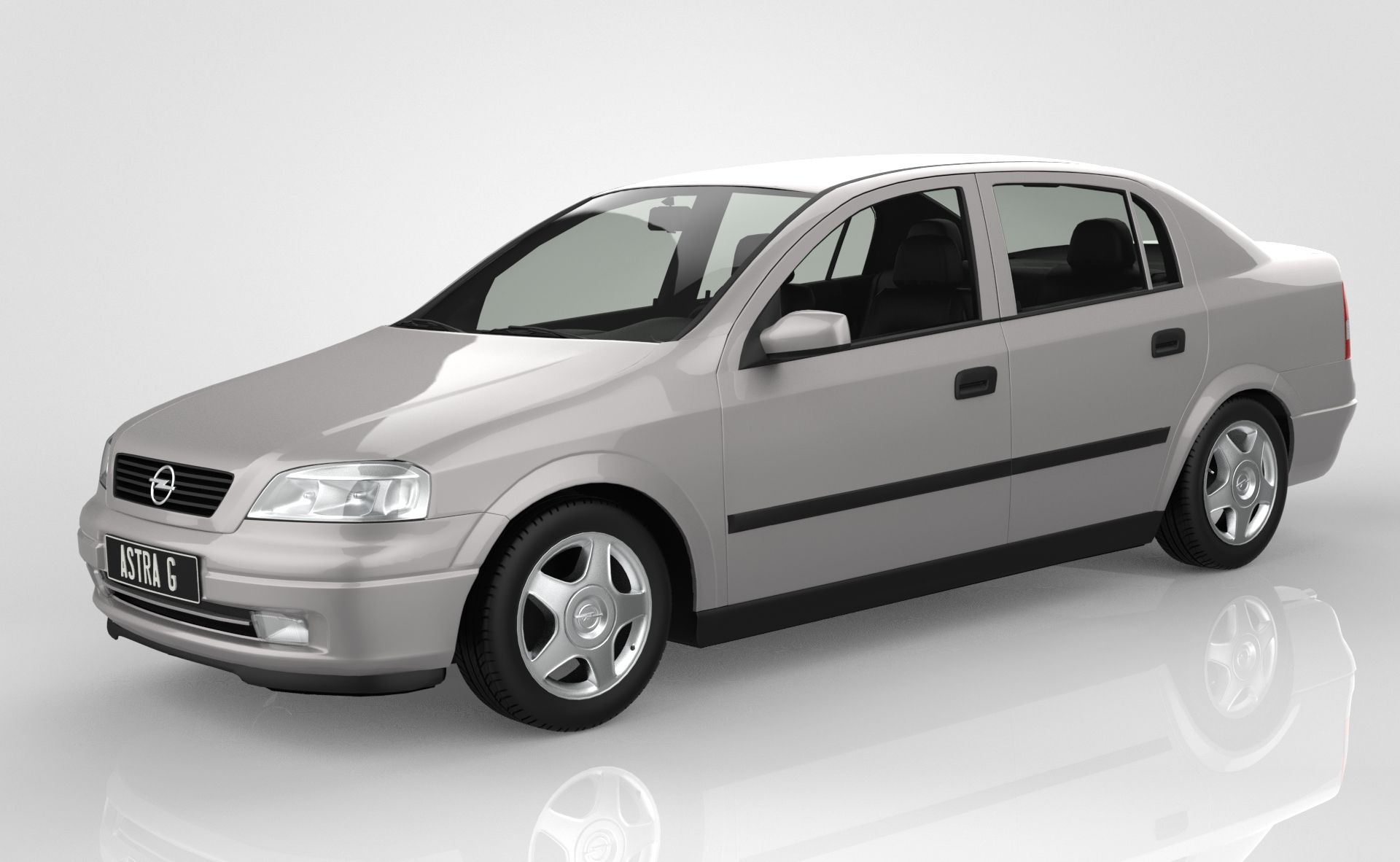


오펠 아스트라 G 3D 모델
0




0
방문

에 의해 제출 된
5T3F4N
명세서
- 기하학polygonal
- 다각형155,048
- 정점들161,543
- 텍스처Yes
- 딱딱한No
- 생기 있는No
- 3D 인쇄 가능 준비No
- 게임 준비 (낮은 폴리)No
- UV 매핑 됨Yes
- 포장되지 않은 자외선overlapping
기술
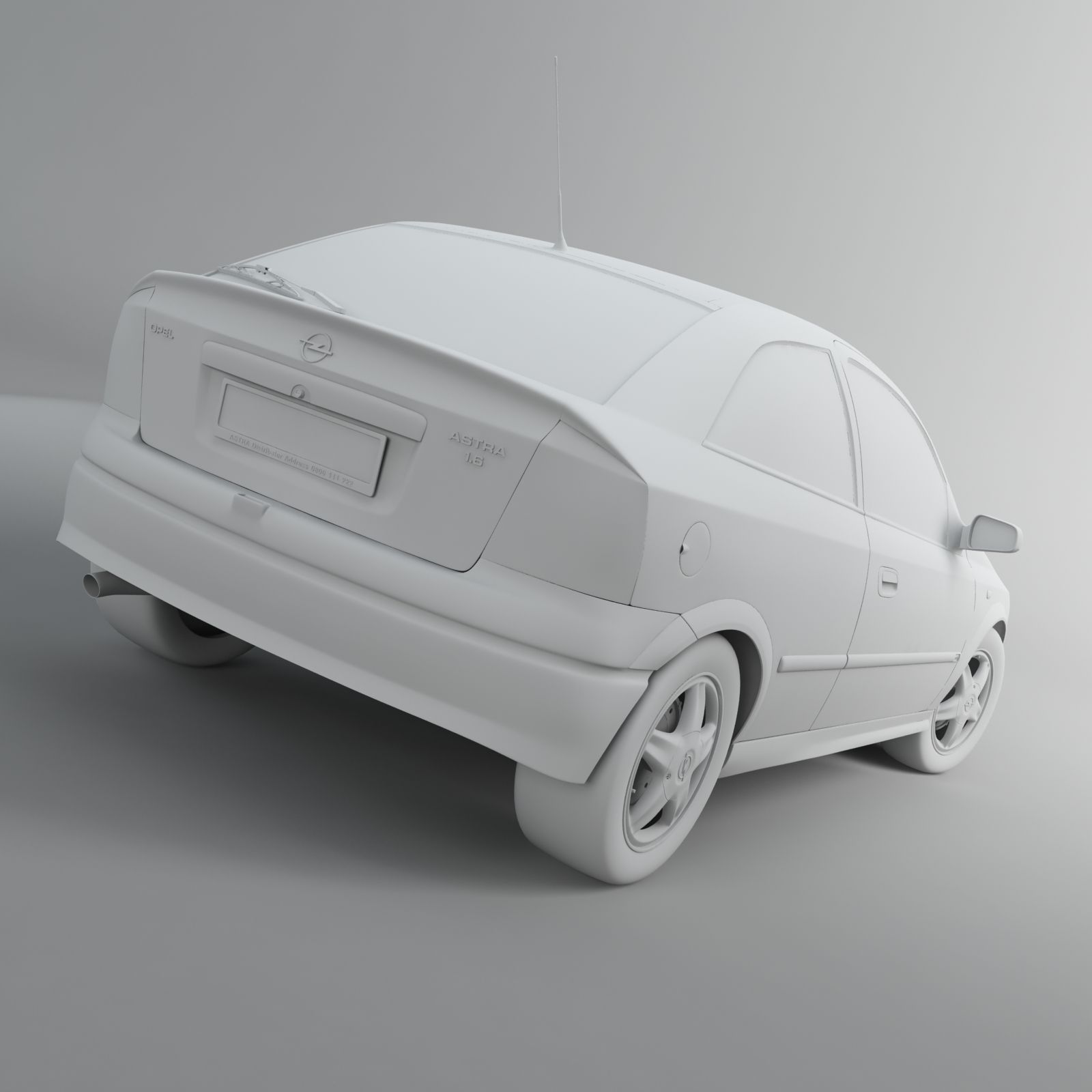
Very precise, detailed 3D model of Opel Astra G car. Modeled in 3ds max 2009, polygonal type modeling used. Model is originally low poly with MeshSmooth modifier applied on top, so you can easily reduce the number of polygons. All materials used on the model are Vray materials, so the Vray plug-in is recommended but not necessary, model can still work.
Along with Vray for materials, VrayDisplacementMod is also used for displacing tire bumps, for headlights, tail lights and few other parts.
Every part on the model is movable such as hood, wings, front bumper, back bumper, trunk, doors etc. but the whole model is grouped few times for easier manipulation. Interior is modeled as well but it's not that detailed as the exterior. It contains front and back seats, dashboard, rear view mirror and few smaller parts.
Maps are UV unwrapped, with mostly none overlapping spots. The areas where UV's are overlapping are either inside of an object, in small tight areas between two objects or polygons that are not visible, on the objects that are perfectly symmetrical so they overlap each other in order to take larger space on UV map for a much clearer texture, or on the objects that doesn't have any texture on them, just the material with shader. In any case the model is perfectly renderable from any angle, far or close up and wont show any deformation/irregularity on the texture.
Render setup with model is included and is ready to produce renders like the ones presented here right away!
Number of polygons for LowPoly and LowPoly with MeshSmooth modifier (aka HighPoly) is listed below:
- LowPoly -
- Polys: 155 048
- Verts: 161543
- HighPoly -
- Polys: 1 495 941
- Verts: 1 459 135
Exchange formats, such as .3DS and .OBJ are included, both low and HighPoly. OBJ versions are exported from max separately for 6 different applications using the export preset settings, in order to make them fully importable in desired applications with no errors. Below is the list of 3D applications used for import-testing as well as the information on whether they support certain formats or don't.
- LowPoly_3DS -
Blender - Imports, no errors
Lightwave - Imports, no errors
Sketchup - Imports, no errors
Cinema 4D - Imports, no errors
Maya, Softimage XSI, Houdini - NOT Supported
- HighPoly_3DS -
Cannot be exported from 3ds max due to large number of polygons.
- LowPoly_OBJ -
Maya - Imports, no errors
Cinema 4D - Imports, no errors
Softimage XSI - Imports, no errors
Houdini - Imports, no errors
Lightwave - Imports, no errors
Blender - Imports, no errors
Sketchup - Does not support .OBJ by default.
- HighPoly_OBJ -
Maya - Imports, no errors
Cinema 4D - Imports, no errors
Softimage XSI - Imports, no errors
Houdini - Imports, no errors
Lightwave - Imports, no errors
Blender - Imports, no errors
Sketchup - Does not support .OBJ by default.
Versions of applications used for testing:
Maya 2012 x64
Cinema 4D R13.016
Softimage XSI 10.0.422.0 x64
Houdini 11.0.469
Lightwave 11.0.1
Blender 2.64.0
Google Sketchup 8.0.15158
Note that exchange formats imports correctly with no errors, as shown above, the UV coordinates are intact, materials stays applied on the models, but they are blank in most cases and needs to be reconfigured in desired application, meaning shading, reflection, texture maps need to be tweaked. Only native format .max has everything ready for rendering right away.
Textures, bump, opacity, displace, reflection and other maps are included.
Dec 26, 2019
추가 된 날짜
Oct 21, 2025
마지막 업데이트
리뷰
현재이 제품에 대한 리뷰가 없습니다.
얼음을 깬 첫 번째 사람이되지 않겠습니까?